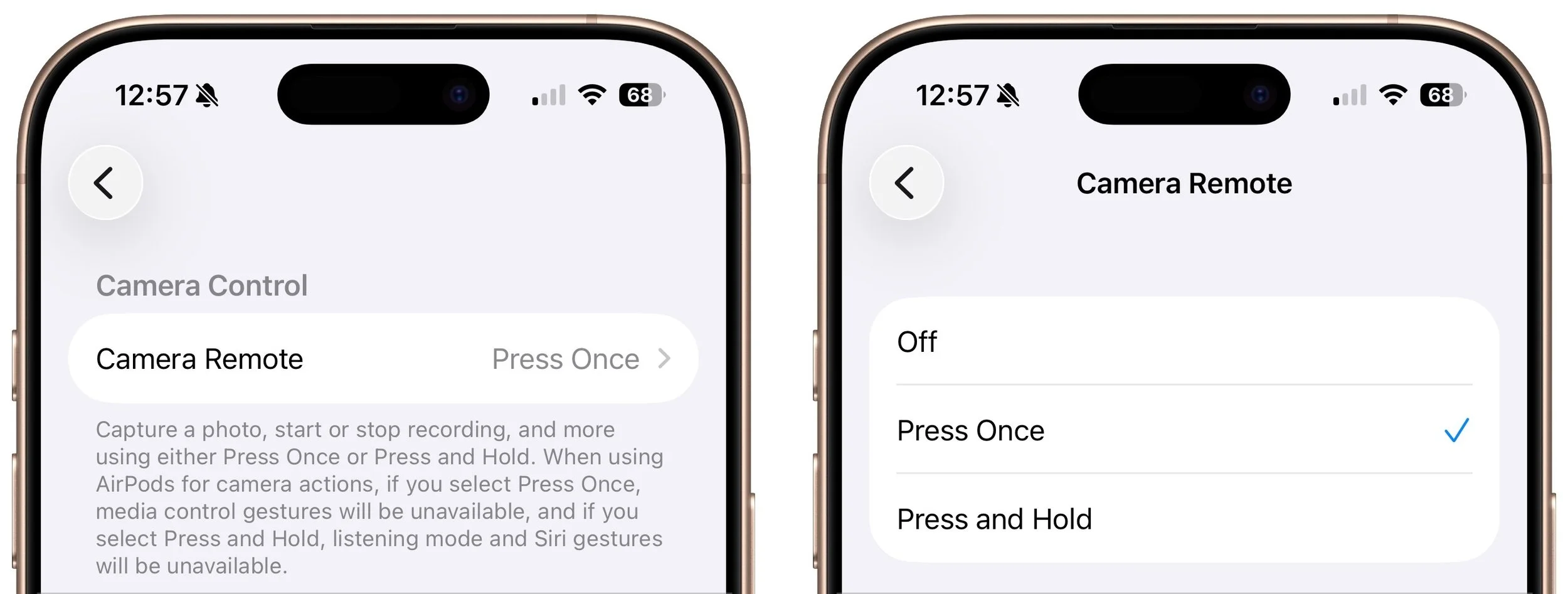
Use Your AirPods as a Camera Remote
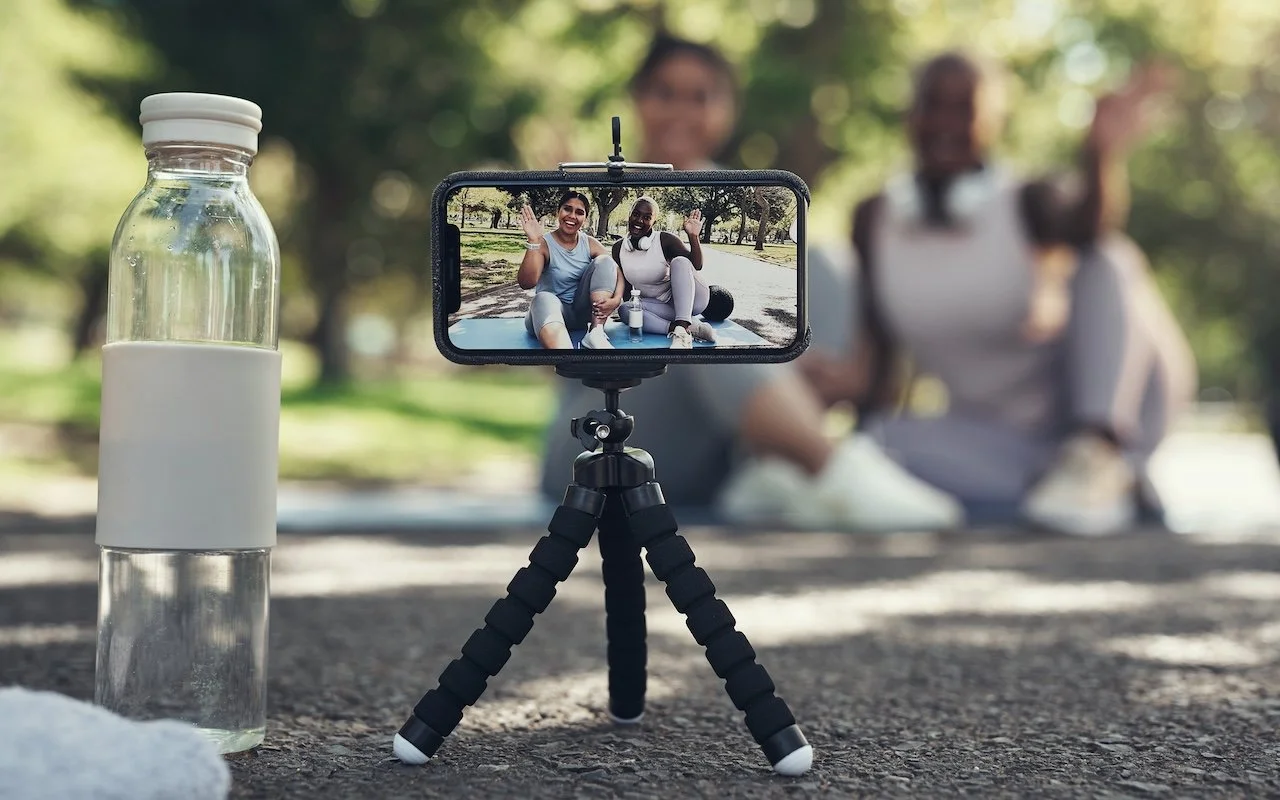
Have you ever wanted to activate the shutter button for your iPhone’s camera—for either a still photo or a video—when you’re not holding it? Selfie sticks often come with Bluetooth buttons that can do that, and starting in iOS 26, you also can use your AirPods 4 or AirPods Pro as a camera remote. While you’re wearing your AirPods, turn on the feature in Settings > AirPods > Camera Remote, where you can choose between triggering the shutter with a single press or a press and hold. Note that whichever option you turn on will override the usual actions for those triggers.