

Set Your Apple Watch Clock Ahead a Few Minutes to Avoid Being Late
Set Your Apple Watch Clock Ahead a Few Minutes to Avoid Being Late
Want to give yourself a few more minutes to get to meetings on time? Use this little-known option to set the time displayed on your Apple Watch ahead by a few minutes.

What to Do If Your iPhone Takes a Plunge
Although iPhones can usually withstand some exposure to water and other liquids with no ill effects, follow our advice if yours suffers a spill or takes a dip.


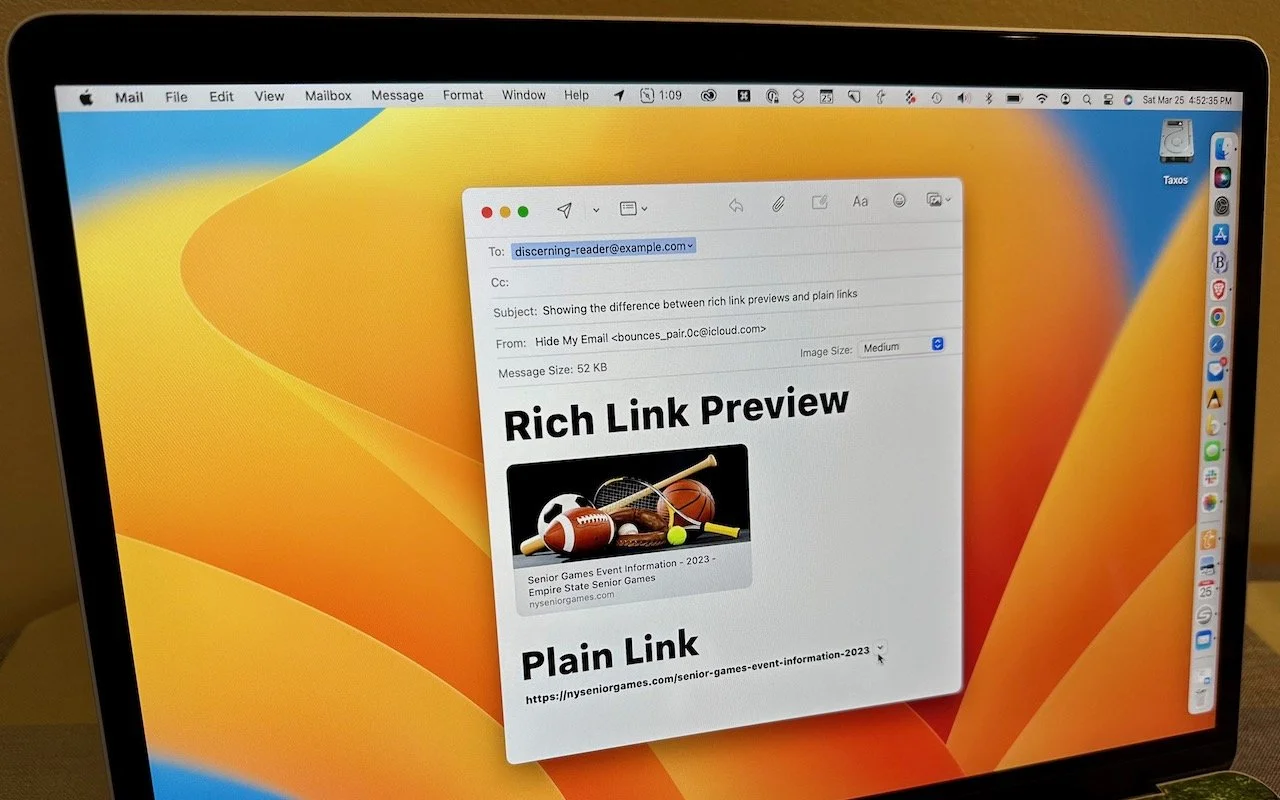
How to Turn Mail’s Rich Website Previews into Plain Links
How to Turn Mail’s Rich Website Previews into Plain Links

ChatGPT and Generative AI Will Be an Increasingly Large Part of Our Future
ChatGPT and Generative AI Will Be an Increasingly Large Part of Our Fu-ture

Classical Music Fans Take Note: Apple Music Classical Is Now Available
Classical Music Fans Take Note: Apple Music Classical Is Now Available
Apple has at long last released the promised Apple Music Classical app. It’s a free iPhone app for Apple Music subscribers that looks and works much like the standard Music app. However, Apple has adjusted it extensively under the hood to work better with classical music, where there are many recordings of the same work by different artists. Apple also improved the metadata—normalizing composer names and add-ing work and movement tags—for the 5 million classical tracks in Apple Music. For instance, you can search by work, composer, conductor, opus number, and key, something that worked poorly before. Apple Music Classical is a significant im-provement for classical music fans, and it provides expert recommendations and playlists for those interested

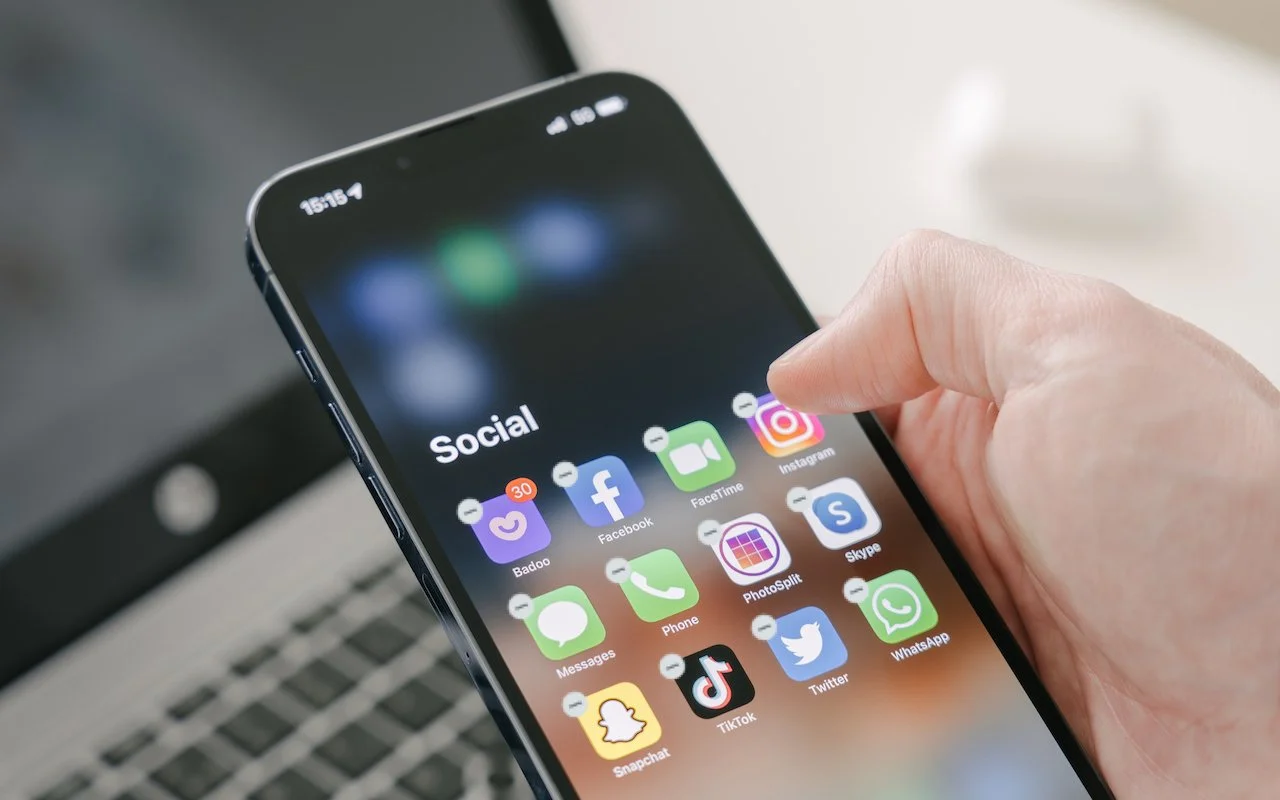
What’s the Difference between Removing and Deleting an App?
What’s the Difference between Removing and Deleting an App?


Quickly Put Lots of Files in a Folder with One Command
Quickly Put Lots of Files in a Folder with One Command

FAQs about Apple’s Messages App and What Can Go Wrong When Using It
FAQs about Apple’s Messages App and What Can Go Wrong When Using It

Find Devices and People from Your HomePod
This feature evokes one of those “living in the future” moments for us. The recently released HomePod Software 16.3 now supports Find My, which means you can ask Siri to locate one of your devices or a friend or family member who shares their loca-tion with you. If you have a HomePod, ask Siri, “Where is my iPhone?” Assuming your HomePod has updated (and if not, update it manually in the Home app), Siri will respond by causing your iPhone to play a sound. Or ask where someone is—Siri will respond with more details for nearby people and city locations for those far away.

A Practical Guide to Identifying Phishing Emails
A Practical Guide to Identifying Phishing Emails

Need to Back Up or Export a Messages Conversation? Try PDF or iMazing
Need to Back Up or Export a Messages Conversation? Try PDF or iMazing

The Amazingly Convenient Way to Scan Documents Using Your iPhone or iPad
The Amazingly Convenient Way to Scan Documents Using Your iPhone or iPad

Use Quick Look to Preview Spotlight Results in Ventura
Use Quick Look to Preview Spotlight Results in Ventura

You Can Now Upgrade to macOS 13 Ventura When You’re Ready
You Can Now Upgrade to macOS 13 Ventura When You’re Ready

You Can Use Face ID in iOS 16 on Newer iPhones When You’re Lying on Your Side
You Can Use Face ID in iOS 16 on Newer iPhones When You’re Lying on Your Side

What Is Google Web & App Activity, and Should You Leave It Enabled?
What Is Google Web & App Activity, and Should You Leave It Enabled?