

Use Guided Access for Securely Allowing Others to Use an App on Your iPhone or iPad
If you’d like to allow a child, friend, or colleague to enjoy a specific app on your iPhone or iPad while keeping them focused and preventing access to everything else on the device, check out Apple’s Guided Access feature.

First Wave of Apple Intelligence Features Appear in macOS 15.1 Sequoia, iOS 18.1, iPadOS 18.1
Apple Intelligence is here! These initial features won’t upend your Apple experience, but welcome additions include notification summaries in Messages, message list summaries in Mail, Clean Up in Photos, and audio transcripts and summaries in Notes.

Beware Fake “Sextortion” Scams
Scams are starting to incorporate personal information stolen in data breaches, so you may get “sextortion” threats that purport to know your phone number, address, and more.

How to Minimize Downtime and Lost Work from Tech Failures
Macs may be more reliable than ever, but they still suffer from hardware and software failures. Follow our advice to minimize the impact of inevitable failures.

Restrict Access to Sensitive Apps in iOS 18 and iPadOS 18
Keep prying eyes—or mischievous children—out of sensitive or important apps by requiring Face ID or Touch ID access before the app opens. You can also hide such apps so they appear only after you authenticate

In iOS 18 and iPadOS 18, Control Center Is Now Highly Customizable
The new Control Center in iOS 18 and iPad OS 18 is vastly more customizable and has more options. Our article tells you what’s on offer and how to use it.

Reveal Mac Window Proxy Icons Permanently with This Setting
People who like using the Mac’s window proxy icons (and if you don’t know about them, you should!) can make them visible at all times with an option deep within System Settings. Here’s how to find it and what you can do with proxy icons.
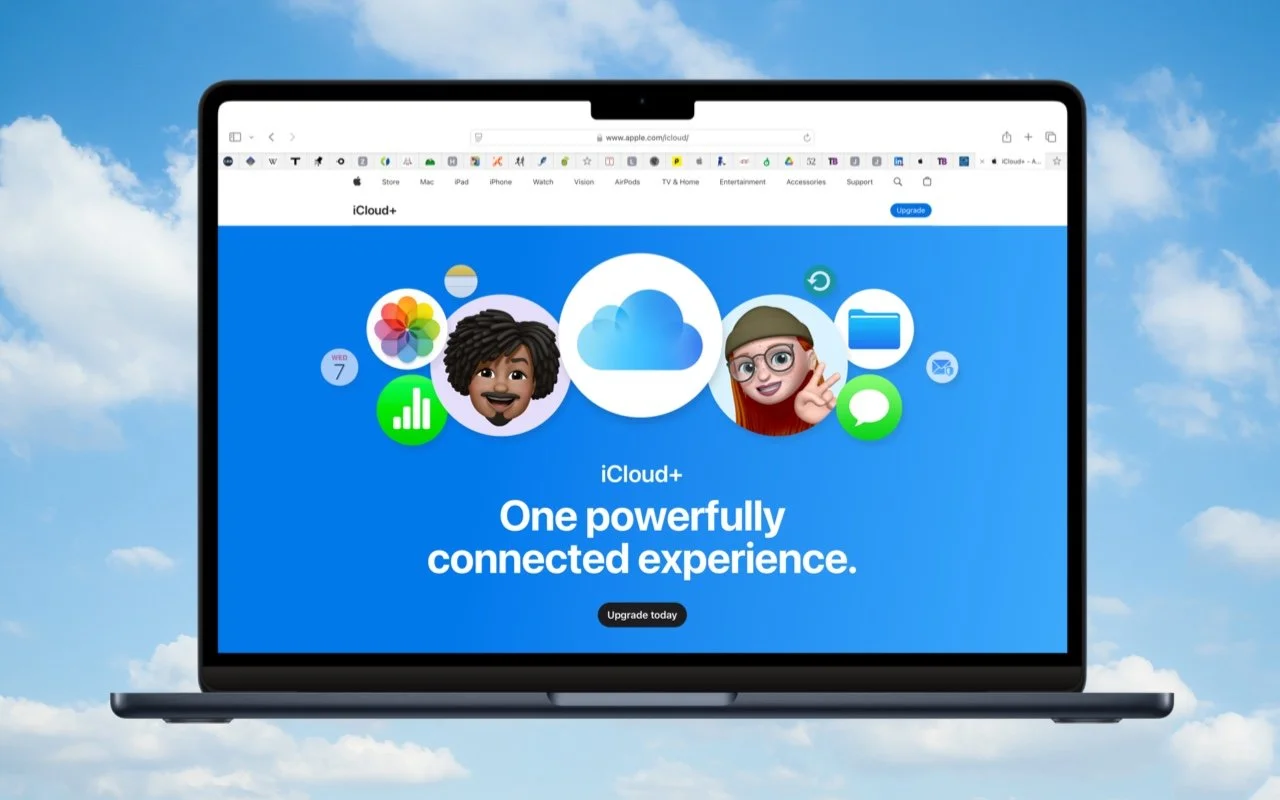
Setting Up and Managing iCloud+ Storage
Although it may not be exciting, having more iCloud+ storage significantly improves the experience for those with multiple Apple devices. We explain what iCloud+ provides, how much you should get, and how to get started.

Apple ID Renamed to Apple Account in Latest Operating System Releases
Apple has renamed Apple ID to Apple Account everywhere as of macOS 15 Sequoia, iOS 18, iPadOS 18, and watchOS 11. Nothing has changed functionally, but keep it in mind when reading tech articles or support documentation.

Passwords Becomes a Real App in macOS 15 Sequoia, iOS 18, and iPadOS 18
Apple’s new Passwords app in macOS 15, iOS 18, iPadOS 18, and visionOS 2 makes the company’s longstanding password storage and syncing features more straightforward and easy to use. It’s password management for the rest of us!

Set macOS to Require a Password after Screen Saver Start or Display Sleep
Don’t forget about local security on your Mac. Make sure to require a password shortly after the screen saver starts or the display sleeps to prevent people from riffling through your email, photos, messages, and more.

When Should You Should Upgrade to macOS 15 Sequoia, iOS 18, iPadOS 18, watchOS 11, tvOS 18, and visionOS 2?
Apple is gearing up to release macOS 15 Sequoia, iOS 18, iPadOS 18, watchOS 11, tvOS 18, and visionOS 2. We briefly examine the features worth upgrading for and suggest when to upgrade each of your Apple devices.

No More Ransom Website Offers Ransomware Decryption Tools
Ransomware primarily affects Windows and Linux computers, but if you, or anyone you know, falls prey to it, visit the No More Ransom website for advice and decryption tools.

NPD Breach Reveals Data on Hundreds of Millions, Here’s How to Respond
Hundreds of millions of people had their names, addresses, and Social Security numbers revealed in the massive NPD breach. There isn’t much you can do to protect yourself, but we explain the one thing everyone should do.

Apple Announces iPhone 16 Lineup, Apple Watch Series 10, and AirPods 4
Apple has introduced the iPhone 16 lineup, the Apple Watch Series 10, and two models of the AirPods 4, plus smaller changes. The upgrades are welcome but incremental, making them most compelling to those upgrading from much older devices.

Five Quick Tips to Ease iPhone and iPad Text Editing and Amaze Your Friends
Editing text on an iPhone or iPad will never be as easy as on a Mac, but with these tips, you can quickly position the insertion point and select words and paragraphs using your finger.

What You Need to Know Before Switching to a New iPhone
It’s exciting to get a new iPhone, but take a few minutes to read our advice on what you need to do before—and after—transferring your data from your old iPhone.

Energy Saver Can Shut Down Your UPS-Equipped Mac in a Power Outage
Use Energy Saver to shut your Mac down automatically in the event of a power failure… before the UPS battery runs out.

Protect Domains That Don’t Send Email from Email Spoofing
If you have parked domains that never send email, it’s important to set up SPF, DKIM, and DMARC so scammers can’t forge legitimate-looking email from those domains.

Use High-Quality Cables for Optimal Performance and Safety
It’s tempting to buy cheap USB-C and Lightning cables, but non-compliant, counterfeit, and defective cables can damage your hardware or even cause fires. Read on for more about keeping your cables working in the long run.