

Use Quick Look to Preview Files and Folders in the Finder, Spotlight, and Open Dialogs
With a press of your Mac’s Space bar, you can use Quick Look to preview the contents of nearly any selected file, saving you time looking for the right file, comparing files, evaluating photos, and more. Try it in apps other than the Finder, too!

Control Window Tiling in macOS 15 Sequoia
Those who are disconcerted by dragged windows suddenly resizing accidentally in macOS 15 Sequoia, take note: you can tweak settings to make Sequoia’s new window tiling feature activate only when you want.

The Importance of Properly Offboarding Employees
Regardless of whether an employee is leaving voluntarily or being terminated, it’s essential to walk them through a systematic offboarding process to revoke their digital access, retrieve devices, and preserve organizational data. We have thoughts.

In iOS 18 and iPadOS 18, Quickly Turn Home Screen App Icons into Widgets
A new shortcut in iOS 18 and iPadOS 18 makes it easy to convert an app’s icon on the Home Screen into a widget of any size supported by that app.

Website Owners: Identifying Copyright Infringement Link Insertion Scams
If you receive what looks like a copyright infringement message complaining about an image on your website, don’t panic—it might be a scam. We help you identify such scams and explain what to do if the message turns out to be real.

Apple’s Tips App Provides Extensive User Guides and Helpful How-Tos
If you haven’t explored Apple’s Tips app on the iPhone, iPad, or Mac recently, check it out. Apple has added a lot more content, including device and app user guides, highlights of new features, and interactive practice guides.

A Few of Our Favorite Things: Tech Edition
If you’re looking for a geeky gift for the Apple user on your holiday list or need to bolster your tech toolkit with new or updated gear, read our recommendations for a wide variety of peripherals.

New Seventh-Generation iPad mini Adds A17 Pro for Apple Intelligence
Apple has updated the iPad mini with an A17 Pro chip for Apple Intelligence, along with more storage, faster connectivity, and support for the Apple Pencil Pro. It’s still $499 and remains an excellent option for anyone wanting a smaller iPad.

Perturbed by Location Tracking Revelations? Here’s How to Protect Yourself
If you don’t like the idea of private companies being able to track your every move in the physical world, follow our advice to block iPhone and iPad apps from surreptitiously sharing this information.

Watch Out for PayPal Invoice Phishing Scams
Beware of PayPal invoice scams that might even appear to come from Apple. Should you receive one, report it to PayPal to help protect other people, but don’t mark the message as spam.

Apple Brings the M4 Chip Family to the iMac, Mac mini, and MacBook Pro
Apple has started moving the Mac lineup to the M4 family of chips with the updated iMac, redesigned Mac mini, and enhanced MacBook Pro. They’re great machines, particularly for those who need to upgrade from an Intel-based Mac.

Use Guided Access for Securely Allowing Others to Use an App on Your iPhone or iPad
If you’d like to allow a child, friend, or colleague to enjoy a specific app on your iPhone or iPad while keeping them focused and preventing access to everything else on the device, check out Apple’s Guided Access feature.

First Wave of Apple Intelligence Features Appear in macOS 15.1 Sequoia, iOS 18.1, iPadOS 18.1
Apple Intelligence is here! These initial features won’t upend your Apple experience, but welcome additions include notification summaries in Messages, message list summaries in Mail, Clean Up in Photos, and audio transcripts and summaries in Notes.

Beware Fake “Sextortion” Scams
Scams are starting to incorporate personal information stolen in data breaches, so you may get “sextortion” threats that purport to know your phone number, address, and more.

How to Minimize Downtime and Lost Work from Tech Failures
Macs may be more reliable than ever, but they still suffer from hardware and software failures. Follow our advice to minimize the impact of inevitable failures.

Restrict Access to Sensitive Apps in iOS 18 and iPadOS 18
Keep prying eyes—or mischievous children—out of sensitive or important apps by requiring Face ID or Touch ID access before the app opens. You can also hide such apps so they appear only after you authenticate

In iOS 18 and iPadOS 18, Control Center Is Now Highly Customizable
The new Control Center in iOS 18 and iPad OS 18 is vastly more customizable and has more options. Our article tells you what’s on offer and how to use it.

Reveal Mac Window Proxy Icons Permanently with This Setting
People who like using the Mac’s window proxy icons (and if you don’t know about them, you should!) can make them visible at all times with an option deep within System Settings. Here’s how to find it and what you can do with proxy icons.
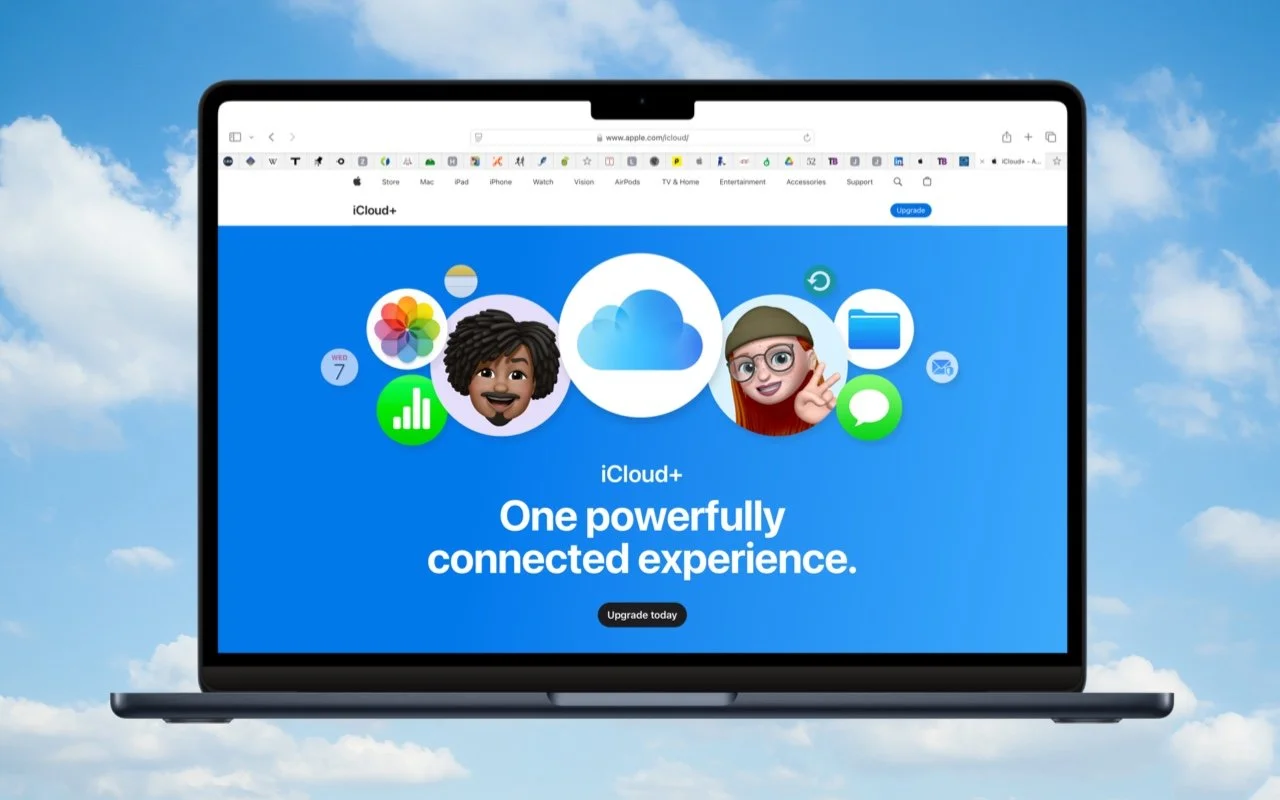
Setting Up and Managing iCloud+ Storage
Although it may not be exciting, having more iCloud+ storage significantly improves the experience for those with multiple Apple devices. We explain what iCloud+ provides, how much you should get, and how to get started.

Apple ID Renamed to Apple Account in Latest Operating System Releases
Apple has renamed Apple ID to Apple Account everywhere as of macOS 15 Sequoia, iOS 18, iPadOS 18, and watchOS 11. Nothing has changed functionally, but keep it in mind when reading tech articles or support documentation.