

Office 2019 for Mac Goes Read-Only on July 13, 2026
Microsoft Office 2019 for Mac will become read-only on July 13, 2026. Check your version now and explore your upgrade options before you lose the ability to create and edit documents.

How AI Vulnerability Detection Changes Software Security
Anthropic’s Mythos Preview AI model found over 10,000 high- or critical-severity vulnerabilities in one month. Similar AI models will soon be available to attackers, so keeping your devices updated has never been more important.

Not Sure If You’re Presentable for a Video Call? Try Hand Mirror
About to join a video call? The free Mac app Hand Mirror adds a menu bar icon that instantly shows your webcam view so you can check your hair before anyone else sees it.
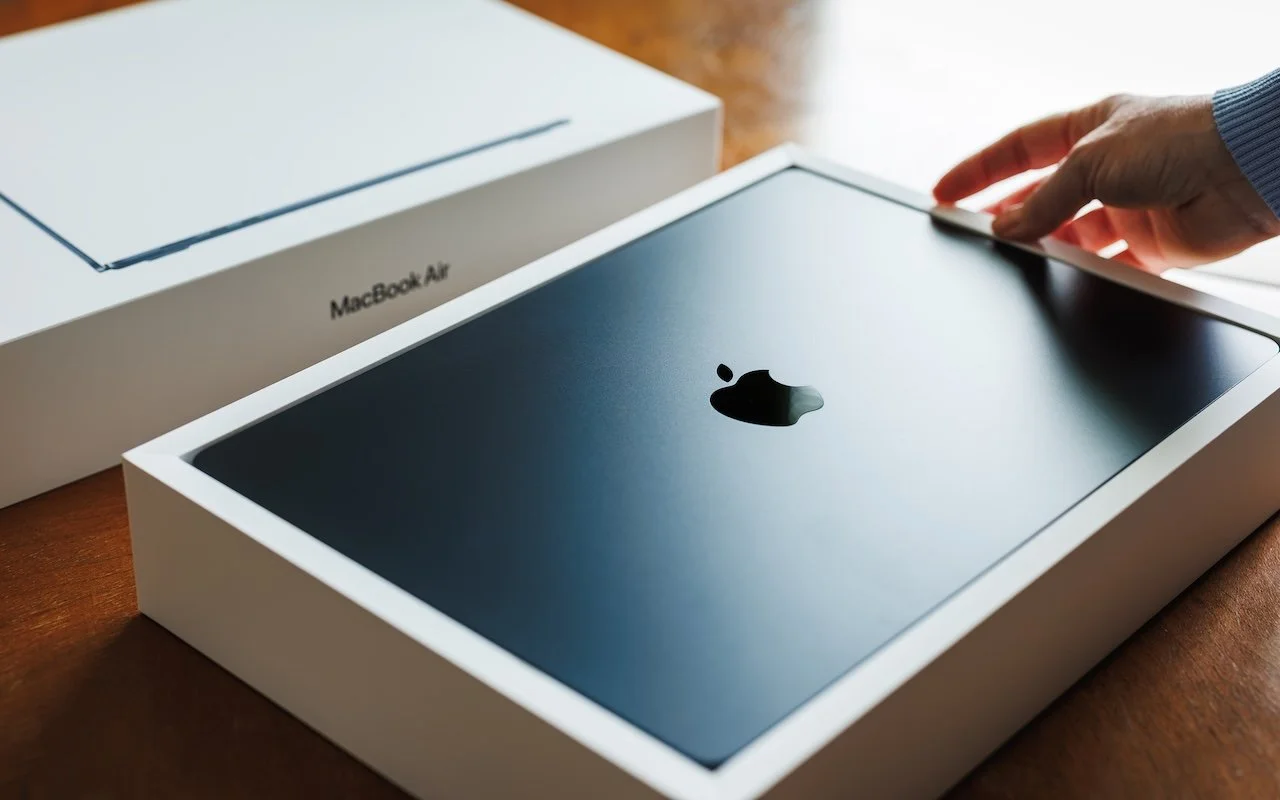
Choosing the Best Mac for a College-Bound Student in 2026
Which Mac is best for a college student now? The 13-inch or 15-inch M5 MacBook Air hits the sweet spot of performance, portability, and price. If budget is a constraint, consider the MacBook Neo; for more power, choose the 14-inch MacBook Pro.

Use Your AirPods as a Camera Remote
Your AirPods can now double as a camera remote in iOS 26. Here's how to set it up so a press or press-and-hold triggers the shutter to take a photo or start and stop a video.

10 Reasons to Upgrade to Apple’s Version 27 Operating Systems This Fall
From a smarter Siri AI to faster app launches and better parental controls, here are 10 reasons Apple’s version 27 updates may entice you to upgrade when they ship this fall.

Safari’s Compact Tab Bar Returns in macOS 26.4 and iPadOS 26.4
Those who have been missing Safari’s compact tab bar are in luck—it’s back as of macOS 26.4 and iPadOS 26.4. The compact tab bar is a welcome way to save vertical space for content.
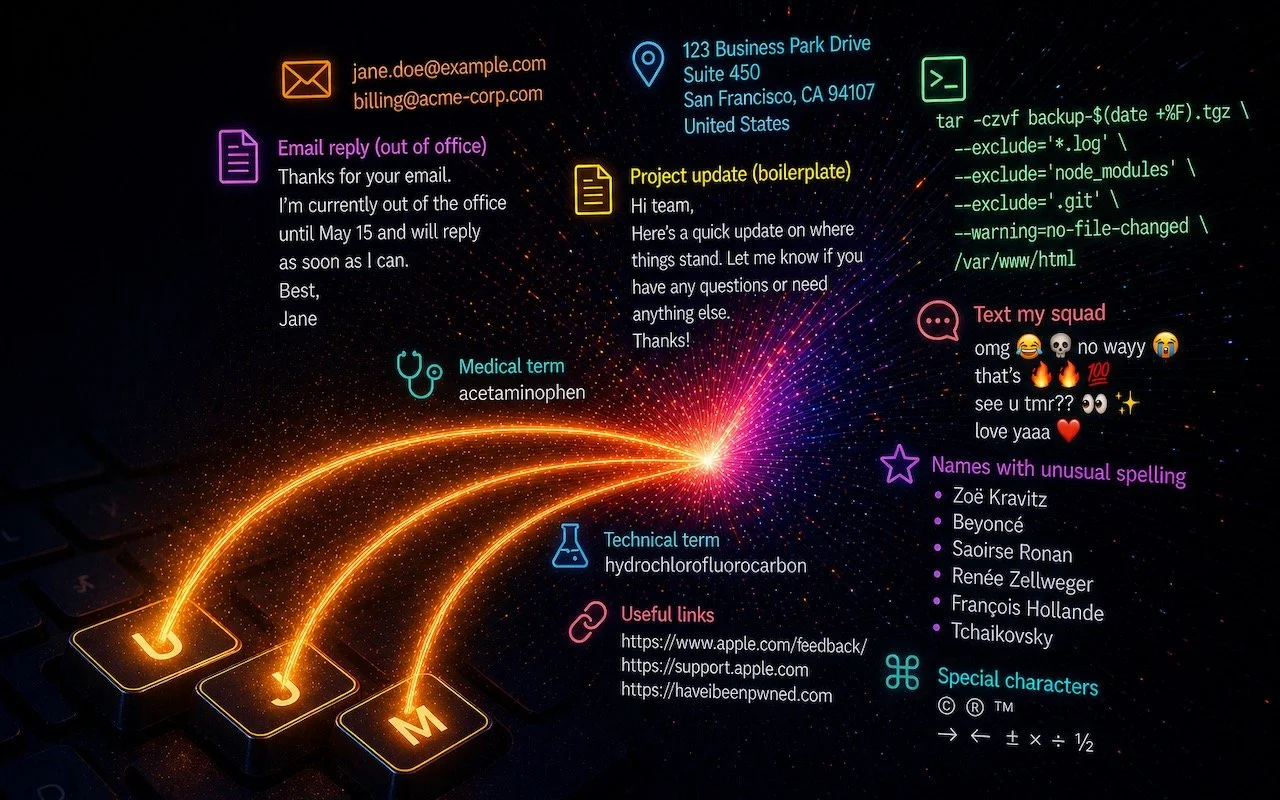
Speed Up Mac and iOS Typing with Text Expansion
Tired of typing the same email address, phone number, or tricky words over and over? Text expansion on Mac and iOS can save you keystrokes every day.
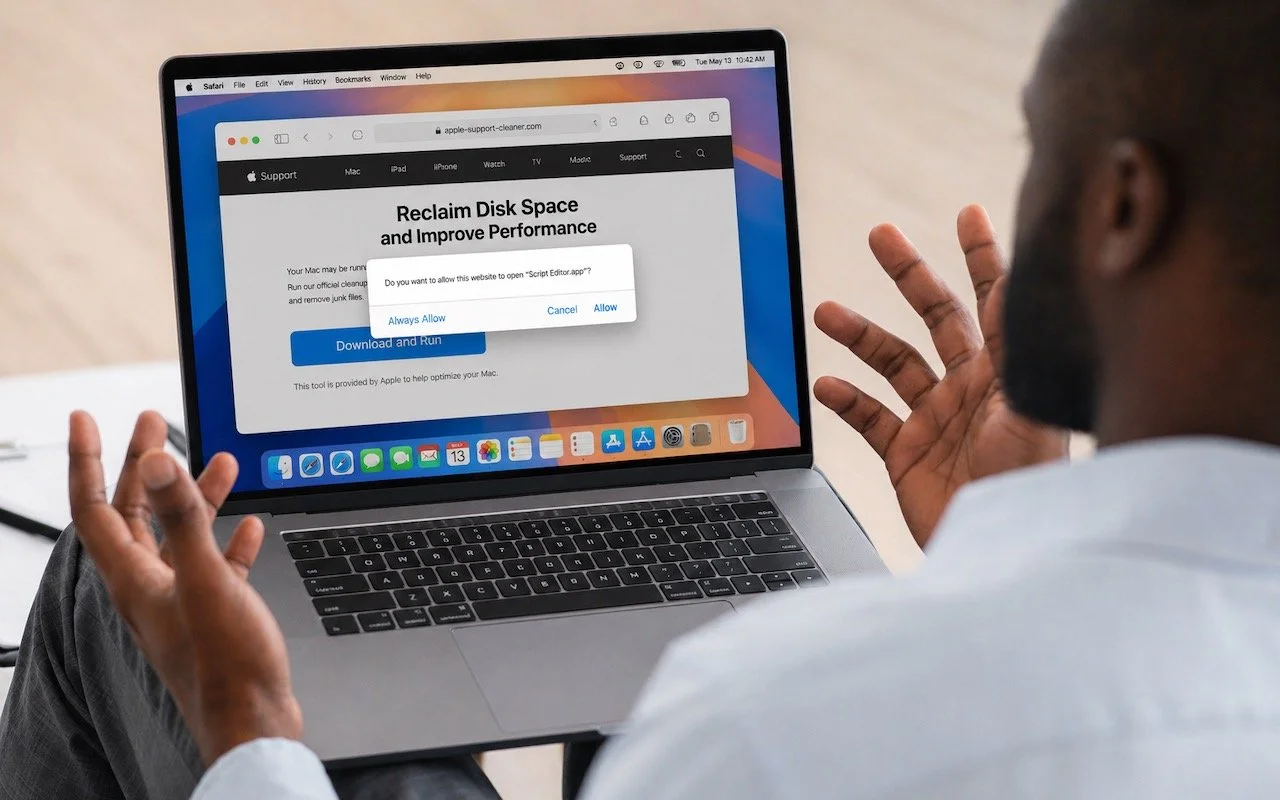
Never Run AppleScripts from Untrusted Sources
Attackers are now using fake websites to open Script Editor with pre-filled malicious scripts. Never run an AppleScript from any source you don’t completely trust!

Make Sure Your Home Network Router Is Secure
Russian military intelligence recently exploited vulnerable home routers to steal passwords worldwide. You can keep your home network secure by replacing unsupported hardware, enabling automatic updates, and changing default passwords.
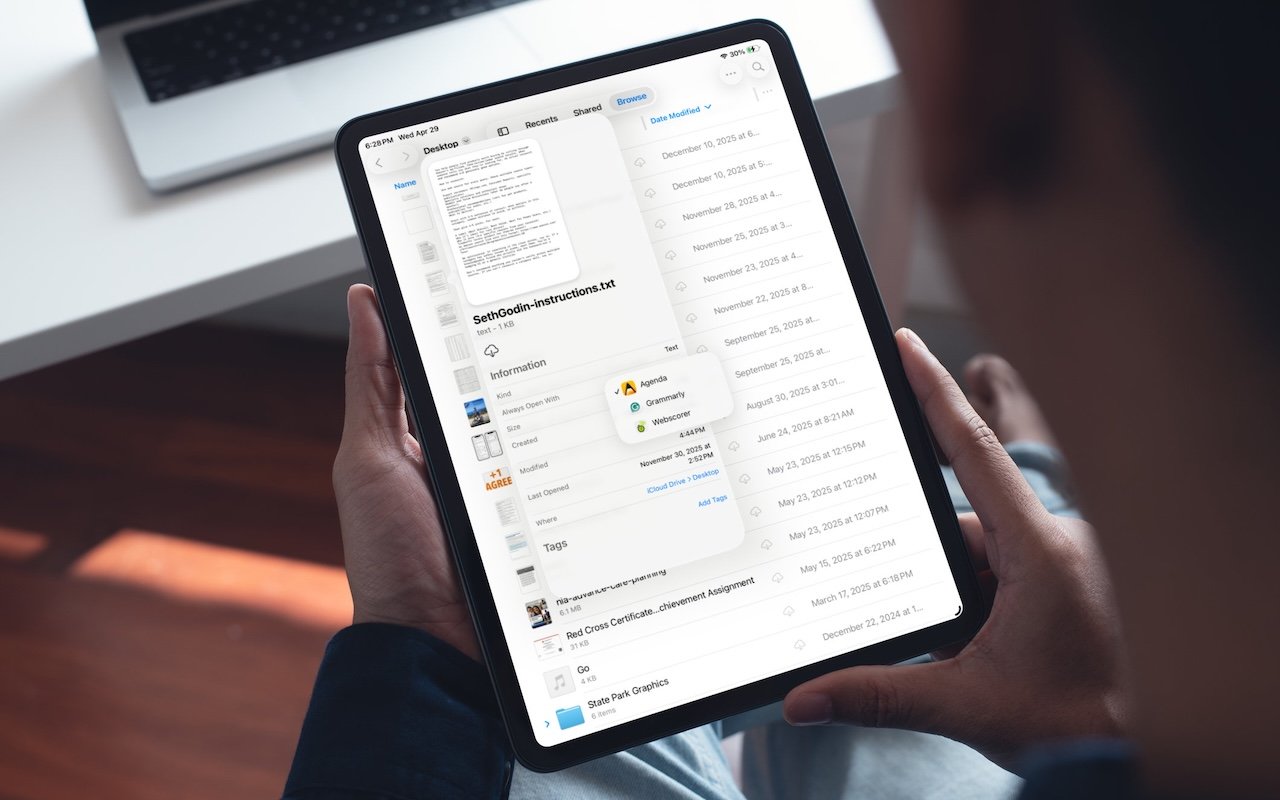
Choose Default Apps for File Types in iOS 26 and iPadOS 26
iOS 26 and iPadOS 26 finally let you choose which app opens your files—just like on the Mac. Here’s how to use Open With and set new defaults in the Files app.
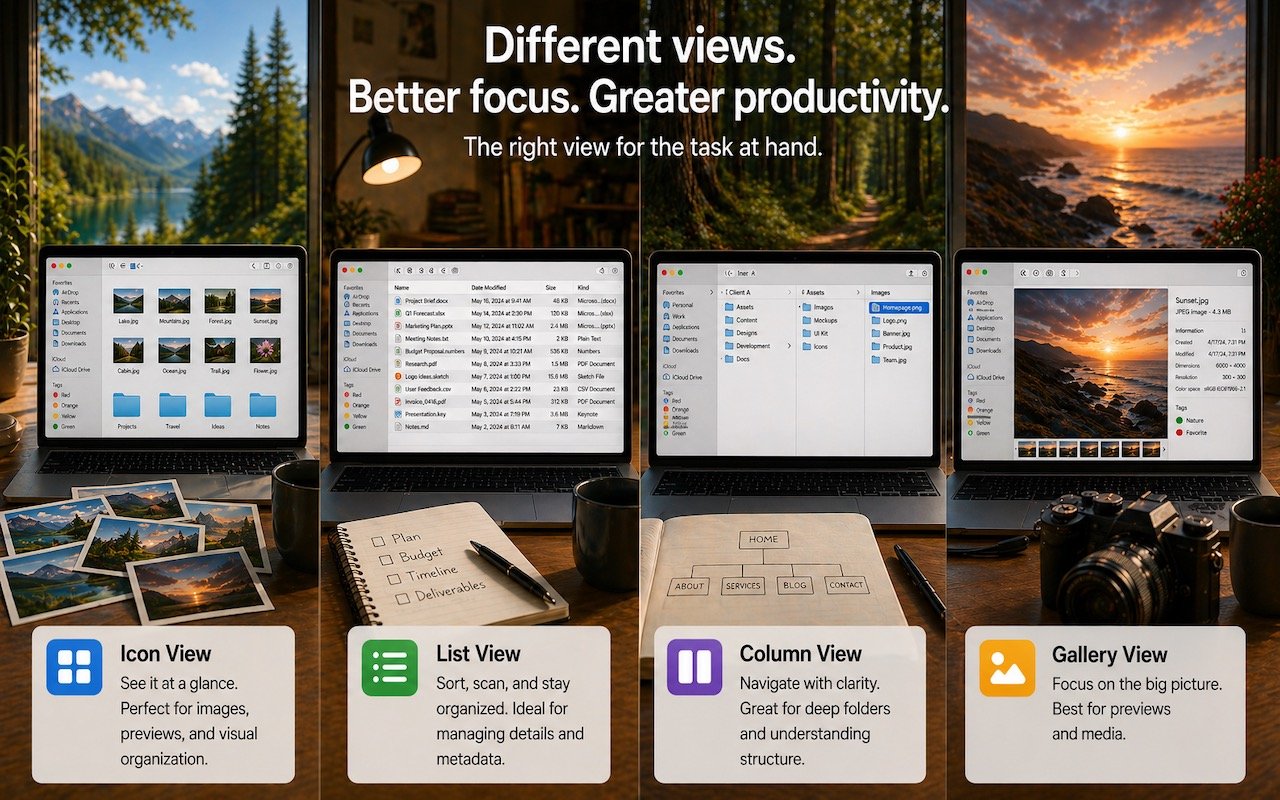
Get to Your Files Faster by Choosing the Best Finder View
Icon, List, Column, or Gallery? Each Finder view has its strengths. Match the right view to your task and spend less time wrestling with your files.
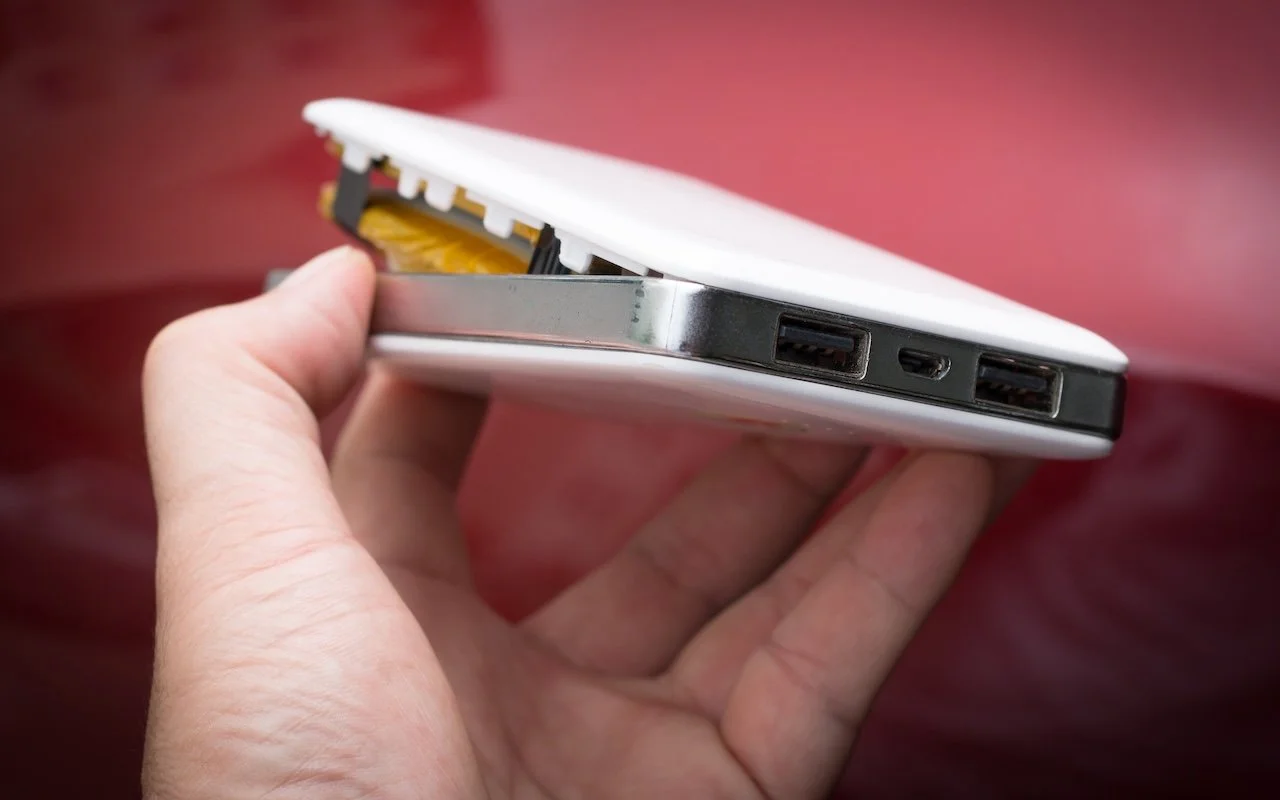
Today’s Fire Prevention Tip: Avoid Cheap Lithium-Ion Batteries
A study found that nearly 8% of cheap lithium-ion batteries have dangerous manufacturing defects that can cause catastrophic failure—even fires—while name-brand cells had none. Stick with reputable brands.

Customize the Camera Control on Your iPhone
The Camera Control on the iPhone 16 and later is more than a shutter button—it’s a touch-sensitive shortcut to zoom, exposure, depth, and more. Here’s how to configure it so it works for you or doesn’t get in your way.
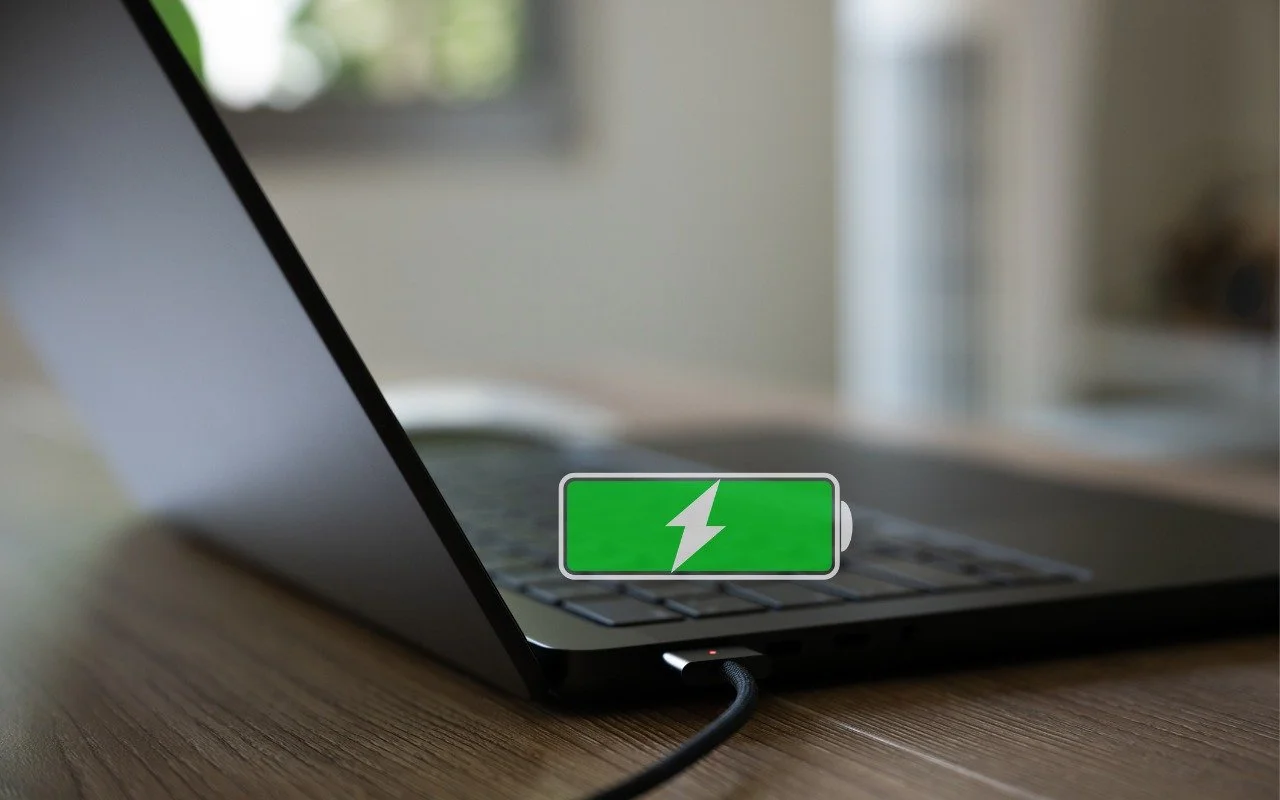
Understanding New MacBook Battery Charging Features
Is your MacBook’s battery stuck at 80%? That’s Apple protecting your battery’s long-term health. macOS 26.4 adds new controls, including Charge Limit and a Slow Charger warning. Learn how these features work—and when to override them.
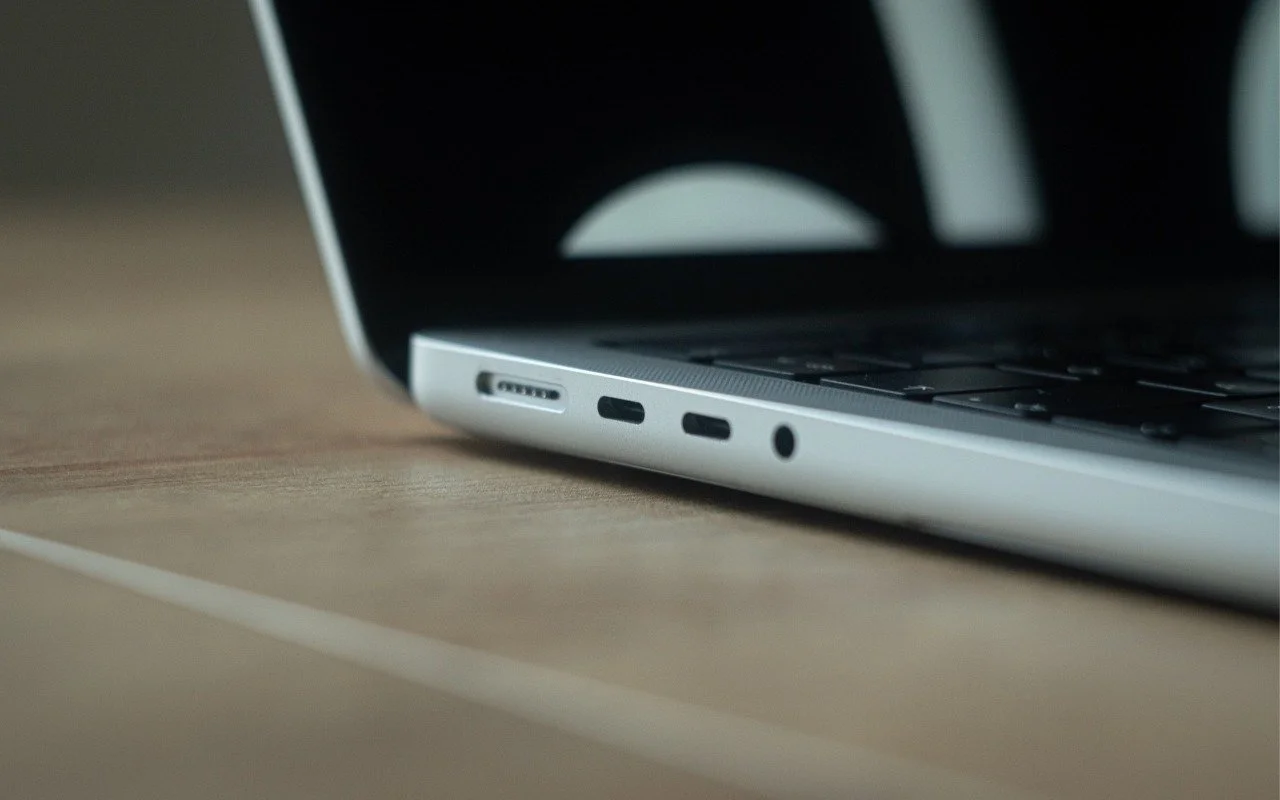
Not All Your Mac’s USB-C Ports Are the Same
Your Mac’s USB-C ports look identical, but one is special—and using it can cause macOS installations or updates on external drives to fail, or trigger other errors with Thunderbolt docks. Learn which USB-C port isn’t like the others.
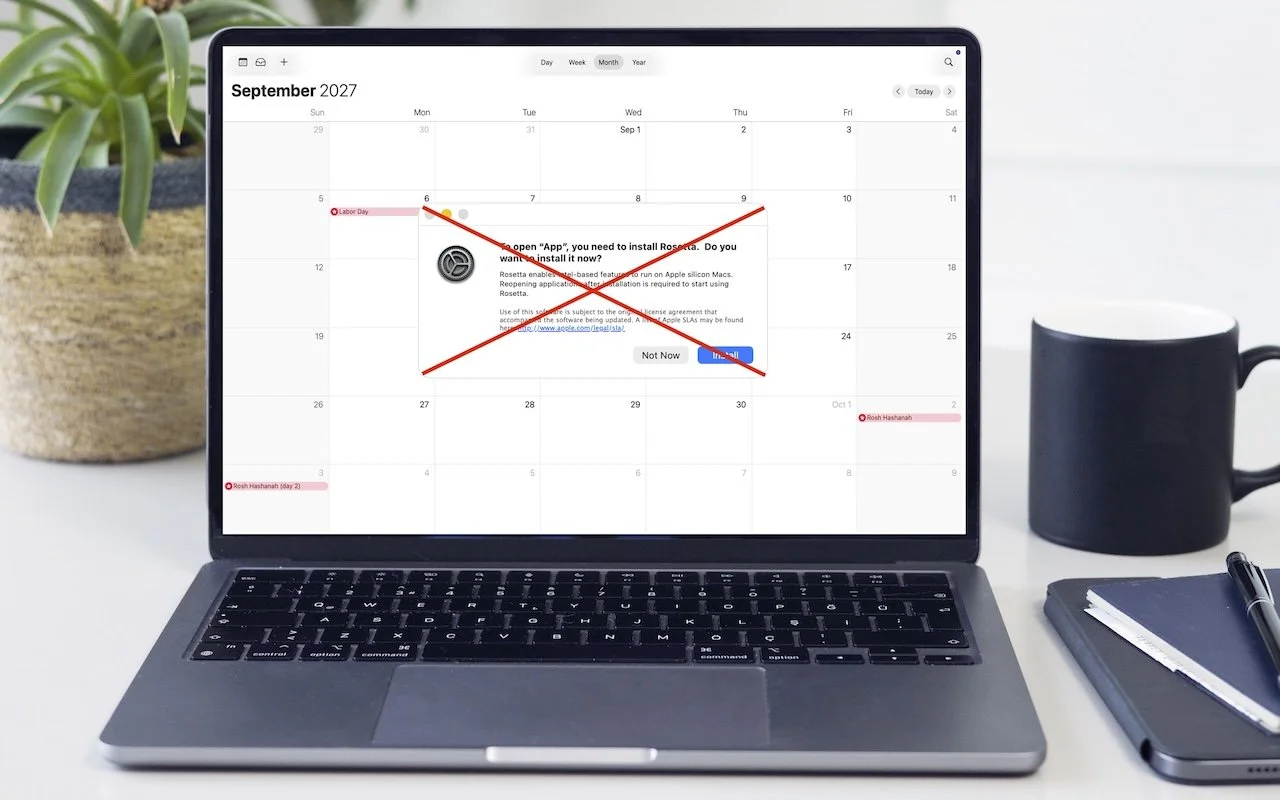
Intel-Based Apps Will Stop Working in macOS 28
Running macOS 26.4? You may start seeing warnings about Intel-based apps not opening. They won’t stop working until macOS 28, but now’s the time to find replacements. Here’s how to identify which apps need attention.

Two iPhone Exploit Kits Mean You Should Update iOS Now
Two major iPhone exploit kits—DarkSword and Coruna—can steal passwords, messages, and photos from everyday users who visit an infected website. Check your iOS version and update immediately to protect yourself.

Create AI-Powered Playlists with iOS 26.4’s Playlist Playground
Apple Music’s new Playlist Playground in iOS 26.4 uses AI to create custom playlists based on any mood, genre, or activity you describe. Just type what you’re in the mood for and let the app do the rest.

View Suspicious Documents Safely with Dangerzone
Got a suspicious attachment? Dangerzone converts potentially dangerous PDFs and Office docs into safe, pixel-only copies you can view without risk. Think of it as a virtual photocopier that strips any hidden malware, JavaScript, or macros.