Not Sure If You’re Presentable for a Video Call? Try Hand Mirror

About to join a video call? The free Mac app Hand Mirror adds a menu bar icon that instantly shows your webcam view so you can check your hair before anyone else sees it.

Person sitting at a desk holding a hand mirror to check their appearance before a video call, iPhone in hand

Since the pandemic, video calls have become a fact of life for many of us, so much so that it’s now possible to sit down for a meeting without thinking about whether you’ve changed out of your pajamas or brushed your hair. (No judgment; we’ve all done it.) To ensure that you’re presentable before you connect, use the Mac app Hand Mirror. It adds an icon to your menu bar that, when clicked, shows you what your webcam sees. Hand Mirror is free, but you can pay $6.99 for Hand Mirror Plus, which adds features like snapshots, a mic check, quick access to reaction icons, different window types, and more.


Hand Mirror app open from the Mac menu bar showing a live webcam view of a smiling person

About Atlas Solutions

Atlas Solutions is an Apple Technical Partner and Jamf MSP in Davidson, NC. We manage and secure Mac, iPhone, and iPad for businesses in Charlotte, Lake Norman, and beyond. More about us

See all

Mac tips

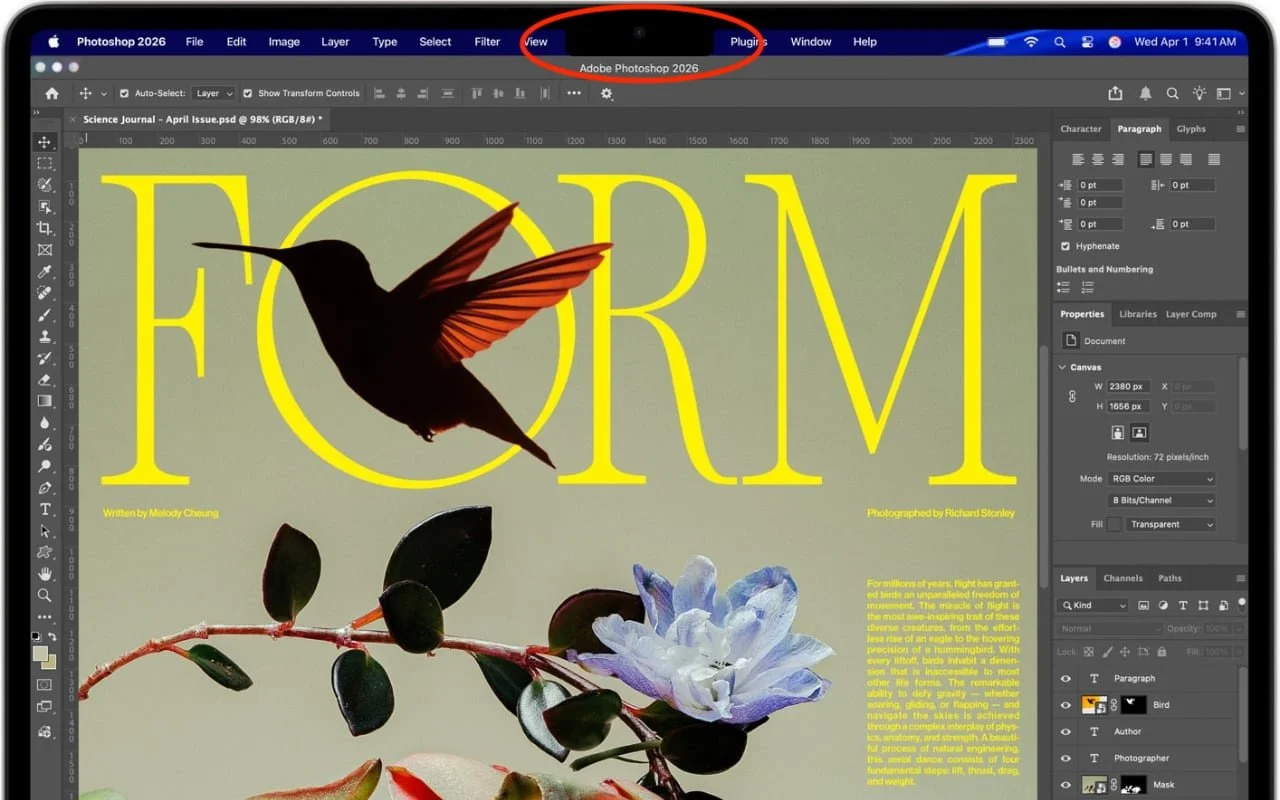
Dealing With the MacBook Notch in macOS 27 Golden Gate

Menu bar icons hidden behind your MacBook’s notch? macOS 27 Golden Gate finally adds a built-in fix: arrows that reveal the missing items. It’s not a replacement for Bartender or Ice, but it solves the core problem.

1 min read

Mac tips

You Quit the App. Why Is It Still Running?

An app can keep working after you quit it. macOS 27 Golden Gate makes that background activity easier to spot, and gives you controls to stop it when it’s no longer useful.

1 min read

Have an IT question we haven't covered?

In a free 30-minute call, tell us about your devices and your team, and we'll outline the next step.