Mac tips

Shortcuts, settings, and fixes for Mac, from the team that manages Macs for businesses every day.

Mac tips

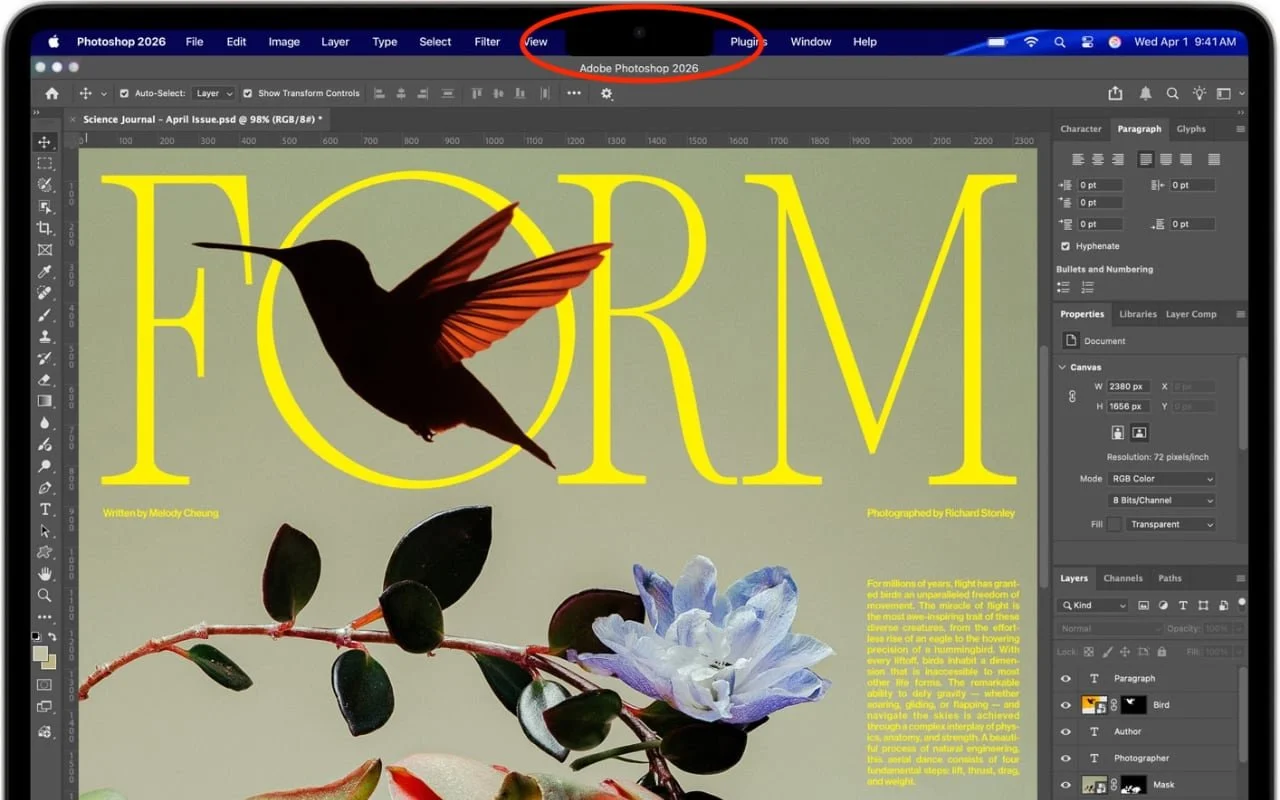
Dealing With the MacBook Notch in macOS 27 Golden Gate

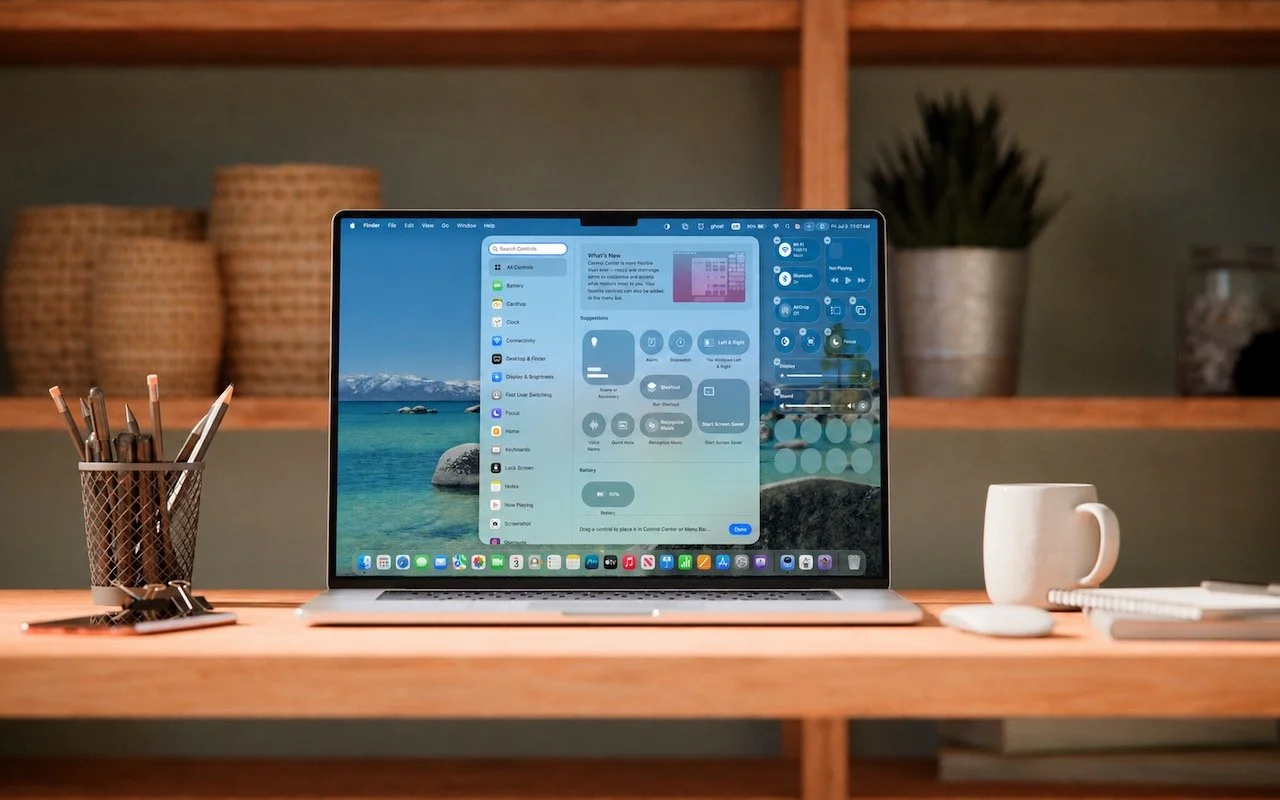
Menu bar icons hidden behind your MacBook’s notch? macOS 27 Golden Gate finally adds a built-in fix: arrows that reveal the missing items. It’s not a replacement for Bartender or Ice, but it solves the core problem.


1 min read

Mac tips

You Quit the App. Why Is It Still Running?

An app can keep working after you quit it. macOS 27 Golden Gate makes that background activity easier to spot, and gives you controls to stop it when it’s no longer useful.

1 min read

Mac tips

Keep a USB Mouse and Keyboard Around for Troubleshooting

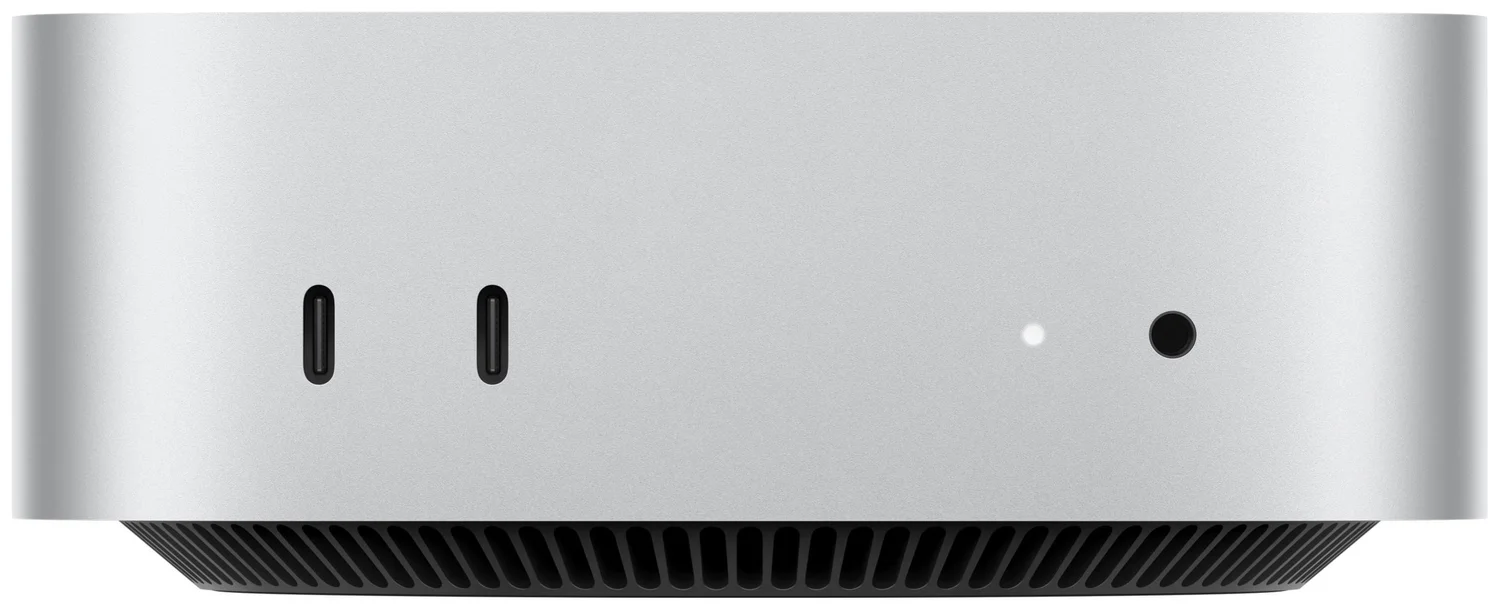
For troubleshooting, your wireless Magic Keyboard and Magic Trackpad can work over USB-C if needed, but if Bluetooth or pairing fails when you’re booting into macOS Recovery, an old or cheap wired USB mouse and keyboard can save the day.

1 min read

Mac tips

Find What’s Filling Your Disk with OmniDiskSweeper

Running low on Mac disk space? The free OmniDiskSweeper shows which files and folders are hogging your storage, sorted by size so you can quickly find and trash the biggest culprits.

1 min read

Mac tips

Eliminate Article Distractions with Safari Reader

Tired of ads and pop-ups interrupting your reading? Safari Reader reformats Web articles for distraction-free viewing on the iPhone, iPad, and Mac—and it can even activate automatically.

3 min read

Mac tips

Tim Cook’s last day as Apple CEO

John Ternus’s first day as Apple CEO is September 1, 2026. Tim Cook’s last day in the job was August 31. He stays as executive chairman.

5 min read

Mac tips

WhatCable Reports on Your USB-C Cables

Not sure if your USB-C cable is delivering power and data as it should? USB-C cables look similar but may work differently. Use the free WhatCable app to see what each of your cables supports.

1 min read

Mac tips

Share Your Location Temporarily While Traveling

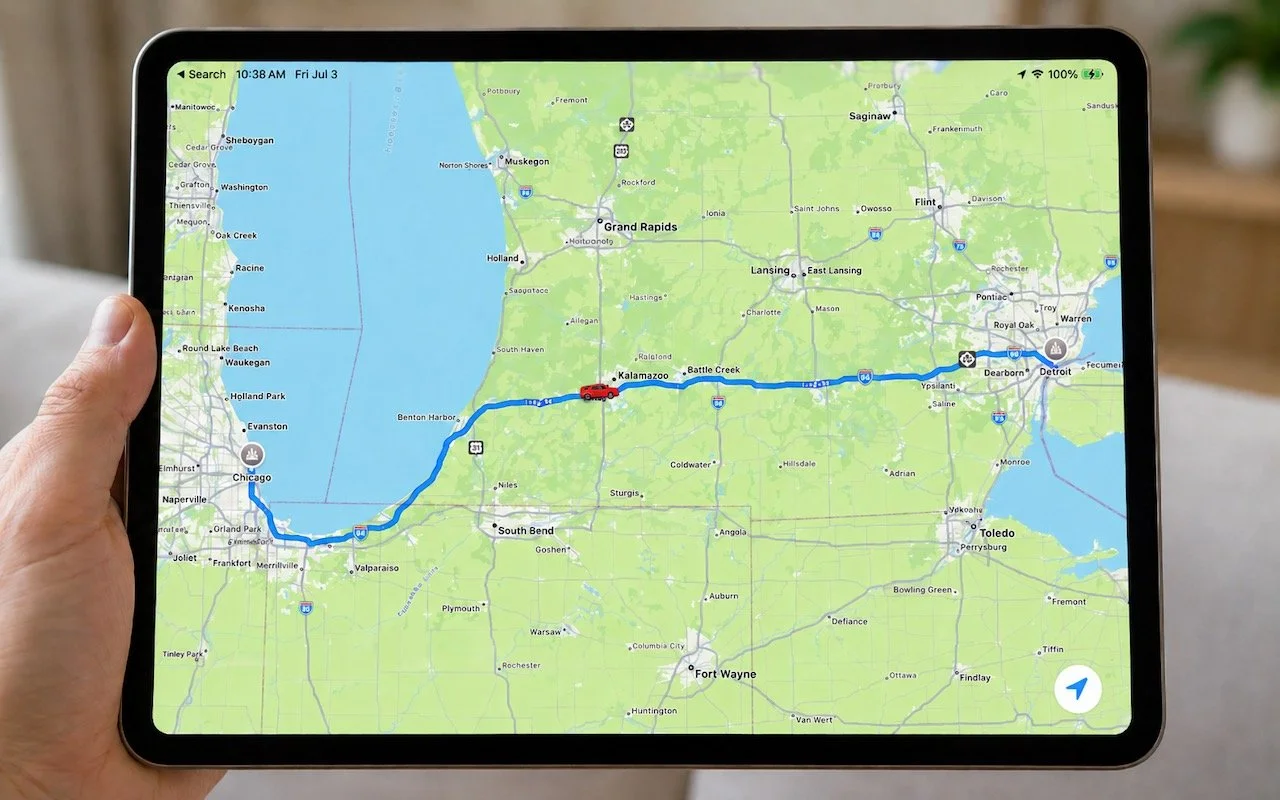
Put an end to the “where are you now?” texts. iOS lets you temporarily share your location with friends and family while traveling—here’s how to set it up in Messages.

1 min read

Mac tips

Never Miss a Meeting Again with In Your Face

Tired of missing meetings because you didn’t notice the notification? In Your Face shows unmissable full-screen alerts before calendar events and makes joining video calls easy. It’s available for the Mac, Windows, iPhone, iPad, and Apple Watch.

1 min read

Mac tips

Drag Documents to Apps in the macOS App Switcher

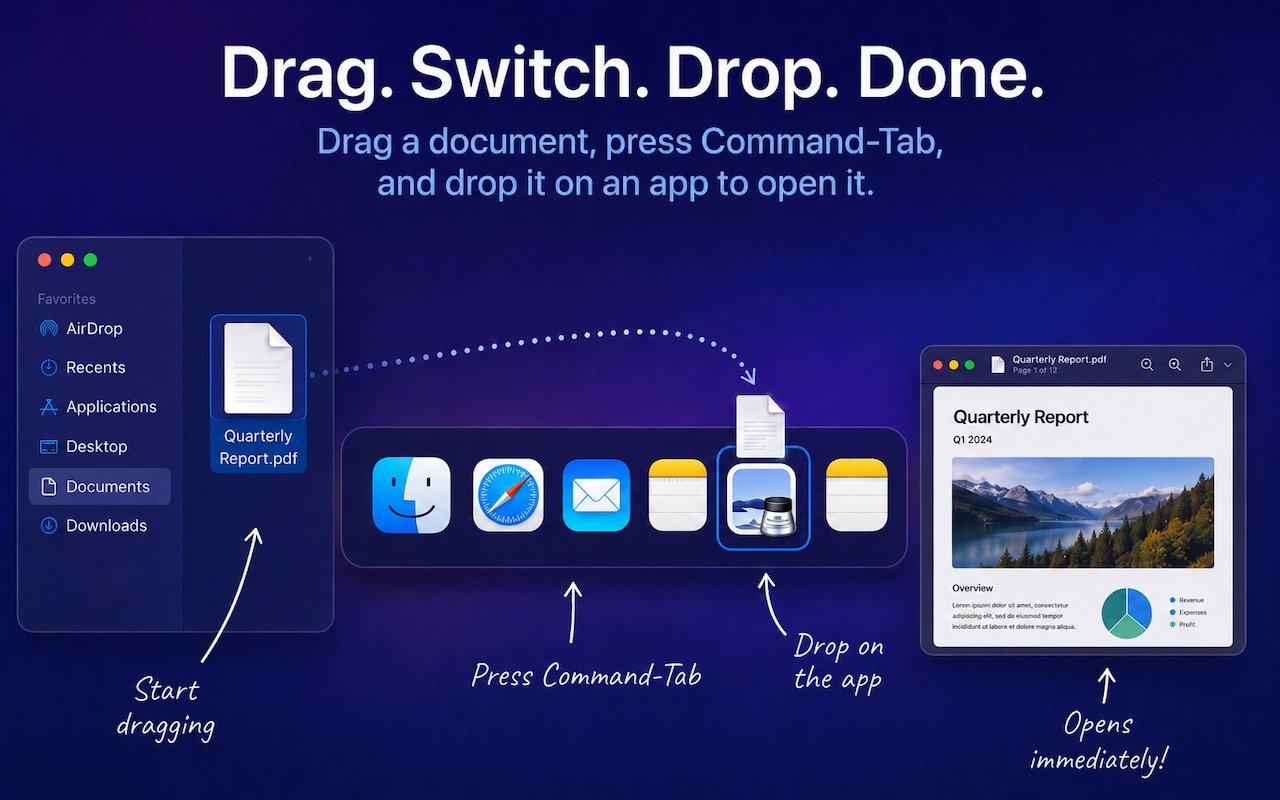
Did you know you can open a file quickly by dragging it onto an app in the macOS App Switcher? Start dragging, press Command-Tab, and drop. It’s one of the App Switcher’s many tricks.

1 min read

Have an IT question we haven't covered?

In a free 30-minute call, tell us about your devices and your team, and we'll outline the next step.