Keep a USB Mouse and Keyboard Around for Troubleshooting

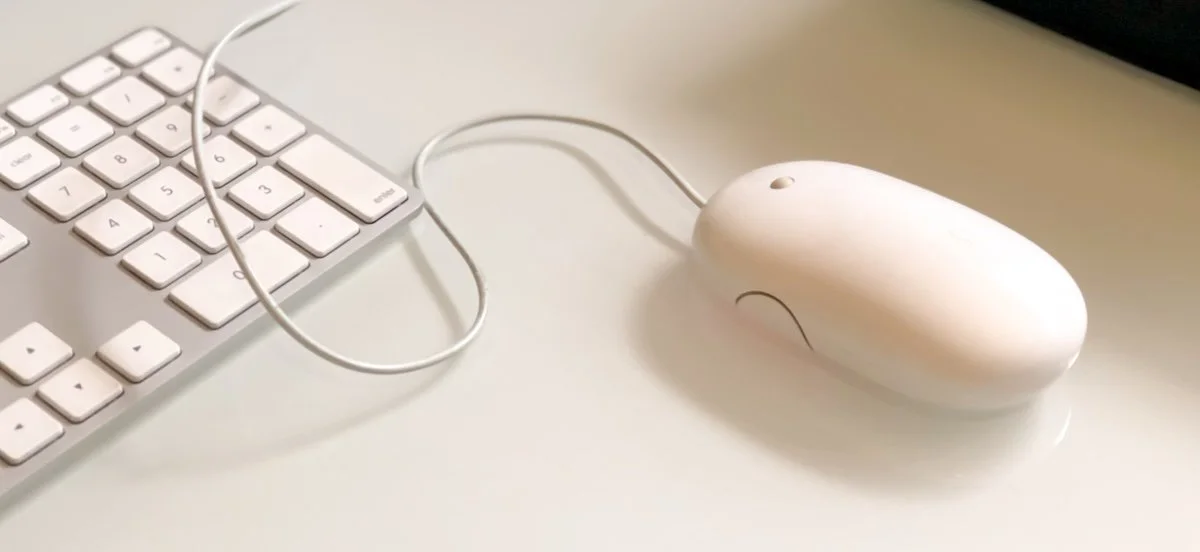
For troubleshooting, your wireless Magic Keyboard and Magic Trackpad can work over USB-C if needed, but if Bluetooth or pairing fails when you’re booting into macOS Recovery, an old or cheap wired USB mouse and keyboard can save the day.

Apple’s wireless Magic Mouse, Magic Trackpad, and Magic Keyboard are the norm for desktop Macs, but they aren’t infallible. Batteries die, pairing can fail, and worst of all, if you need to boot into macOS Recovery, that’s a bad time to discover that your wireless keyboard or pointing device isn’t connecting for whatever reason. You can plug a Magic Keyboard or Magic Trackpad into your Mac with a USB-C cable, but that won’t work with a Magic Mouse—it’s unavailable for use while charging. That’s why it helps to keep a dedicated wired USB mouse and keyboard tucked away for troubleshooting purposes. Any brand should work, but if yours has an older USB Type-A connector, make sure you have a USB-C adapter available.

About Atlas Solutions

Atlas Solutions is an Apple Technical Partner and Jamf MSP in Davidson, NC. We manage and secure Mac, iPhone, and iPad for businesses in Charlotte, Lake Norman, and beyond. More about us

See all

Mac tips

Dealing With the MacBook Notch in macOS 27 Golden Gate

Menu bar icons hidden behind your MacBook’s notch? macOS 27 Golden Gate finally adds a built-in fix: arrows that reveal the missing items. It’s not a replacement for Bartender or Ice, but it solves the core problem.

1 min read

Mac tips

You Quit the App. Why Is It Still Running?

An app can keep working after you quit it. macOS 27 Golden Gate makes that background activity easier to spot, and gives you controls to stop it when it’s no longer useful.

1 min read

Mac tips

Find What’s Filling Your Disk with OmniDiskSweeper

Running low on Mac disk space? The free OmniDiskSweeper shows which files and folders are hogging your storage, sorted by size so you can quickly find and trash the biggest culprits.

1 min read

Have an IT question we haven't covered?

In a free 30-minute call, tell us about your devices and your team, and we'll outline the next step.