
iPhone and iPad tips
Keep Your Ringer Quiet and Your Alarms Loud in iOS 27
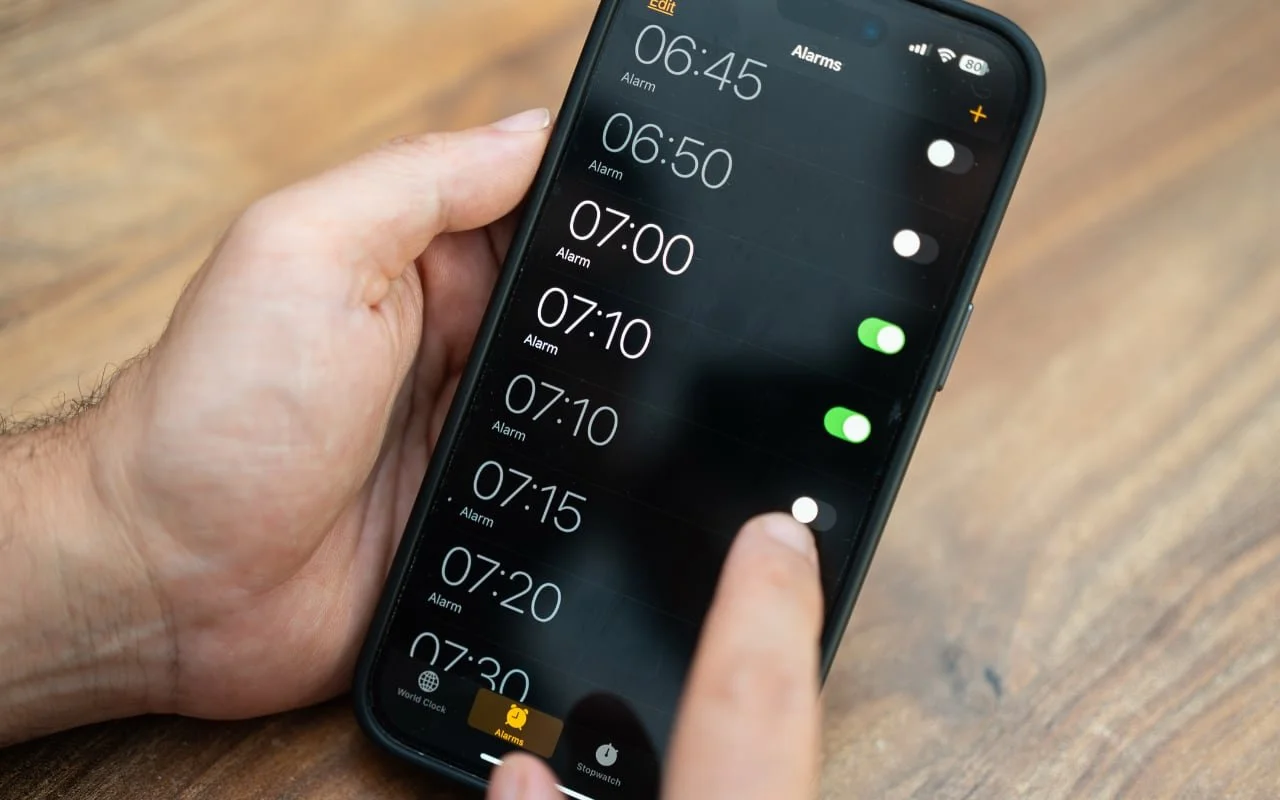
Your ringtone can be discreet without making your timers hard to hear. iOS 27 lets you set alarms and timers to their own volume. Here’s where to find it.
Practical tips for getting more out of iPhone and iPad at work, from Messages and Mail to battery life and settings.
iPhone and iPad tips
Your ringtone can be discreet without making your timers hard to hear. iOS 27 lets you set alarms and timers to their own volume. Here’s where to find it.
iPhone and iPad tips
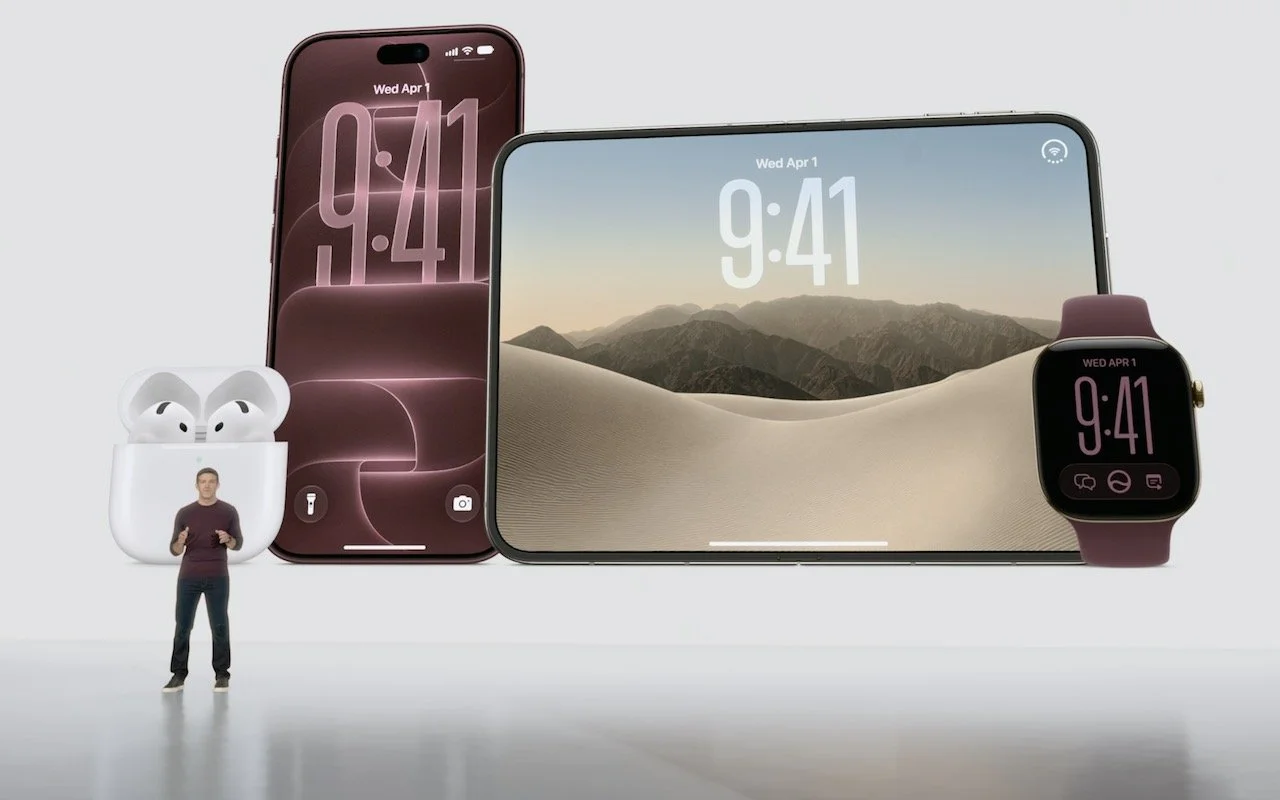
Apple has introduced the iPhone 18 Pro with a variable-aperture camera, the foldable iPhone Duo, Apple Watch Series 12 and Ultra 4 with advanced health sensing, and AirPods 5 with noise cancellation. Here’s what’s new and whether you should upgrade.
iPhone and iPad tips
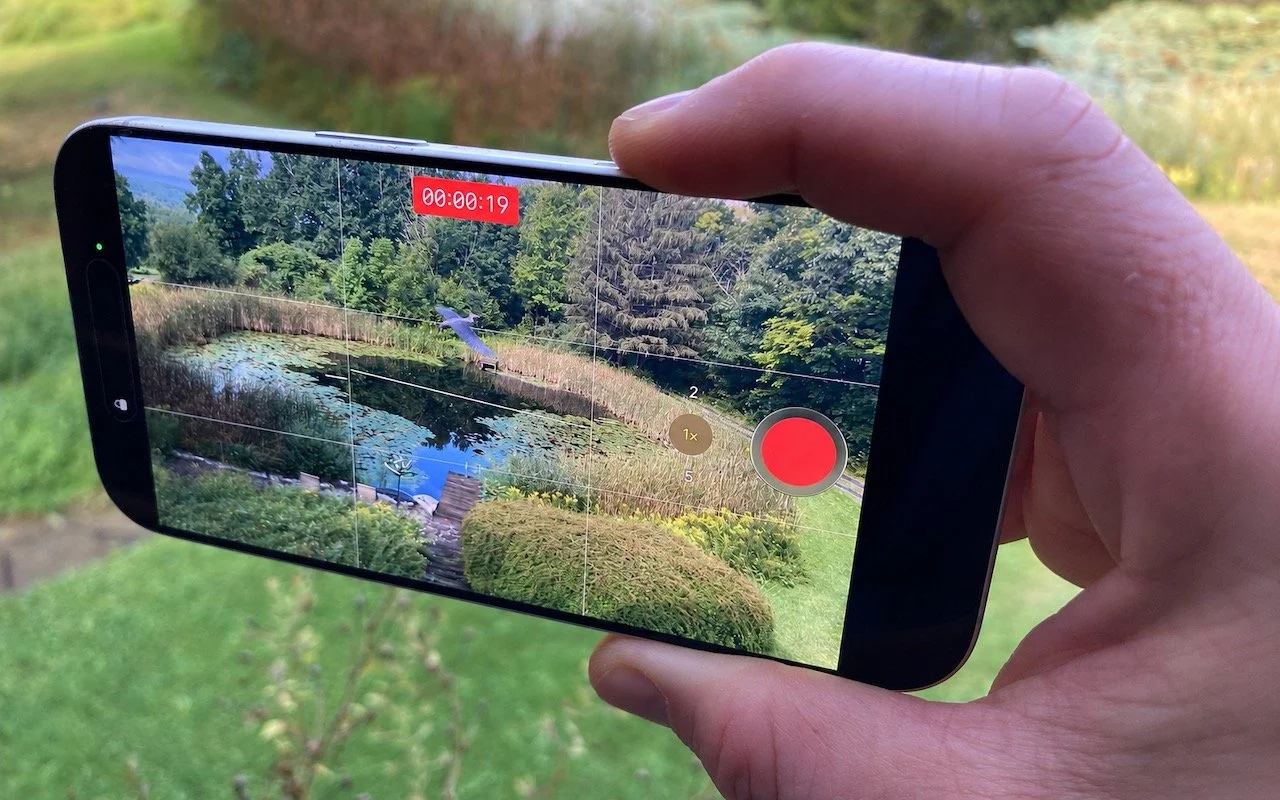
Need to capture a moment fast? On iPhone 16 and later, press the Camera Control once to open the Camera app, then press and hold to start recording video instantly.
iPhone and iPad tips
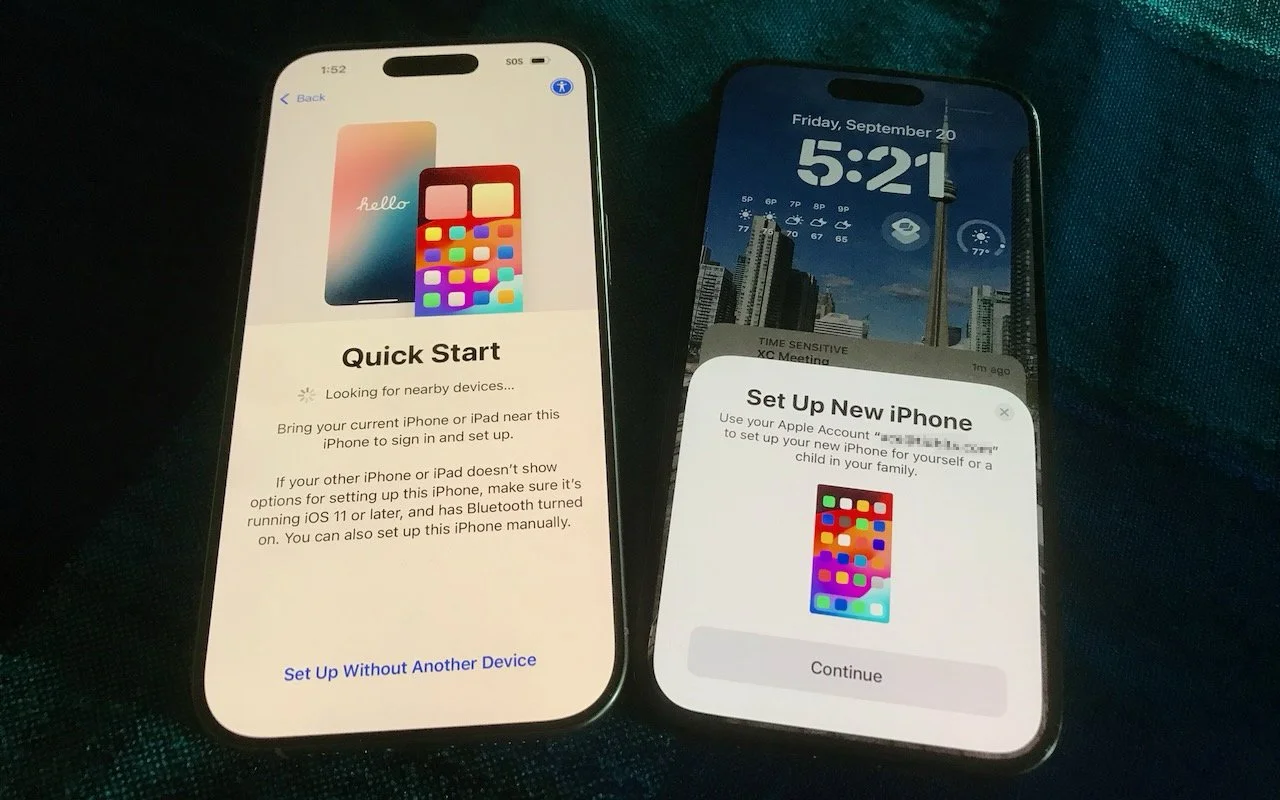
Getting a new iPhone 18? Don’t rush the setup. A little prep work now can save you from missing data, apps, and settings later. Here’s what to do before and after transferring from your old iPhone.

iPhone and iPad tips
We recommend updating to macOS 26.6 Tahoe, iOS 26.6, and iPadOS 26.6, not just for the many security fixes, but also because they promise to optimize Spotlight performance for the forthcoming version 27 upgrades.
iPhone and iPad tips
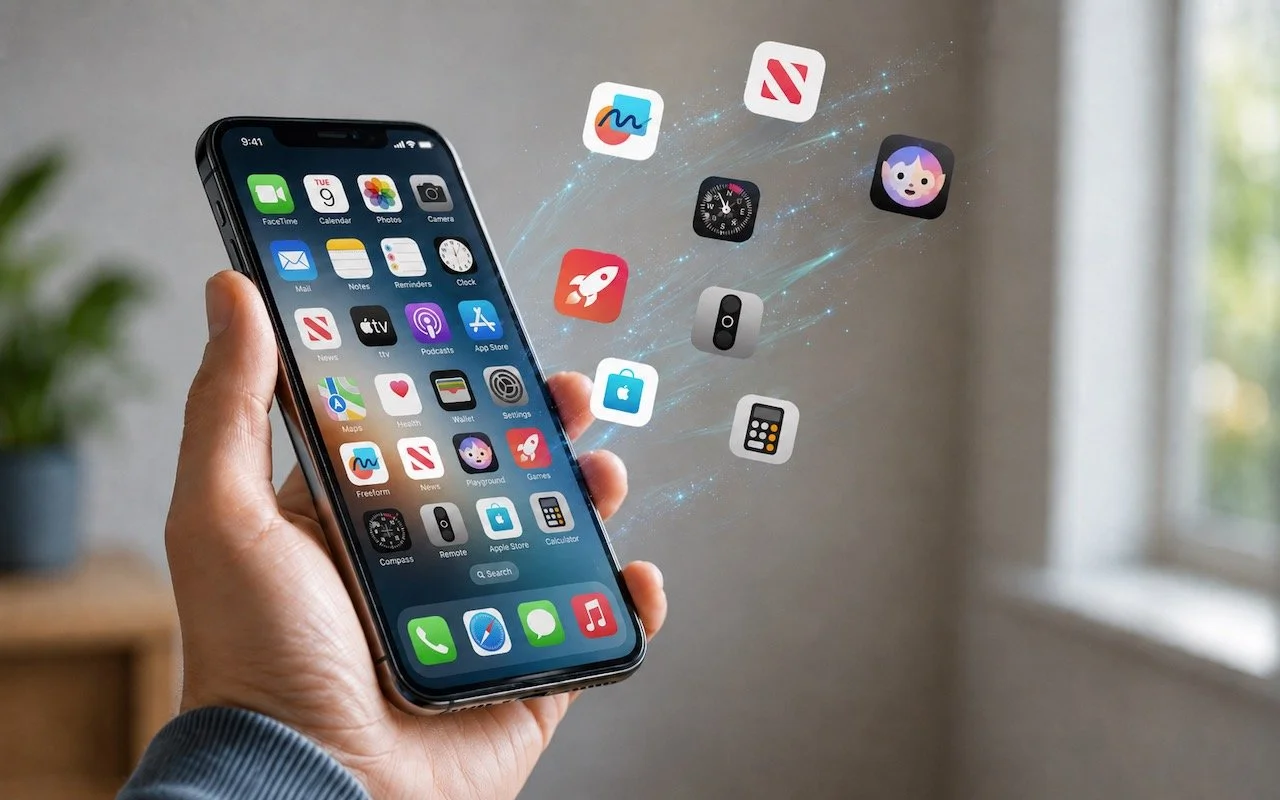
Automatic offloading of unused apps saves iPhone storage, but it’s inconvenient if you need an app that has been offloaded and there’s no connectivity to redownload it. Plan ahead!
iPhone and iPad tips
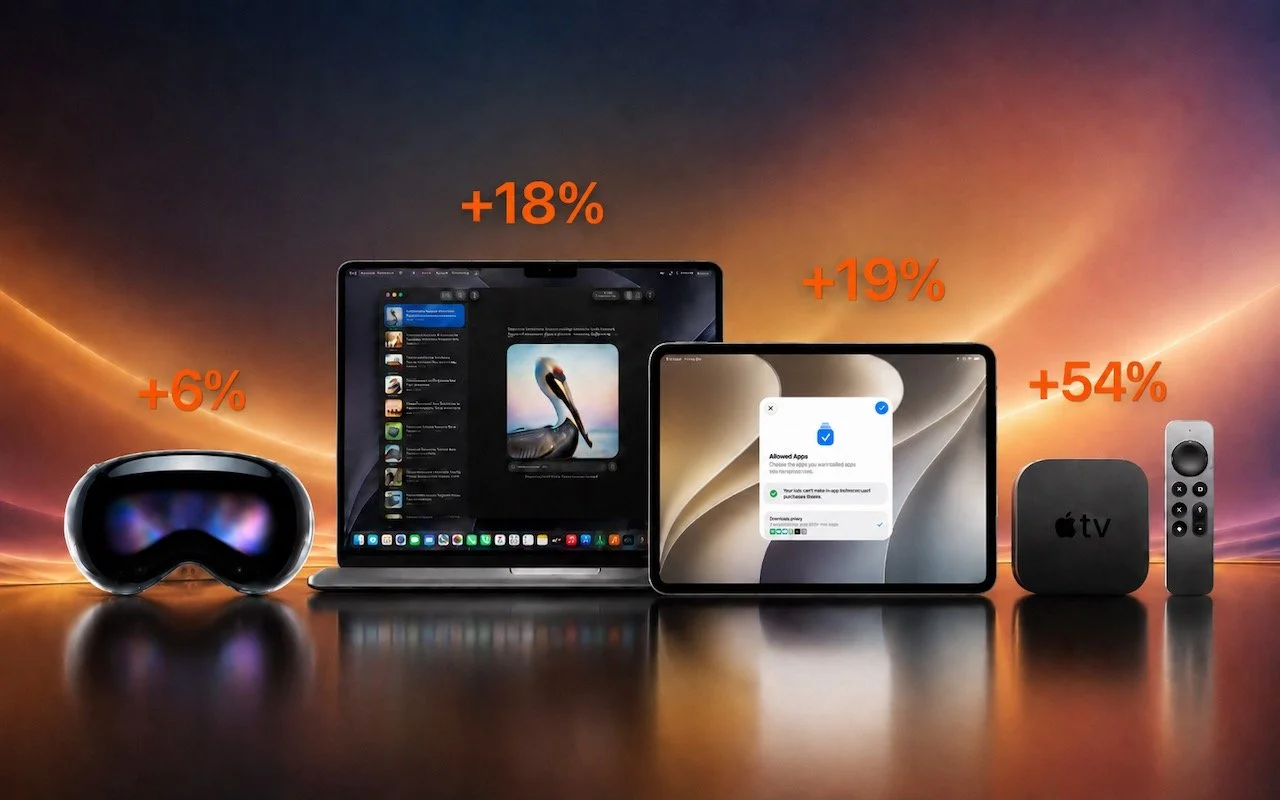
Apple just raised Mac and iPad prices by 15–33%, blaming the AI industry’s hunger for memory and storage chips. The iPhone and Apple Watch were spared, but the next new models may be more expensive. Here’s what you need to know.
iPhone and iPad tips
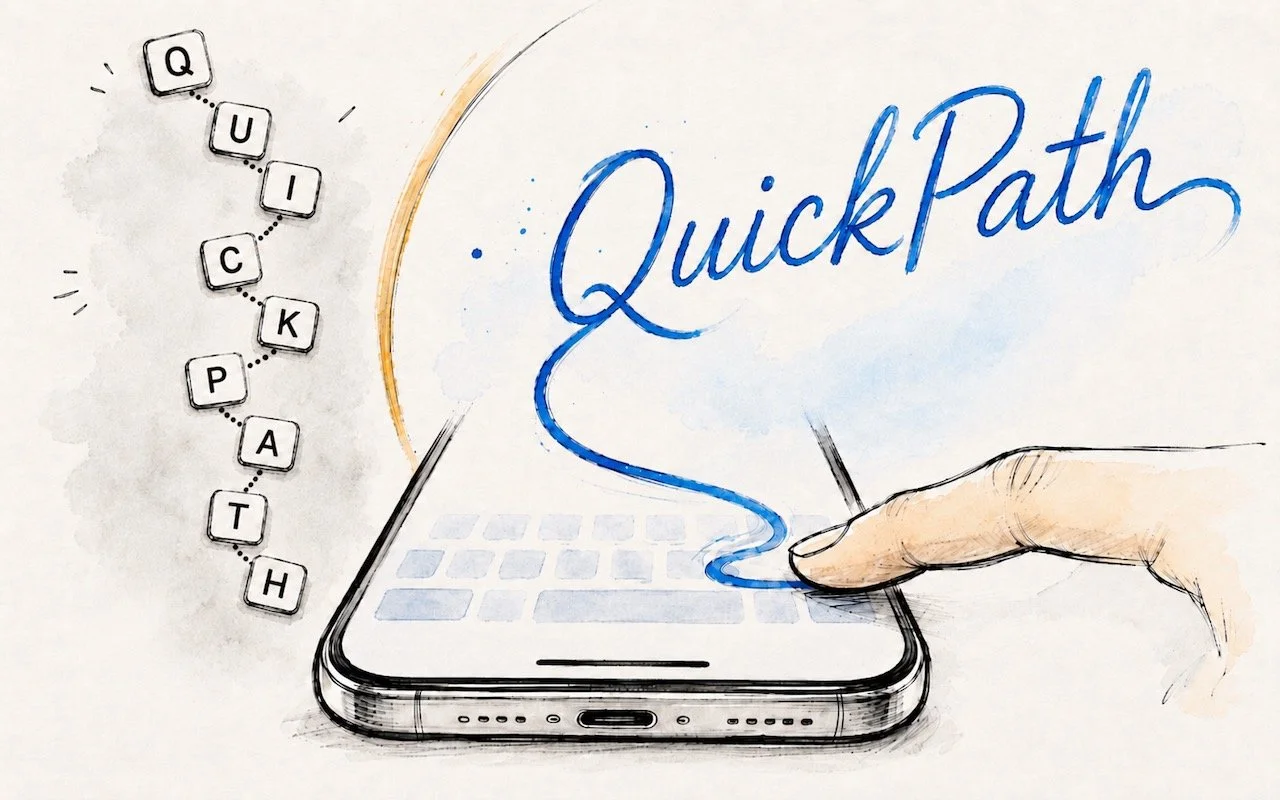
Tired of hunt-and-peck typing on your iPhone? Try QuickPath—just drag your finger across each letter in a word to swipe-type it. It’s surprisingly accurate and worth learning.

iPhone and iPad tips
Frustrated when Dictation on the iPhone mangles what you meant to say? Create fake contacts for troublesome words, and Dictation will learn to recognize them correctly across all your Apple devices.
iPhone and iPad tips
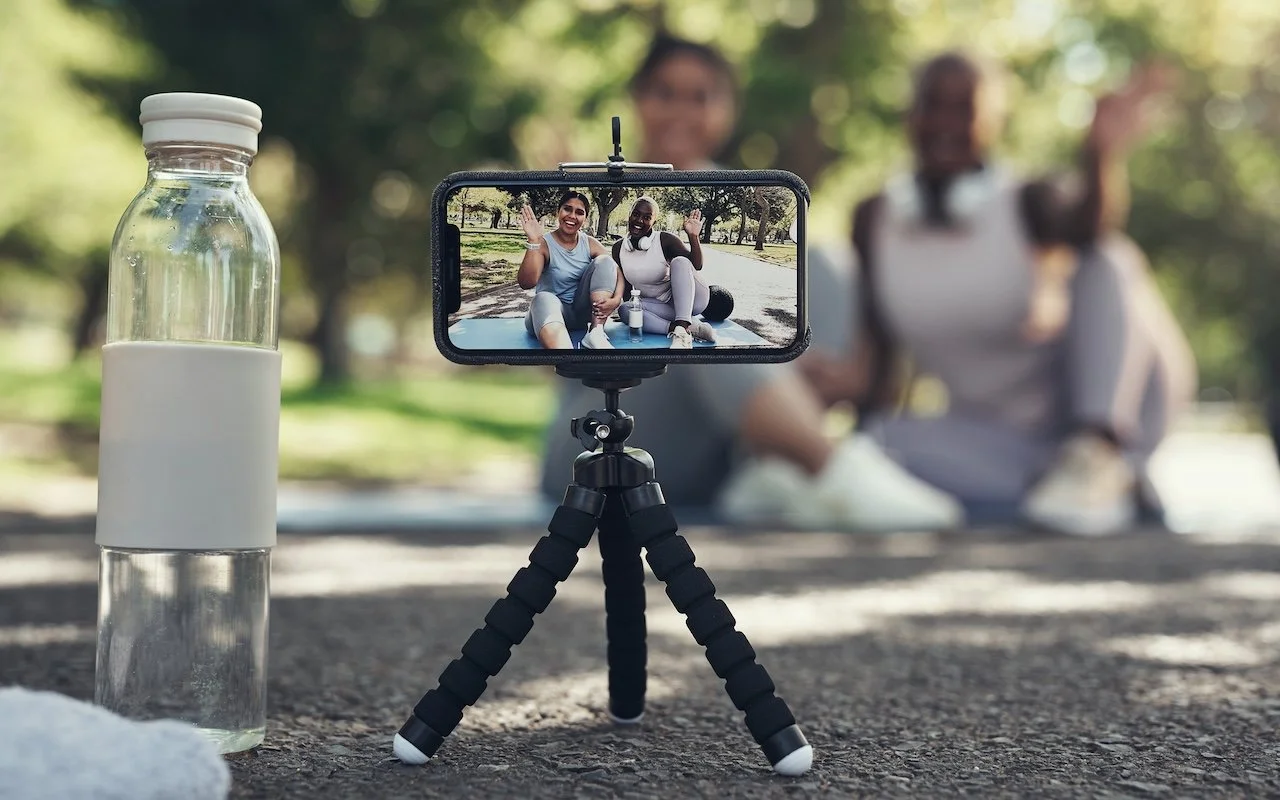
Your AirPods can now double as a camera remote in iOS 26. Here's how to set it up so a press or press-and-hold triggers the shutter to take a photo or start and stop a video.
iPhone and iPad tips
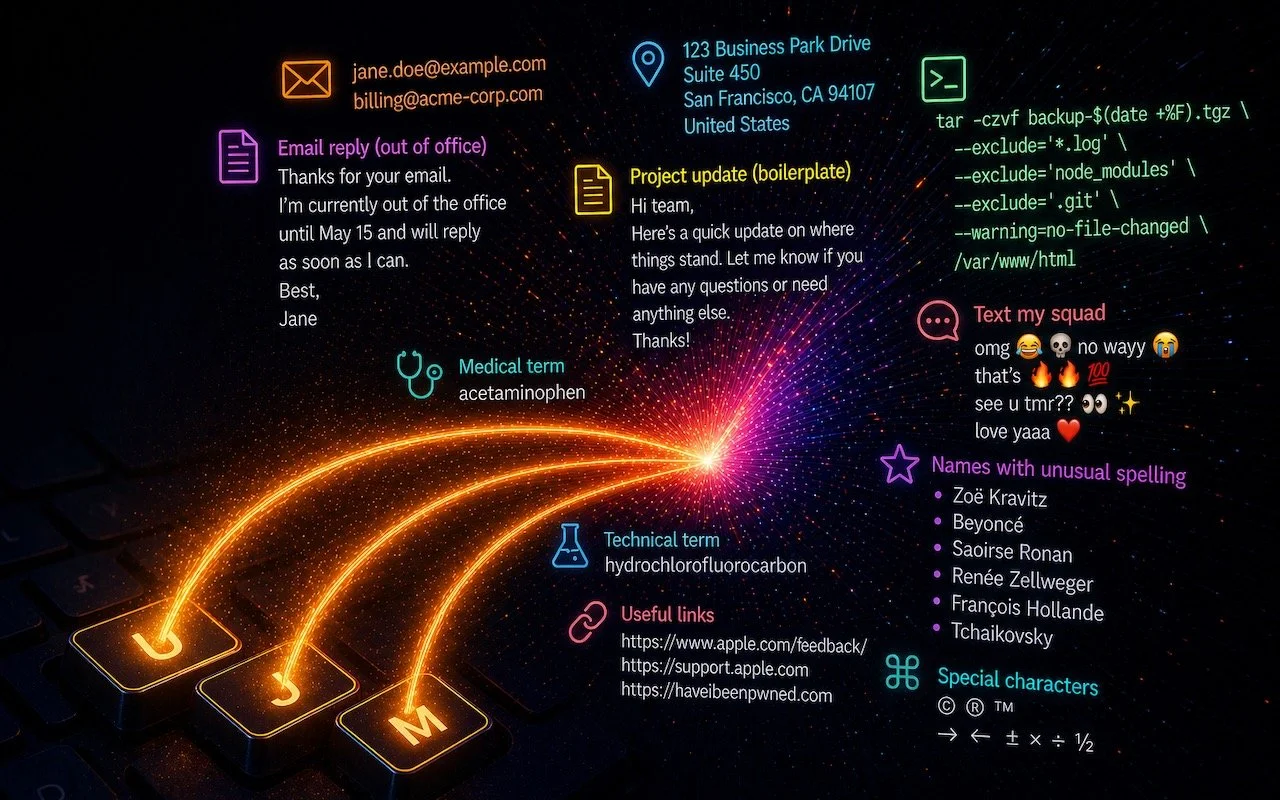
Tired of typing the same email address, phone number, or tricky words over and over? Text expansion on Mac and iOS can save you keystrokes every day.
iPhone and iPad tips
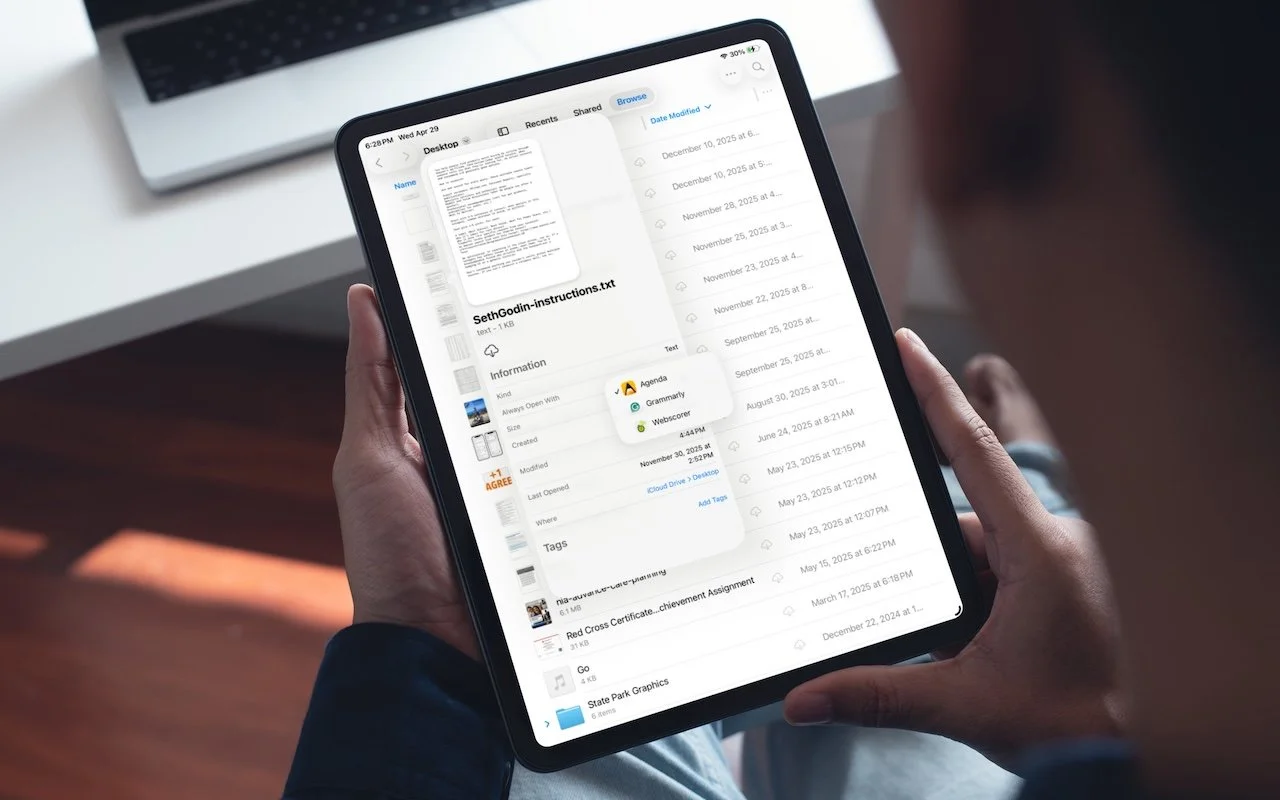
iOS 26 and iPadOS 26 finally let you choose which app opens your files—just like on the Mac. Here’s how to use Open With and set new defaults in the Files app.
In a free 30-minute call, tell us about your devices and your team, and we'll outline the next step.