iPhone and iPad tips, page 2

Practical tips for getting more out of iPhone and iPad at work, from Messages and Mail to battery life and settings.

iPhone and iPad tips

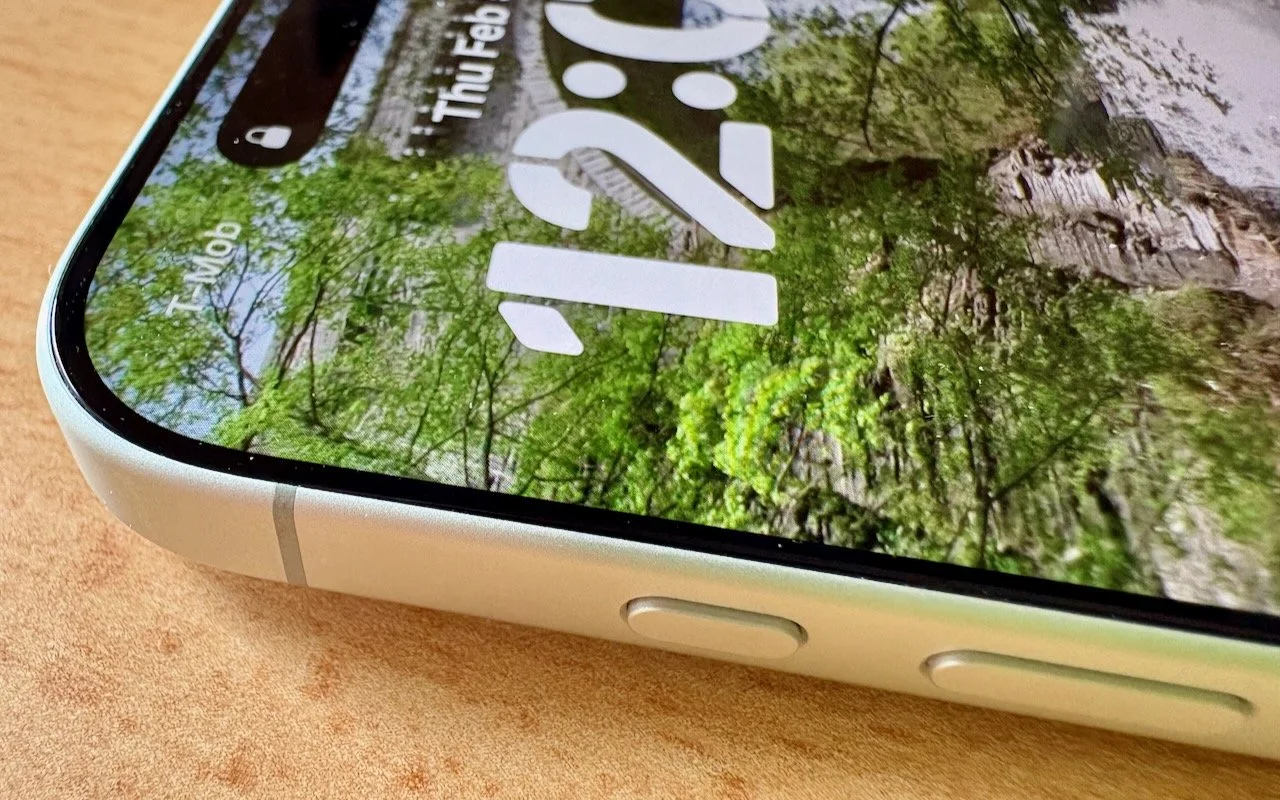
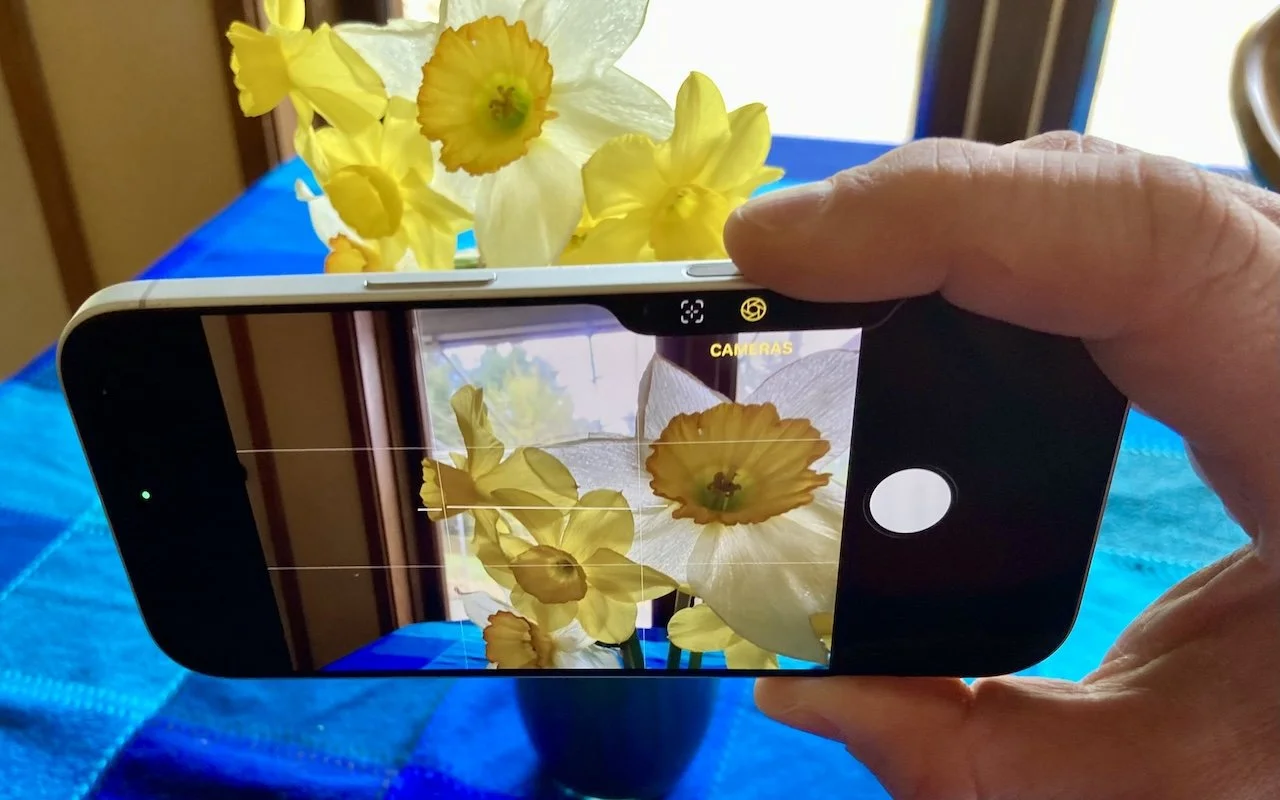
Customize the Camera Control on Your iPhone

The Camera Control on the iPhone 16 and later is more than a shutter button—it’s a touch-sensitive shortcut to zoom, exposure, depth, and more. Here’s how to configure it so it works for you or doesn’t get in your way.


4 min read

iPhone and iPad tips

iOS 26 Can AutoFill Credit Card Details

Tired of typing credit card numbers into websites and apps that don’t support Apple Pay? iOS 26 lets you save cards in Wallet and use AutoFill to enter your payment details anywhere—here’s how to set it up and use it.

1 min read

iPhone and iPad tips

Apple Refreshes iPhone, iPad Air, and MacBook Lineups

Apple’s March 2026 refresh brings MagSafe to the iPhone 17e, the M4 chip to the iPad Air, the M5 to the MacBook Air, and the new M5 Pro and M5 Max to the MacBook Pro—plus doubled storage on most models. Here’s what’s new and who should upgrade.

5 min read

iPhone and iPad tips

Losing Messages or Calls? Look in the Unknown Senders/Callers Filter

Missing texts from unknown numbers? iOS 26 filters them into hidden lists. Here’s where to find them in the Messages app—and how to mark senders as known so you don’t miss important messages. PS: The same applies to calls in the Phone app.

1 min read

iPhone and iPad tips

What Can You Do With the iPhone’s Action Button? Nearly Anything!

Your iPhone’s Action button can do much more than toggle Silent Mode. Try it for quick translations or voice memos—or explore the many options in Controls and Shortcuts to trigger nearly any action with a long press.

4 min read

iPhone and iPad tips

Messages Now Offers Shared Conversation Backgrounds

Conversation backgrounds in Messages look cool, and they’re shared with others on iOS 26, iPadOS 26, and macOS 26 Tahoe. Pick an appropriate image and explain what you’ve done to delight your contacts rather than confusing them.

1 min read

iPhone and iPad tips

iPadOS 26 Brings Mac-Like Multitasking to the iPad

iPadOS 26 finally brings Mac‑style multitasking to the iPad. Learn how to enable windowed apps, use the new menu bar, work with windows, and master Slide Over (back in iPadOS 26.1) for faster workflows.

5 min read

iPhone and iPad tips

New Features in iOS 26.1

Struggling with Liquid Glass transparency or accidental camera launches? iOS 26.1 addresses both and adds a safer slide‑to‑stop alarm control, swiping to switch songs in Music, Background Security Improvements, and more Live Translation languages.

3 min read

iPhone and iPad tips

Make the Most of Visual Intelligence on the iPhone

With its visual intelligence feature, Apple Intelligence brings superpowers to your iPhone’s camera and screen. Just point and hold to identify objects, translate text, create calendar events, and get answers about anything you see.

5 min read

Have an IT question we haven't covered?

In a free 30-minute call, tell us about your devices and your team, and we'll outline the next step.