Security and privacy

Phishing, passwords and passkeys, backups, and privacy settings, explained for businesses that run on Mac, iPhone, and iPad.

Security and privacy

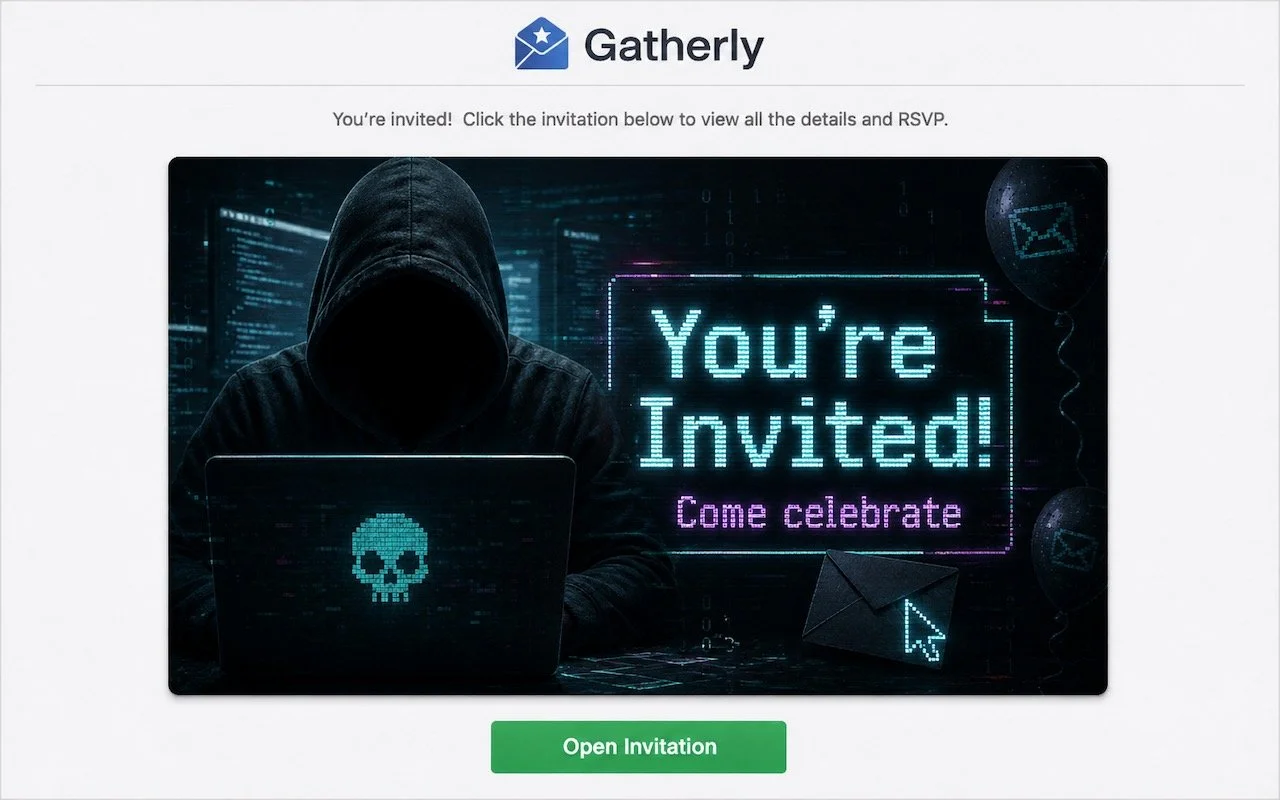
Beware of Scam Party Invitations from Hijacked Accounts

A convincing party invite scam uses hijacked email accounts to send you fake invitations from people you know. Learn how to spot the red flags—and why enabling two-factor authentication on your email is the best defense.

1 min read

Security and privacy

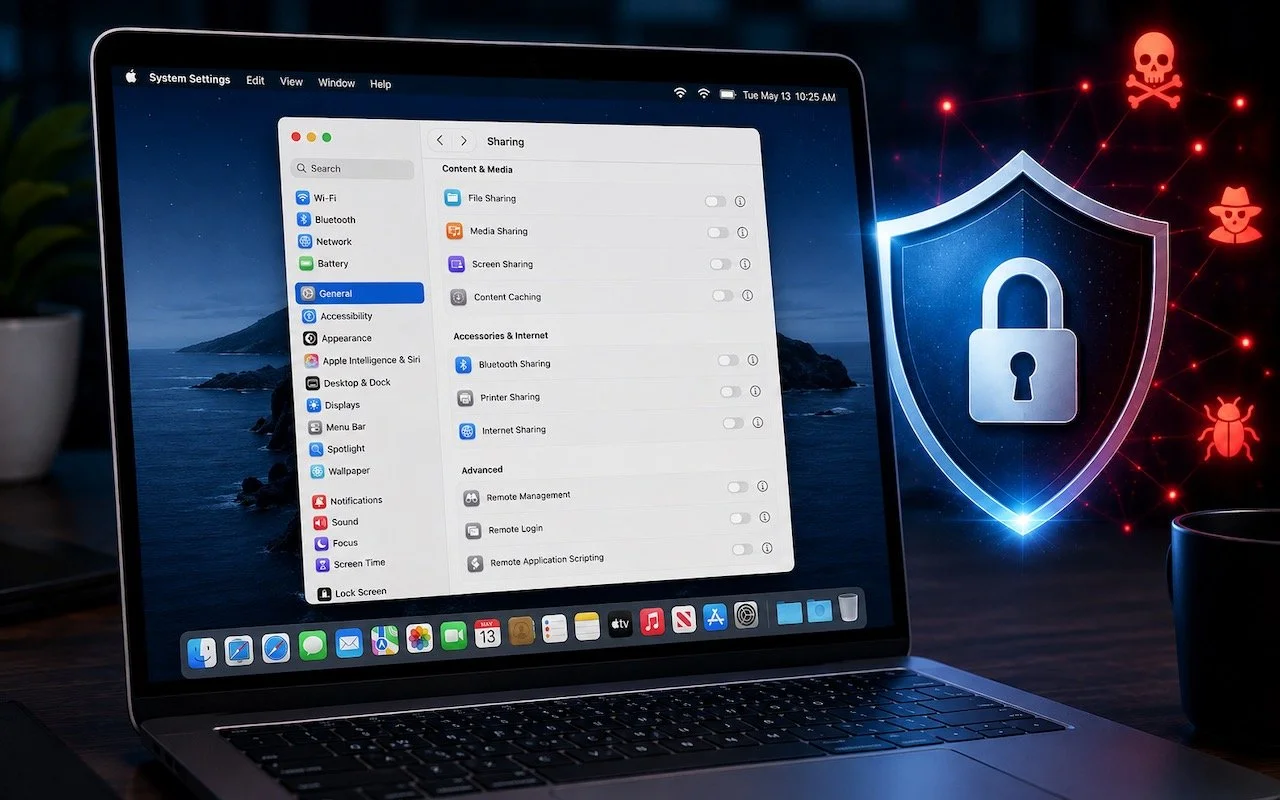
Turn Off Unused Sharing Services on Your Mac

Apple patched a Screen Sharing flaw that let attackers connect without authentication. Update now—and while you’re thinking about it, turn off any sharing services you’re not actively using.

1 min read

Security and privacy

How to Share Sensitive Information Securely over the Internet

Need to share passwords, financial details, or sensitive documents securely? Email alone isn’t safe enough. Learn eight practical methods—from self-destructing links to encrypted disk images—that protect your data in transit and at rest.

5 min read

Security and privacy

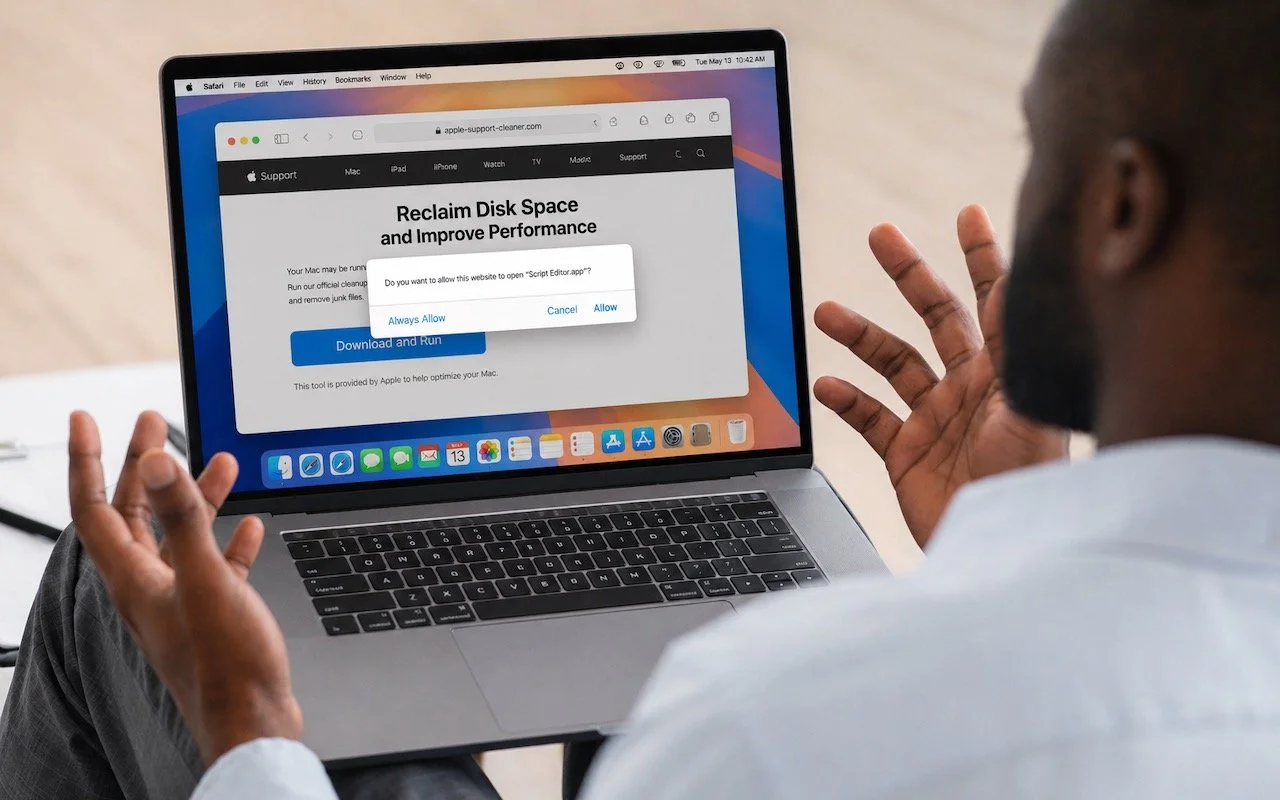
Never Run AppleScripts from Untrusted Sources

Attackers are now using fake websites to open Script Editor with pre-filled malicious scripts. Never run an AppleScript from any source you don’t completely trust!

1 min read

Security and privacy

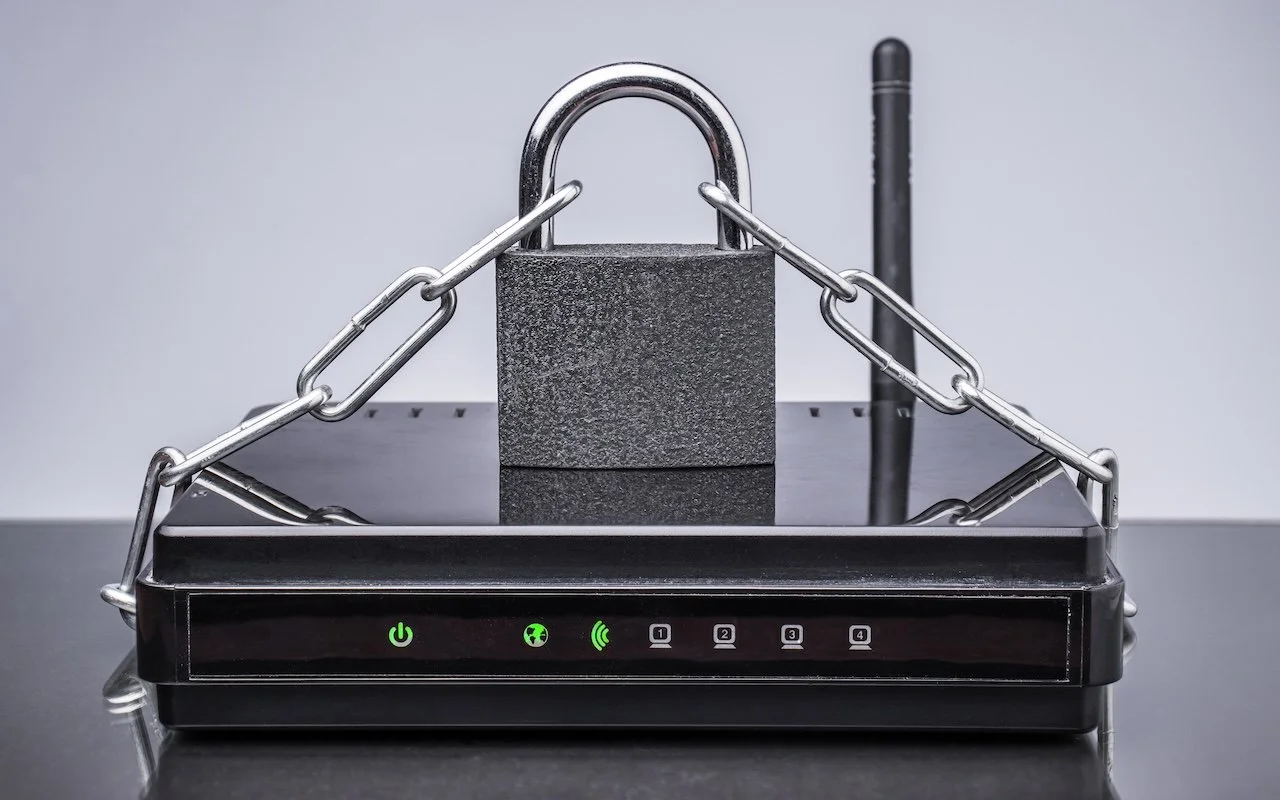
Make Sure Your Home Network Router Is Secure

Russian military intelligence recently exploited vulnerable home routers to steal passwords worldwide. You can keep your home network secure by replacing unsupported hardware, enabling automatic updates, and changing default passwords.

4 min read

Security and privacy

Two iPhone Exploit Kits Mean You Should Update iOS Now

Two major iPhone exploit kits—DarkSword and Coruna—can steal passwords, messages, and photos from everyday users who visit an infected website. Check your iOS version and update immediately to protect yourself.

3 min read

Security and privacy

Why Cloud Storage Isn’t a Backup

Do you think using Dropbox or iCloud Drive means your files are backed up? Wrong. Delete or corrupt a file, and that change syncs everywhere instantly. Here’s why cloud storage isn’t a backup—and what to do about it.

4 min read

Security and privacy

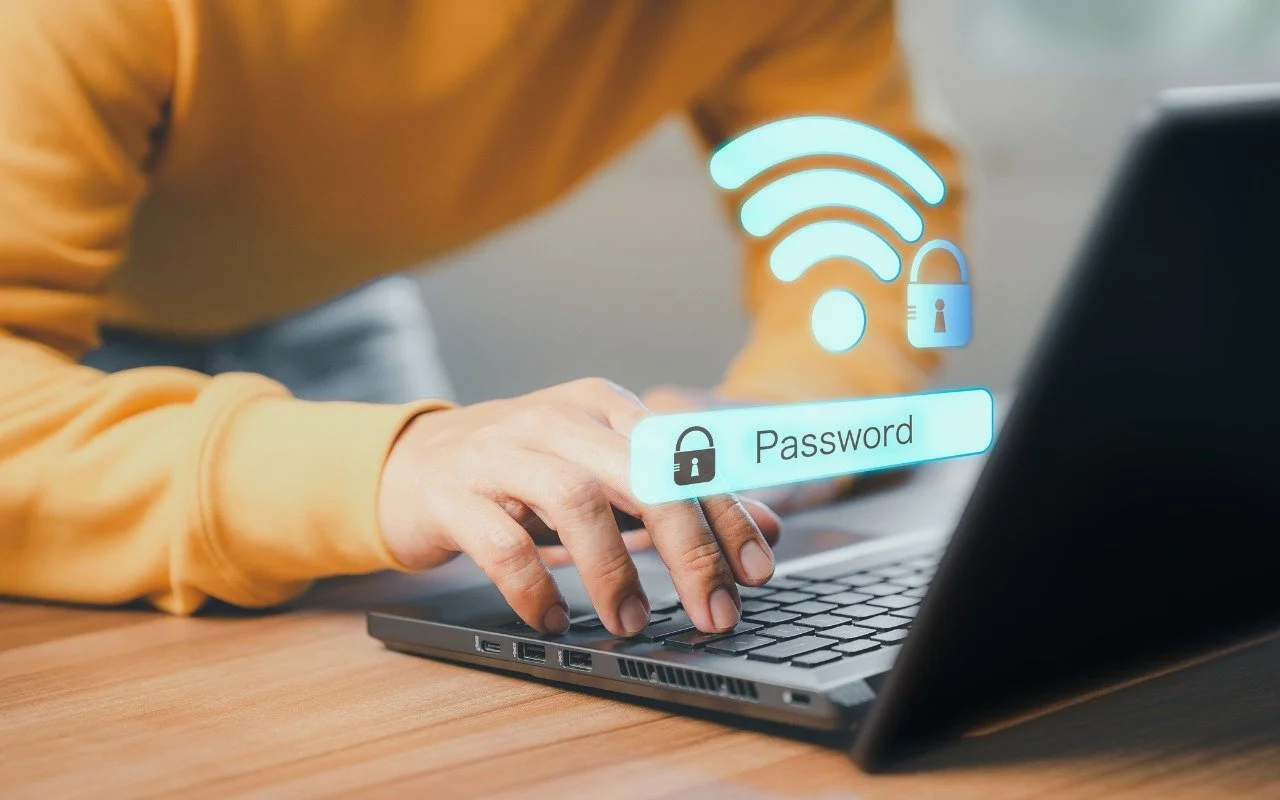
How to Look Up a Saved Wi-Fi Network Password

Apple makes it easy to share Wi-Fi passwords without requiring anyone to type them. We explain how you can do this nearly automatically, with a QR code, or by looking up the password and copying it so you can paste it into an email message or text.

1 min read

Security and privacy

Backups: Trust but Verify

Don’t just trust your backups—verify them. Each quarter, restore a few files from Time Machine, your clone, or your cloud backup, and make sure they open correctly. Silent failures happen; test restores prevent nasty surprises.

1 min read

Security and privacy

Be Alert for Deepfake Phishing Scams

Phishing has a new face—literally. Scammers can now use AI tools to fake voices and videos that look real. Before you act on an “urgent” request, look for audio or visual clues and verify through another channel.

1 min read

Security and privacy

Updated Passwords App Adds History

Apple’s Passwords app can now show your password history in macOS 26 Tahoe, iOS 26, and iPadOS 26, helping you track down why that “correct” password isn’t working.

1 min read

Have an IT question we haven't covered?

In a free 30-minute call, tell us about your devices and your team, and we'll outline the next step.