

Mac tips
Not Sure If You’re Presentable for a Video Call? Try Hand Mirror
About to join a video call? The free Mac app Hand Mirror adds a menu bar icon that instantly shows your webcam view so you can check your hair before anyone else sees it.
Shortcuts, settings, and fixes for Mac, from the team that manages Macs for businesses every day.
Mac tips
About to join a video call? The free Mac app Hand Mirror adds a menu bar icon that instantly shows your webcam view so you can check your hair before anyone else sees it.
Mac tips
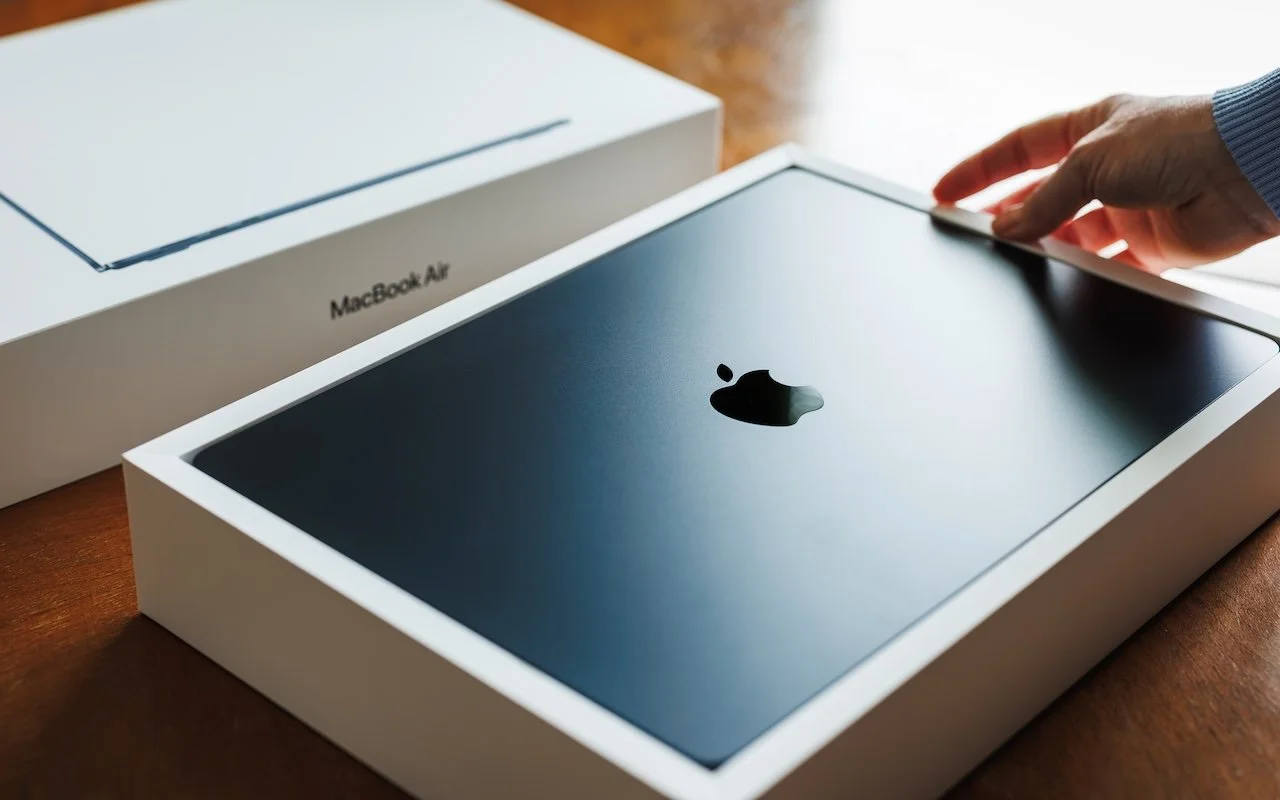
Which Mac is best for a college student now? The 13-inch or 15-inch M5 MacBook Air hits the sweet spot of performance, portability, and price. If budget is a constraint, consider the MacBook Neo; for more power, choose the 14-inch MacBook Pro.

Mac tips
Those who have been missing Safari’s compact tab bar are in luck—it’s back as of macOS 26.4 and iPadOS 26.4. The compact tab bar is a welcome way to save vertical space for content.
Mac tips
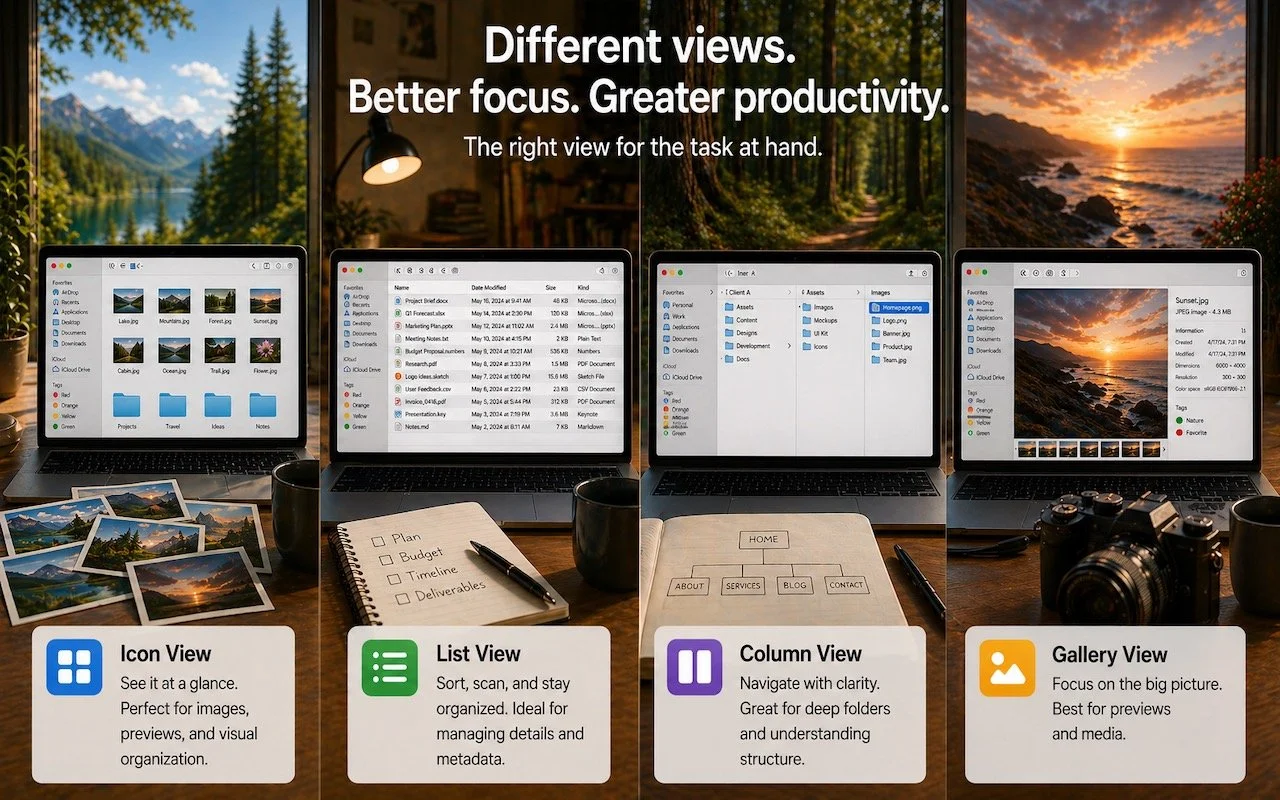
Icon, List, Column, or Gallery? Each Finder view has its strengths. Match the right view to your task and spend less time wrestling with your files.
Mac tips
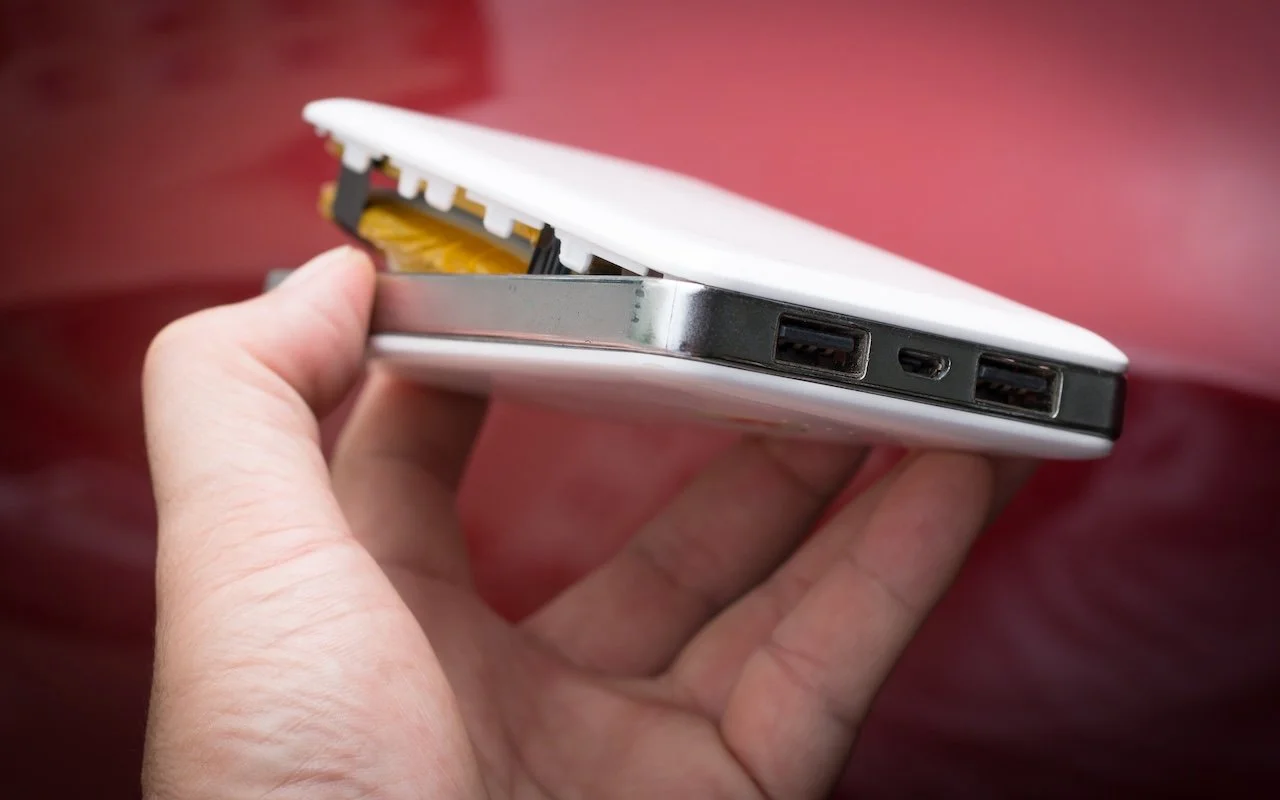
A study found that nearly 8% of cheap lithium-ion batteries have dangerous manufacturing defects that can cause catastrophic failure—even fires—while name-brand cells had none. Stick with reputable brands.
Mac tips
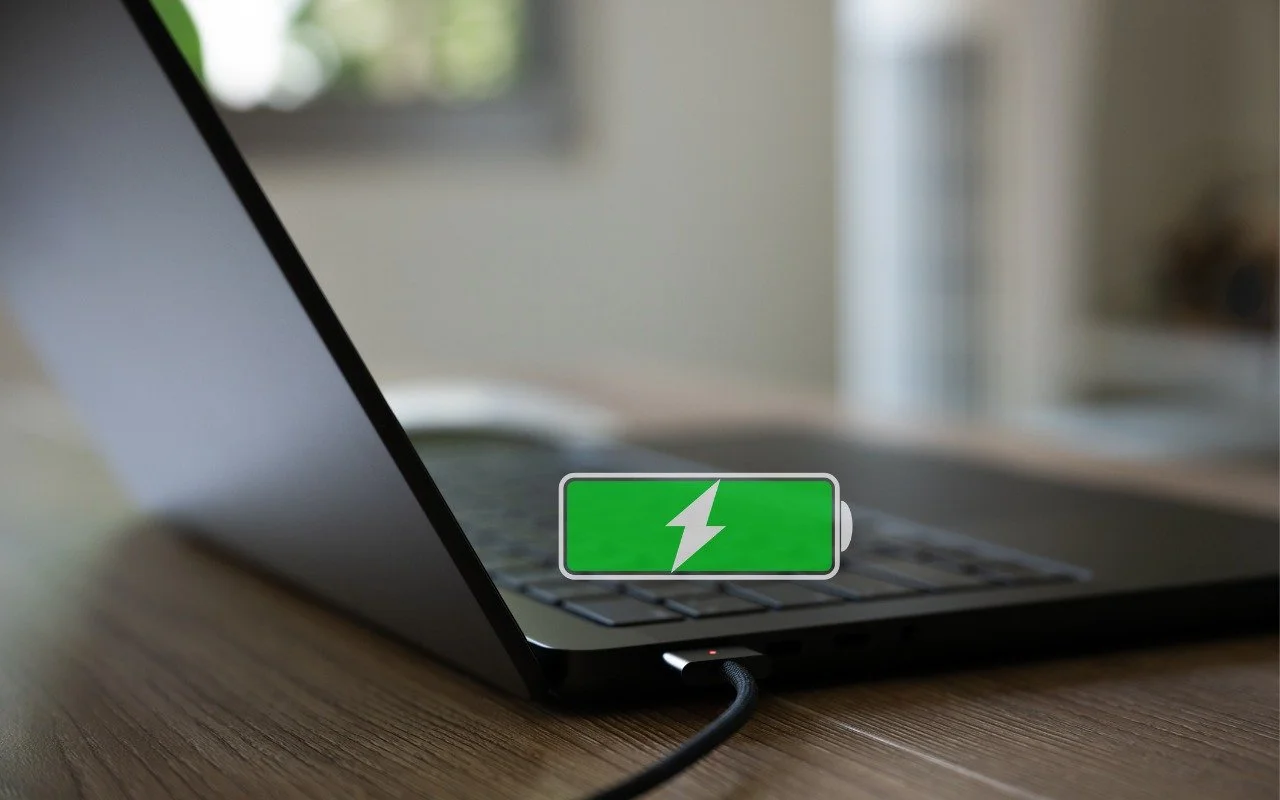
Is your MacBook’s battery stuck at 80%? That’s Apple protecting your battery’s long-term health. macOS 26.4 adds new controls, including Charge Limit and a Slow Charger warning. Learn how these features work—and when to override them.
Mac tips
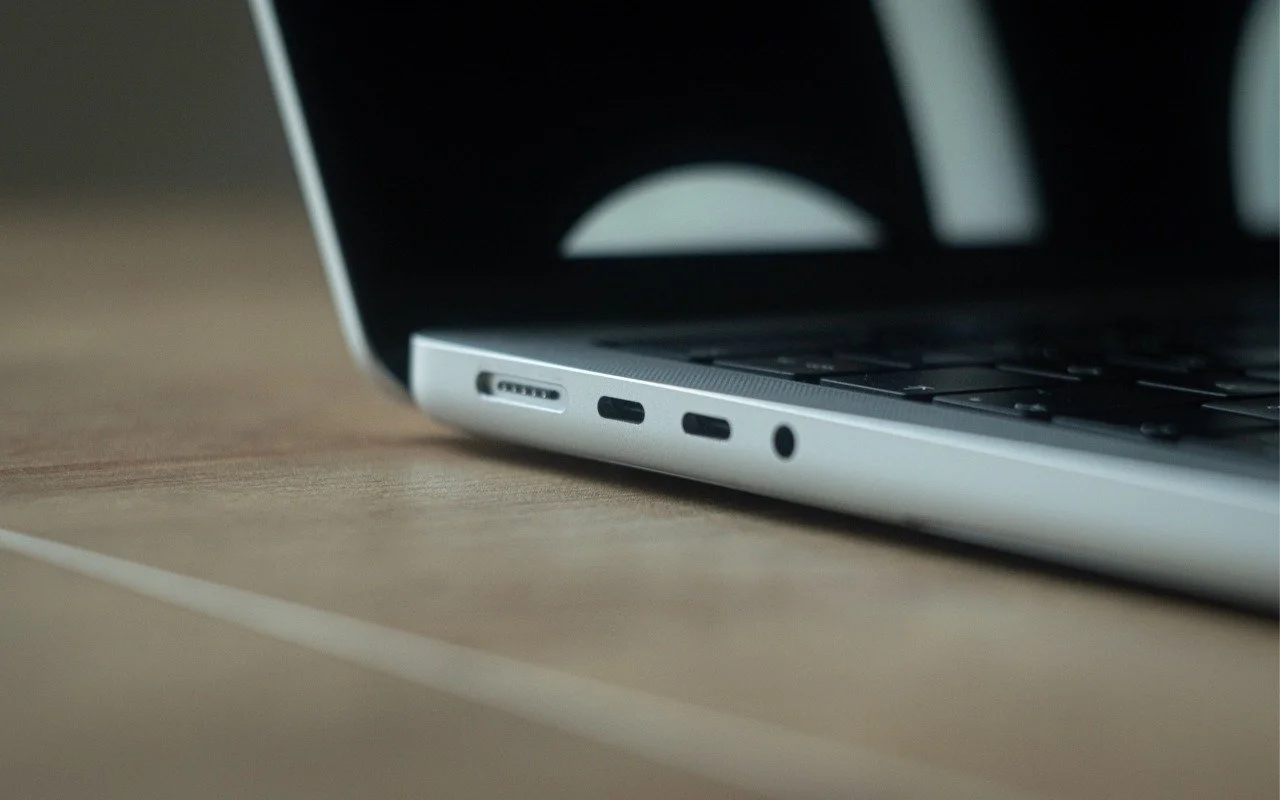
Your Mac’s USB-C ports look identical, but one is special—and using it can cause macOS installations or updates on external drives to fail, or trigger other errors with Thunderbolt docks. Learn which USB-C port isn’t like the others.
Mac tips
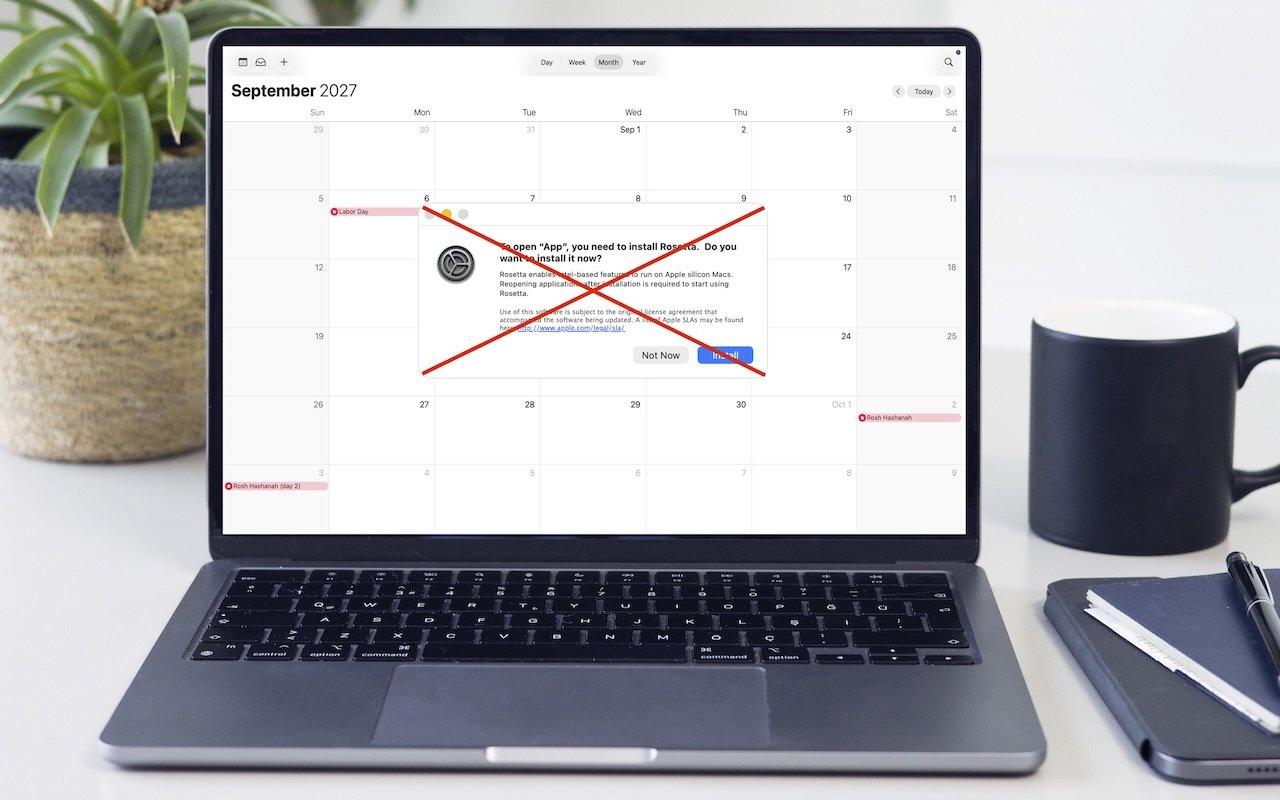
Running macOS 26.4? You may start seeing warnings about Intel-based apps not opening. They won’t stop working until macOS 28, but now’s the time to find replacements. Here’s how to identify which apps need attention.

Mac tips
Got a suspicious attachment? Dangerzone converts potentially dangerous PDFs and Office docs into safe, pixel-only copies you can view without risk. Think of it as a virtual photocopier that strips any hidden malware, JavaScript, or macros.
Mac tips
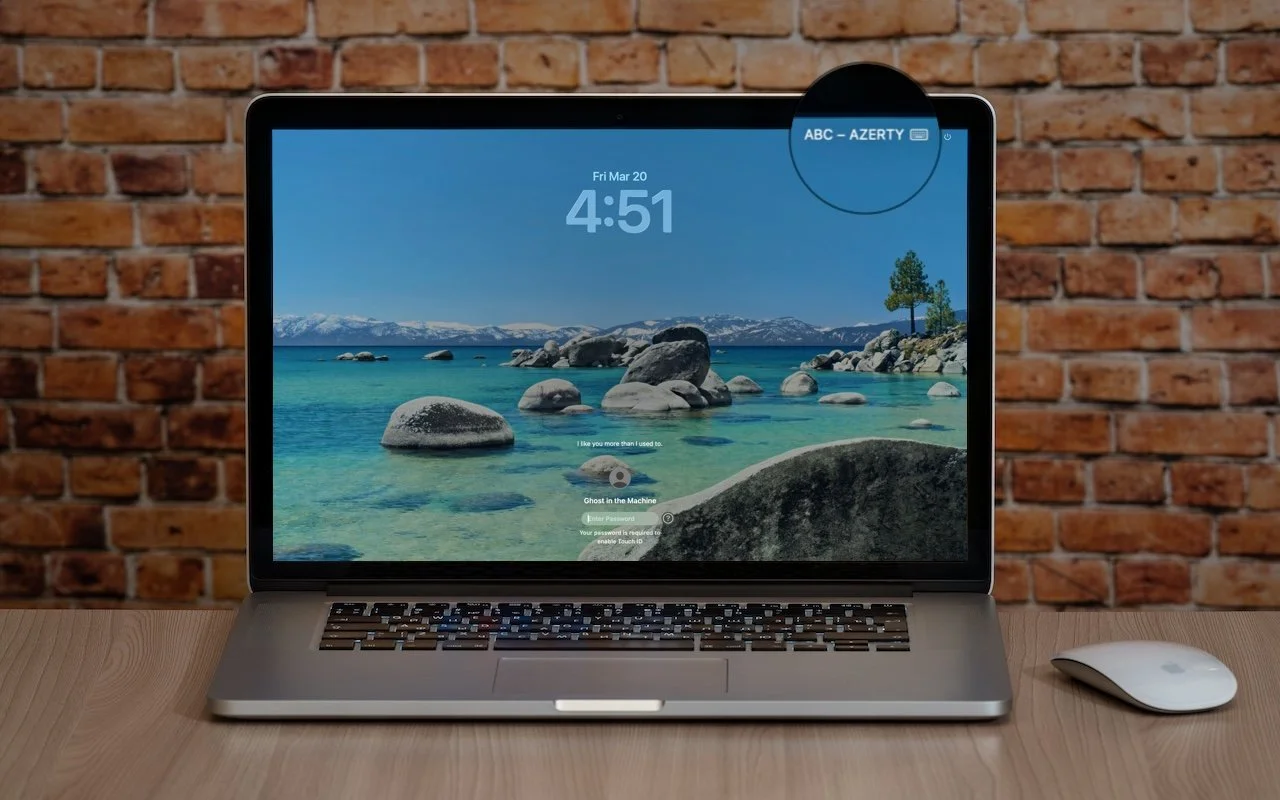
Is your Mac typing the wrong characters or rejecting your password? You may have accidentally switched keyboard layouts. Here’s how to check your input source and prevent it from happening again.

Mac tips
Apple’s Focus can silence distractions when you need quiet time, but its complexity can cause you to miss important notifications. Learn how to configure it safely—and avoid the pitfalls that lead to missed calls and messages.

Mac tips
Apple’s new $3,299 Studio Display XDR brings mini-LED, HDR, and 120 Hz to a 27-inch 5K display—pro display tech at a far more accessible price. The standard Studio Display also gets a refresh with a better camera and Thunderbolt 5.
In a free 30-minute call, tell us about your devices and your team, and we'll outline the next step.