Mac tips, page 3

Shortcuts, settings, and fixes for Mac, from the team that manages Macs for businesses every day.

Mac tips

How Does the New MacBook Neo Compare to the MacBook Air?

Apple’s new $599 MacBook Neo offers an affordable entry into the Mac ecosystem, but its compromises mean it’s best suited for K–12 students and users with basic computing needs. Here’s how it compares to the MacBook Air.


6 min read

Mac tips

Keep Your IT Budget Working During a Slowdown

Freezing IT spending during a slowdown often leads to higher costs later. Here’s practical, real-world advice on reducing costs while protecting the services that keep your business running.

3 min read

Mac tips

Why Your Windows Reopen (Or Don’t) As You Expect

Frustrated when your Mac apps don’t remember their windows—or when they stubbornly reopen old documents? Two little-discussed settings control this behavior. Here’s how Apple’s Resume technology really works.

6 min read

Mac tips

Customize Folder Colors and Icons in macOS 26 Tahoe

Tired of identical blue folders? macOS 26 Tahoe lets you add colors and icons—including emoji—to folders with a few clicks. Here’s how to make your Finder easier to navigate.

1 min read

Mac tips

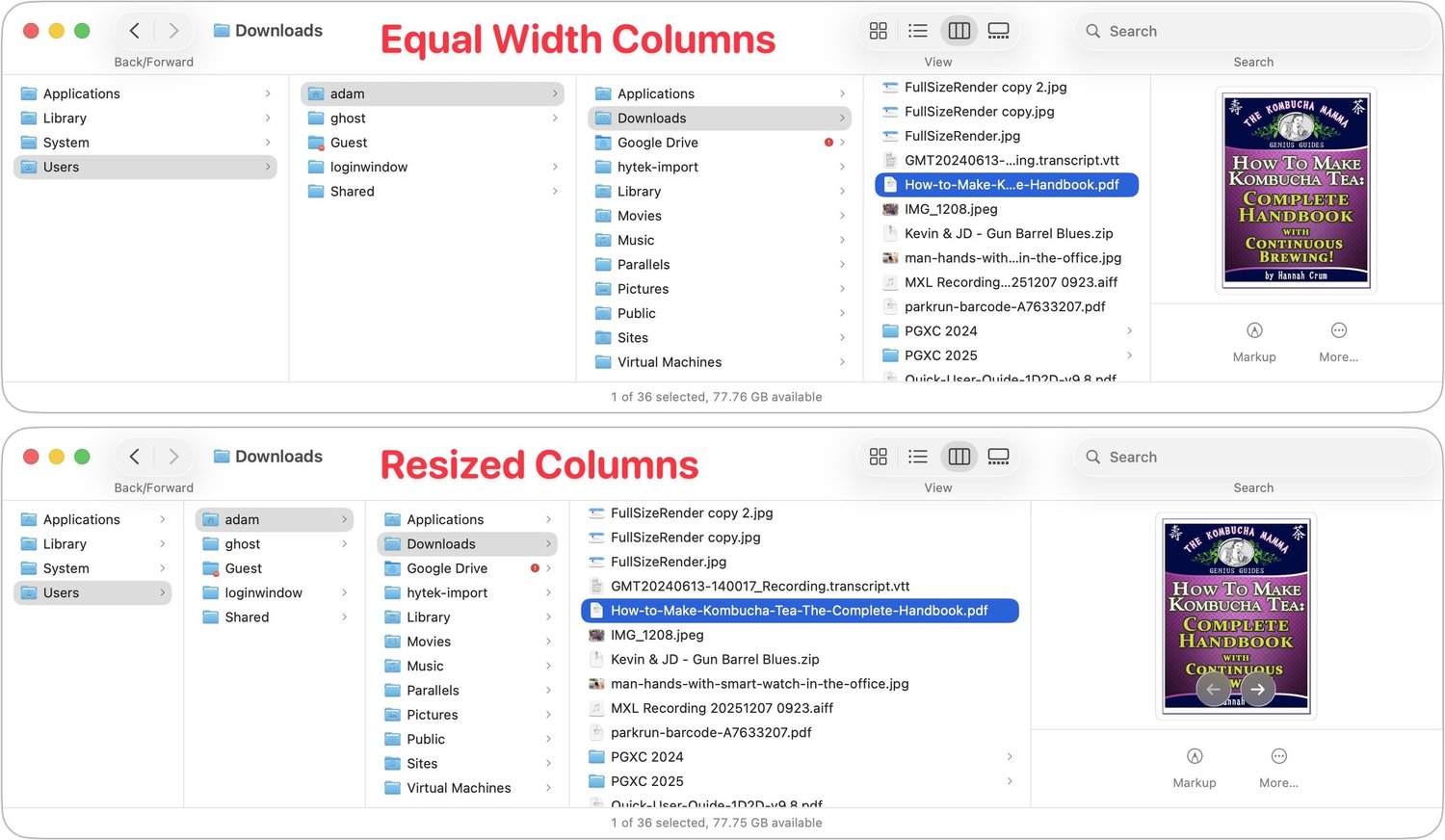
Make Finder Window Columns Resize to Fit Filenames

Tired of truncated filenames in the Finder’s Column view? macOS 26.1 Tahoe adds a simple checkbox to auto-resize columns—and you can enable the same feature in earlier macOS versions with a quick Terminal command or free utility.

1 min read

Mac tips

New Apple Creator Studio Bundles Pro Apps

Apple’s new Creator Studio bundle includes Final Cut Pro, Logic Pro, Pixelmator Pro, and more—plus premium content and AI features in the iWork apps—for $12.99/month or $129/year. Don’t worry—Keynote, Pages, and Numbers stay free for existing features.

1 min read

Mac tips

How to Ensure You Don’t Miss Reminders

Apple’s Reminders app offers more than simple notifications—from location-based alerts to the new alarm feature in iOS 26.2, here’s how to make sure you never miss an important task.

4 min read

Mac tips

Control Song Transitions in Apple Music

Apple’s new DJ‑style AutoMix transitions between songs in the Music app aren’t to everyone’s taste (and sometimes flub the jump). Here’s how to switch back to a timed Crossfade or disable transitions in Music on your iPhone, iPad, and Mac.

1 min read

Mac tips

Spotlight Gets Brighter in macOS 26 Tahoe

Spotlight in macOS 26 Tahoe received a major upgrade, and you can now filter results, run app actions, search sites directly, and browse clipboard history—all starting from a quick press of Command‑Space.

5 min read

Have an IT question we haven't covered?

In a free 30-minute call, tell us about your devices and your team, and we'll outline the next step.