

Mac tips
Reminders (Finally) Adds Time Zone Support
Traveling across time zones? Reminders in iOS 26, iPadOS 26, and macOS 26 finally lets you set a time zone per reminder so alerts fire at the right local “wall clock” time.
Shortcuts, settings, and fixes for Mac, from the team that manages Macs for businesses every day.
Mac tips
Traveling across time zones? Reminders in iOS 26, iPadOS 26, and macOS 26 finally lets you set a time zone per reminder so alerts fire at the right local “wall clock” time.

Mac tips
Automate Mac file chores like moving, renaming, or tagging files with folder action scripts that run whenever files change. You can even get an AI chatbot to write the script for you.

Mac tips
Missed a call? Keep follow‑ups from slipping through the cracks by setting a callback reminder right in the Phone app on iOS 26 and iPadOS 26.

Mac tips
Kick off 2026 with smart security habits: back up every device, stay current on software updates, outsmart phishing attempts, avoid sketchy sites, and streamline your logins with a password manager.
Mac tips
Speed up your Mac’s startup, reduce conflicts, and improve security by cleaning out old login items. It takes just a minute in System Settings.

Mac tips
Lost your MacBook charger? Don’t grab just any USB power adapter—using one that’s too weak can result in no charging, glacial charging, or battery drain while you work. Here’s the minimum wattage you need for each MacBook model.
Mac tips
Shopping for an Apple enthusiast this holiday season? Or maybe your own tech setup needs an upgrade? Check out our curated list of peripherals across multiple categories—from storage to chargers to keyboards.

Mac tips
Could you cut your design costs? Canva’s new Affinity app for macOS and Windows is free but offers features comparable to Adobe Photoshop, Illustrator, and InDesign. Try it and see if it’s enough to replace Creative Cloud.
Mac tips
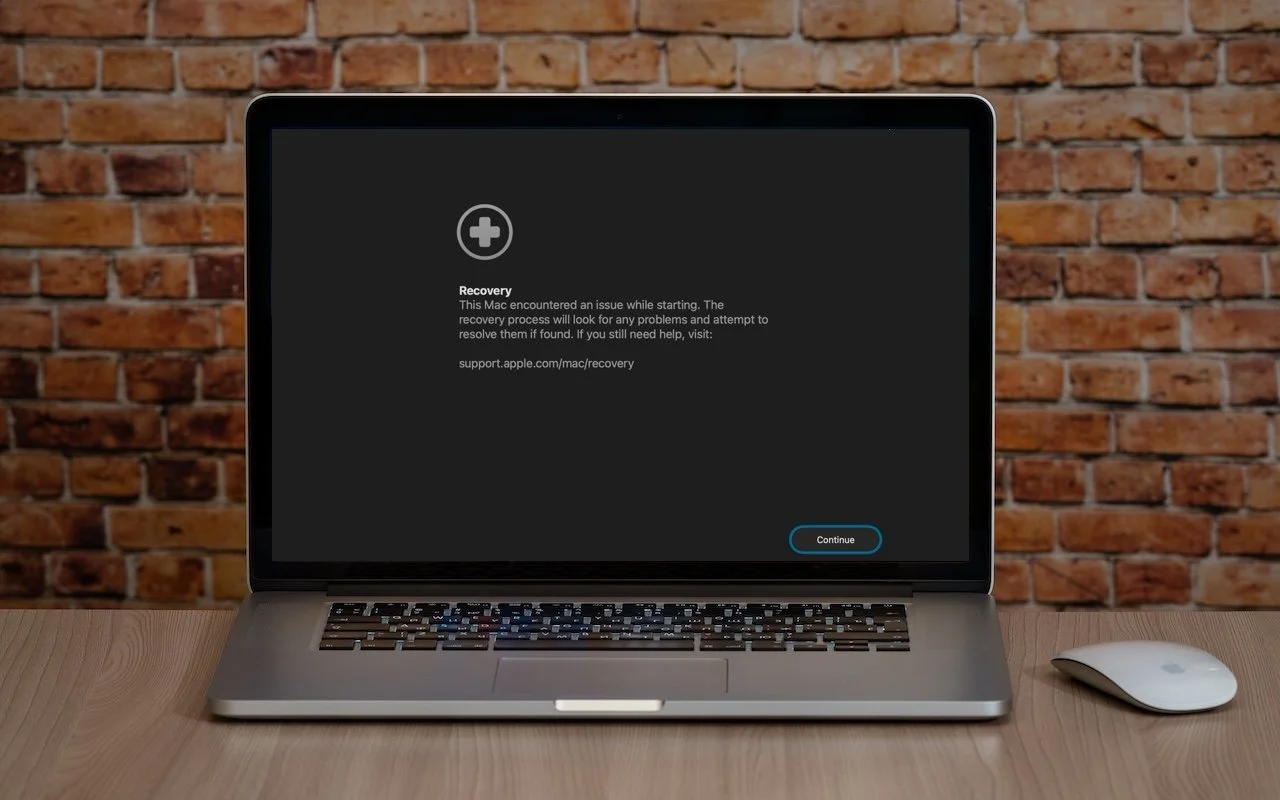
macOS 26 Tahoe brings a new Recovery Assistant, which automatically detects and attempts to resolve Mac problems. Just remember: automated recovery can be helpful, but backups are still essential.
Mac tips
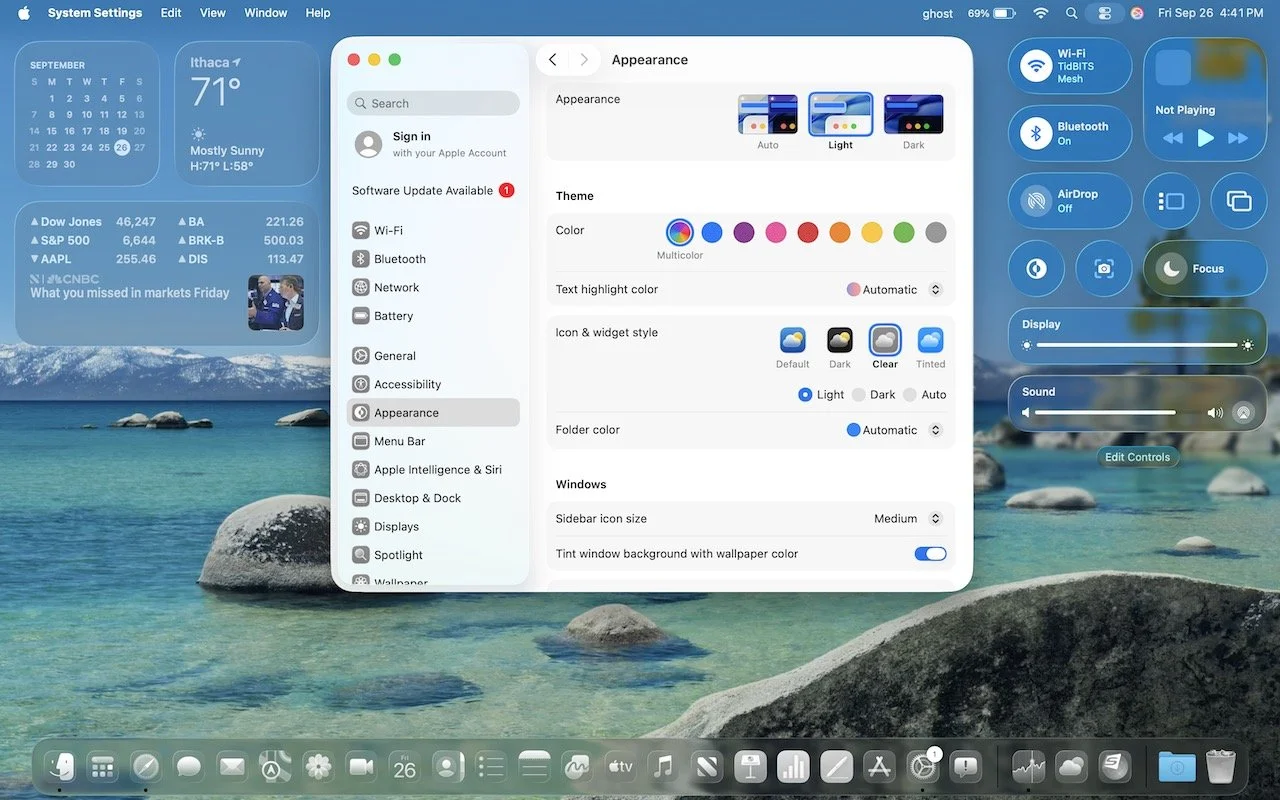
From transparent menu bars to customized folders, macOS 26 Tahoe introduces the most significant visual update in years. Discover the key interface changes that will influence your daily Mac use... and which you can turn off.
Mac tips
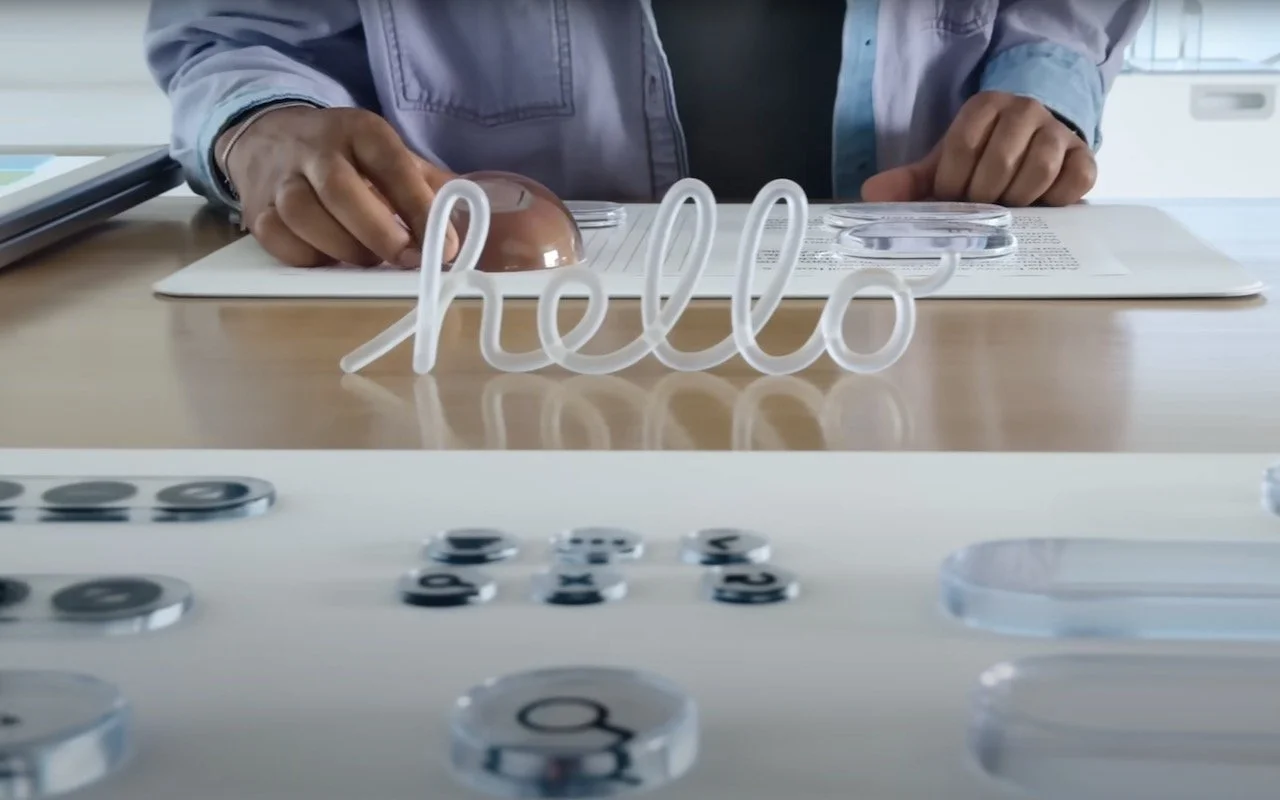
Apple’s new Liquid Glass interface brings semi-transparent, floating controls to all your devices. Here’s what that means and how to customize it to optimize your experience.

Mac tips
New App Store Accessibility Nutrition Labels show which apps support Apple’s accessibility features—a win for anyone who needs these capabilities now or in the future.
In a free 30-minute call, tell us about your devices and your team, and we'll outline the next step.