Mac tips, page 5

Shortcuts, settings, and fixes for Mac, from the team that manages Macs for businesses every day.

Mac tips

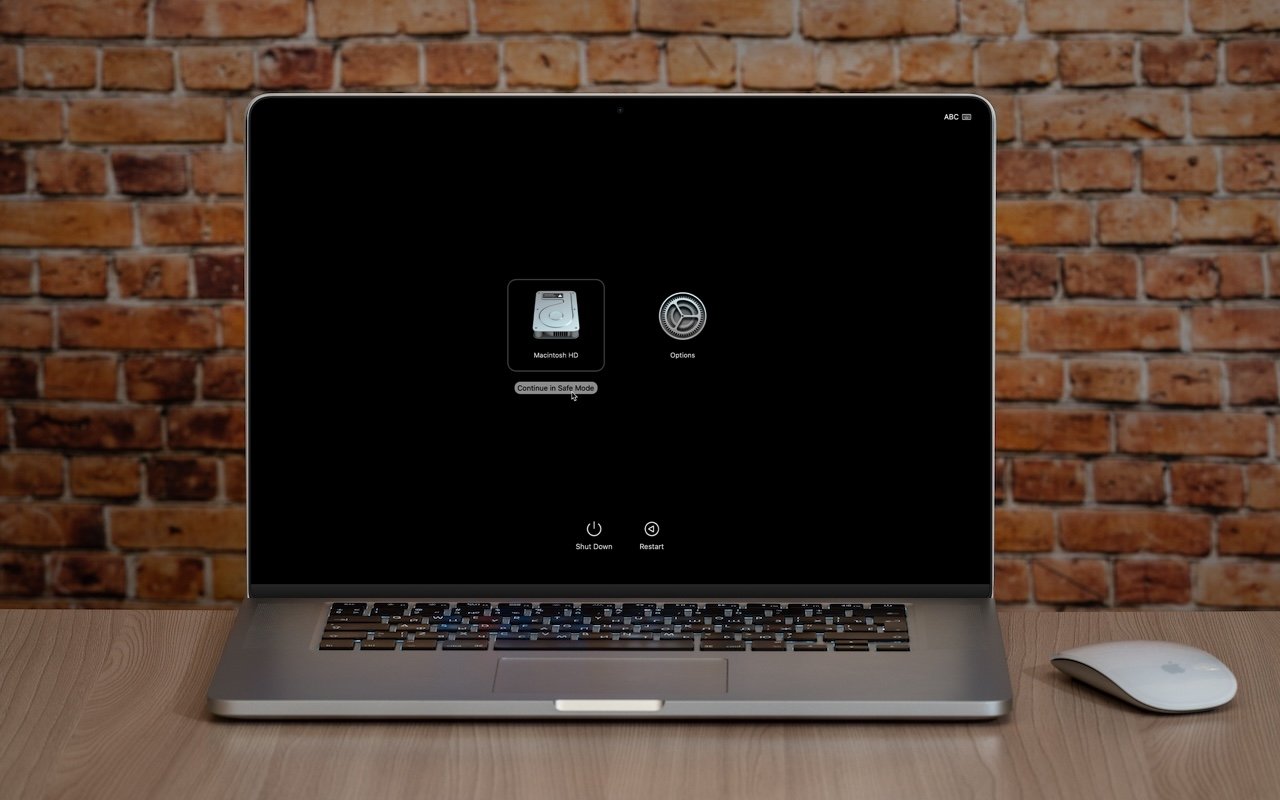
What Is Safe Mode, and When Should You Use It?

Having Mac problems? Before trying more complex solutions, restart in safe mode—your Mac’s stripped-down troubleshooting environment. It disables non-essential software and clears system caches to help identify and resolve common issues.

4 min read

Mac tips

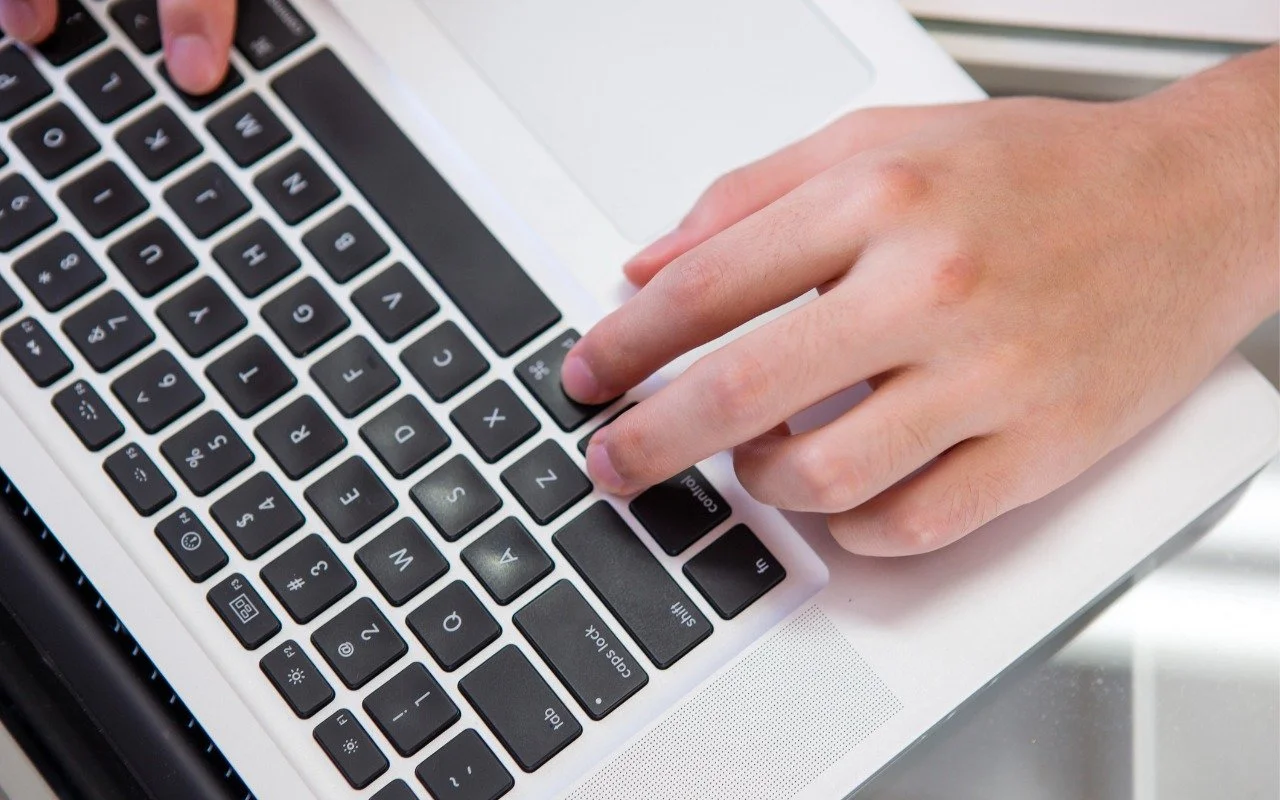
Press Control-Return in Sequoia to Open Contextual Menus

macOS 15 Sequoia has a new way you can keep your hands on the keyboard. Press Control-Return to open contextual menus—no mouse required. Try it out and speed up your workflow on your Mac.

1 min read

Mac tips

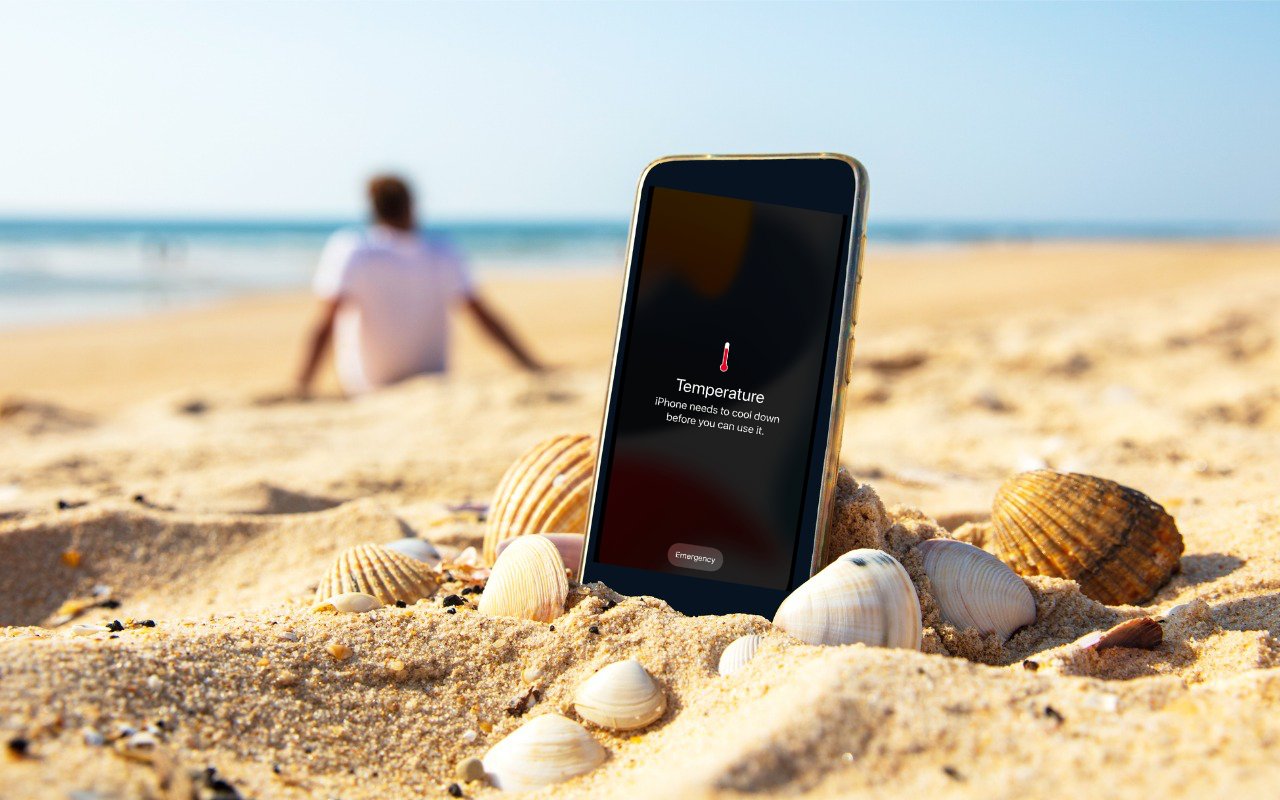
Heat Wave Survival Guide for Your Apple Devices

Think your Apple devices can handle the summer heat? Think again. Discover how high temperatures can damage your iPhone, iPad, and Mac—and what you can do to keep them safe.

4 min read

Mac tips

Never Paste Unknown Text into Terminal!

A clever new scam masquerades as a CAPTCHA test, asking users to paste text into Terminal to prove they’re human. Instead, it installs malware designed to steal passwords, browser data, and other sensitive information.

1 min read

Mac tips

Audit How You Appear in Google Search

Curious about how your personal information shows up in Google searches? Google’s Results About You service helps you monitor and manage your digital footprint.

1 min read

Mac tips

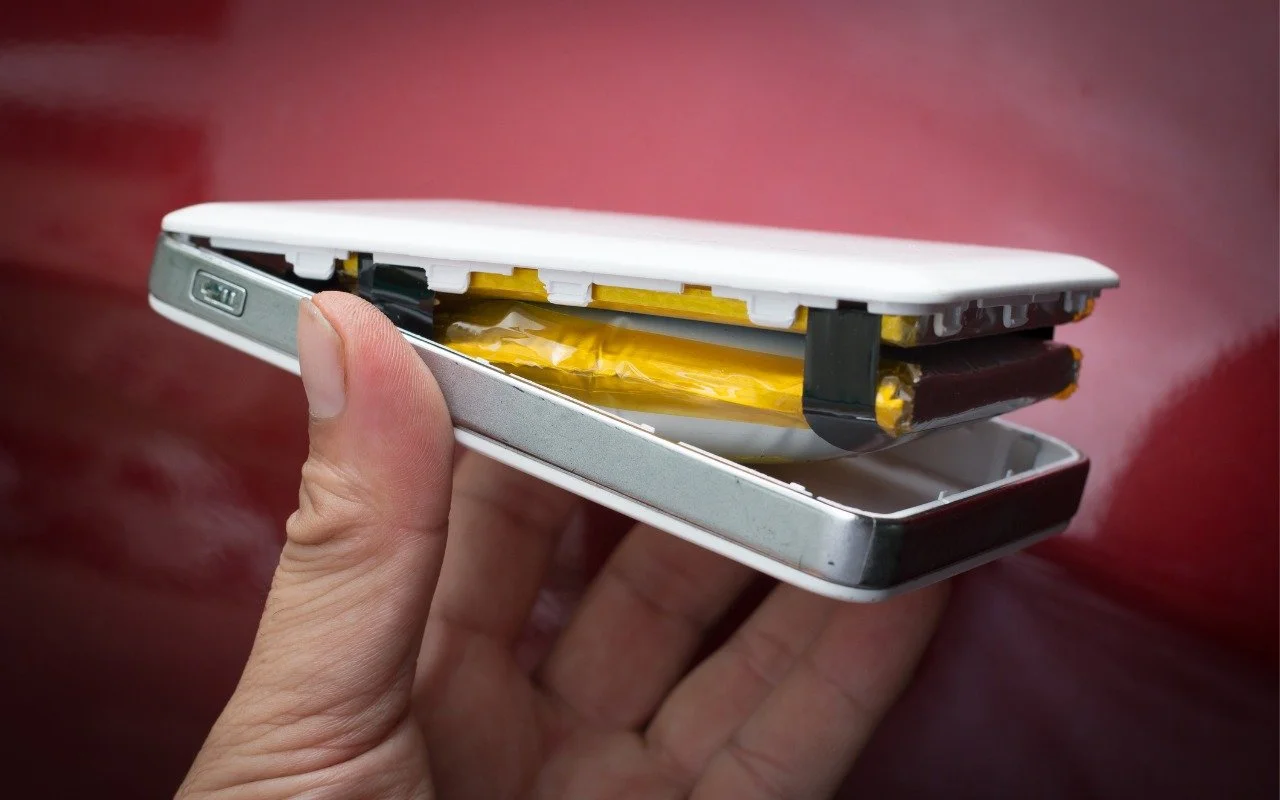
Anker Recalls Millions of Power Banks: Check Yours Today

Anker has issued major recalls for six power bank models due to fire risk. If you own an Anker power bank, check if yours is affected, even if it seems to be working fine. The company is offering free replacements or gift cards.

1 min read

Mac tips

Did You Know You Can Rename Many Bluetooth Devices?

You don’t have to put up with your iPhone’s list of Bluetooth devices being cluttered with confusing factory default names. Most Bluetooth devices can be renamed, allowing you to, for example, change the name from “MY-CAR” to “Nissan Leaf.”

1 min read

Mac tips

Consider Personal Cyber Insurance

With Americans losing $12 billion to fraud in 2024, personal cyber insurance is becoming essential. Learn what it covers, what to look for in a policy, and how it complements good security practices.

3 min read

Mac tips

Choosing the Best Mac for a College-Bound Student in 2025

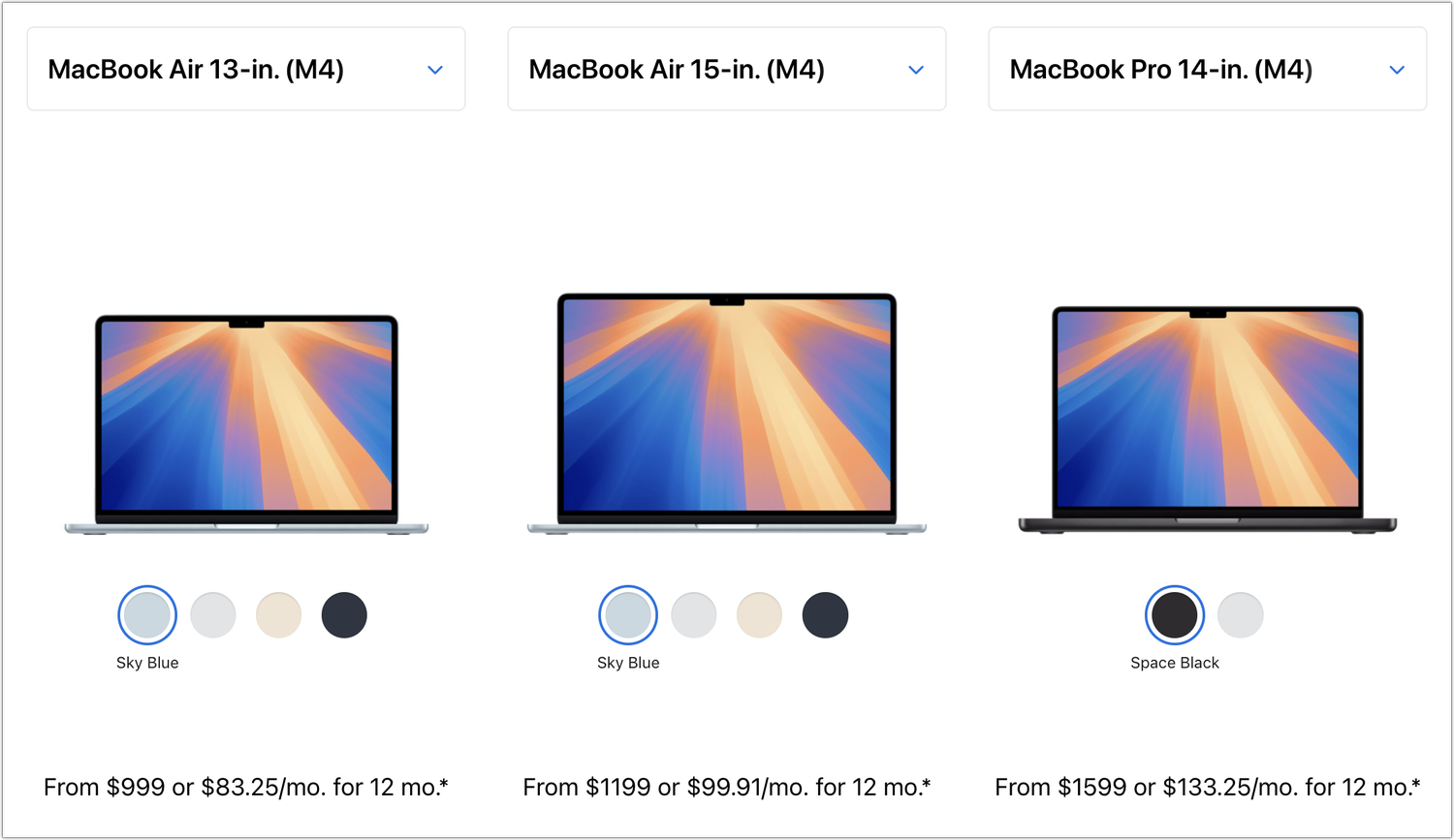
Which Mac is best for a college student in 2025? Our short answer is either the 13-inch or 15-inch M4 MacBook Air. However, students with substantial processing needs (such as audio or video editing) might want to consider the 14-inch MacBook Pro.

5 min read

Have an IT question we haven't covered?

In a free 30-minute call, tell us about your devices and your team, and we'll outline the next step.