About That Worrying Message Saying Your Password Has Been Breached…
In iOS 14, Apple added a feature that warns you when one of your website passwords stored in iCloud Keychain has appeared in a data breach. We’ve fielded some questions of late from people worrying…
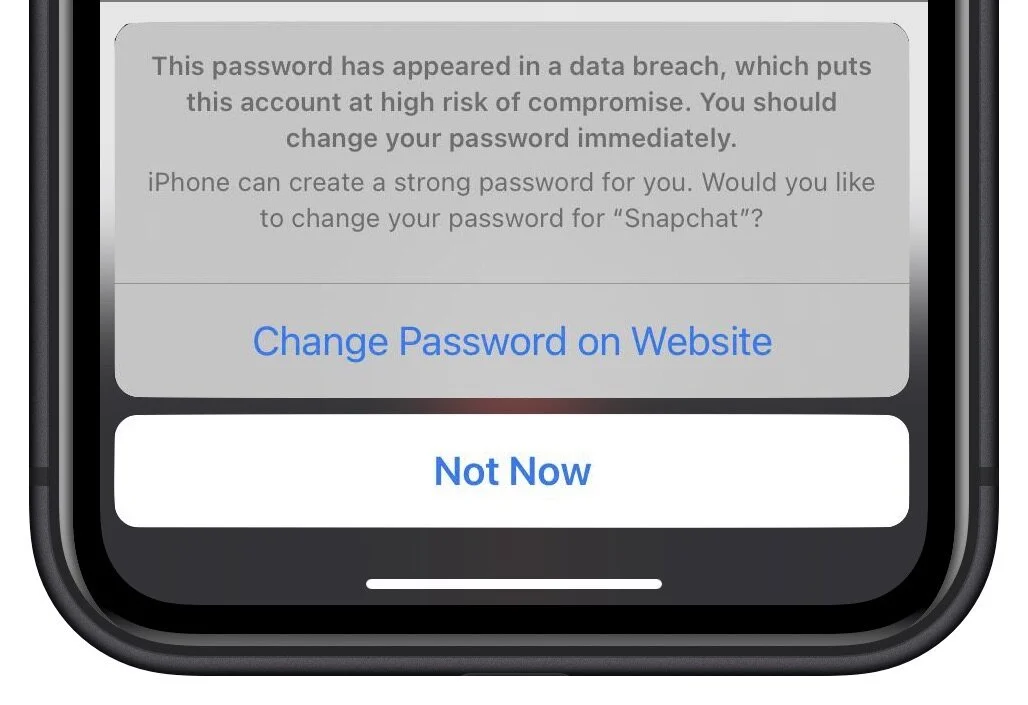
In iOS 14, Apple added a feature that warns you when one of your website passwords stored in iCloud Keychain has appeared in a data breach. We’ve fielded some questions of late from people worrying if the message is legitimate, and if so, what they should do. What has happened is that online criminals have stolen username and password data from a company, and your credentials were included in that data breach. You should indeed change your password immediately, and it’s fine to let the iPhone suggest a strong password for you. Or, if it makes you feel more comfortable, you can usually change the password in Safari on your Mac instead. Either way, make sure it’s unique—never reuse passwords across multiple sites!