What Are Those Orange and Green Dots in Your iPhone’s Status Bar?
The orange dot on your iPhone means an app is using the microphone; green means the camera. Here’s what to check if one appears unexpectedly.

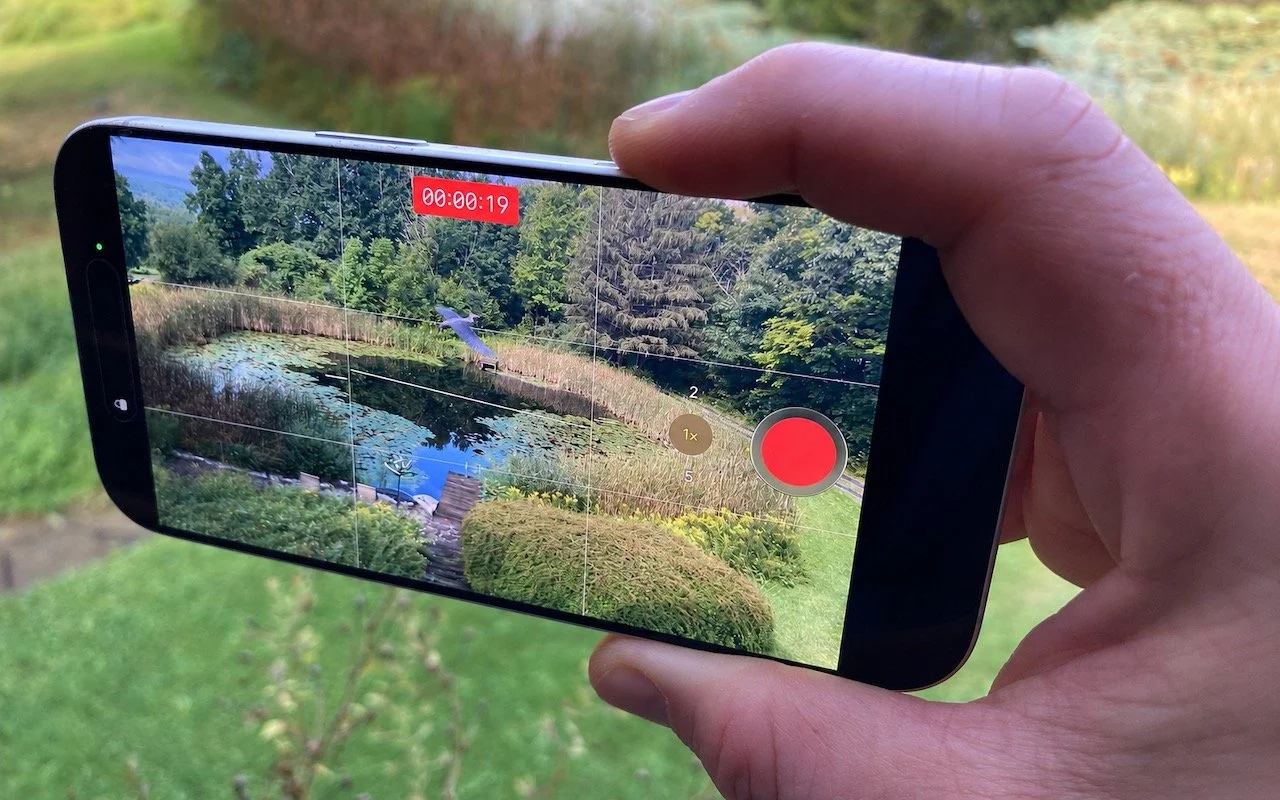
In iOS 14 and iPadOS 14, Apple added two new status indicators to the right side of the status bar at the top of the screen. They’re designed to give you feedback about what an app is doing. An orange dot indicates that an app is using the microphone, and a green dot means that an app is using the camera (and possibly the microphone as well). They’re subtle and shouldn’t be distracting, but if you ever notice them when you don’t think the camera or microphone should be in use, look for apps that might be using them in the background.