Select Non-Contiguous Text in Pages, Keynote, and Numbers 14
Select Non-Contiguous Text in Pages, Keynote, and Numbers 14 A new feature in Pages, Keynote, and Numbers lets you select bits of text that aren’t next to each other so that you can, for example, format them or copy them all at once.
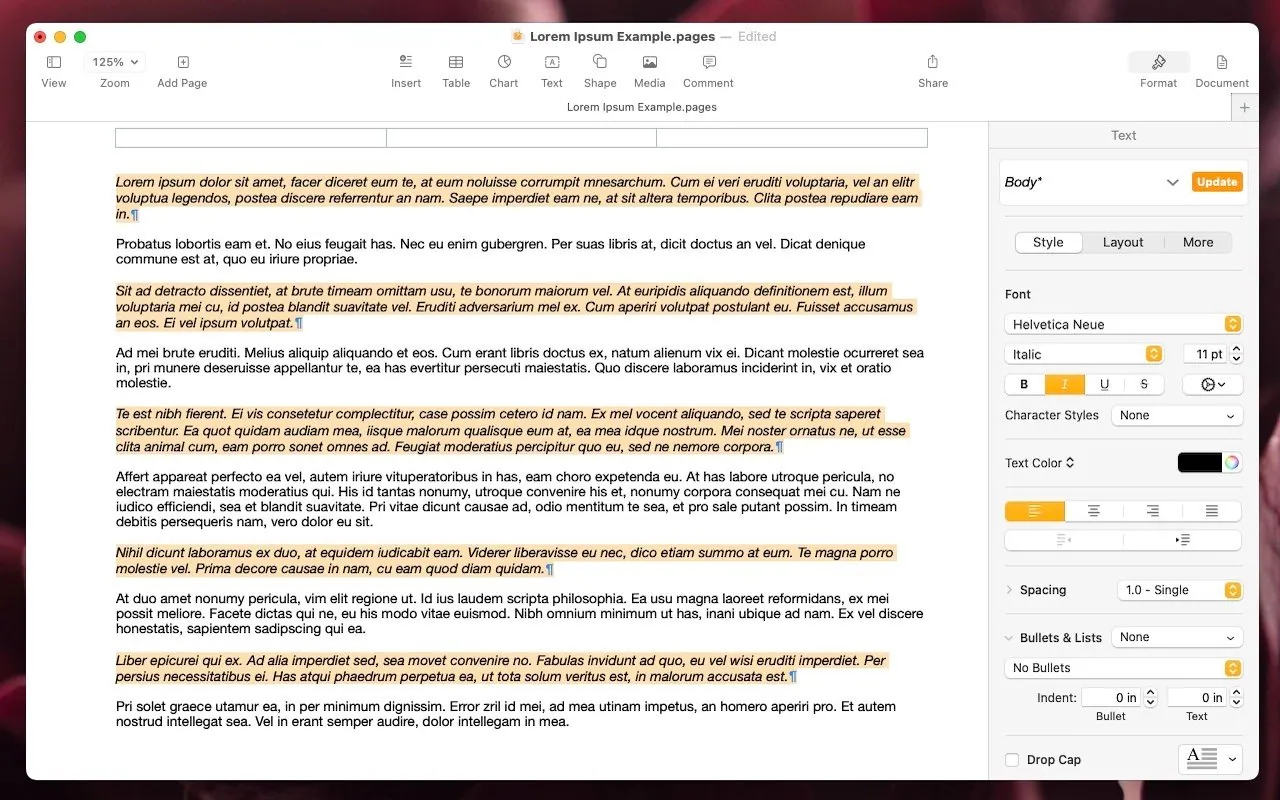
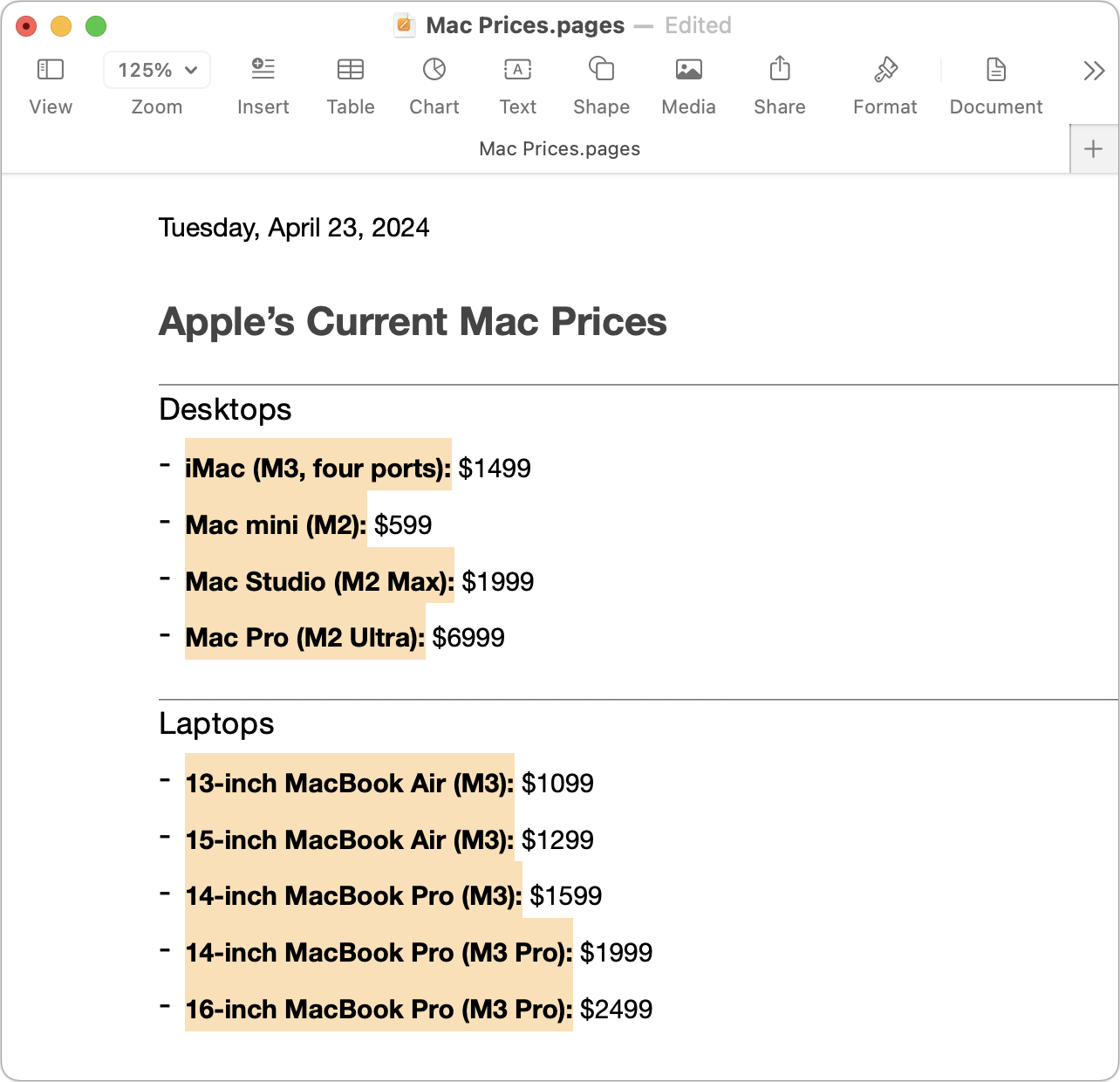
The latest versions of the Mac and iPad apps in Apple’s iWork suite—Pages 14, Keynote 14, and Numbers 14—have gained a helpful feature: non-contiguous text selection. By holding down the Command key, you can select chunks of text that aren’t next to each other. For example, imagine you want to make the first part of each item in a bullet list bold. Instead of bolding each one separately, hold down Command as you work to select all of them and then apply bold to the entire selection with a single command. Non-contiguous selection is particularly helpful when applying formatting, but you can also copy non-contiguously selected text or work with it in nearly any way you would interact with a contiguous text selection. (Note that while holding down Command, you can double-click to select words or triple-click to select paragraphs, just as you can normally without holding down Command.)