Need to Amuse Small Children During the Holidays? Try Slow Motion Video

If you find yourself at a family gathering with bored children over the holidays, allow us to recommend an activity that can keep kids engaged. Figure out something the kids can do that involves…

Young boy playing with toy dinosaurs at a table while an iPhone on a small tripod records him in front

If you find yourself at a family gathering with bored children over the holidays, allow us to recommend an activity that can keep kids engaged. Figure out something the kids can do that involves motion—knocking down a tower of blocks, rolling a ball or toy car down stairs, even just making silly faces—and record them using the Slo-Mo option in the Camera app. Swipe left (iPhone) or down (iPad) on the viewfinder or labels to move from Photo mode to Slo-Mo mode, and then tap the red record button to start filming. Our test kids had fun building tall towers to knock over while filming, giggled madly while watching the videos, and went on to brainstorm other activities to film in slow motion.
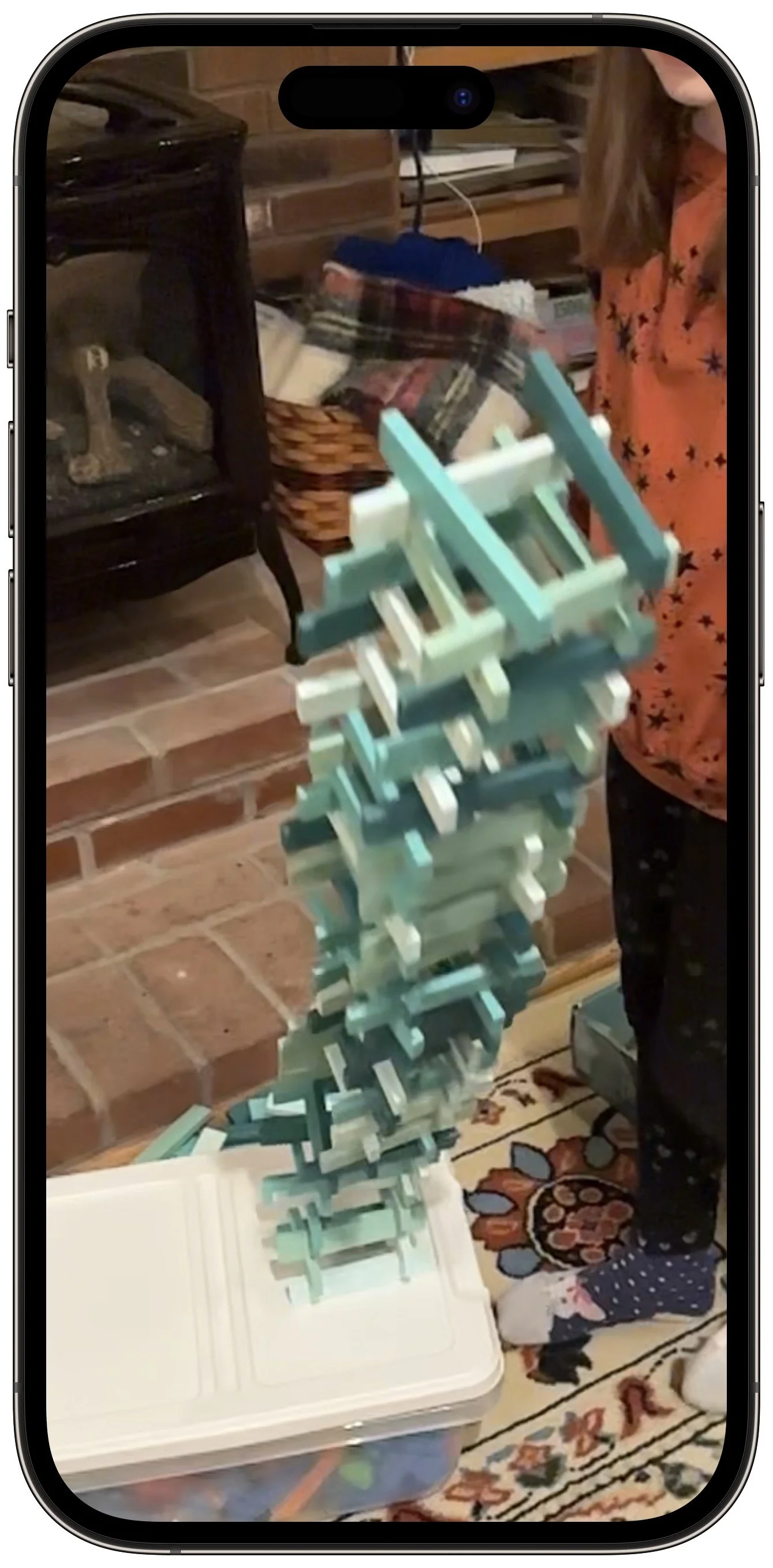
iPhone screen showing a slow-motion video frame of a tall stack of colorful wooden blocks mid-collapse in a living room

(Featured image by iStock.com/Elena Vafina)

About Atlas Solutions

Atlas Solutions is an Apple Technical Partner and Jamf MSP in Davidson, NC. We manage and secure Mac, iPhone, and iPad for businesses in Charlotte, Lake Norman, and beyond. More about us

See all

Mac tips

Dealing With the MacBook Notch in macOS 27 Golden Gate

Menu bar icons hidden behind your MacBook’s notch? macOS 27 Golden Gate finally adds a built-in fix: arrows that reveal the missing items. It’s not a replacement for Bartender or Ice, but it solves the core problem.

1 min read

Mac tips

You Quit the App. Why Is It Still Running?

An app can keep working after you quit it. macOS 27 Golden Gate makes that background activity easier to spot, and gives you controls to stop it when it’s no longer useful.

1 min read

Have an IT question we haven't covered?

In a free 30-minute call, tell us about your devices and your team, and we'll outline the next step.