The Plug Is Mightier Than the Puck: Wireless Charging Is Wildly Inefficient
In 2017, Apple added support for Qi wireless charging to the iPhone 8 and iPhone X, and with the iPhone 12 lineup, it introduced its own MagSafe wireless charging technology. There’s no denying the…
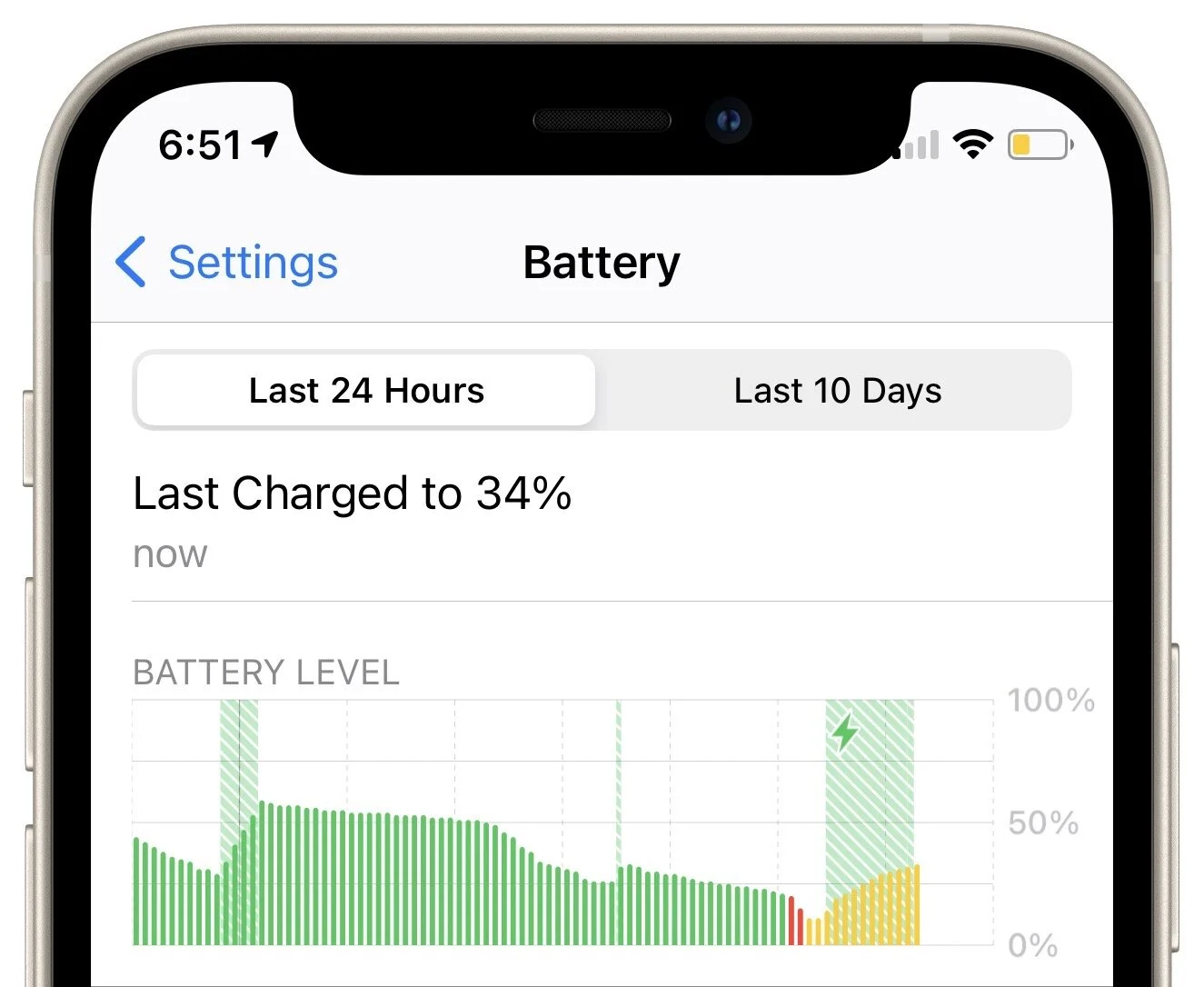
In 2017, Apple added support for Qi wireless charging to the iPhone 8 and iPhone X, and with the iPhone 12 lineup, it introduced its own MagSafe wireless charging technology. There’s no denying the convenience of wireless charging, but keep in mind that it’s extremely inefficient compared to wired charging. Individually, that may not matter much when you’re charging overnight from a wall-connected charger. But across billions of phones, it’s more problematic. One estimate suggests that wireless charging requires nearly 50% more power than cable. And if you’re charging from a wireless battery pack, wasting that juice means less of a top-up before exhausting the battery pack. Charging speed suffers too. In short, to charge your iPhone quickly and efficiently, whether from a wall-connected charger or a battery pack, stick with the traditional Lightning cable.