
AI data protection
We keep customer lists, contracts, and other sensitive files out of public AI tools. Then we clean up file sharing in Microsoft 365 or Google Workspace before Copilot or Gemini can see it.
Or call 704-897-2690

What doesn't belong in a public AI tool
Customer lists, contracts, health details, and payroll. None of it goes into a free personal account, where the company has no say over what happens to it.
How we keep it out
Data protection is one part of our AI consulting and governance work, alongside a plain-English AI use policy your team can follow.

-
Work plans instead of personal accounts
We move your people onto work plans, signed in with their work accounts, so the company controls the data.
-
Fix sharing before Copilot or Gemini
These tools can show a person any file that person can already open. If sharing is too wide, the AI sees too much, so we fix it first in Google Workspace or Microsoft 365.
-
Labels and data-loss rules
We apply Microsoft Purview sensitivity labels or Google Workspace data-loss rules to the files you already have.
Questions we get
What should stay out of a free personal account?
Do business plans train on our data?
Why clean up file sharing first?
Related services
-

AI use policy
Plain-English rules for which tools people can use, what company data can go into them, and when a person reviews the output.
-

AI access and identity
AI tools and AI agents sign in through Okta or Microsoft Entra, so access follows each person's work account.
-
AI governance
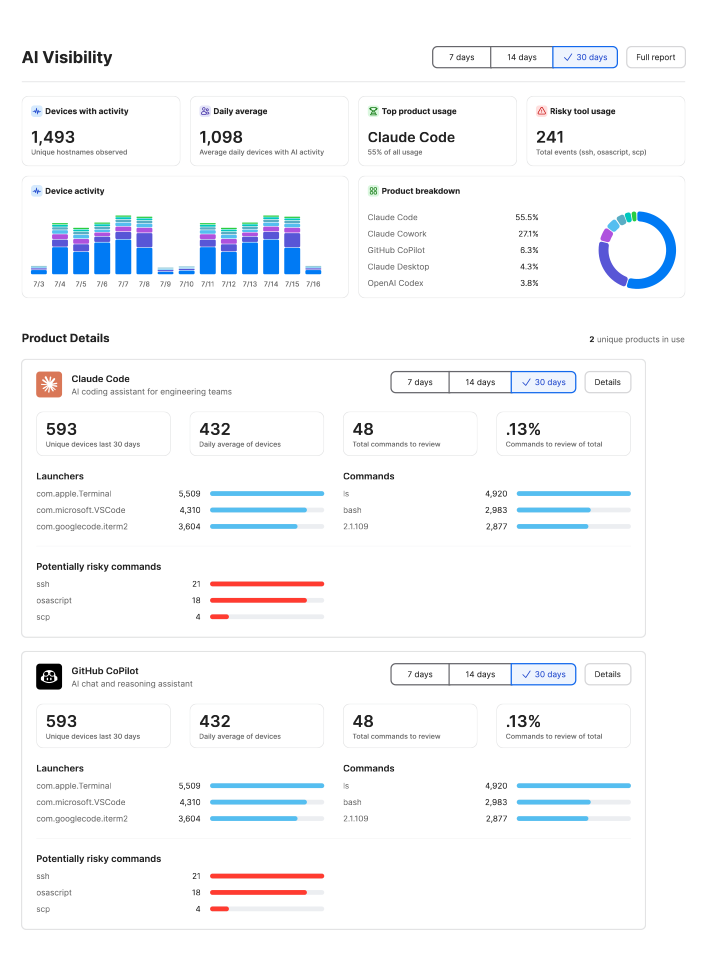
See which AI apps are already in use, set rules your team will follow, and enforce them on your devices and accounts, including Jamf AI Governance on company Macs.
Clean up before AI looks around.
We'll look at where your files are shared and what your team puts into AI tools, and show you what to fix first.