Tips for Working with Mac Display Resolutions

Tips for Working with Mac Display Resolutions You can adjust your Mac’s screen resolution to make text and graphics larger so they’re easier to see, or if you have good vision, you can make them smaller so more content fits on the screen. Our tips will help.
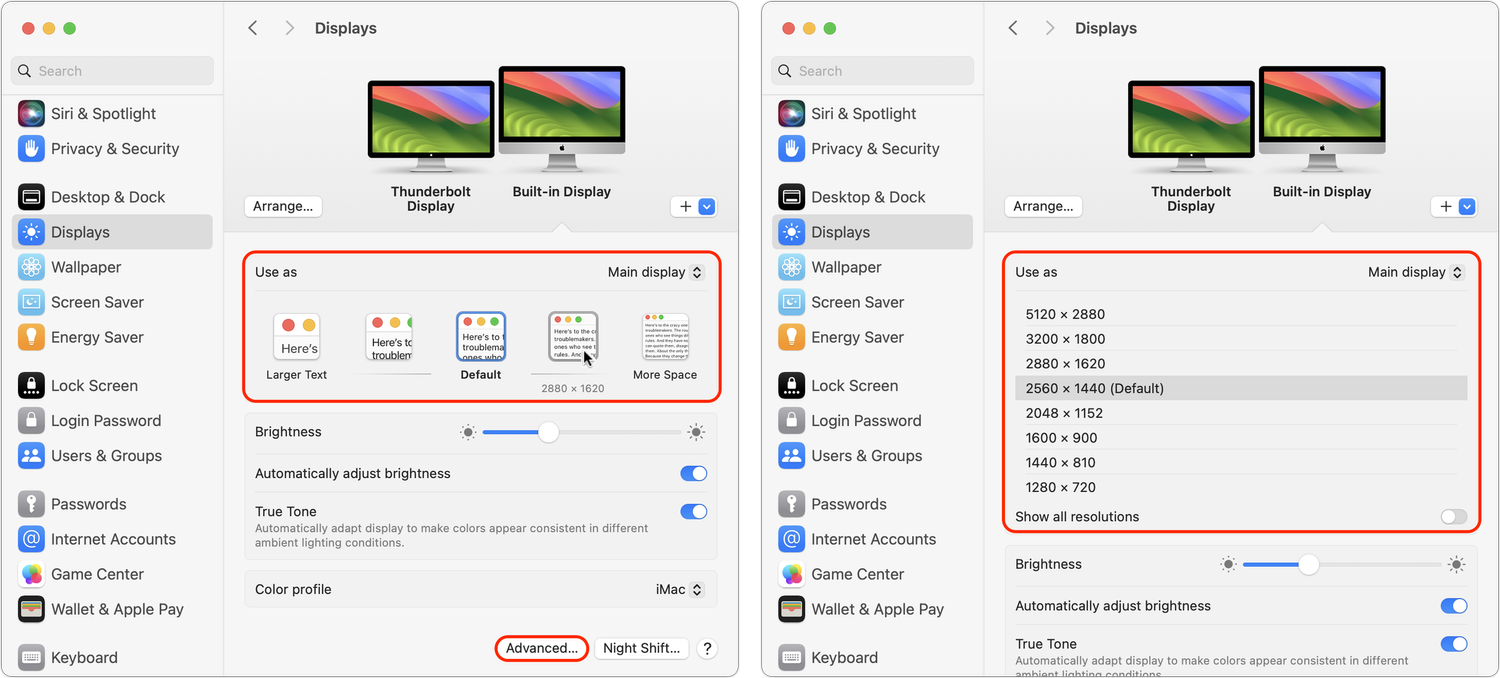
You can change the resolution of your Mac’s screen—how many pixels appear—to make text and graphics larger and easier to see or smaller to fit more content onscreen. In System Settings > Displays, Apple shows thumbnails for five likely possibilities. Hover the pointer over a thumbnail to see its numeric resolution underneath. If you prefer the traditional list of numeric resolutions, Option-click a thumbnail—another Option-click in the list brings back the thumbnails. Although the Show All Resolutions switch reveals more options, most will be fuzzy. If you always want to see resolutions as a list, click Advanced at the bottom and turn on Show Resolutions as a List. Finally, look closely for a tiny Easter egg: the text in the thumbnails is the script from Apple’s classic Think Different ad spot.
About Atlas Solutions

Atlas Solutions is an Apple Technical Partner and Jamf MSP in Davidson, NC. We manage and secure Mac, iPhone, and iPad for businesses in Charlotte, Lake Norman, and beyond. More about us

See all

Mac tips

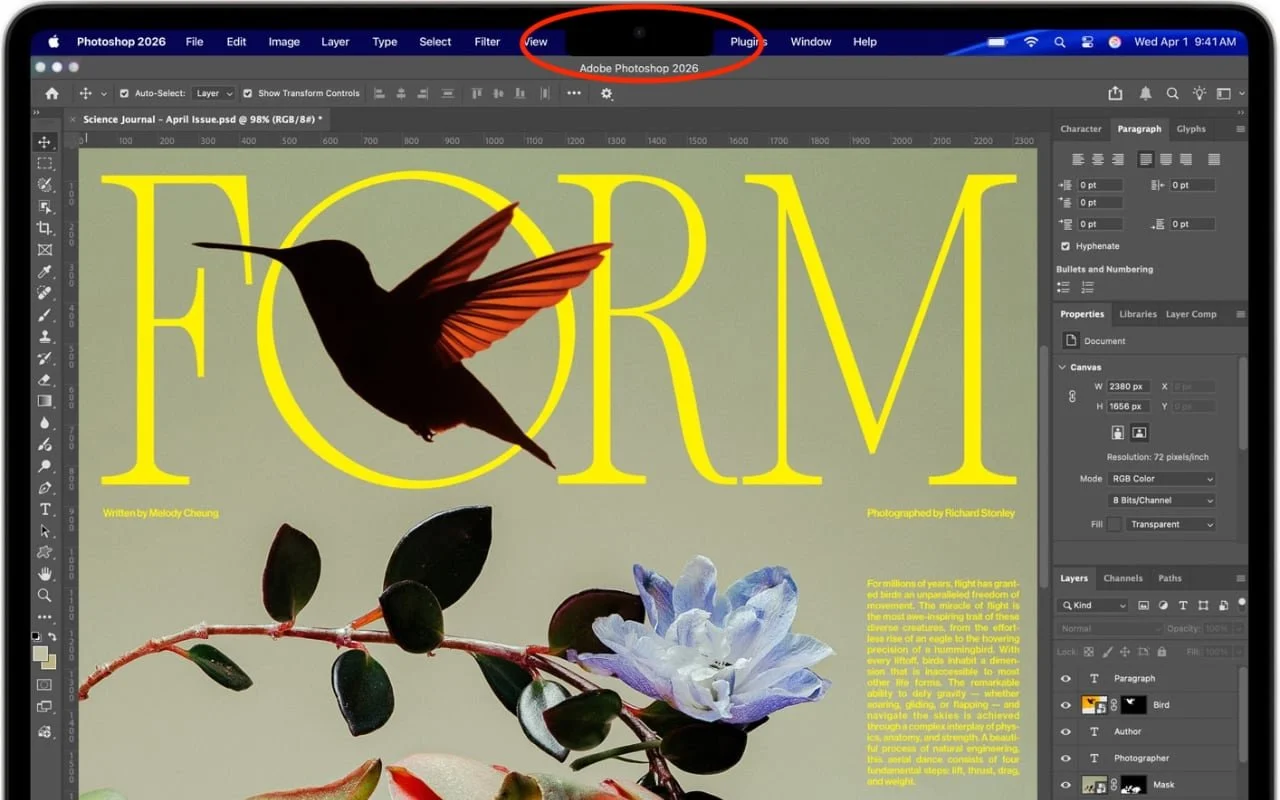
Dealing With the MacBook Notch in macOS 27 Golden Gate

Menu bar icons hidden behind your MacBook’s notch? macOS 27 Golden Gate finally adds a built-in fix: arrows that reveal the missing items. It’s not a replacement for Bartender or Ice, but it solves the core problem.

1 min read

Mac tips

You Quit the App. Why Is It Still Running?

An app can keep working after you quit it. macOS 27 Golden Gate makes that background activity easier to spot, and gives you controls to stop it when it’s no longer useful.

1 min read

Mac tips

Keep a USB Mouse and Keyboard Around for Troubleshooting

For troubleshooting, your wireless Magic Keyboard and Magic Trackpad can work over USB-C if needed, but if Bluetooth or pairing fails when you’re booting into macOS Recovery, an old or cheap wired USB mouse and keyboard can save the day.

1 min read

Have an IT question we haven't covered?

In a free 30-minute call, tell us about your devices and your team, and we'll outline the next step.