The Atlas Solutions blog, page 36

Tips and plain-English explainers on Mac, iPhone, and iPad, security, and AI at work, from the Apple Technical Partner team in Davidson, NC.

iPhone and iPad tips

In iOS 15, You Can Now Open an App from the Lock Screen

Most of the time, when you unlock your iPhone or iPad, you want to launch an app. In iOS 15 and iPadOS 15, you no longer have to unlock the device, find the app on a Home screen page, and tap it. Instead, you can open an app directly from the Lock screen.

1 min read

iPhone and iPad tips

iOS 15 Allows Rearranging and Deletion of Home Screen Pages

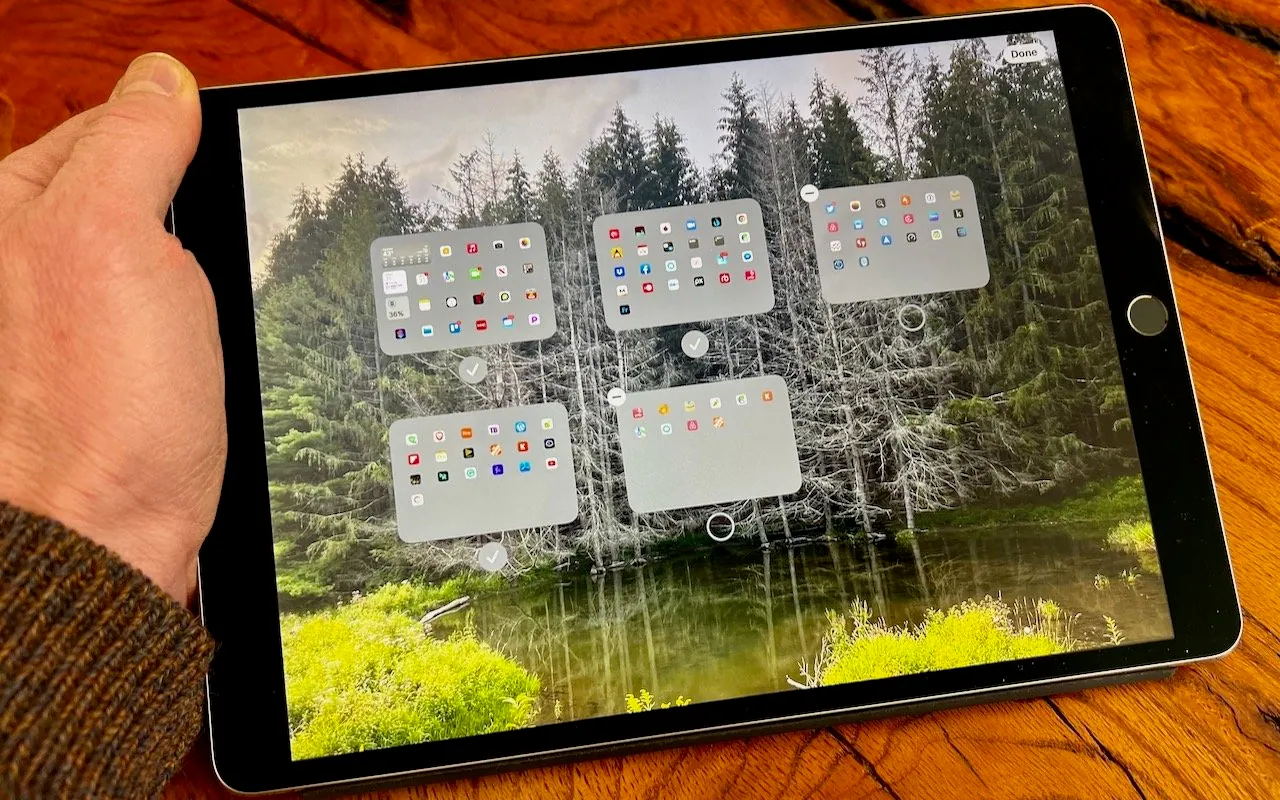
Back in iOS 14, Apple added the App Library, which collects all the apps on your iPh-one. With everything available in the App Library, iOS 14 was also able to provide the option of hiding Home screen pages, a boon for those of us with too many disor-ganized pages. In iOS 15, Apple has taken the next step.

1 min read

Mac tips

Looking for a New Email Provider? Try These Services

Is it time for a new email provider? Our article looks at recommended choices and helps you pick one that meets your needs, whether you’re an everyday user or a business.

4 min read

iPhone and iPad tips

Where to Check macOS, iOS/iPadOS, and iCloud Storage Status

There’s little more frustrating than running out of space, which always seems to happen at just the wrong time. Luckily, Apple makes it easy to check any time, before it becomes a problem. On the Mac, choose About This Mac from the Apple menu and click Storage. On an iPhone or iPad, navigate to Settings > General > iPhone/iPad Storage. For iCloud, you can look in either System Preferences > Apple ID on the Mac or in Settings > Your Name > iCloud > Manage Storage on an iPhone or iPad. Once you know how much space is consumed by what, you can more easily clear unnecessary data.

1 min read

iPhone and iPad tips

The Hidden Controls in the iPhone’s Camera App

Want to use a timer when taking an iPhone photo or manually control the depth of field in Portrait mode? You’ll need to reveal the Camera app’s hidden controls. Read on to find out how to show them—and what they help you do.

4 min read

Business IT

You Can Now Upgrade to macOS 12 Monterey When You’re Ready

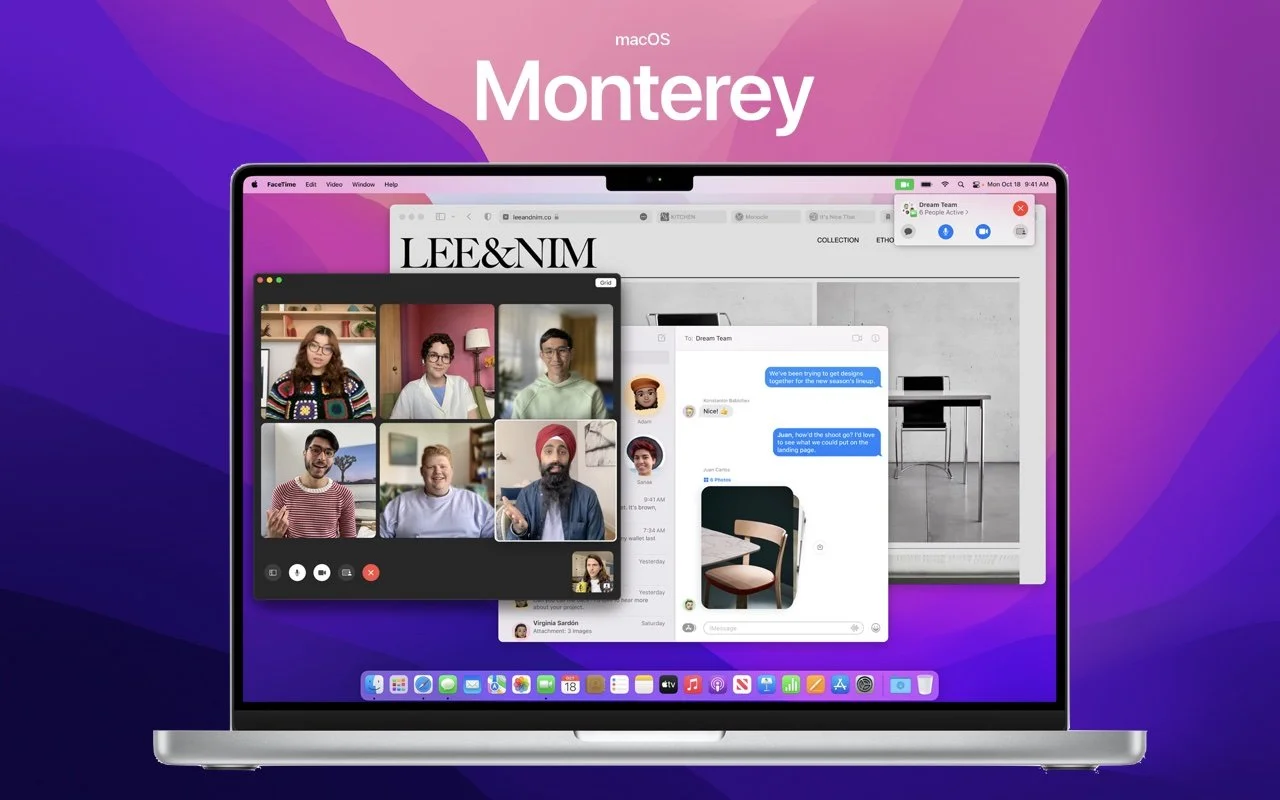
Should you upgrade to macOS 12 Monterey? There’s no need to do so immediately, but we think it’s now safe for those who want to take advantage of the new features and integration with Apple’s other operating systems.

5 min read

iPhone and iPad tips

Set Custom Text Sizes on a Per-App Basis in iOS 15

In previous versions of iOS, you could change the systemwide text size to make all apps—at least those that support Dynamic Type—display text at larger or smaller sizes. (Most people who use this…

1 min read

Have an IT question we haven't covered?

In a free 30-minute call, tell us about your devices and your team, and we'll outline the next step.