The Atlas Solutions blog, page 9

Tips and plain-English explainers on Mac, iPhone, and iPad, security, and AI at work, from the Apple Technical Partner team in Davidson, NC.

Mac tips

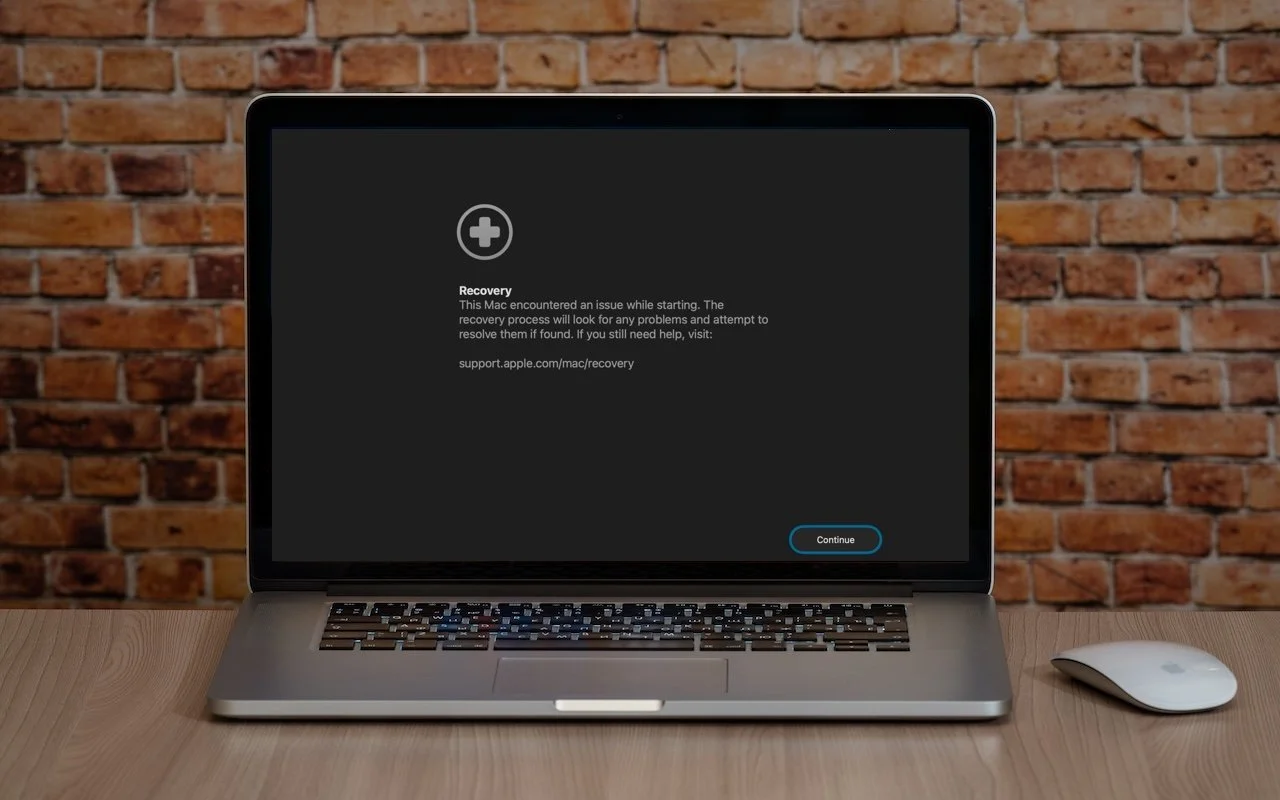
macOS 26 Tahoe Introduces New Recovery Assistant

macOS 26 Tahoe brings a new Recovery Assistant, which automatically detects and attempts to resolve Mac problems. Just remember: automated recovery can be helpful, but backups are still essential.

1 min read

Mac tips

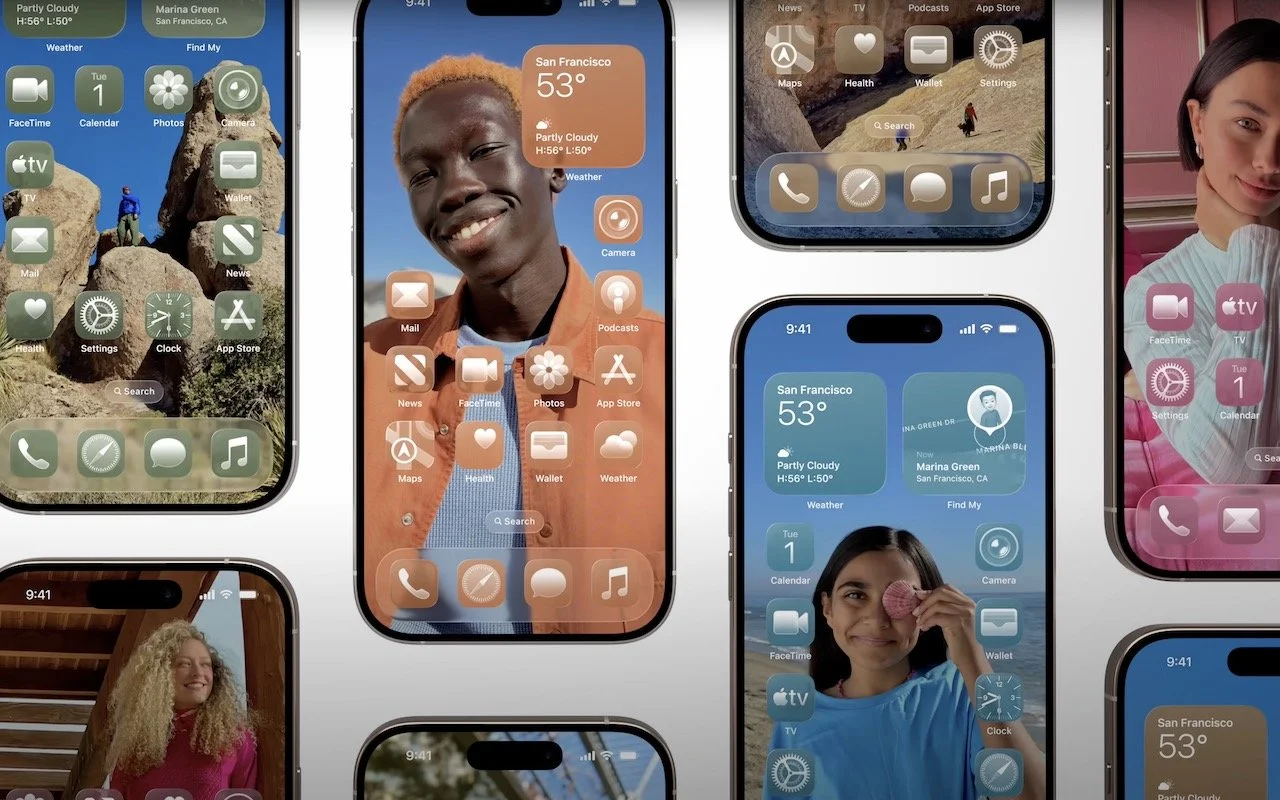
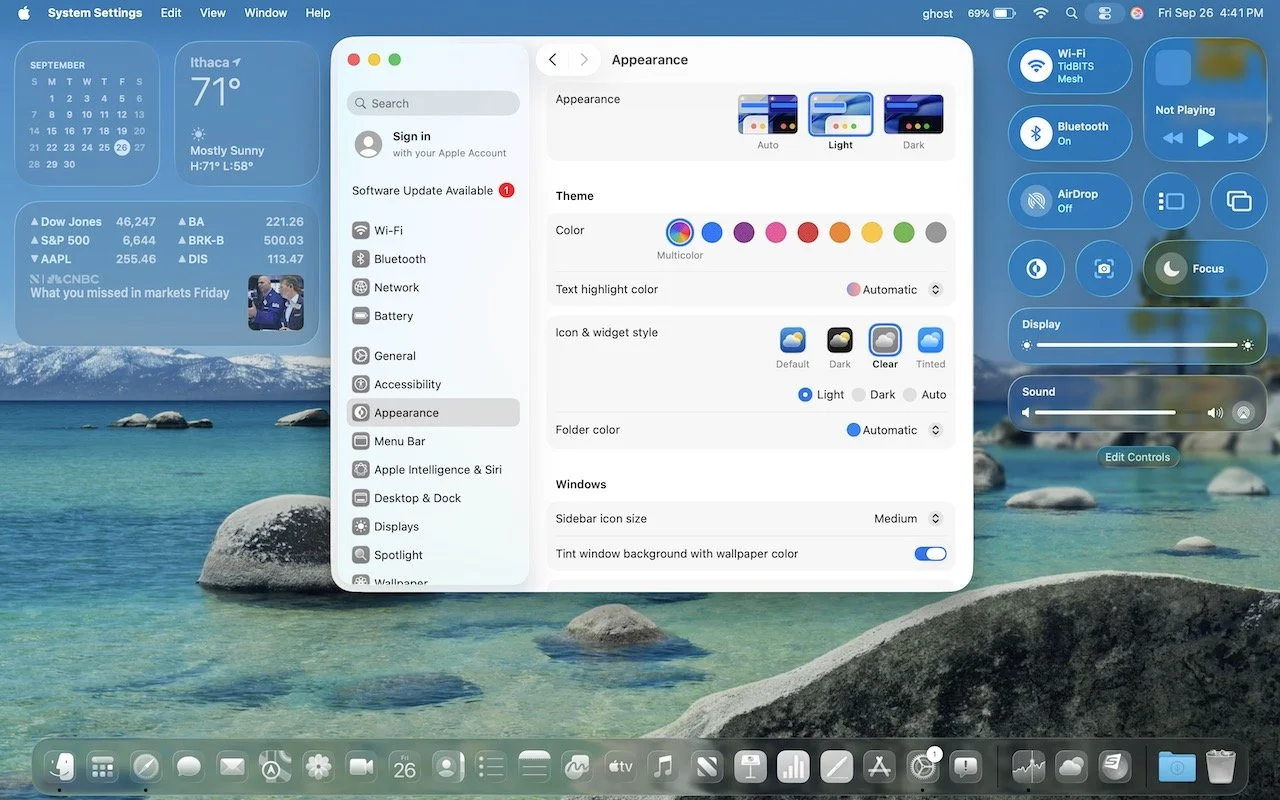
Notable User Interface Changes to Expect in macOS 26

From transparent menu bars to customized folders, macOS 26 Tahoe introduces the most significant visual update in years. Discover the key interface changes that will influence your daily Mac use... and which you can turn off.

4 min read

Security and privacy

Updated Passwords App Adds History

Apple’s Passwords app can now show your password history in macOS 26 Tahoe, iOS 26, and iPadOS 26, helping you track down why that “correct” password isn’t working.

1 min read

iPhone and iPad tips

Ten Useful New Features in iOS 26’s Phone App

iOS 26 supercharges the Phone app with call screening, live translation, and hold music detection. But that’s not all! You can make calls from a Mac or iPad, share your screen during calls, see a contact’s call history, and more.

4 min read

Mac tips

App Store Gains Accessibility Nutrition Labels

New App Store Accessibility Nutrition Labels show which apps support Apple’s accessibility features—a win for anyone who needs these capabilities now or in the future.

1 min read

AI at work

When to Trust AI Tech Answers (And When to Call Us)

When should you trust an AI chatbot’s tech advice? Learn when chatbots can help with basic issues and when it’s time to call a professional for more complex problems.

2 min read

iPhone and iPad tips

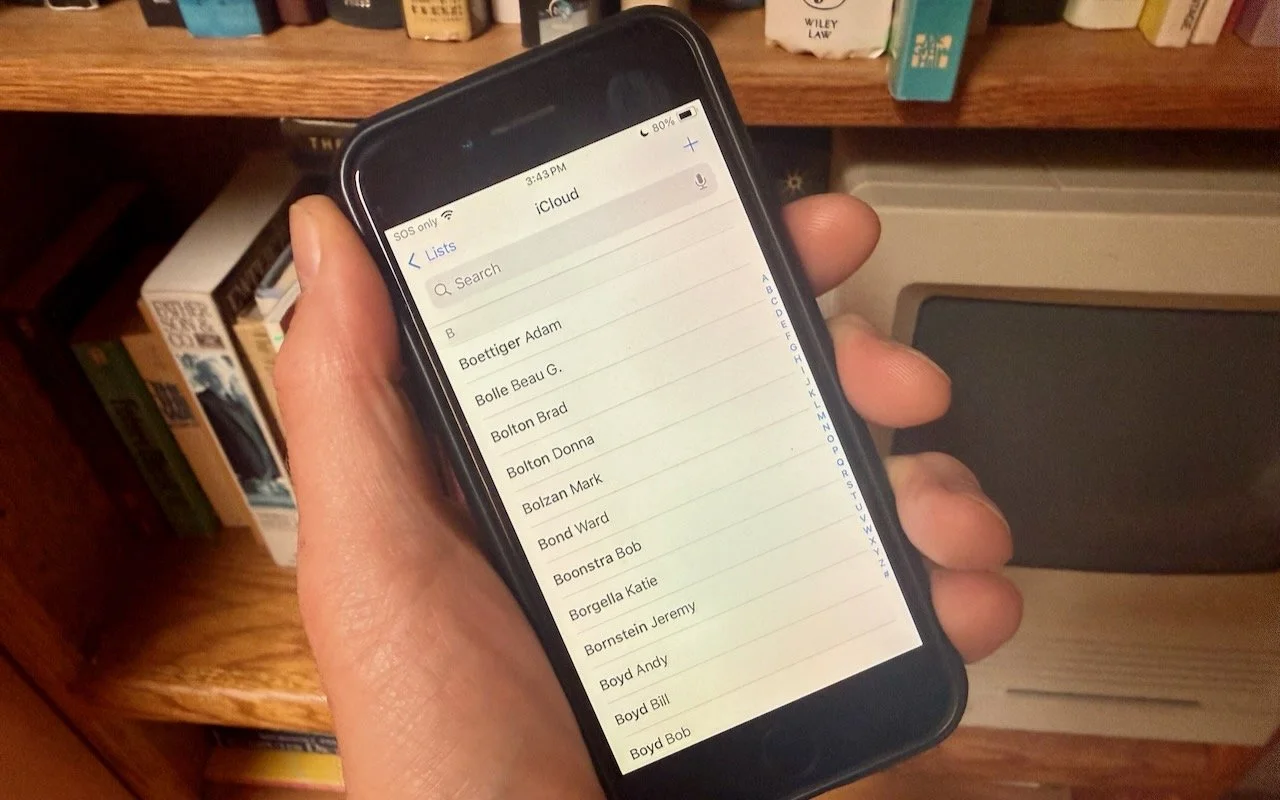
How to Display Contacts with Last Names First

Want to display your contacts with the last name shown first? Here’s how to configure your iPhone, iPad, and Mac to display “Anderson, Andy” instead of “Andy Anderson.”

1 min read

iPhone and iPad tips

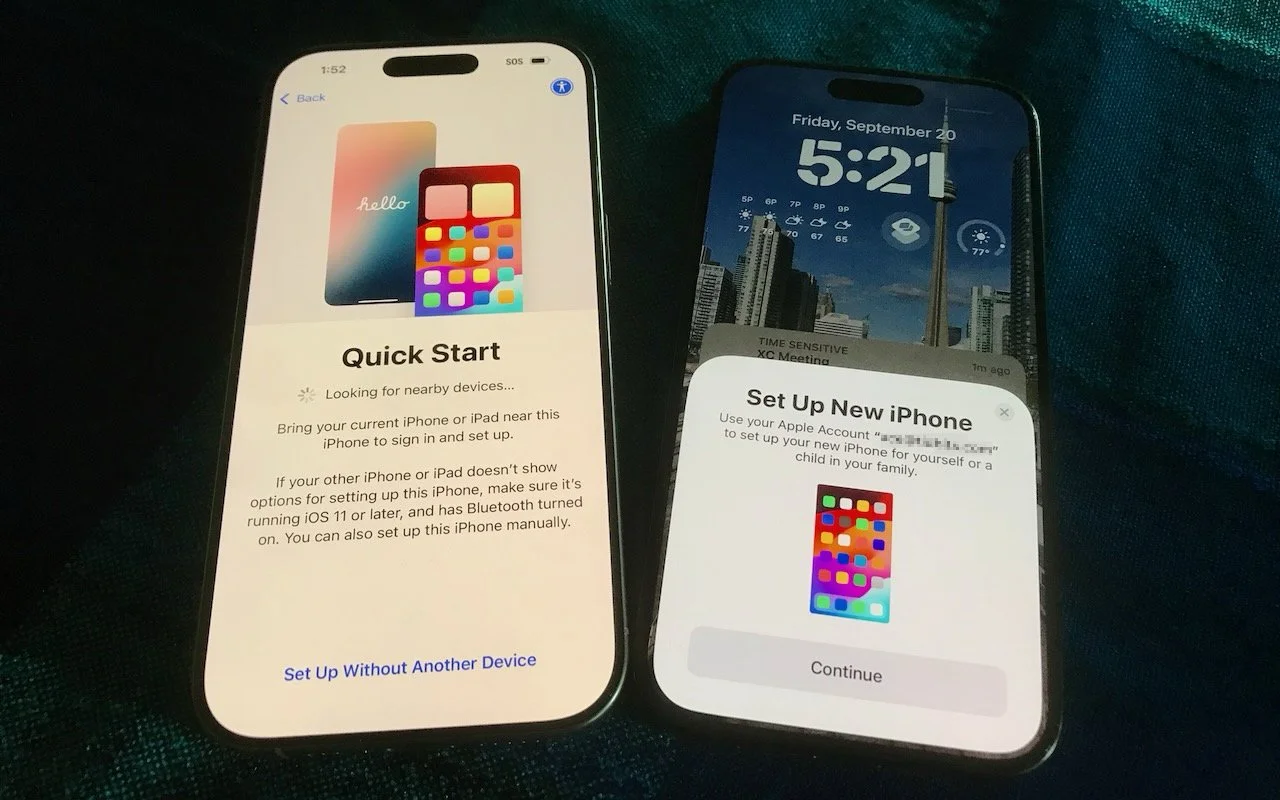
Follow This Advice Before Switching to a New iPhone 17

It’s exciting to get a new iPhone, but don’t dive in willy-nilly. Instead, take a few minutes to read our advice on what you should do before and after transferring your data from your old iPhone.

4 min read

Have an IT question we haven't covered?

In a free 30-minute call, tell us about your devices and your team, and we'll outline the next step.