iPhone and iPad tips, page 4

Practical tips for getting more out of iPhone and iPad at work, from Messages and Mail to battery life and settings.

iPhone and iPad tips

How (and Why) to Use iPhone Mirroring on Your Mac

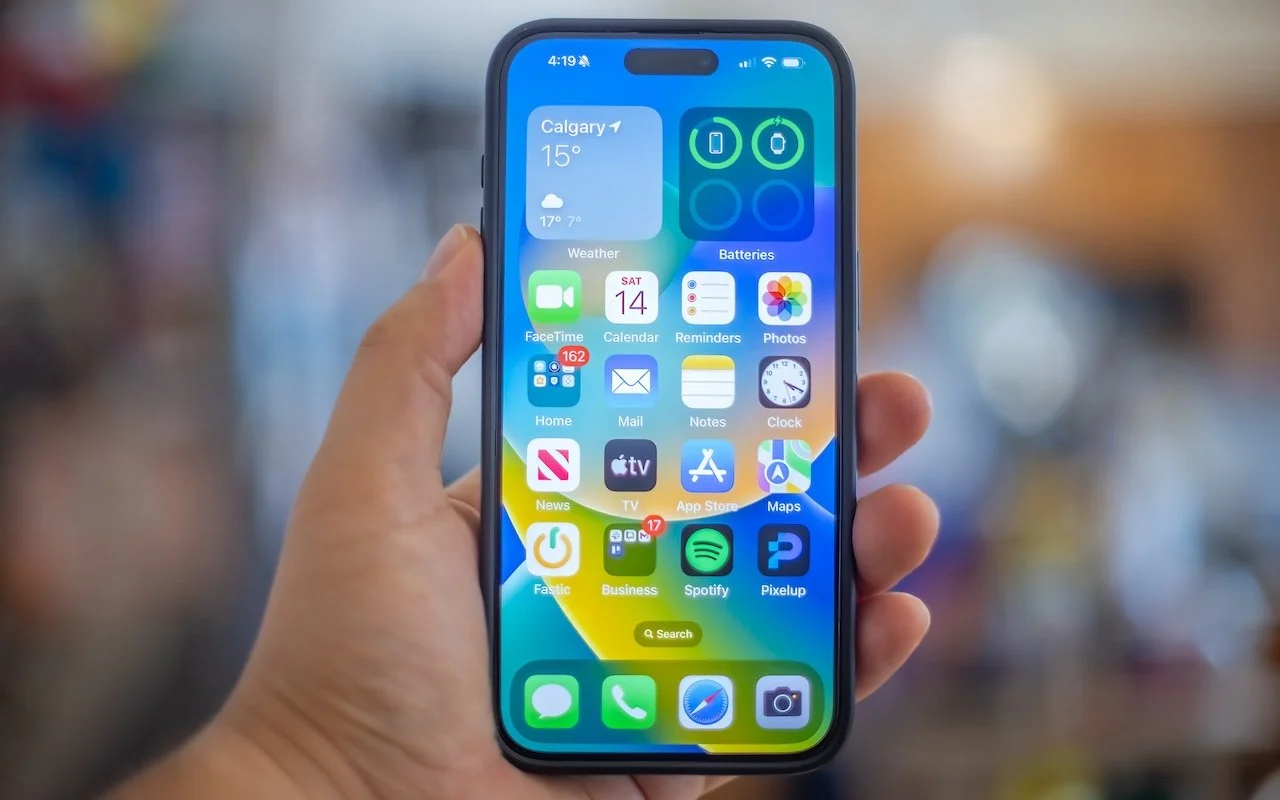
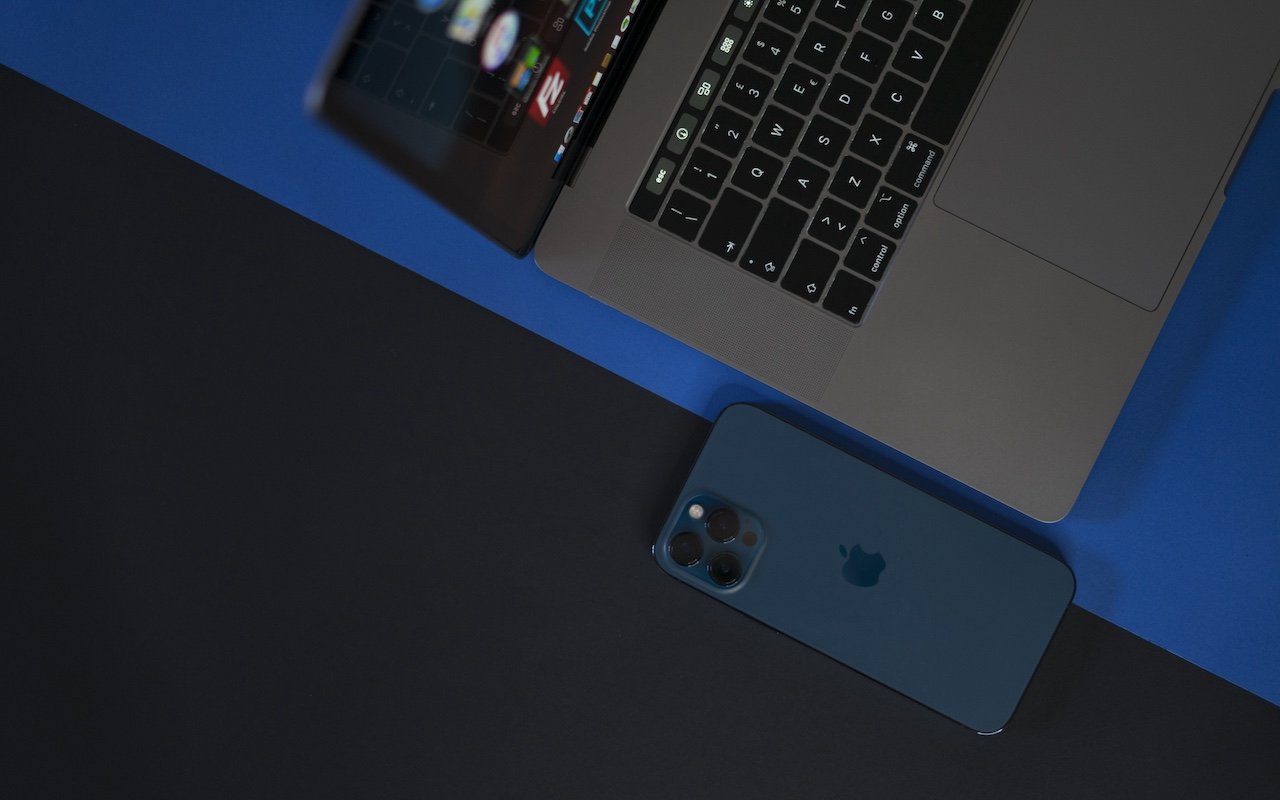
The new iPhone Mirroring app in macOS 15 Sequoia lets you use your iPhone running iOS 18 in a window on your Mac. It’s a welcome feature that offers the possibility of increased productivity and fewer distractions.
4 min read

iPhone and iPad tips

For Moments of Joy, Use watchOS 11’s Photos Watch Face

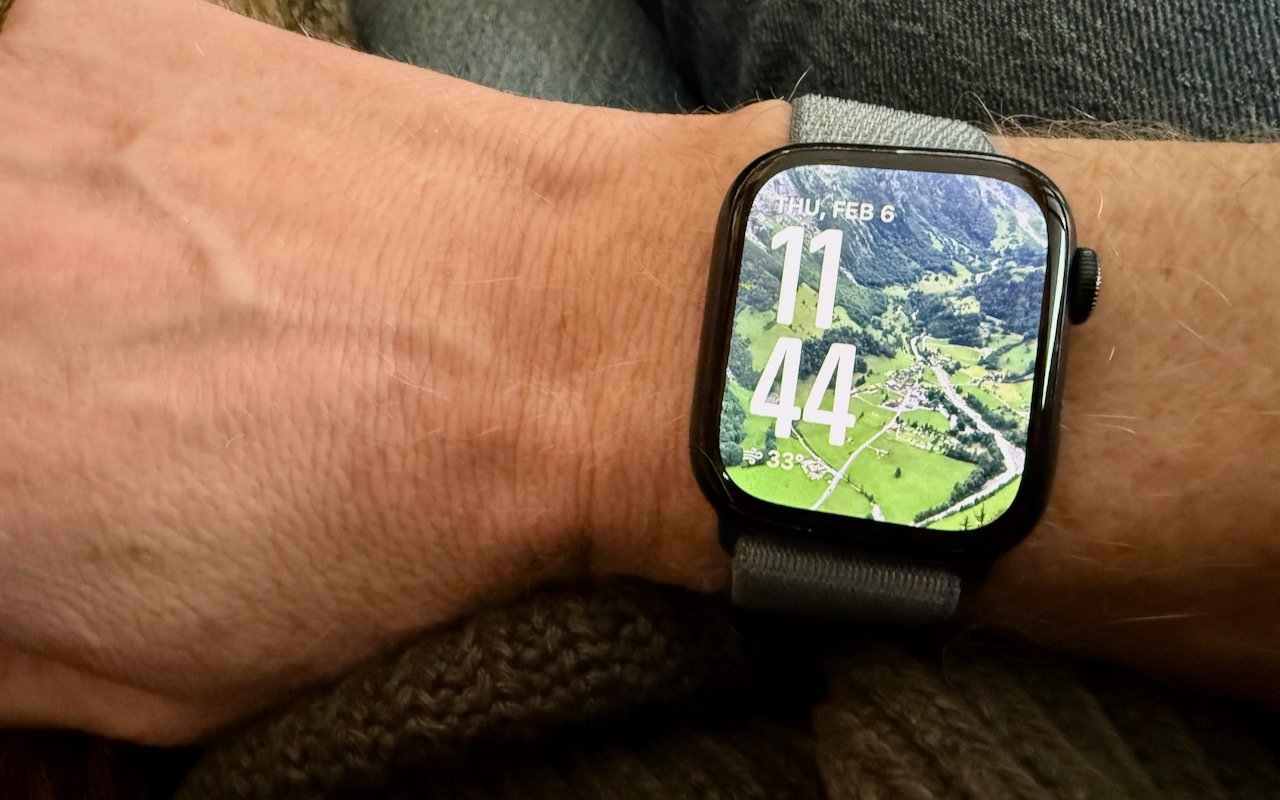
Let’s take a step back from how technology can enhance productivity to appreciate watchOS 11’s new Photos watch face. The way it unearths photos from your photo library on every wrist raise is delightful.

1 min read

iPhone and iPad tips

New iPhone 16e Redefines Budget iPhone Choices

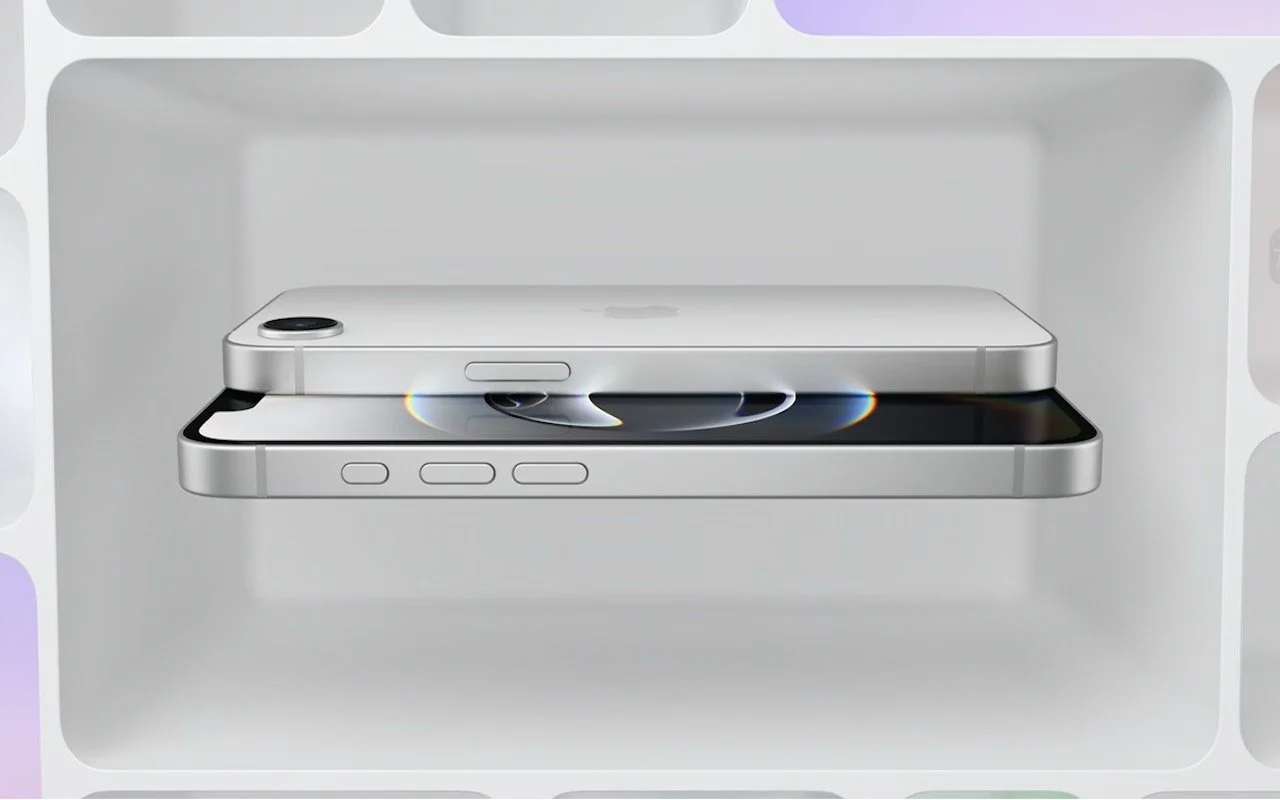
Apple has unveiled the iPhone 16e for $599 and discontinued the iPhone SE and iPhone 14. It’s much more capable than the models it replaces, but the iPhone 16 may be worth $200 more. Read our buying advice here:

3 min read

iPhone and iPad tips

iOS 18 and iPadOS 18 Offer Better PDF Handling in Mail

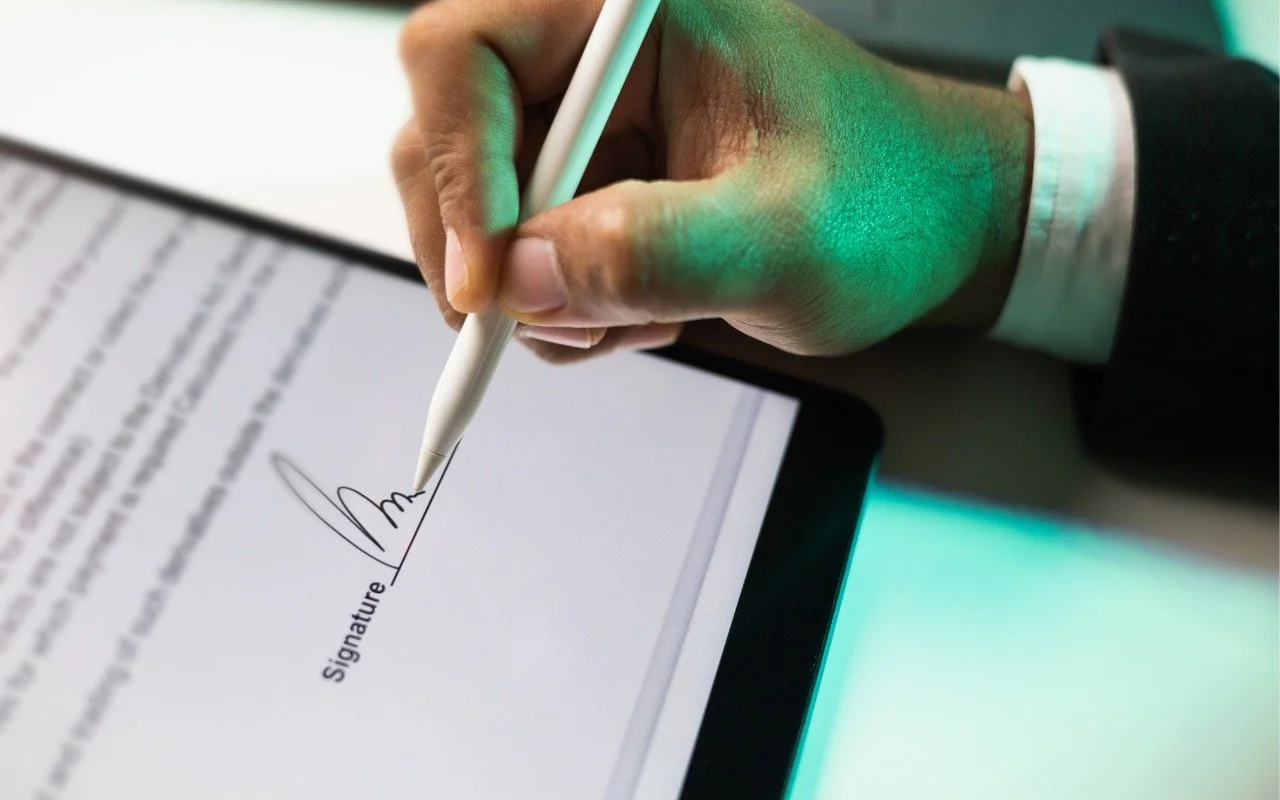
Have you ever needed to sign or annotate a PDF you received in the Mail app on your iPhone? With iOS 18 and iPadOS 18, you can manage PDFs directly in Mail. Once you’re finished, you can attach the modified PDF to a reply or a new message.

1 min read

iPhone and iPad tips

Mail on the iPhone Can Categorize Your Messages in iOS 18.2

A noticeable change in iOS 18.2 is Mail Categories, which divides your incoming email into Primary, Transactions, Updates, and Promotions. It can be helpful, but you may want to adjust its settings, and if you still don’t like it, it’s easy to turn off.

3 min read

iPhone and iPad tips

Improve Your Hearing with the AirPods Pro 2 and iOS 18

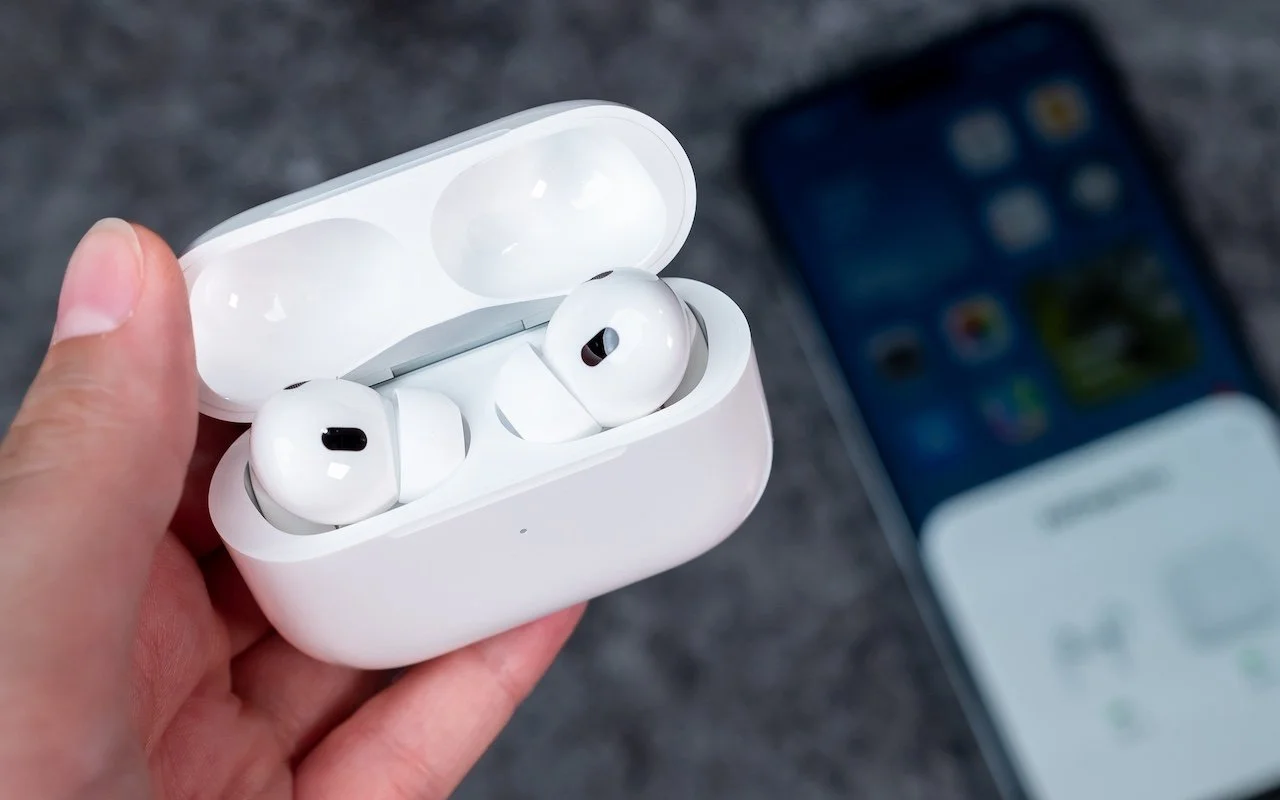
Apple’s AirPods Pro 2 can help you hear more—or less. We examine both possibilities and explain how easy it is to use the AirPods Pro to take a clinically validated hearing test and enjoy the new clinical-grade Hearing Aid feature.

5 min read

iPhone and iPad tips

Manage Default Apps in One Place in iOS 18.2 and iPadOS 18.2

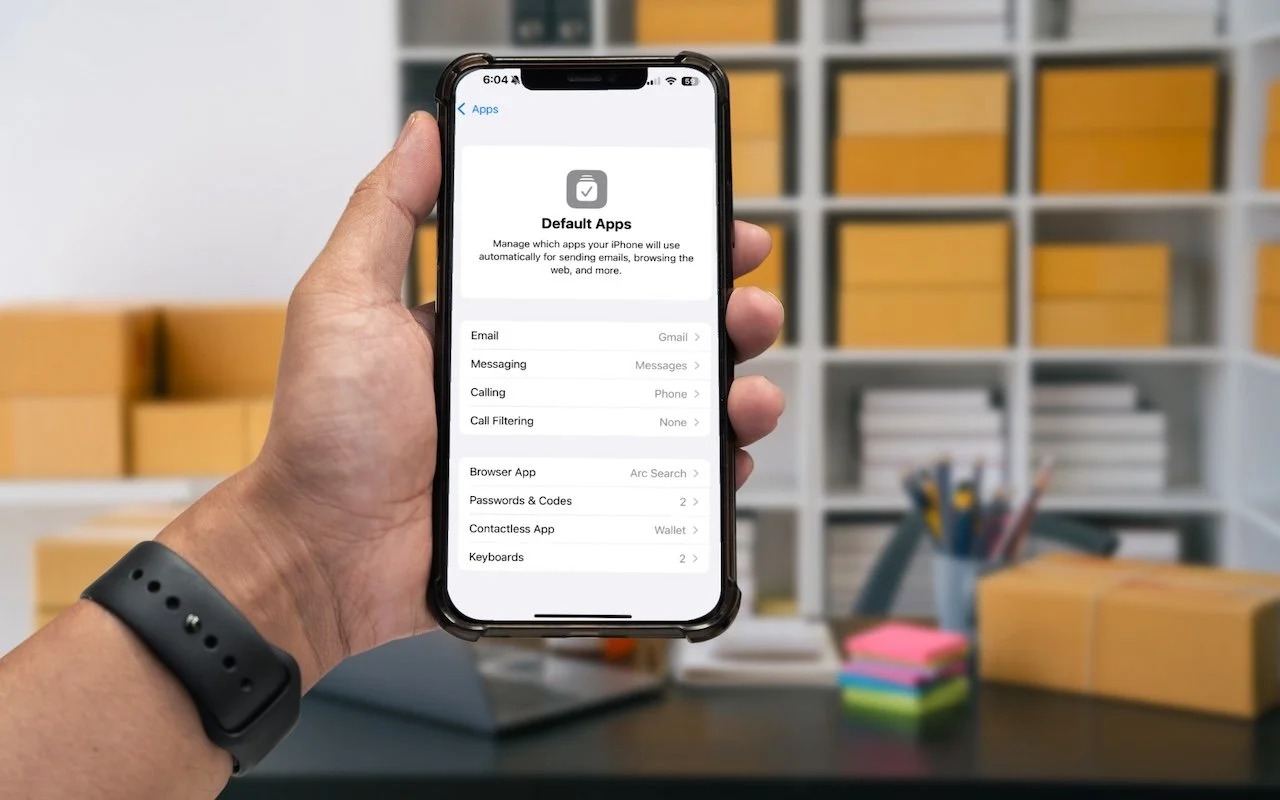
Many people don’t realize they can choose alternatives to Apple’s Mail and Safari on the iPhone and iPad. A new Default Apps screen simplifies reviewing your options and changing your defaults.

1 min read

iPhone and iPad tips

Restrict Access to Sensitive Apps in iOS 18 and iPadOS 18

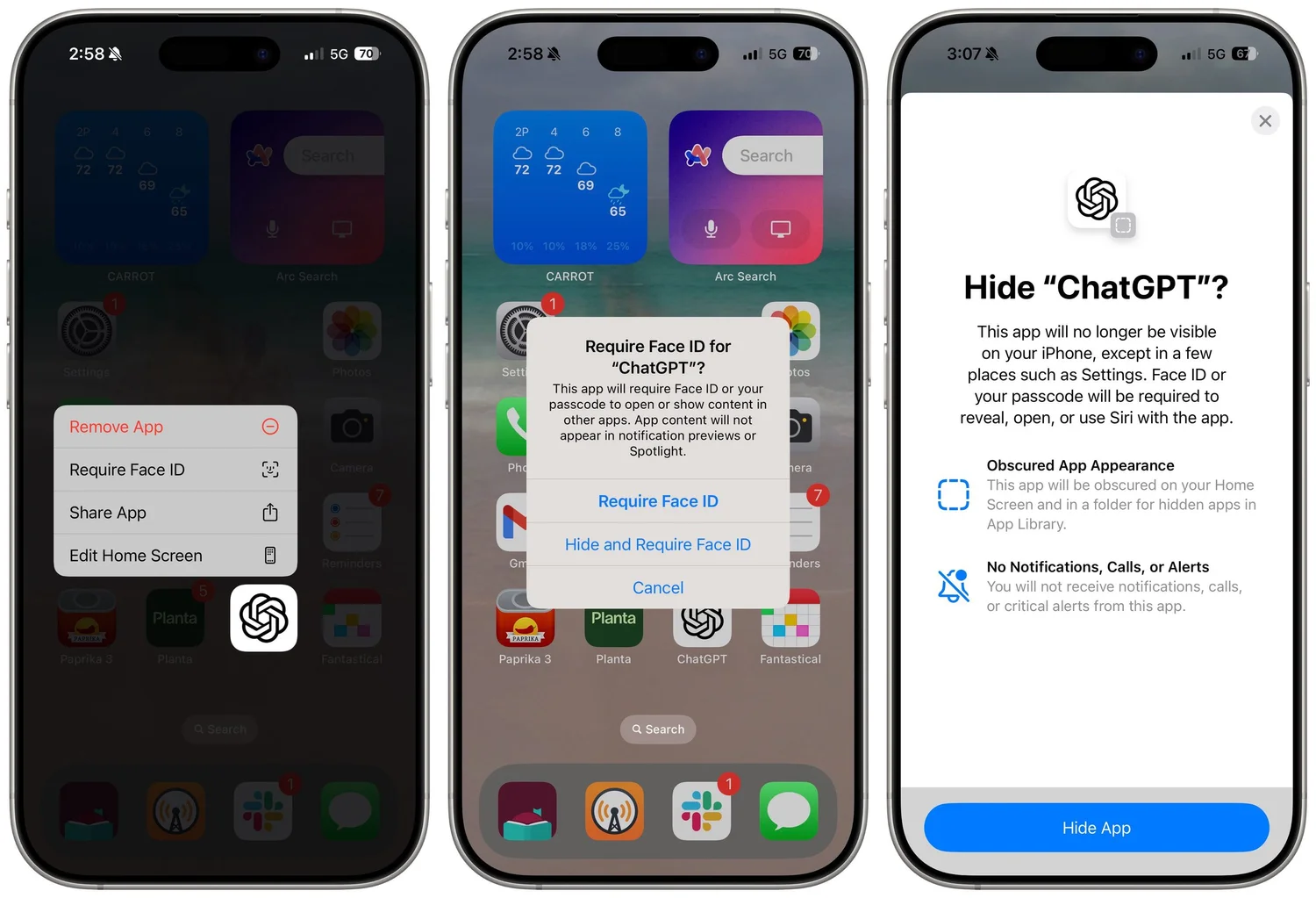
Keep prying eyes—or mischievous children—out of sensitive or important apps by requiring Face ID or Touch ID access before the app opens. You can also hide such apps so they appear only after you authenticate

1 min read

iPhone and iPad tips

Apple Announces iPhone 16 Lineup, Apple Watch Series 10, and AirPods 4

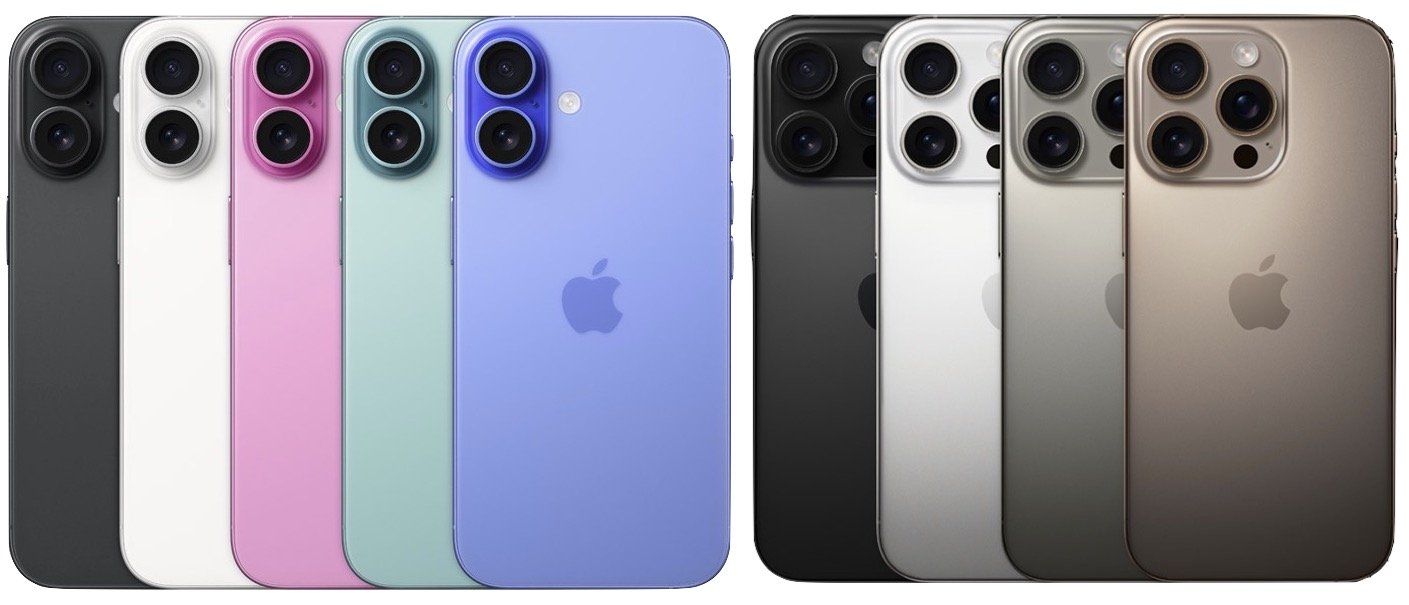
Apple has introduced the iPhone 16 lineup, the Apple Watch Series 10, and two models of the AirPods 4, plus smaller changes. The upgrades are welcome but incremental, making them most compelling to those upgrading from much older devices.

9 min read

Have an IT question we haven't covered?

In a free 30-minute call, tell us about your devices and your team, and we'll outline the next step.