iPhone and iPad tips, page 5

Practical tips for getting more out of iPhone and iPad at work, from Messages and Mail to battery life and settings.

iPhone and iPad tips

Apple Introduces New iPad Air, iPad Pro, Apple Pencil Pro, and Magic Keyboard

Apple Introduces New iPad Air, iPad Pro, Apple Pencil Pro, and Magic Keyboard Apple has released new 11-inch and 13-inch iPad Air and iPad Pro models, plus a new Apple Pencil Pro and Magic Keyboard for iPad Pro. We round up the new features and provide advice on what to consider for your next iPad.

6 min read

iPhone and iPad tips

Display an Album of Photos on Your iPhone or iPad Lock Screen

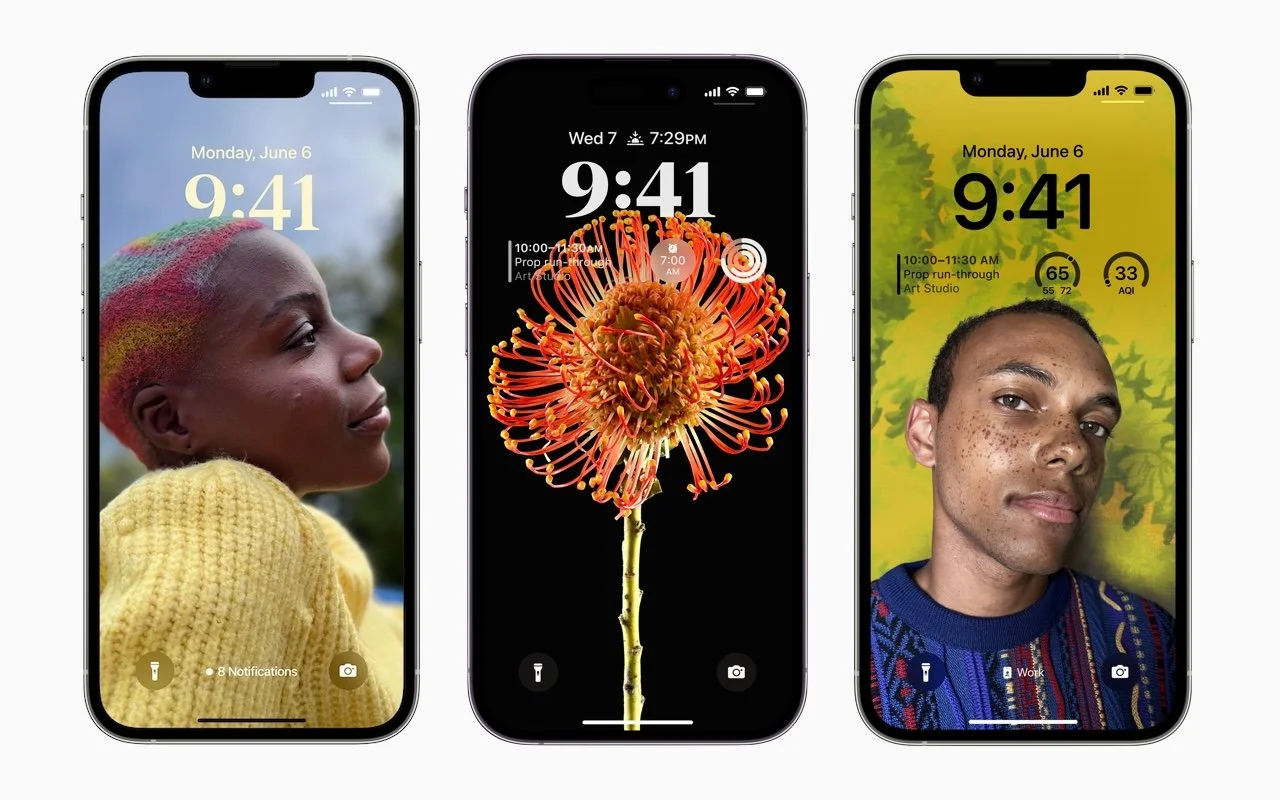
Display an Album of Photos on Your iPhone or iPad Lock Screen If you like how the Lock Screen’s Photo Shuffle wallpaper rotates through photos but would prefer that it worked from an album you specified, you’re in luck! That’s now possible in iOS 17 and iPadOS 17.

1 min read

iPhone and iPad tips

How to Sync Your Text Messages across All Your Apple Devices

How to Sync Your Text Messages across All Your Apple Devices One of the best parts of Apple’s tight platform integration is that you can view your text messages on all your devices. Or at least you can if you get everything set cor-rectly.

3 min read

iPhone and iPad tips

How to Avoid Head-Tracked Spatial Audio for FaceTime Audio Calls

How to Avoid Head-Tracked Spatial Audio for FaceTime Audio Calls If you’ve ever experienced a weird situation where sound on a FaceTime Audio call moves back and forth between your AirPods, it’s because of spatial audio’s dynamic head tracking. Learn how to turn it off

1 min read

iPhone and iPad tips

Use StandBy to Make Your iPhone into a Clock, Photo Frame, and More

Use StandBy to Make Your iPhone into a Clock, Photo Frame, and More The new Standby mode turns your iPhone into a digital picture frame, clock, or cus-tomizable widget display—and it remembers which approach you prefer in different locations.

1 min read

iPhone and iPad tips

Keep Your Contacts Current by Adding Siri-Suggested Content

Keep Your Contacts Current by Adding Siri-Suggested Content Want an easy way to add email addresses, phone numbers, and postal addresses to Contacts? If you’ve received that information in Mail or Messages, Siri can help.

1 min read

iPhone and iPad tips

Locate a Featured Lock Screen Image in Photos

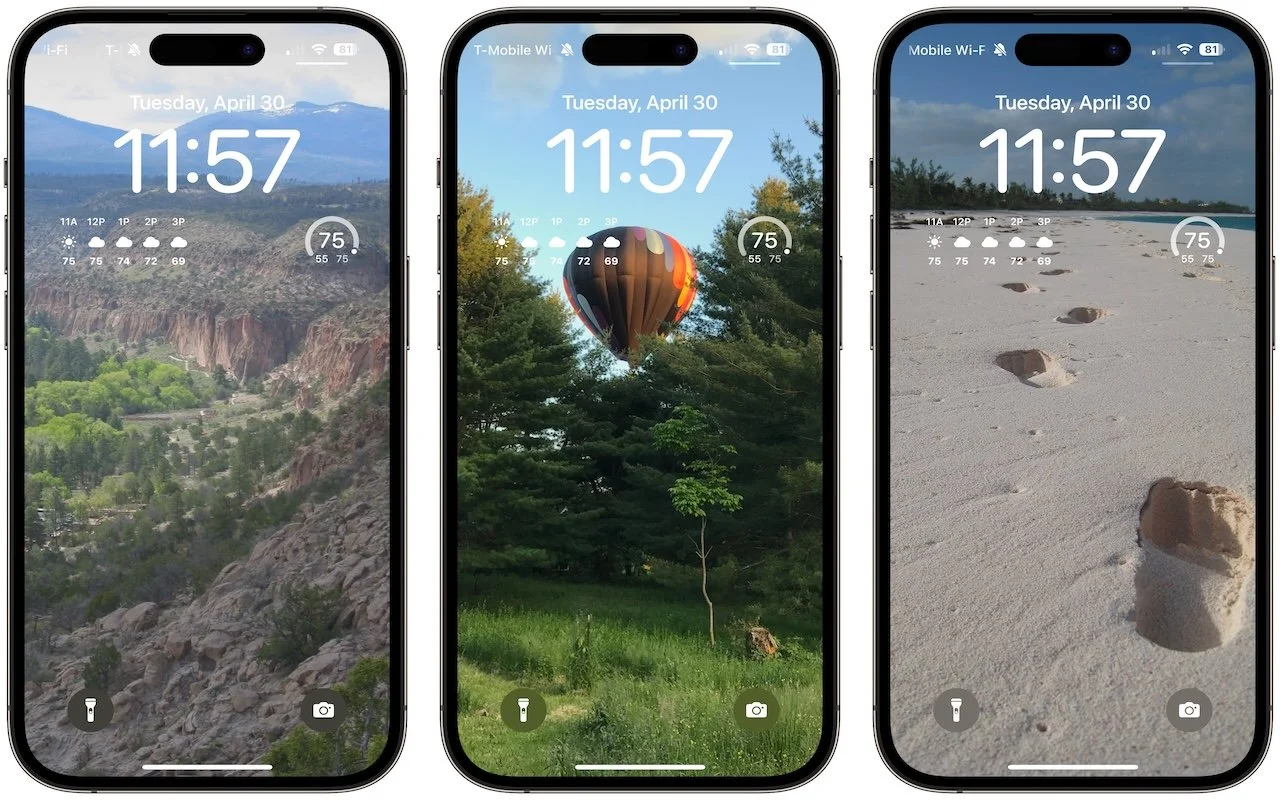
Locate a Featured Lock Screen Image in Photos Do you sometimes wonder when or where you took a photo that iOS’s Photo Shuffle wallpaper is displaying on your Lock Screen? Us too, and here’s how to find out more.

1 min read

iPhone and iPad tips

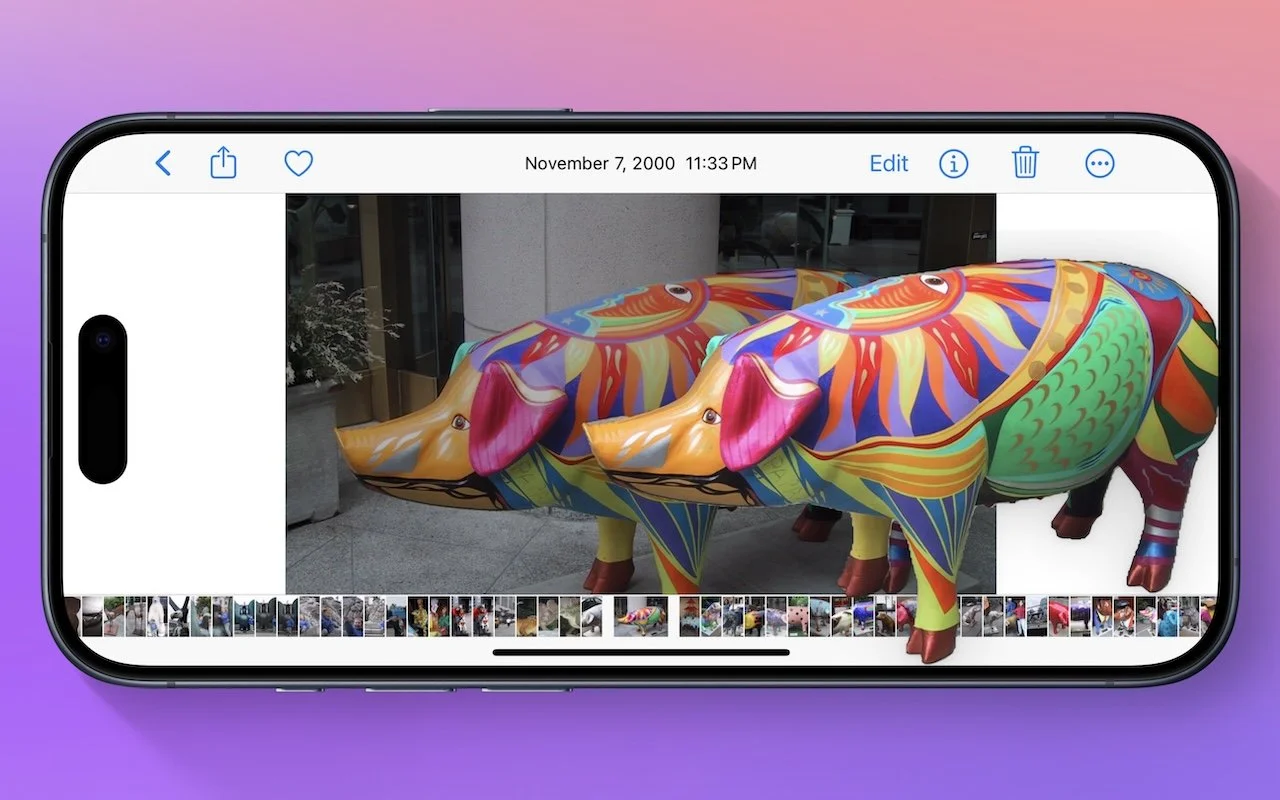
Lift Objects from Photos on the iPhone

Lift Objects from Photos on the iPhone Starting with iOS 16, Apple made it possible to extract objects from photos. You can drag objects to other apps, copy them, turn them into stickers, and more.

1 min read

Have an IT question we haven't covered?

In a free 30-minute call, tell us about your devices and your team, and we'll outline the next step.