iPhone and iPad tips, page 6

Practical tips for getting more out of iPhone and iPad at work, from Messages and Mail to battery life and settings.

iPhone and iPad tips

Nine Tips for Switching from an iPhone with Touch ID to One with Face ID

Nine Tips for Switching from an iPhone with Touch ID to One with Face ID Are you switching from an iPhone with Touch ID to one with Face ID? The challenge of learning new things can intimidate some people, but we have a list of what you’ll need to know. (And some of the changes are better!)
4 min read

iPhone and iPad tips

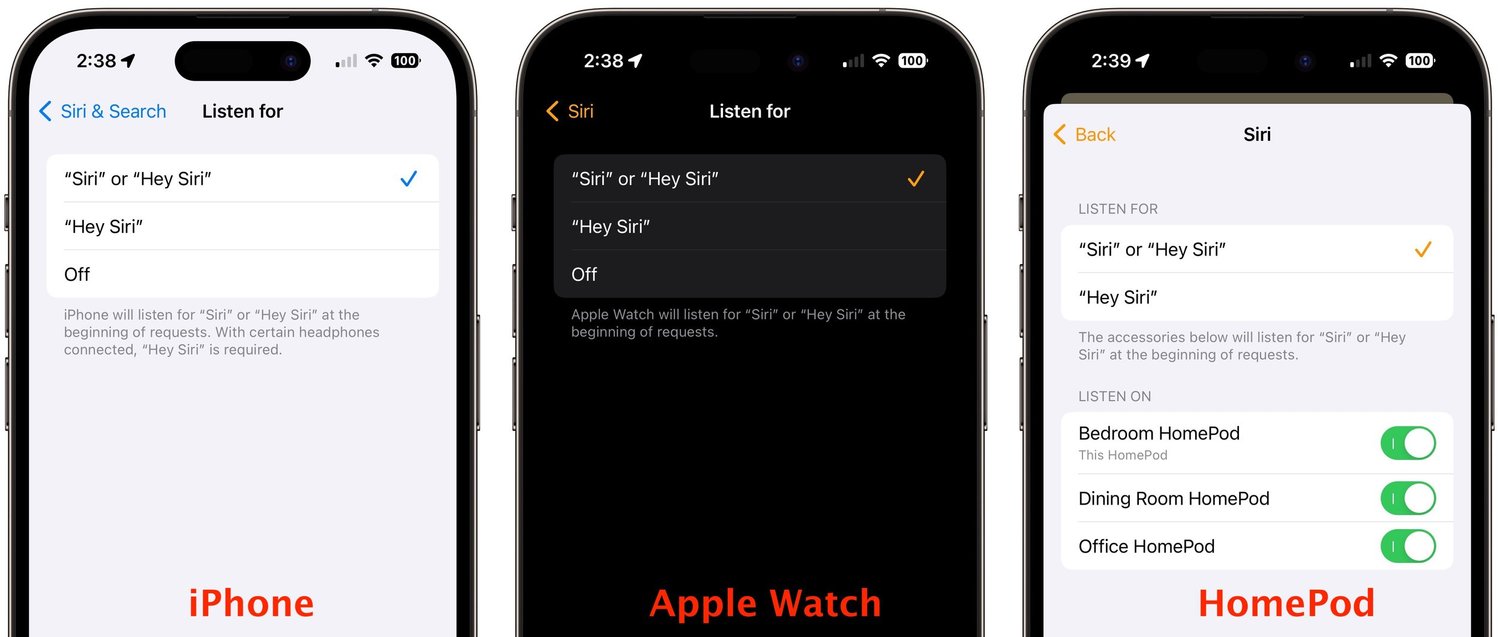
The “Hey” Part of “Hey Siri” Is Now Optional

In Apple’s new operating systems for 2023, you can choose to invoke Siri with just “Siri” or the old “Hey Siri”—or turn the feature off entirely. We explain where to find the feature for each of your Apple devices.

1 min read

iPhone and iPad tips

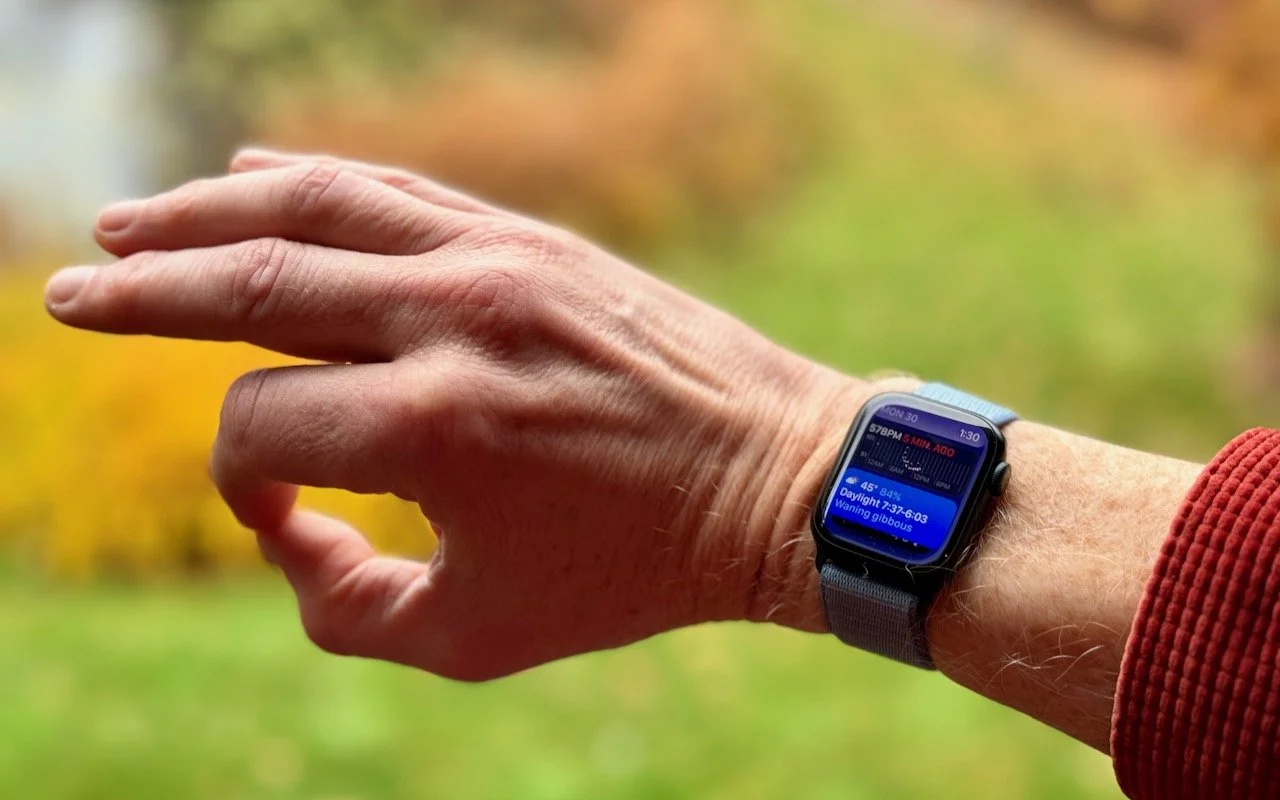
watchOS 10.1 Brings Double Tap to the Apple Watch Series 9 and Apple Watch Ultra 2

watchOS 10.1 Brings Double Tap to the Apple Watch Series 9 and Apple Watch Ultra 2 Apple’s promised double-tap gesture is now available in watchOS 10.1 for those with an Apple Watch Series 9 or Apple Watch Ultra 2. Give it a try to perform the primary action in a watchOS app without touching the screen.

1 min read

iPhone and iPad tips

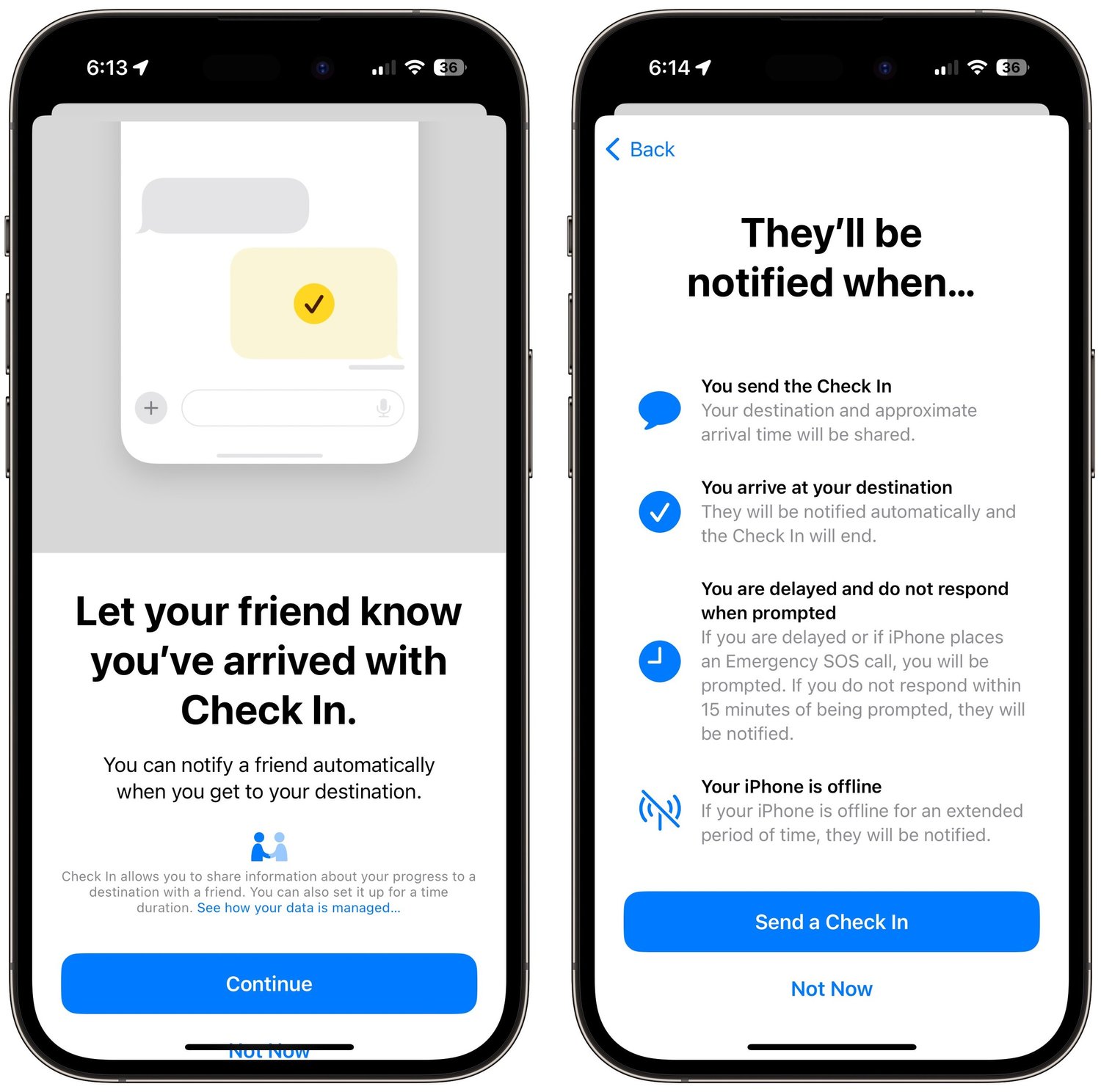
Use iOS 17’s Check In Feature to Reduce Worry

Use iOS 17’s Check In Feature to Reduce Worry The new Check In feature of iOS 17 can provide peace of mind by letting you specify a safety partner who will automatically be notified if you fail to arrive at your desti-nation or complete a timer.

5 min read

iPhone and iPad tips

Things You Need to Know Before Moving to a New iPhone

Things You Need to Know Before Moving to a New iPhone It’s exciting to get a new iPhone, but take a few minutes to read our advice on what you need to do before—and after—transferring your data from your old iPhone.

4 min read

iPhone and iPad tips

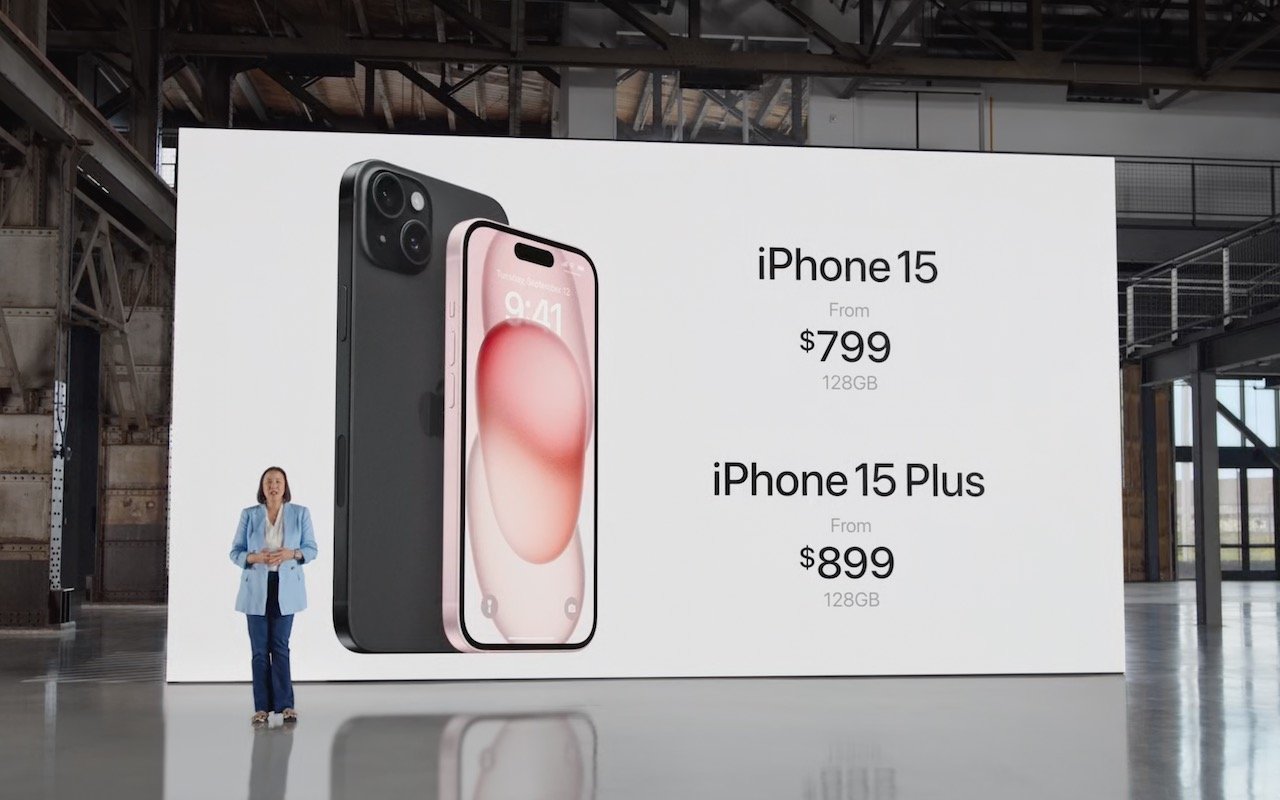
Apple Announces iPhone 15 Lineup, Apple Watch Series 9, and Apple Watch Ultra 2

Apple Announces iPhone 15 Lineup, Apple Watch Series 9, and Apple Watch Ultra 2 At its Wonderlust event, Apple introduced the iPhone 15 lineup, the Apple Watch Series 9, and the Apple Watch Ultra 2. For the most part, they’re incremental upgrades, making them most compelling to those upgrading from much older devices.

6 min read

iPhone and iPad tips

Adjust AirPods Options in the Settings App

If you sometimes have trouble configuring your AirPods, here’s the trick. The AirPods settings screen is available only when the AirPods are connected to your iPhone, so you must open their case or…

1 min read

iPhone and iPad tips

Which Should You Use—a Mac, iPhone or iPad, or Web App?

Apps are everywhere these days, but it can be hard to remember that many exist in multiple versions. You can often run the same app on a Mac, an iPhone or iPad, and in a Web browser, each of which…

2 min read

iPhone and iPad tips

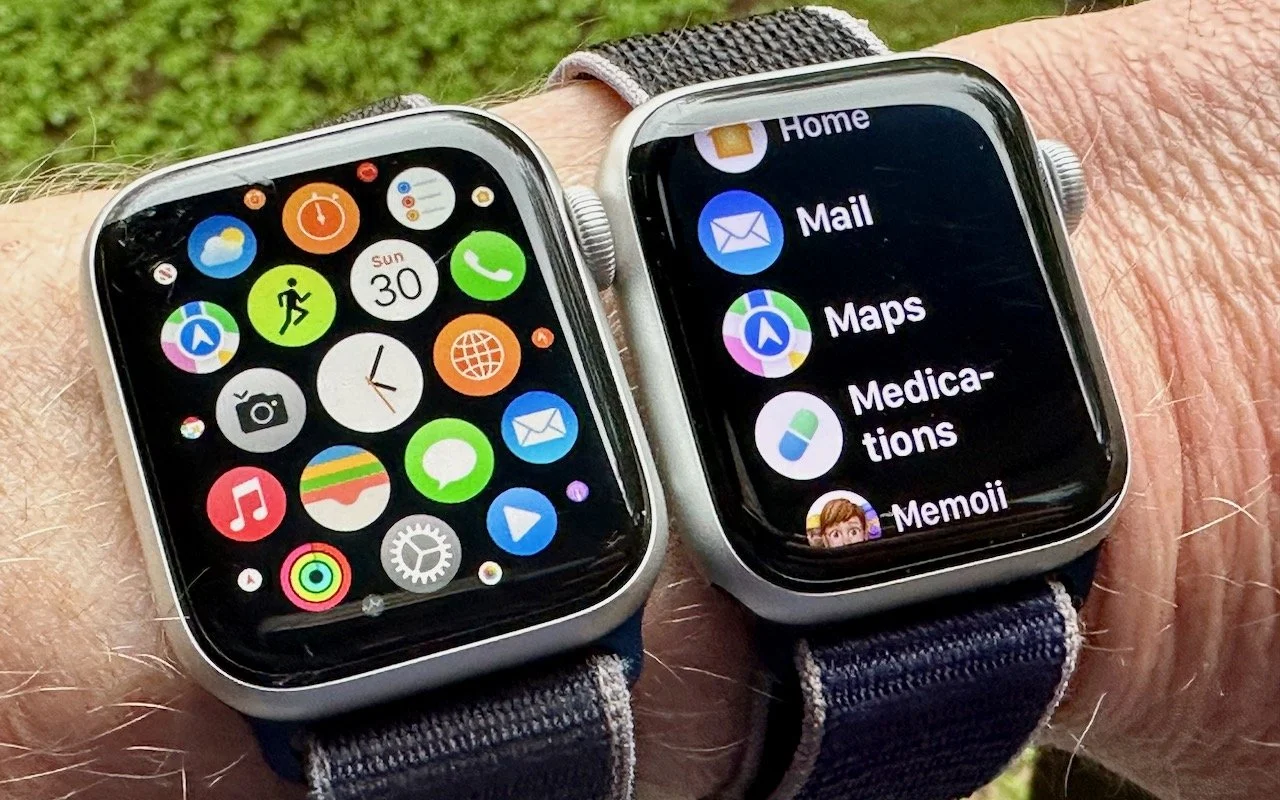
Make Apple Watch Apps Easier to Find with List View

If you have trouble finding apps on your Apple Watch in the randomly arranged “grid” view, you’ll be pleased to learn how to switch to the more sensible list view, which sorts alphabetically.

1 min read

iPhone and iPad tips

Set Your Apple Watch Clock Ahead a Few Minutes to Avoid Being Late

Set Your Apple Watch Clock Ahead a Few Minutes to Avoid Being Late Want to give yourself a few more minutes to get to meetings on time? Use this little-known option to set the time displayed on your Apple Watch ahead by a few minutes.

1 min read

Have an IT question we haven't covered?

In a free 30-minute call, tell us about your devices and your team, and we'll outline the next step.