

iPhone and iPad tips
Three Tricks for Dealing with Duplicated Contacts
Everyone eventually seems to end up with duplicates in Apple’s Contacts app. Follow our steps to merge duplicates in the same account or link those in different accounts.
Practical tips for getting more out of iPhone and iPad at work, from Messages and Mail to battery life and settings.
iPhone and iPad tips
Everyone eventually seems to end up with duplicates in Apple’s Contacts app. Follow our steps to merge duplicates in the same account or link those in different accounts.

iPhone and iPad tips
Shortly after the start of the COVID-19 pandemic, Apple made it so your Apple Watch could unlock your Face ID-enabled iPhone when you were wearing a mask. Starting in iOS 15.4, the company has…

iPhone and iPad tips
In iOS 15 and iPadOS 15, Apple added a feature that would have been even more welcome before the advent of the App Library: the capability to manage apps from Search. But it’s still handy as a way…

iPhone and iPad tips
If you ever end up in a situation where your device’s screen doesn’t rotate when you think it should, the reason is likely that Rotation Lock has been turned on in Control Center.

iPhone and iPad tips
At its March 8th Peek Performance event, Apple unveiled the impressive new Mac Studio—powered by the M1 Ultra chip—and Studio Display. The company also introduced an updated iPhone SE and iPad Air. Read on for details:
iPhone and iPad tips
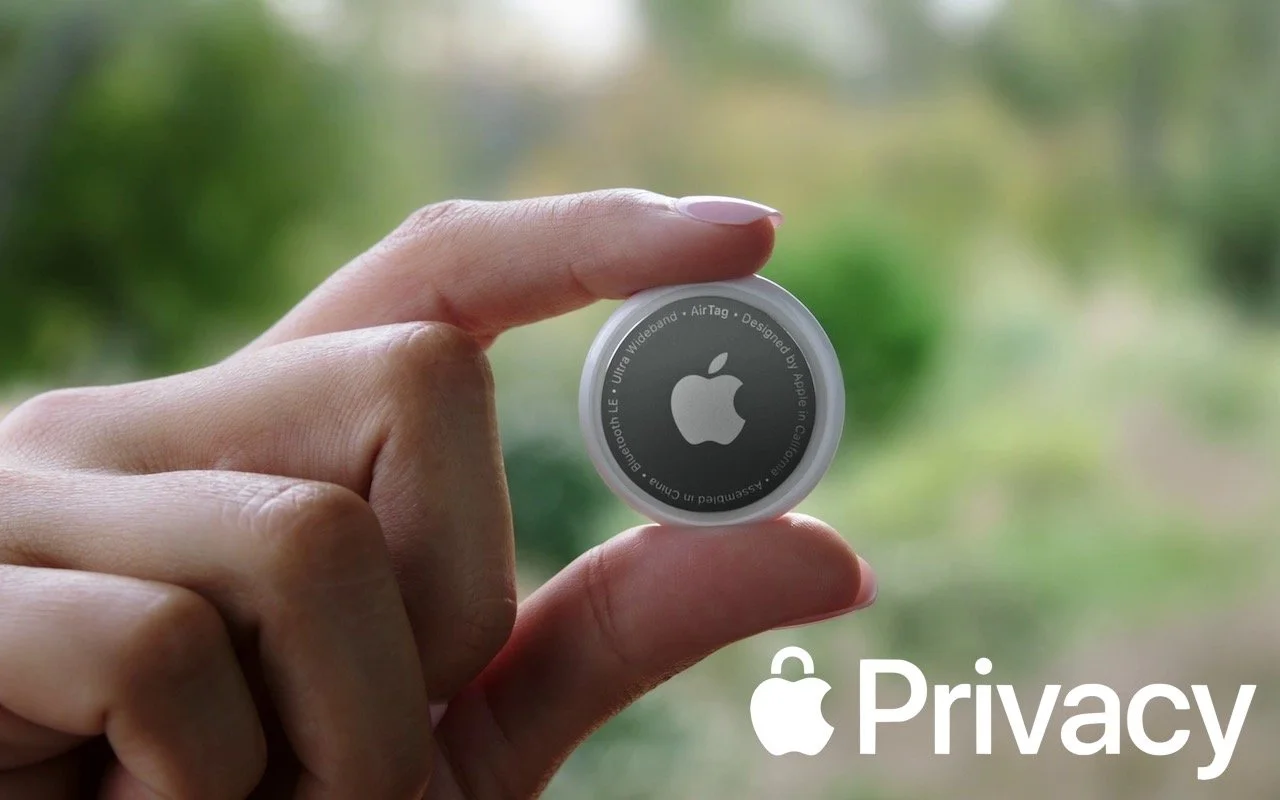
Media reports suggest that miscreants are trying to use Apple’s AirTag location trackers to stalk people. Apple has responded with personal safety advice and promised AirTag safety enhancements.

iPhone and iPad tips
Most of the time, when you unlock your iPhone or iPad, you want to launch an app. In iOS 15 and iPadOS 15, you no longer have to unlock the device, find the app on a Home screen page, and tap it. Instead, you can open an app directly from the Lock screen.
iPhone and iPad tips
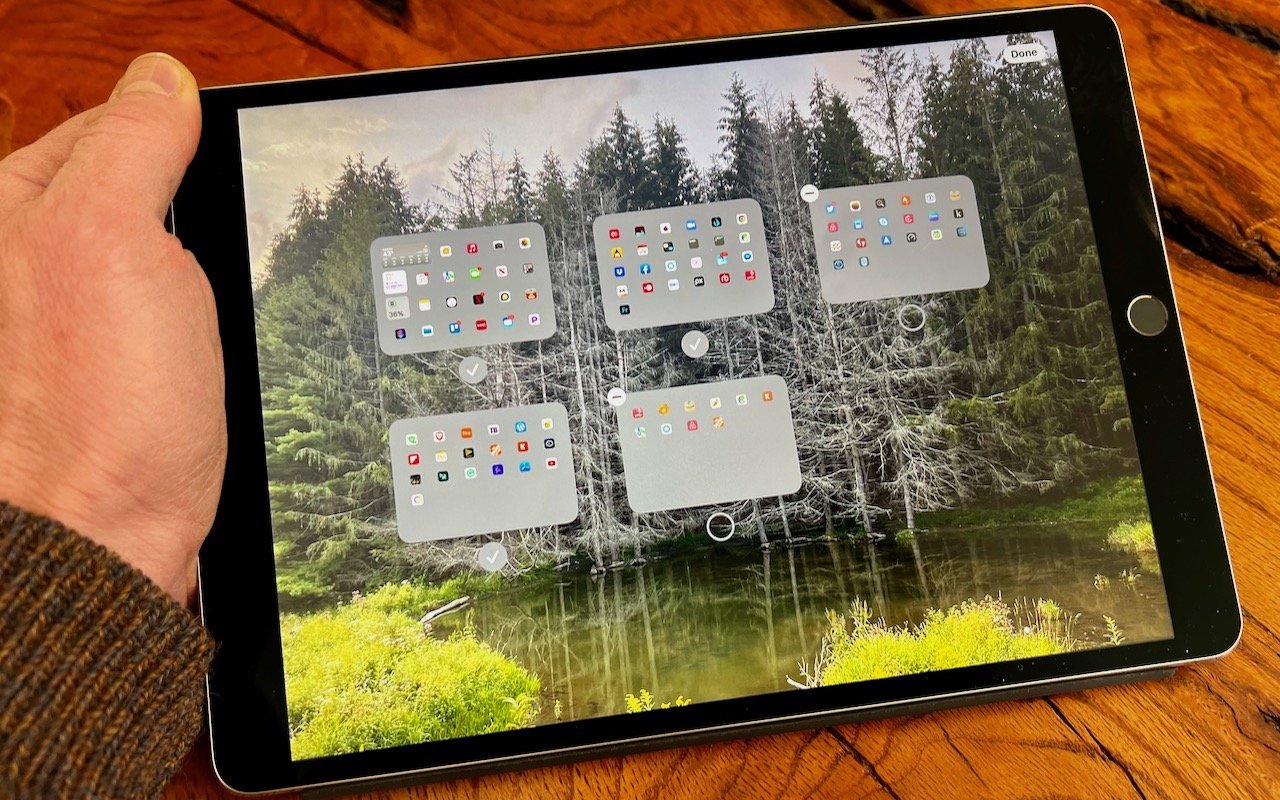
Back in iOS 14, Apple added the App Library, which collects all the apps on your iPh-one. With everything available in the App Library, iOS 14 was also able to provide the option of hiding Home screen pages, a boon for those of us with too many disor-ganized pages. In iOS 15, Apple has taken the next step.

iPhone and iPad tips
There’s little more frustrating than running out of space, which always seems to happen at just the wrong time. Luckily, Apple makes it easy to check any time, before it becomes a problem. On the Mac, choose About This Mac from the Apple menu and click Storage. On an iPhone or iPad, navigate to Settings > General > iPhone/iPad Storage. For iCloud, you can look in either System Preferences > Apple ID on the Mac or in Settings > Your Name > iCloud > Manage Storage on an iPhone or iPad. Once you know how much space is consumed by what, you can more easily clear unnecessary data.
iPhone and iPad tips
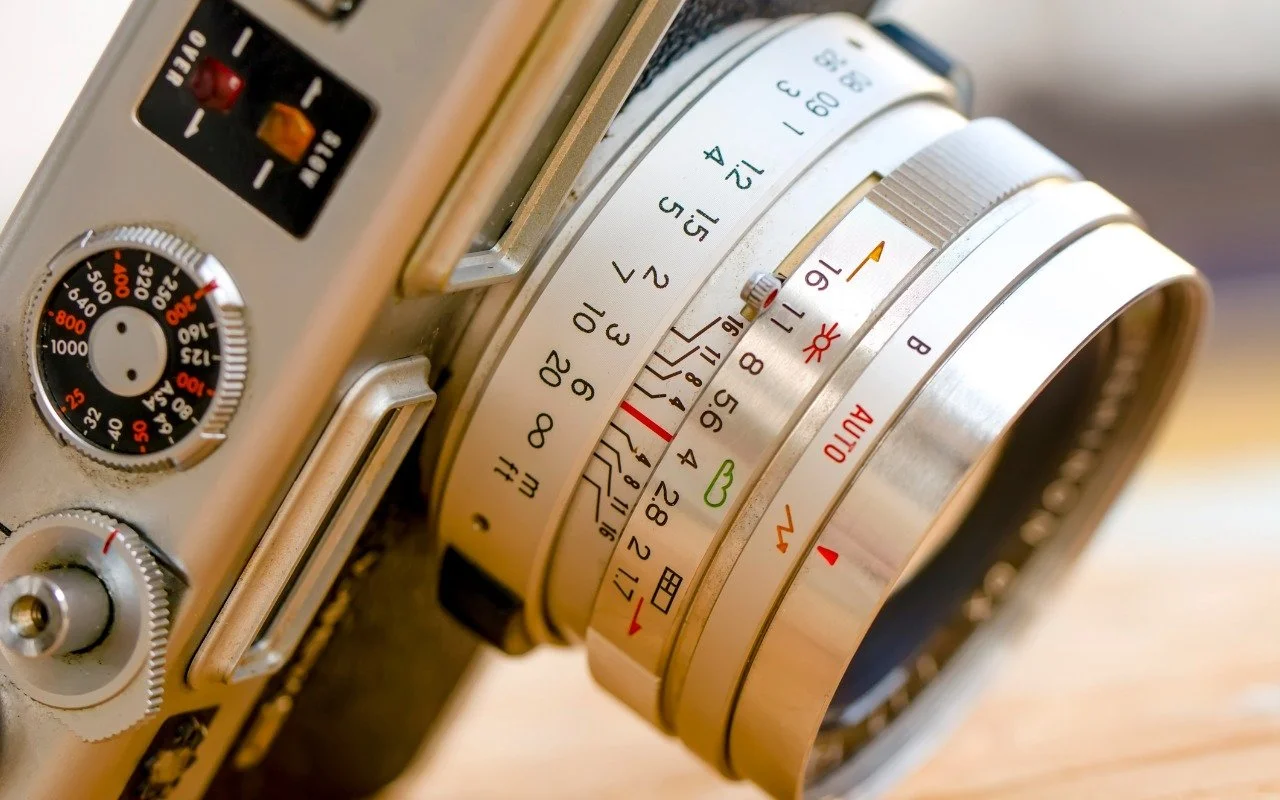
Want to use a timer when taking an iPhone photo or manually control the depth of field in Portrait mode? You’ll need to reveal the Camera app’s hidden controls. Read on to find out how to show them—and what they help you do.

iPhone and iPad tips
In previous versions of iOS, you could change the systemwide text size to make all apps—at least those that support Dynamic Type—display text at larger or smaller sizes. (Most people who use this…
iPhone and iPad tips
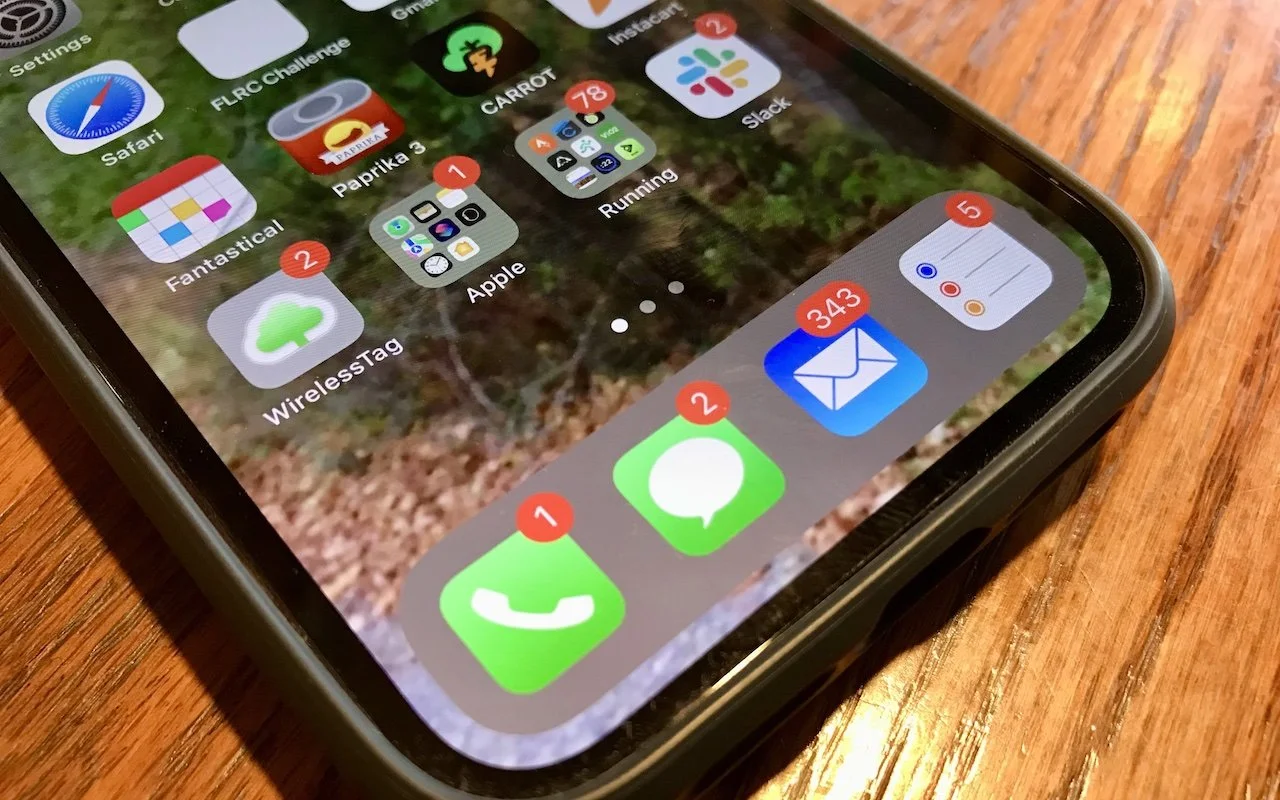
Quick quiz: what does a red number badge on the Phone icon on your iPhone mean? You’d be right if you said that it indicates the number of missed calls or voicemail messages. The Mail and Messages…
In a free 30-minute call, tell us about your devices and your team, and we'll outline the next step.