Mail in iOS 16, iPadOS 16, and macOS 13 Ventura has gained a handful of welcome new features, including Undo Send. Learn all about them at: www.atlascarolina.com/blog/mail-gains-welcome-features-in-ios-16-ipados-16-and-macos
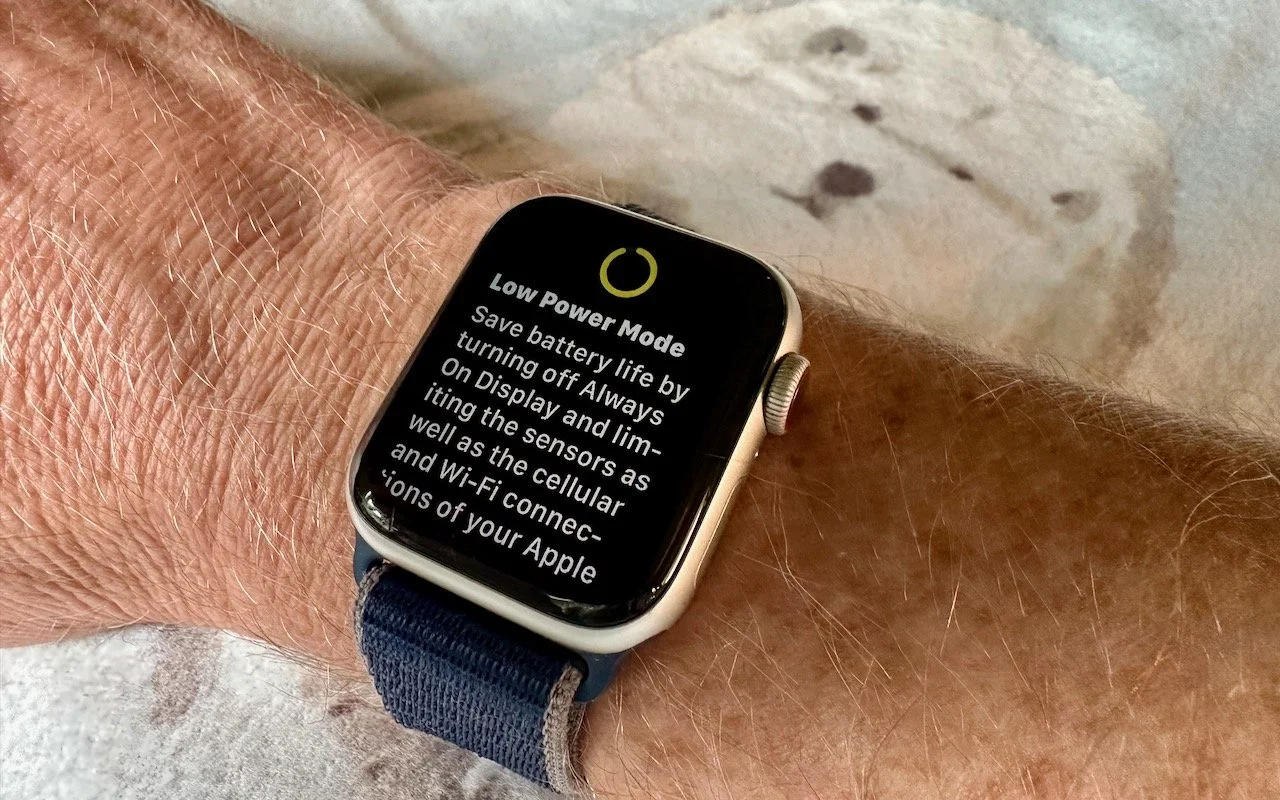
Until watchOS 9, Low Power Mode on the Apple Watch turned the smartwatch into a dumb watch that only told the time. With watchOS 9 on an Apple Watch Series 4 or later, however, a new Low Power Mode reduces the watch’s capabili-ties while keeping it largely functional. It turns off the Always-On display, heart rate notifications, background heart rate and blood oxygen measurements, and the automatic start workout reminder. When your iPhone isn’t nearby, it disables Wi-Fi and cellular connections and incoming phone calls and notifica-tions. Other features will be slower: making a phone call, refreshing back-ground apps and complications, Siri requests, and some interface interactions. (You can still use the Workout app in Low Power Mode and record metrics like heart rate and pace. Go to Settings > Workout on the Apple Watch to turn Low Power Mode on automatically whenever you start a workout.) watchOS 9 prompts you to turn on Low Power Mode when your battery drops to 10%, or you can enable it manually by swiping up from the bottom of the screen to open Control Center, tapping the battery percentage button, and enabling the option.
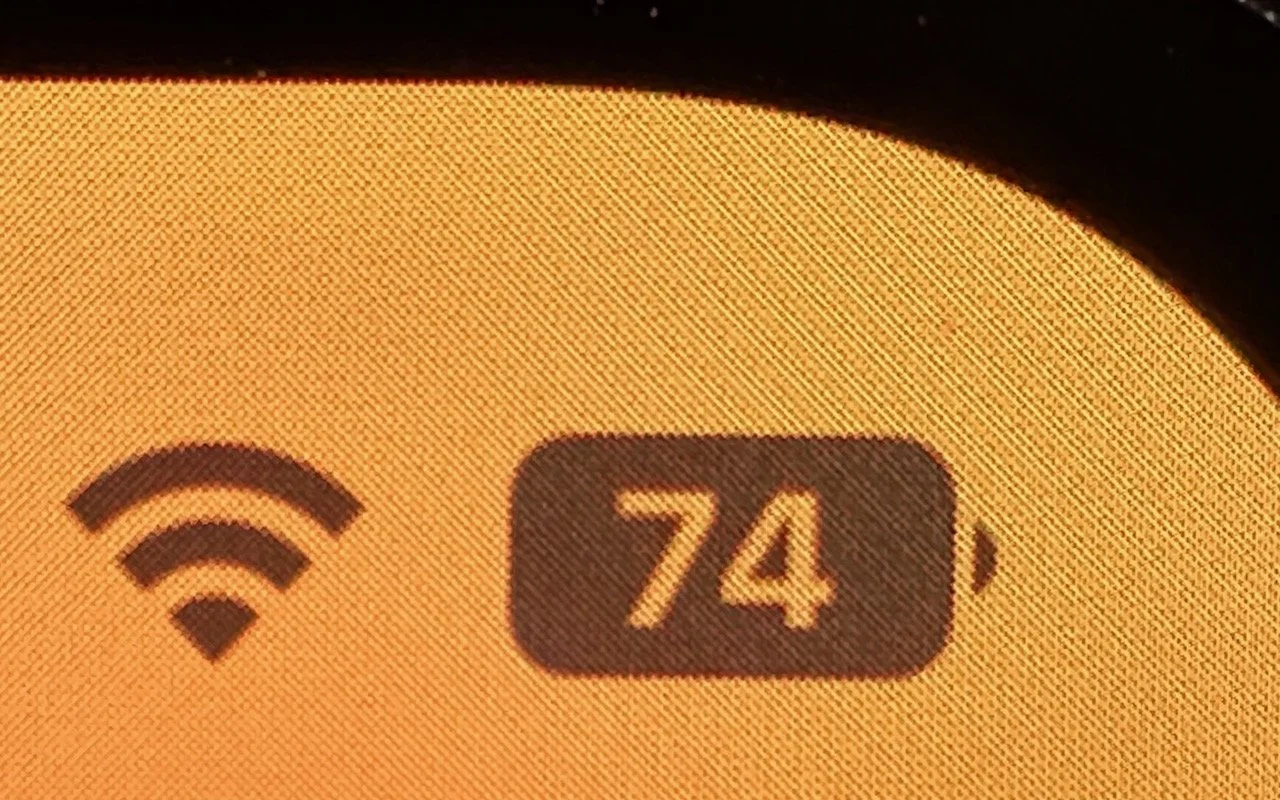
Back in 2017, when Apple added the notch to the iPhone X for Face ID, the resulting loss of usable screen real estate caused the company to remove the battery percentage indicator from the status area. Since then, you’ve only been able to estimate how much battery life you had left from the icon; you had to open Control Center to see the numeric percentage. In iOS 16, however, Apple has revived the battery percentage indicator for Face ID iPhones, building it into the battery icon itself so it doesn’t occupy more of the status bar. Unfortunately, it’s not available on the iPhone XR, iPhone 11, iPhone 12 mini, or iPhone 13 mini, perhaps due to a lack of sufficient screen resolution. Everyone else can enable it in Settings > Battery.
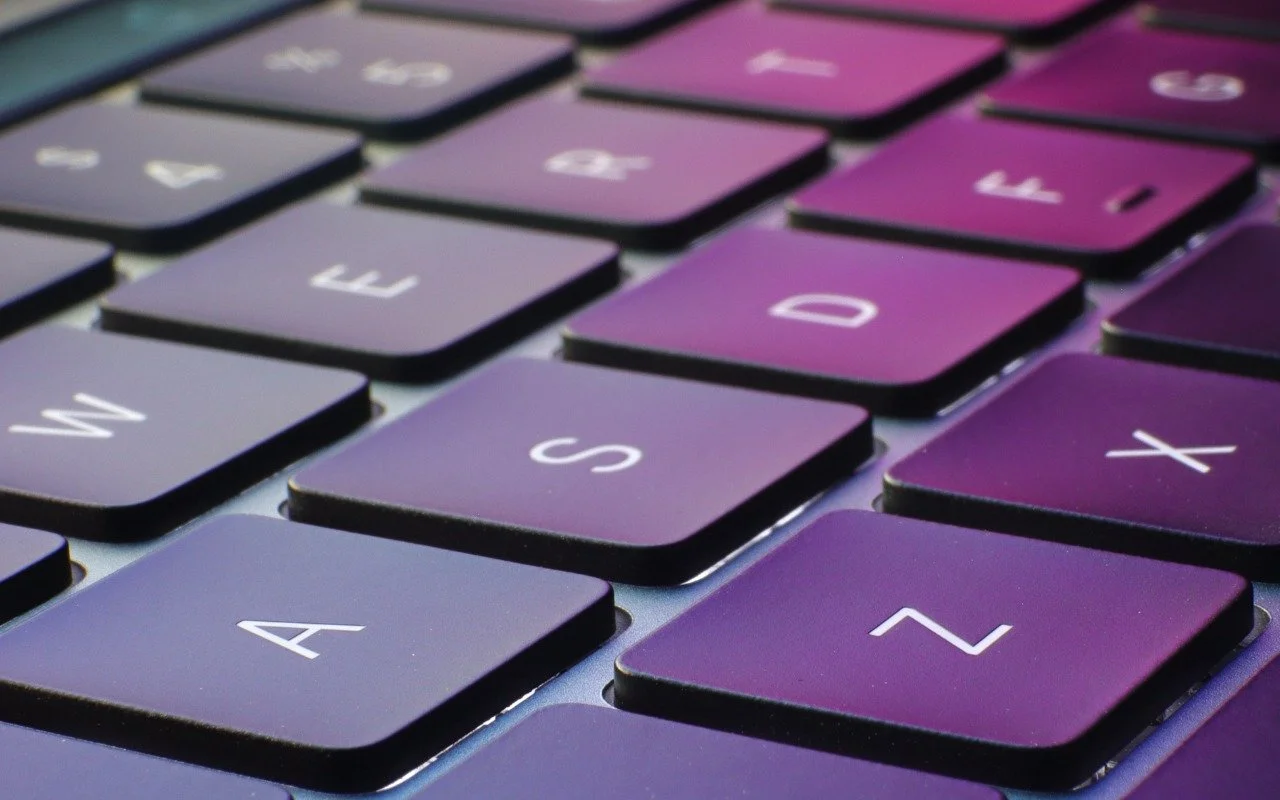
The iPhone has long been able to play clicking sounds when you tap the keys on the virtual keyboard, but that feedback, while sometimes welcome, can become annoy-ing when you’re trying to be quiet. A new feature in iOS 16 provides haptic feed-back—tiny taps you can feel in your fingertips as you tap keys on the keyboard. It’s a subtle but highly effective way of mimicking a real keyboard, and we encourage you to try it. Turn the feature on in Settings > Sounds & Haptics > Keyboard Feedback. (While you’re there, try turning off Sound; it may no longer be necessary.)
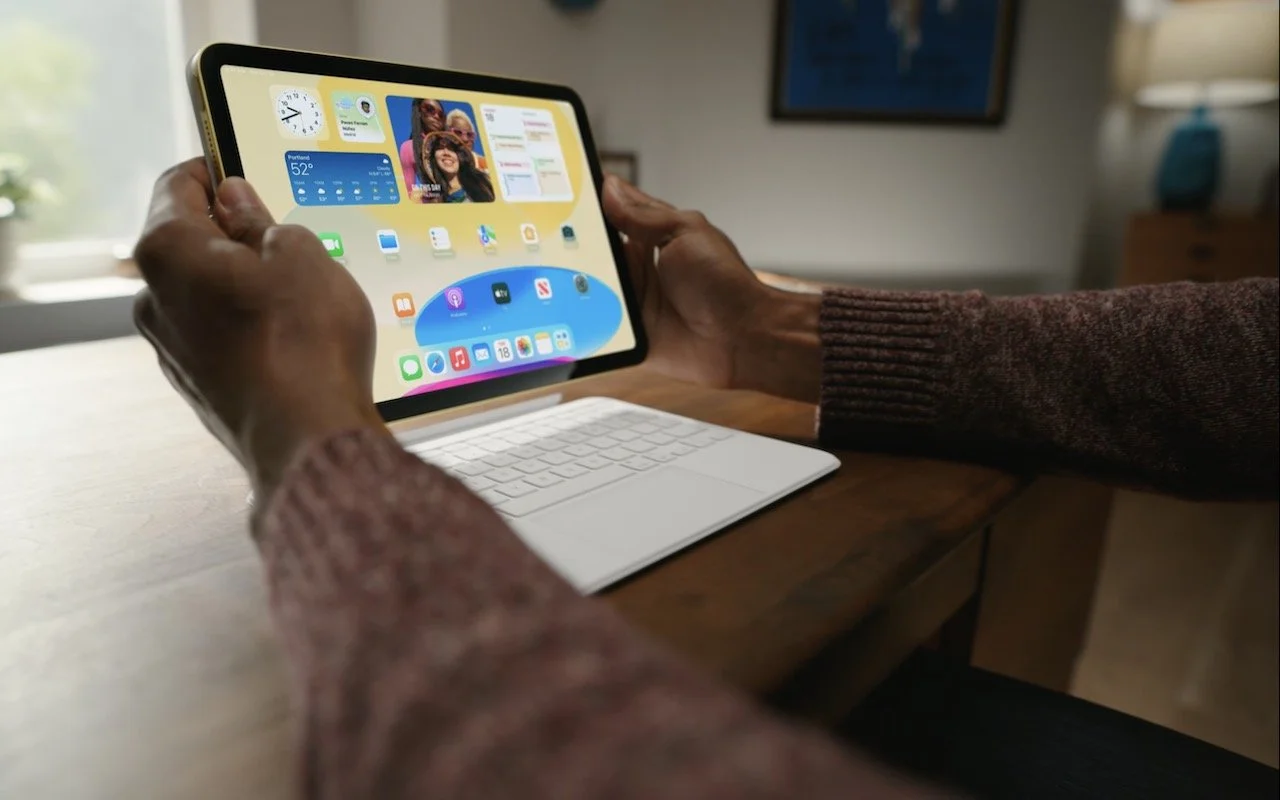
Apple has released a redesigned tenth-generation iPad with the new Magic Keyboard Folio, new M2 iPad Pro models, and a lower-cost Apple TV 4K with a faster processor and twice the storage.
Messages in iOS 16 gains a slew of useful features: marking conversations as unread, editing sent messages, unsending messages, and more. They’re great, but some re-quire your recipients to upgrade to iOS 16 for the full experience.
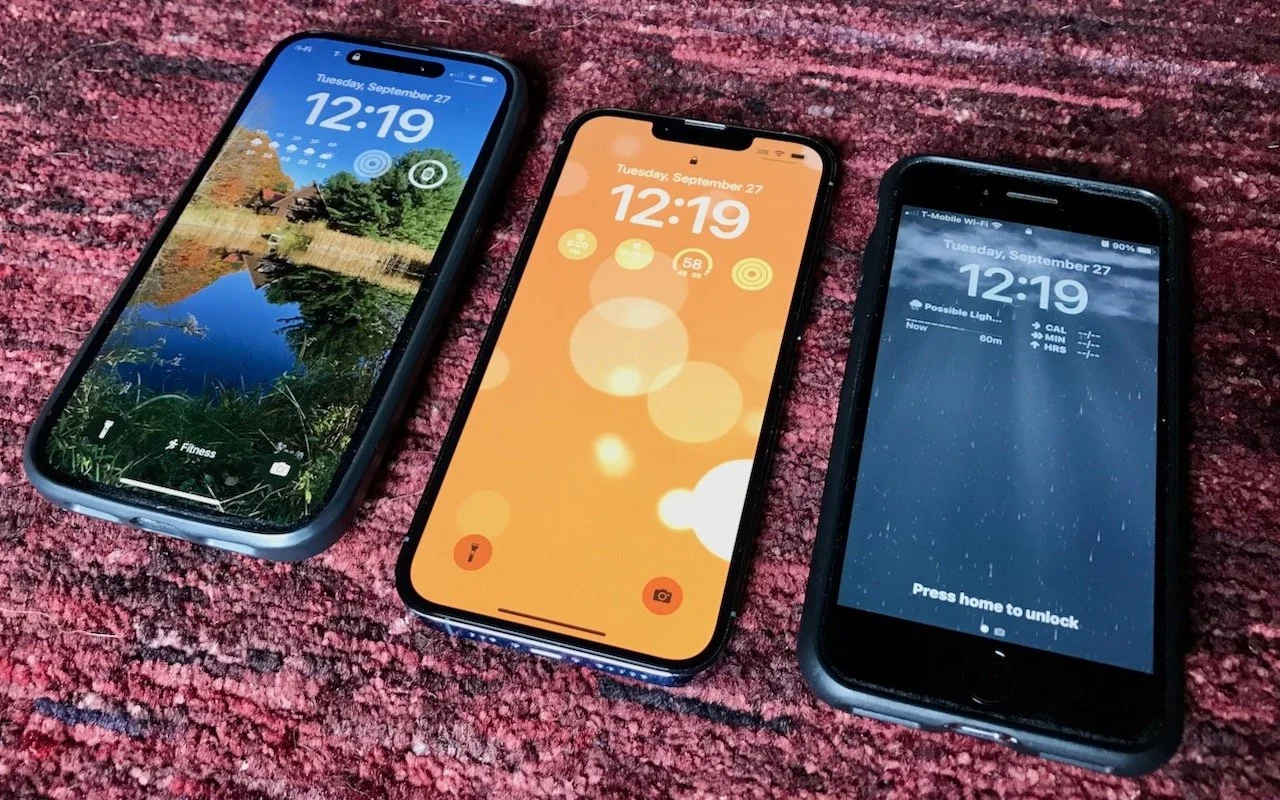
iOS 16’s marquee feature is customizable Lock Screens—read on to learn how to make multiple Lock Screens, each with its own wallpaper, clock font and color, and interactive widgets.
Ever wondered what that pretty flower was that you saw on your walk or felt cu-rious about an unusual visitor to your birdfeeder? With the free Seek and Merlin iPhone apps, you can identify plants, wildlife, and birds—learn how at: atlascarolina.com/blog/
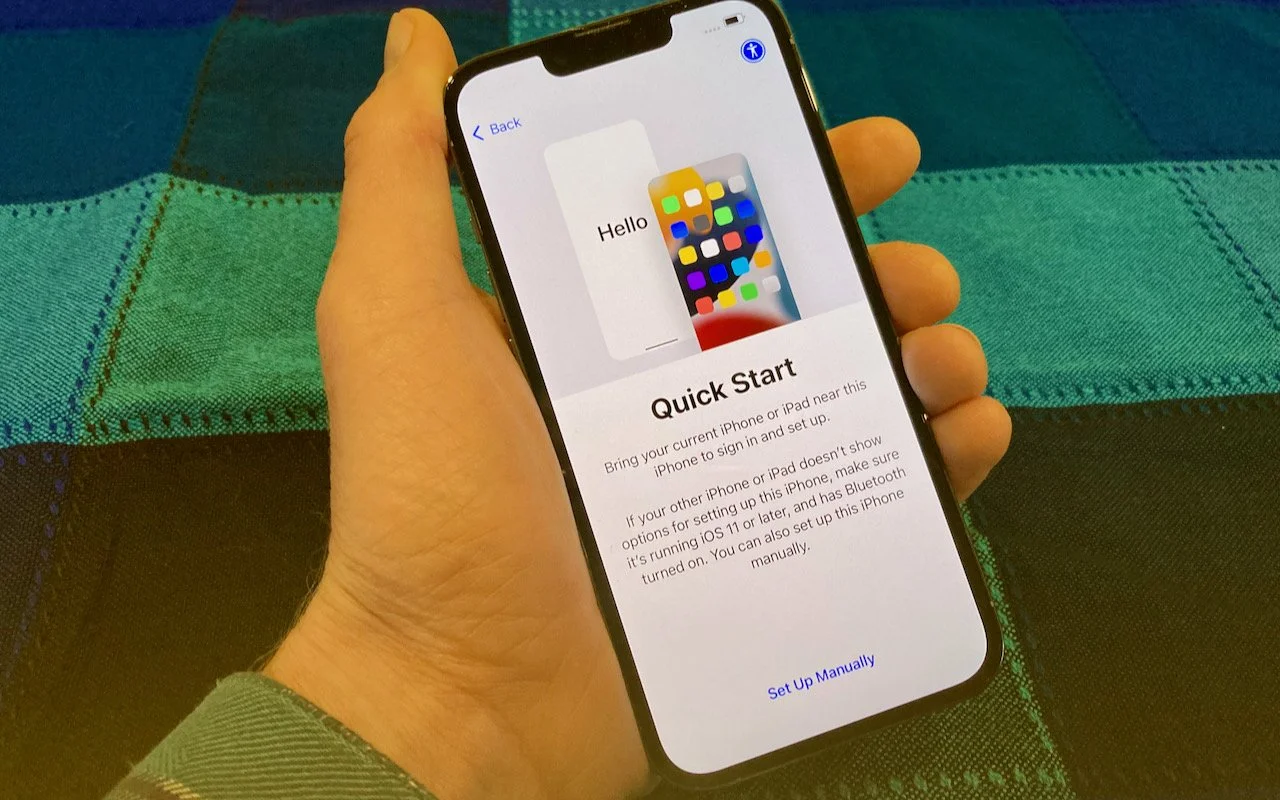
It’s exciting to get a new iPhone, but take a few minutes to read our advice on what you need to do before—and after—transferring your data from your old iPhone.
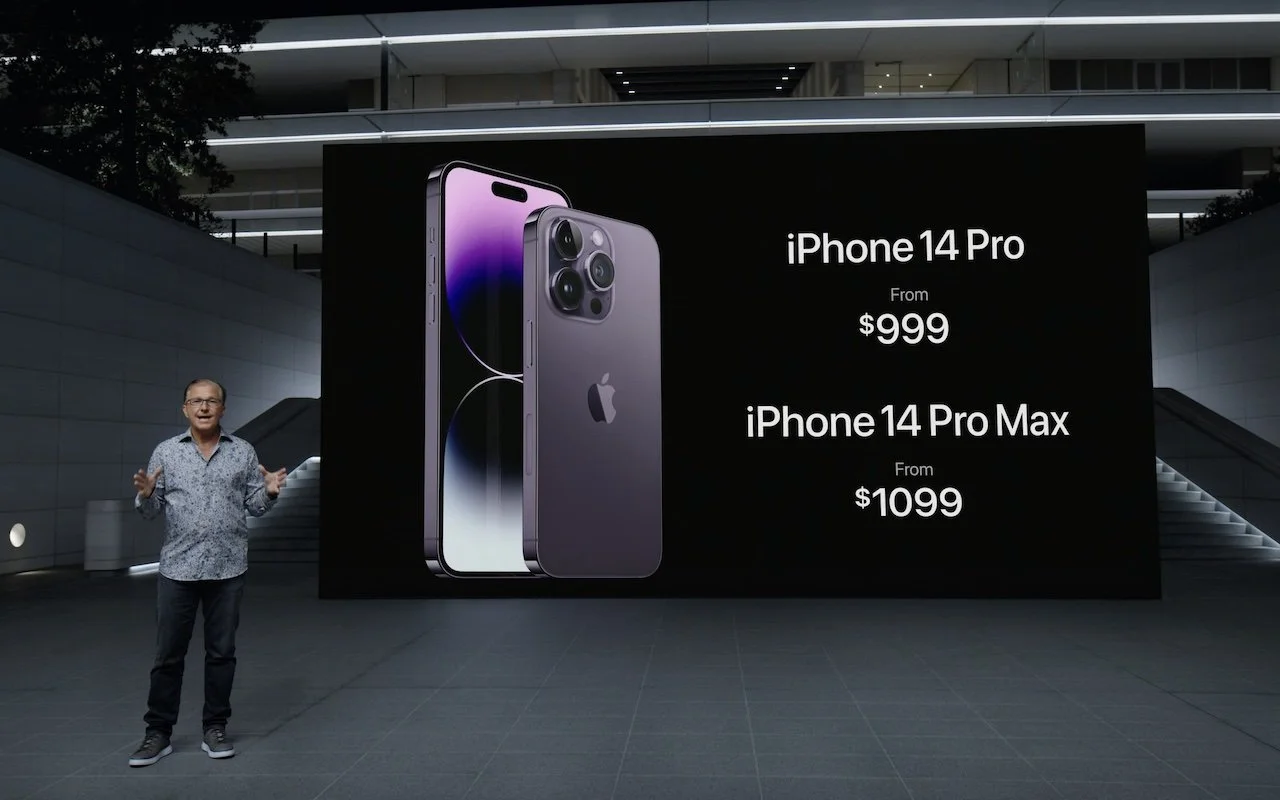
At its Far Out event, Apple introduced the iPhone 14 lineup, three new Apple Watches—including the Apple Watch Ultra—and the second-generation AirPods Pro. All are worth a look for Apple users; read on for details:
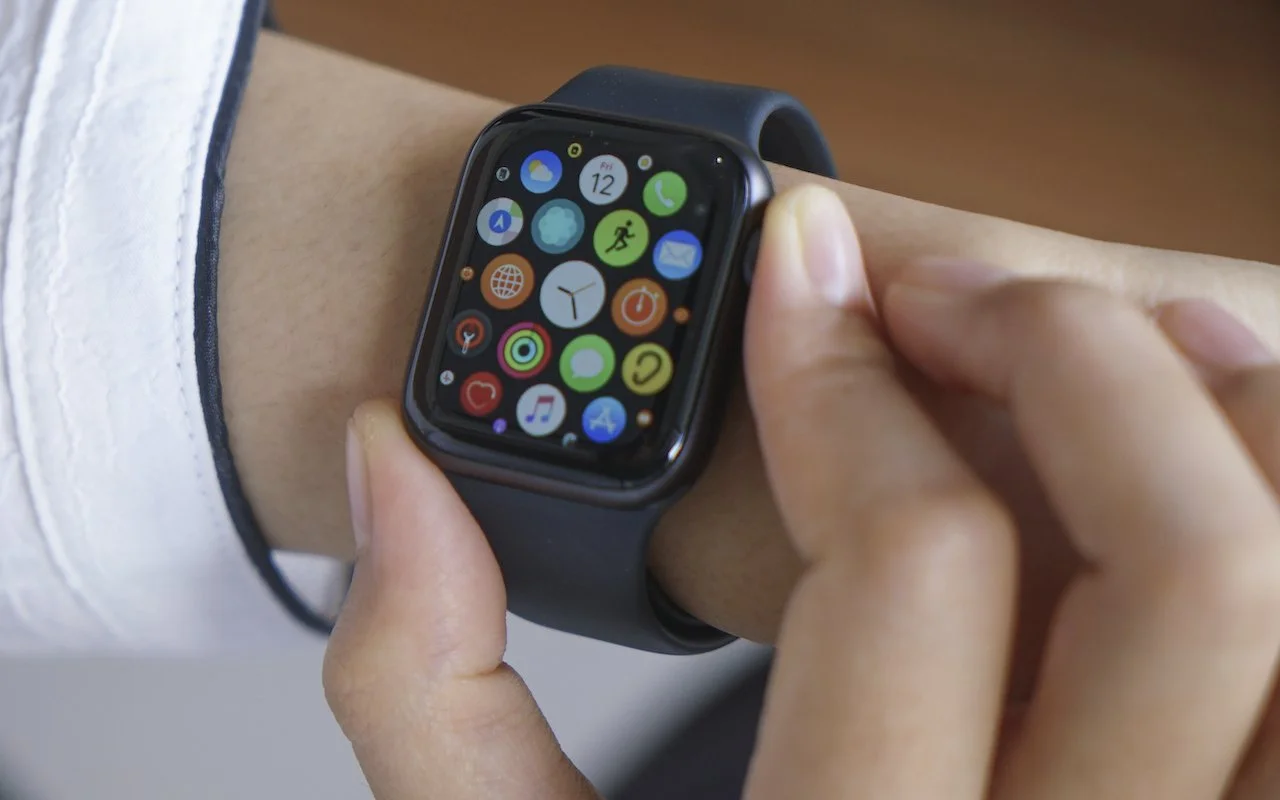
Struggling with the Apple Watch app grid? Switch to List View in the iPhone’s Watch app for an alphabetical list you can scroll with the Digital Crown.
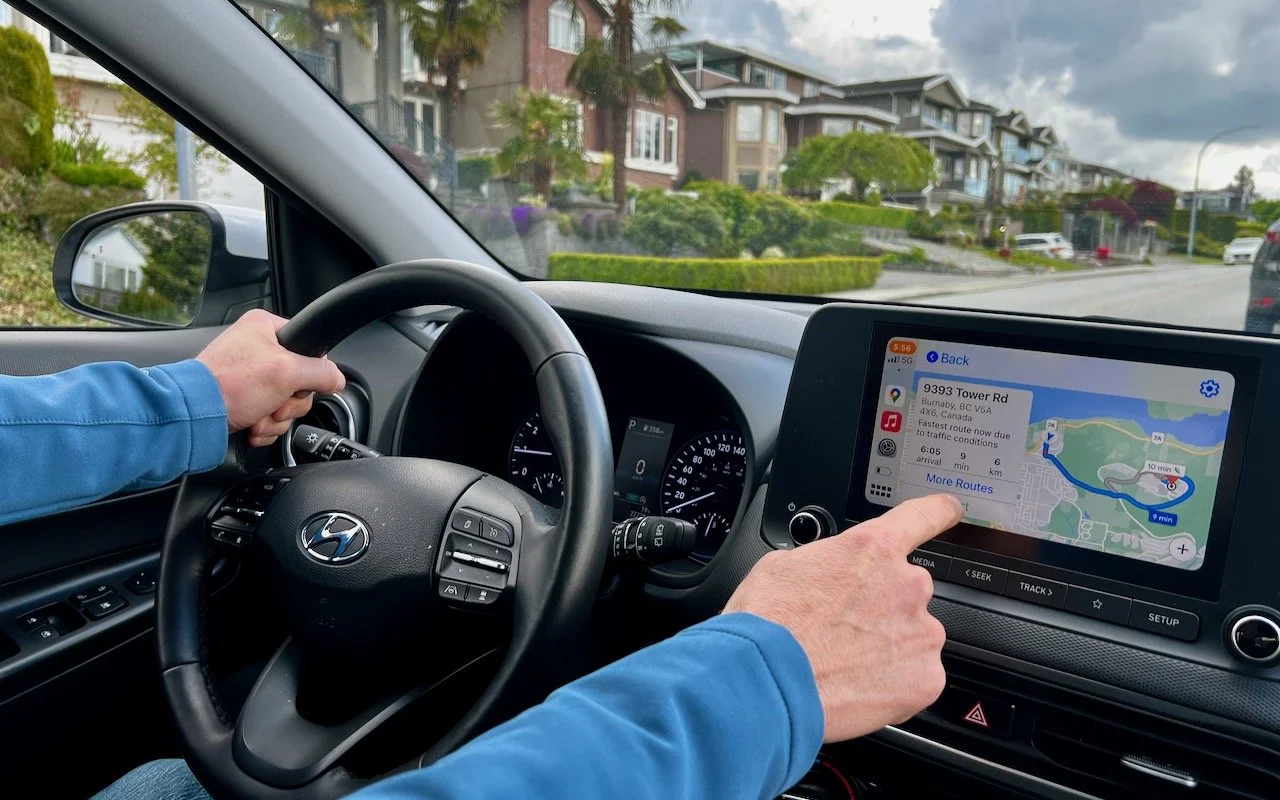
Renting a car has become more interesting in recent years due to changes automakers have been making to car electronics. For example, Apple’s CarPlay is becoming a common feature on rental cars.…
3 min read
Have an IT question we haven't covered?
In a free 30-minute call, tell us about your devices and your team, and we'll outline the next step.