Mac tips, page 12

Shortcuts, settings, and fixes for Mac, from the team that manages Macs for businesses every day.

Mac tips

Keep a USB Keyboard and Mouse for Troubleshooting

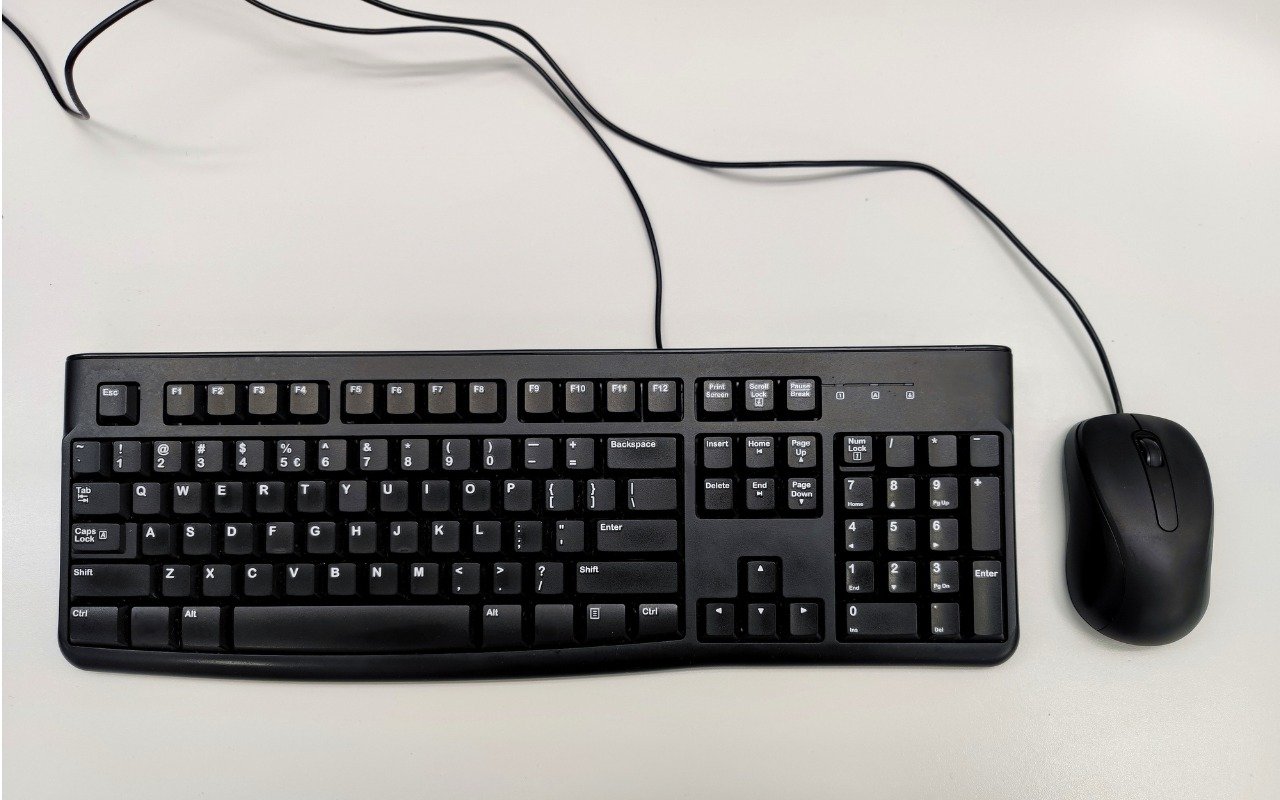
Keep a USB Keyboard and Mouse for Troubleshooting The minimalist approach with a wireless keyboard and mouse is good most of the time, but if things go wrong, it can be handy to have a wired USB keyboard and mouse available for troubleshooting.

1 min read

Mac tips

Is Your Mac Running Low on Disk Space? Here’s How to Delete Unnecessary Files

Is Your Mac Running Low on Disk Space? Here’s How to Delete Unnecessary Files Is your Mac low on drive space? Learn how to use Apple’s built-in storage manage-ment capabilities—perhaps supplemented with a third-party utility—to find and de-lete gigabytes of unnecessary files.

4 min read

Mac tips

With Storms Increasing, Protect Your Tech Gear from Damaging Power Fluctuations

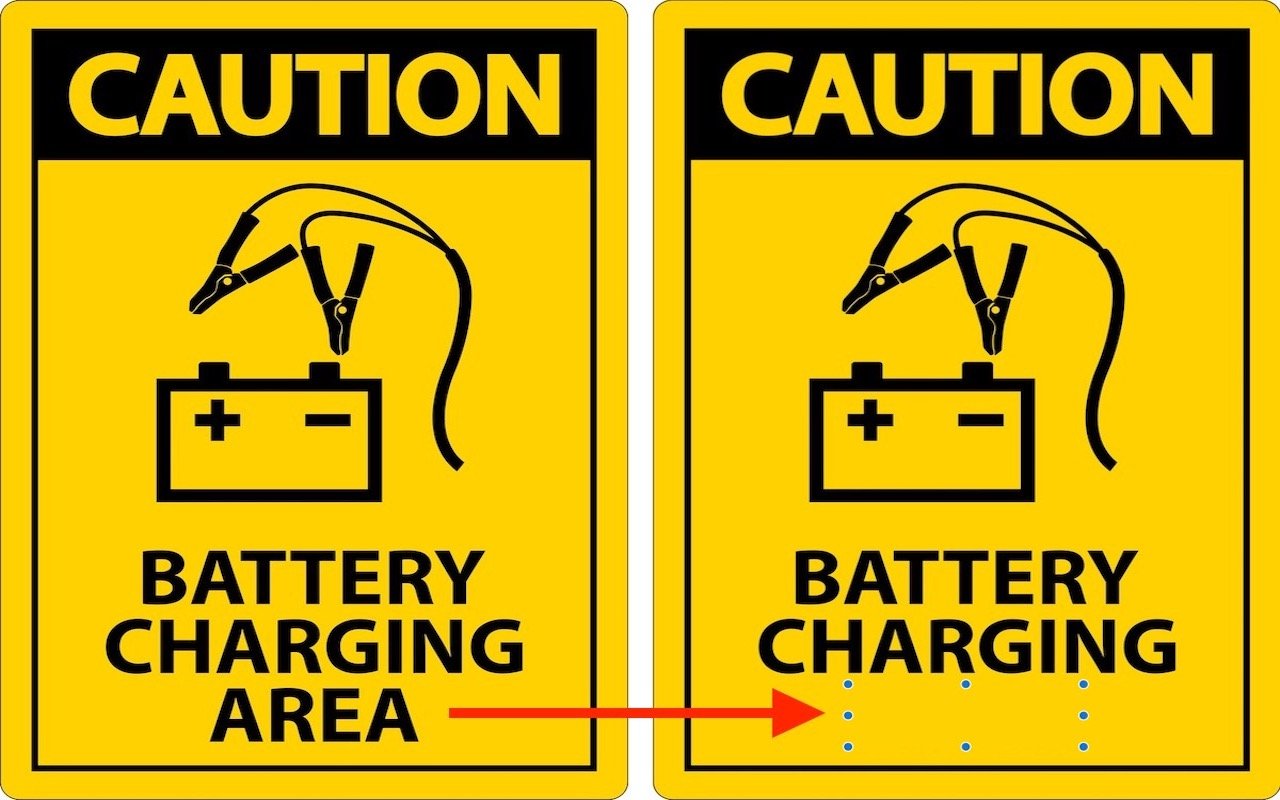
With Storms Increasing, Protect Your Tech Gear from Damaging Power Fluctuations How can you protect your tech gear from unexpected power fluctuations? A UPS is best in some scenarios, but a not-too-old surge protector is often sufficient. You can also let your Apple chargers do their job without worrying about what they are plugged into.

3 min read

Mac tips

Frustrated by System Settings? Use the View Menu or Search

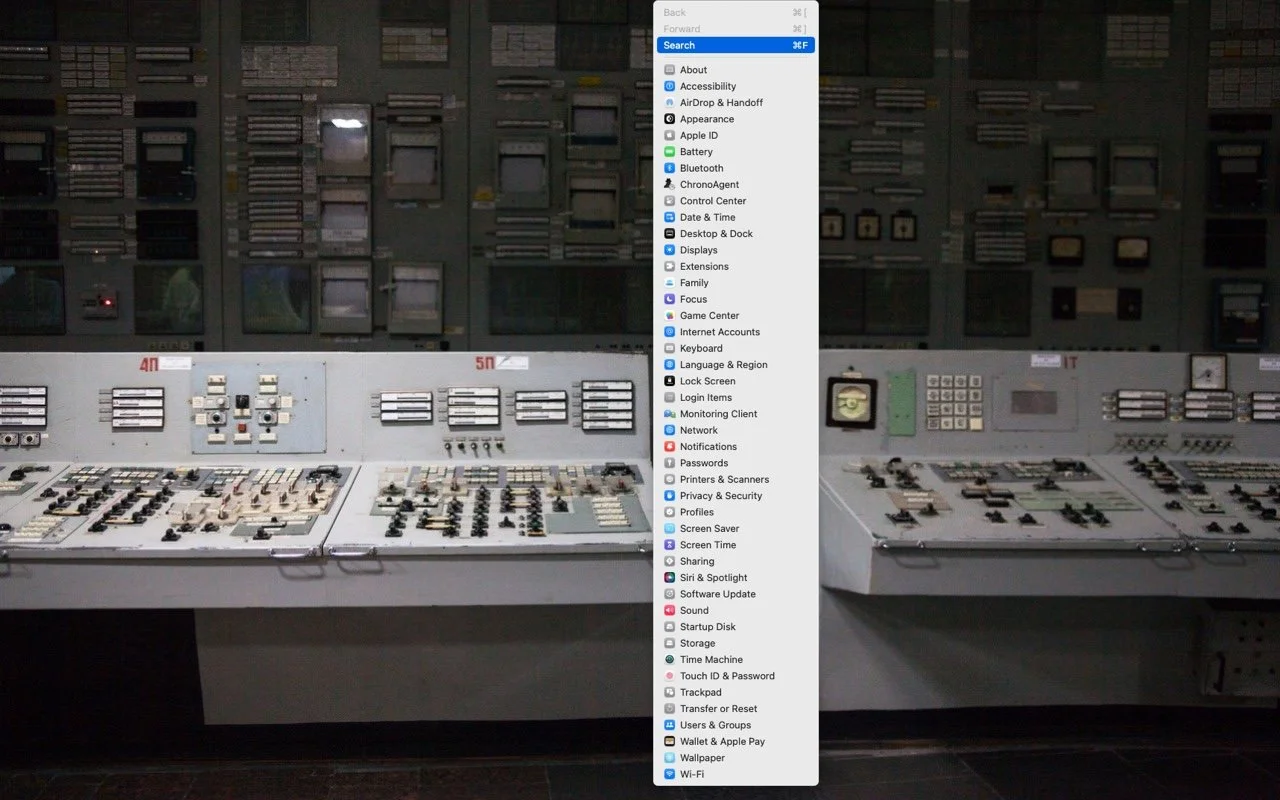
Frustrated by System Settings? Use the View Menu or Search If you have trouble finding things in macOS Ventura’s System Settings app, you’re not alone. We have advice to help you navigate alphabetically or jump directly to a deep-ly nested setting.

1 min read

Mac tips

Mac Keyboard Shortcuts Performing Unexpected Actions? Check These Settings

Mac Keyboard Shortcuts Performing Unexpected Actions? Check These Settings Do strange things sometimes happen on your Mac when you inadvertently press cer-tain key combinations? Take a trip through the macOS keyboard shortcuts and turn off those you’ll never use intentionally.

1 min read

Mac tips

Erase Image Content in Preview with Copied Color Blocks

Erase Image Content in Preview with Copied Color Blocks Have you ever needed to remove some content from a screenshot or other illustra-tion? There’s no need for a fancy graphics app—you can do it quickly in Preview with this little-known trick.

1 min read

Mac tips

What Should You Do about an Authentication Code You DIDN’T Request?

What Should You Do about an Authentication Code You DIDN’T Request? Receiving a two-factor authentication code you didn’t request shows that your secu-rity is working, but it’s also an indication that someone may have your password and be trying to break into your account.

2 min read

Mac tips

Web Workers of the World, Give Arc a Try

Web Workers of the World, Give Arc a Try An elegant new browser called Arc makes using the Web more fun, especially for people who use a lot of websites and Web apps. Arc offers many productivity fea-tures and a rethink of how users can best organize their many bookmarks and tabs.

6 min read

Mac tips

Keep Your Apple Devices Cool in the Summer Heat

Keep Your Apple Devices Cool in the Summer Heat As many parts of the world struggle with record heat waves, remember that exces-sive heat—operating temperatures over 95ºF/35ºC—is harmful to portable electron-ic devices like the iPhone, iPad, and Apple Watch. Keep your digital friends cool!

1 min read

Mac tips

Tips for Getting Back to Work Faster After Restarting Your Mac

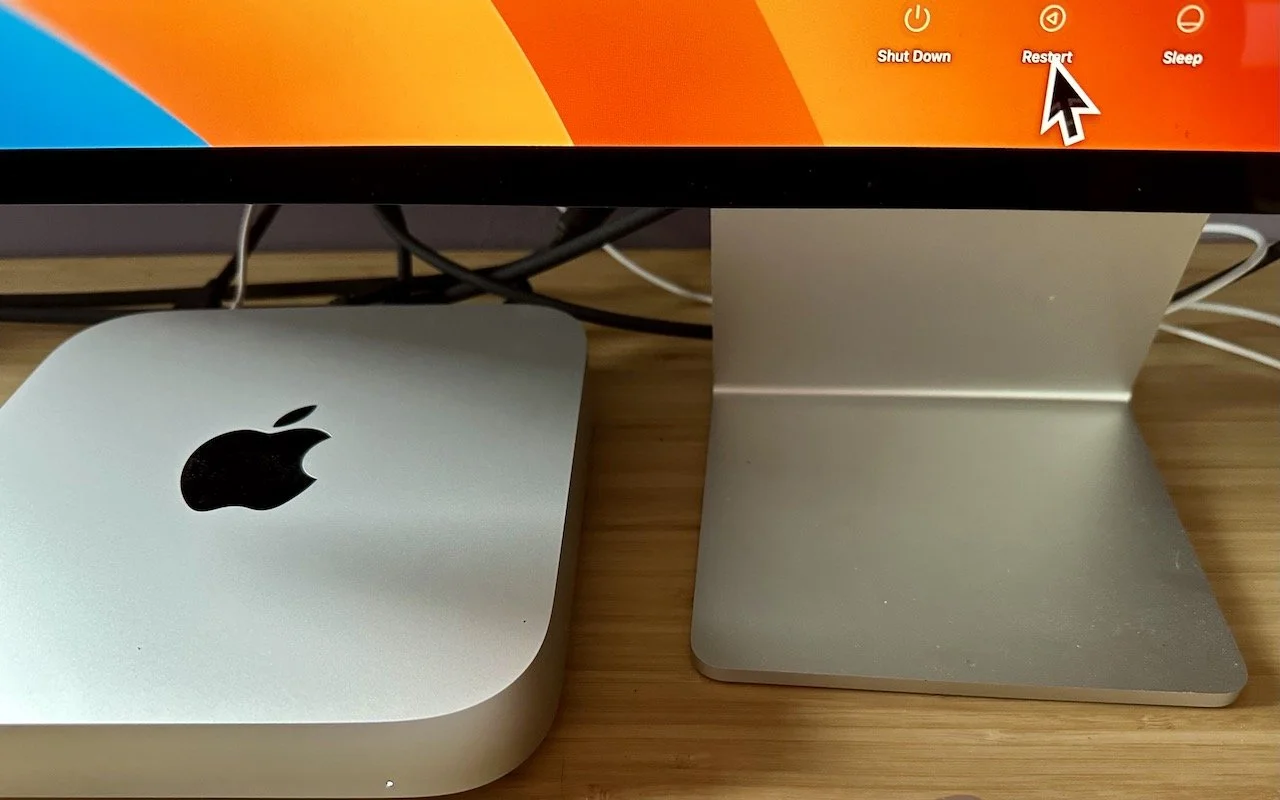
Tips for Getting Back to Work Faster After Restarting Your Mac Do you avoid restarting your Mac because of how long it takes to set up your apps, documents, windows, and browser tabs again? These macOS and browser settings will restore your working environment after a restart.

3 min read

Have an IT question we haven't covered?

In a free 30-minute call, tell us about your devices and your team, and we'll outline the next step.