Mac tips, page 11

Shortcuts, settings, and fixes for Mac, from the team that manages Macs for businesses every day.

Mac tips

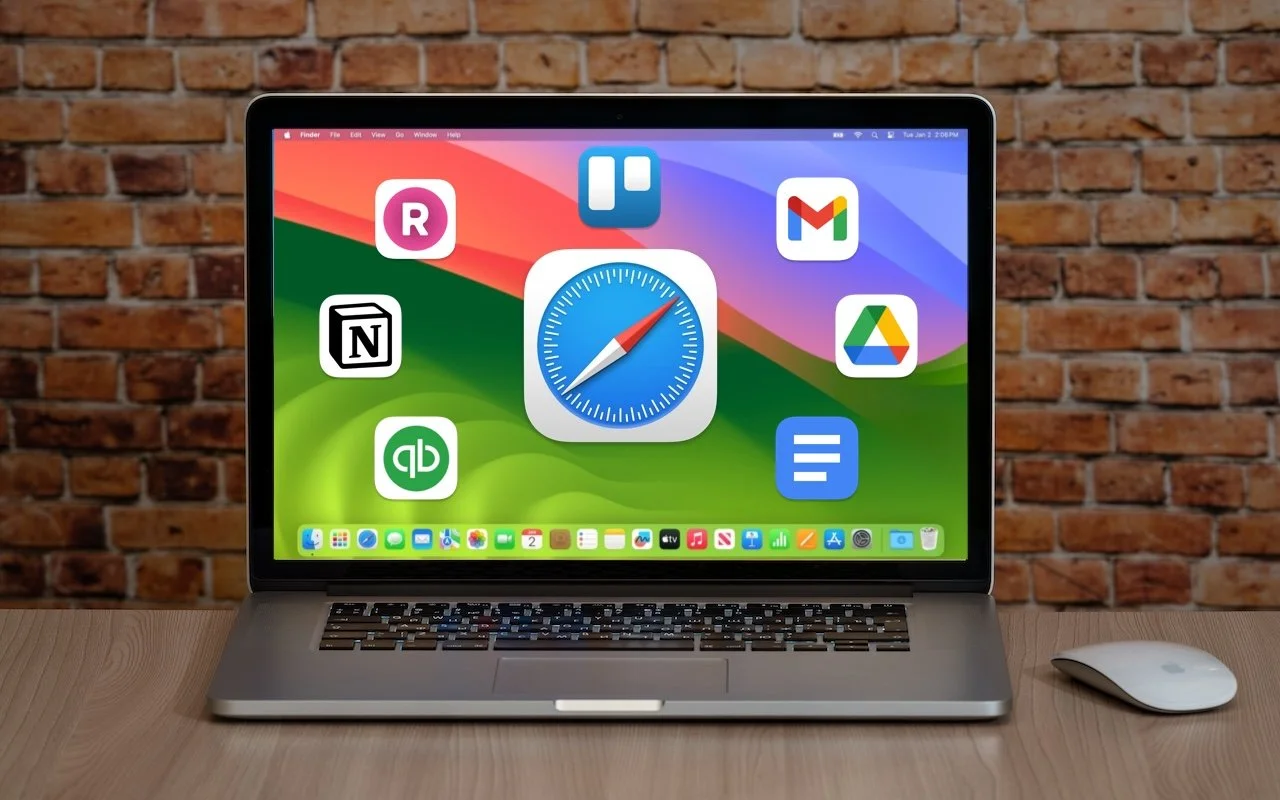
Turn Your Most-Used Sites into Safari Web Apps in macOS 14 Sonoma

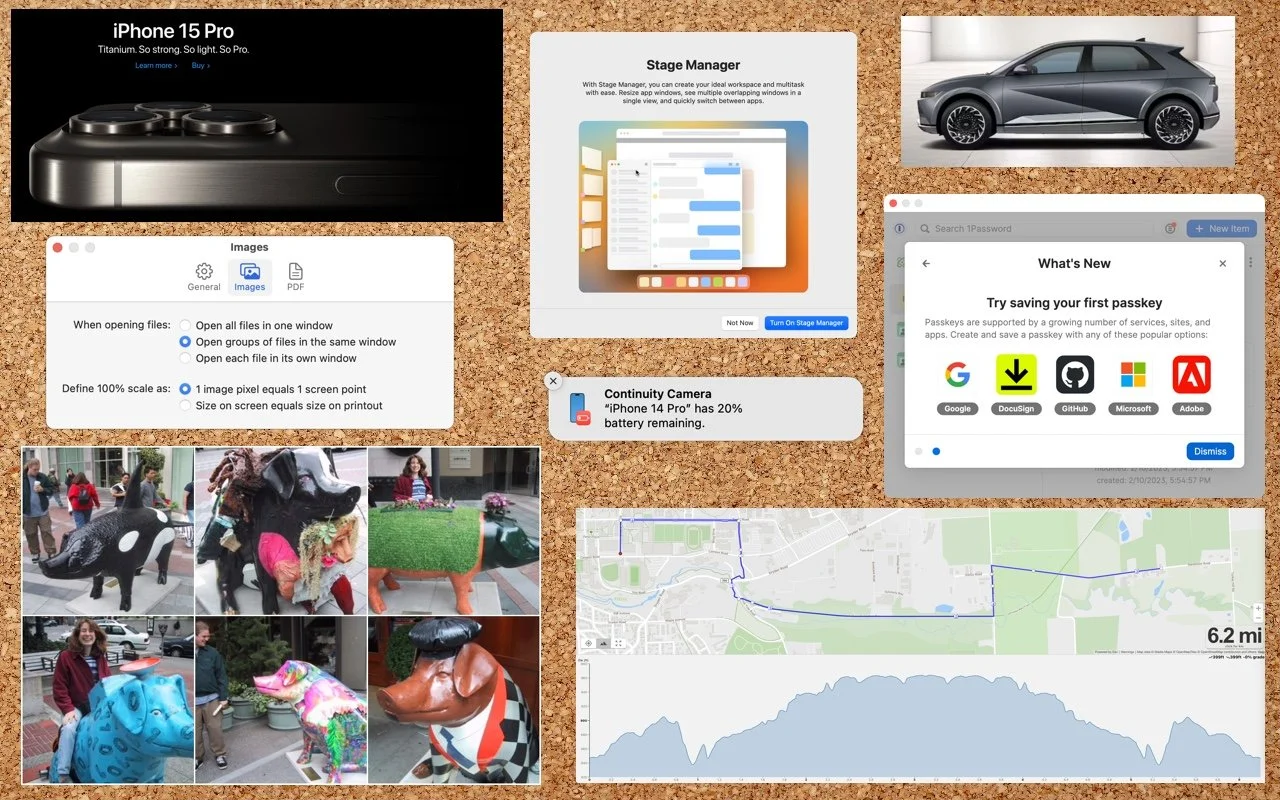
Turn Your Most-Used Sites into Safari Web Apps in macOS 14 Sonoma Safari in macOS 14 Sonoma introduced Web apps—also known as site-specific browsers—that let you turn a website into what looks and feels like an independent app on your Mac.


3 min read

Mac tips

Time Machine Now Offers Daily and Weekly Frequencies

Time Machine Now Offers Daily and Weekly Frequencies Has Time Machine’s hourly backup frequency been problematic for you? Starting in macOS 13 Ventura, you can instead choose a daily or weekly backup schedule.

1 min read

Mac tips

Everything You Need to Know about Taking Screenshots on the Mac

Everything You Need to Know about Taking Screenshots on the Mac Screenshots and screen recordings are helpful for capturing things that happen on your Mac screen for later reference. The macOS screenshot control bar makes it easy to take screenshots and movies, and our handy guide helps you work with it.

4 min read

Mac tips

Nine Ways of Moving Data from One Mac to Another

Nine Ways of Moving Data from One Mac to Another Copying a file from one Mac to another is conceptually straightforward, but not all approaches work equally well in all situations. Read on to learn which ways of mov-ing files are most appropriate for your needs.

3 min read

Mac tips

If Mail Fails to Send, Try, Try Again (Instead of Changing Servers)

If Mail Fails to Send, Try, Try Again (Instead of Changing Servers) If Mail on your Mac throws an error about being unable to send a message, always have it try again later rather than switching to a different server. Otherwise, your messages may look like spam and be blocked.

1 min read

Mac tips

The Best Apple Gifts for 2023

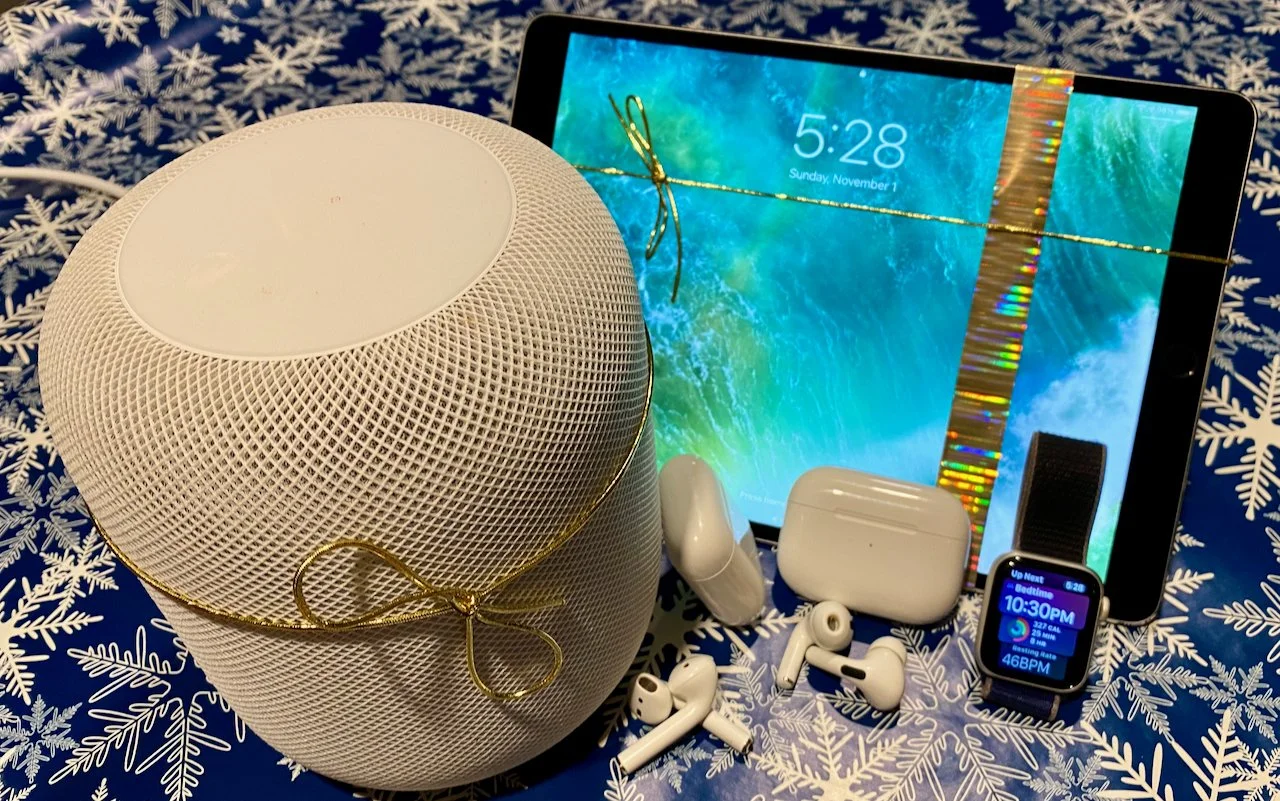
The Best Apple Gifts for 2023 Looking for the perfect holiday gift for the Apple user in your life? Here are our sug-gestions for the top Apple gifts for 2023.

6 min read

Mac tips

Four Solutions to Gotchas in macOS 14 Sonoma

Four Solutions to Gotchas in macOS 14 Sonoma Some of the new default features in Sonoma have caused confusion. We explain why windows hide when you click the desktop, where printer queue apps went, how to turn off the new reaction gestures, and the privacy awareness icons.

4 min read

Mac tips

In Your Face App Guarantees That You Notice Appointment Alerts

In Your Face App Guarantees That You Notice Appointment Alerts Are you often late to online meetings or in-person appointments because you were too focused on your work to notice the time? The In Your Face app ensures you’ll never miss an important meeting again.

1 min read

Mac tips

New M3 Chip Family Powers Updated MacBook Pros and 24-inch iMac

New M3 Chip Family Powers Updated MacBook Pros and 24-inch iMac At Apple’s Halloween-themed Scary Fast event on October 30, the company unveiled Apple has unveiled the M3, M3 Pro, and M3 Max chips alongside new 14-inch and 16-inch models of the MacBook Pro that use the new chips. The company also re-freshed the 24-inch iMac, replacing its M1 with an M3.

4 min read

Mac tips

Open the Mac’s Control Center with This Obscure Keyboard Shortcut

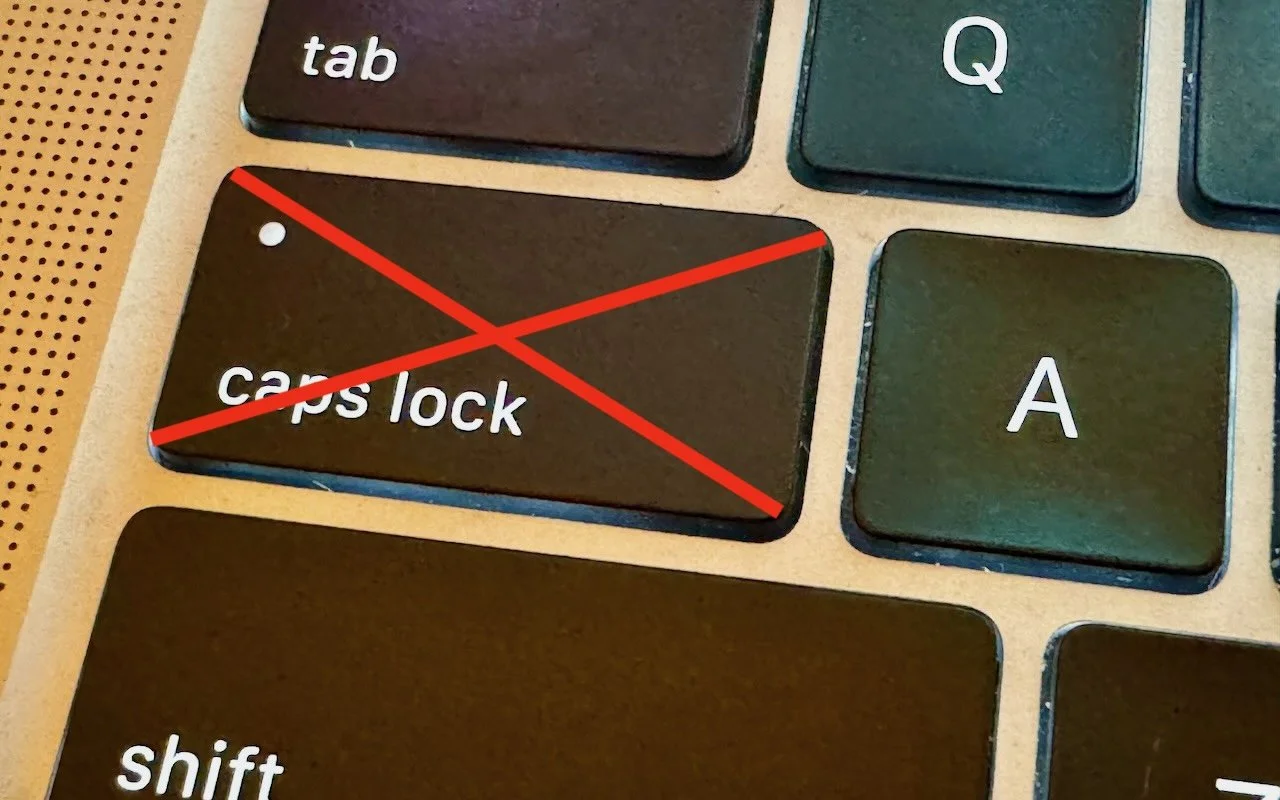
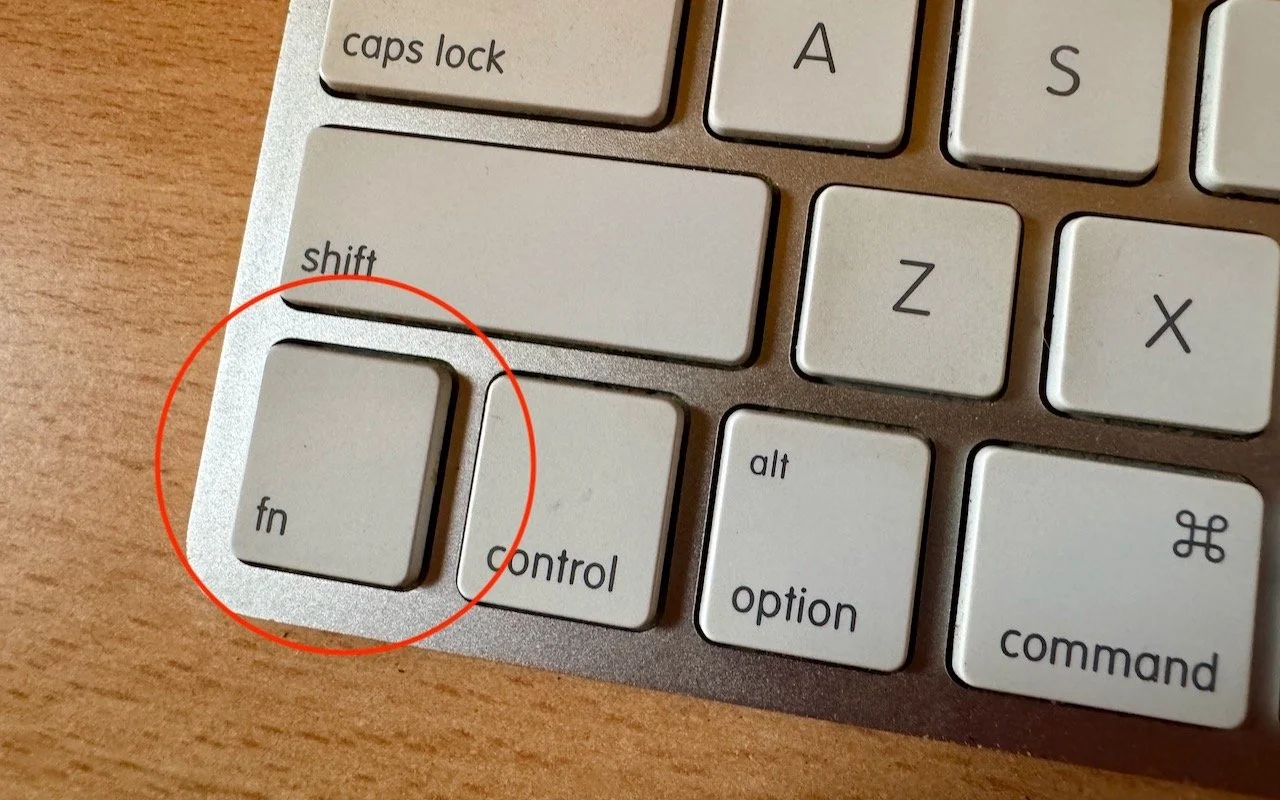
Open the Mac’s Control Center with This Obscure Keyboard Shortcut Control Center brings together controls for a collection of core macOS features, but its menu bar icon is small, making it hard for some to click. Luckily, there’s a hidden shortcut to bring it up quickly from the keyboard

1 min read

Have an IT question we haven't covered?

In a free 30-minute call, tell us about your devices and your team, and we'll outline the next step.