
Security and privacy
Find Some Ham Amidst Your Email Spam
Rather than frequently skimming your entire spam mailbox for incorrectly captured messages, try searching for specific keywords that are likely to appear in legitimate email.
Phishing, passwords and passkeys, backups, and privacy settings, explained for businesses that run on Mac, iPhone, and iPad.
Security and privacy
Rather than frequently skimming your entire spam mailbox for incorrectly captured messages, try searching for specific keywords that are likely to appear in legitimate email.

Security and privacy
Audit Your Trusted Device Lists for Greater Security We all accumulate “trusted devices” in our Apple, Google, and password manager ac-counts, but it’s important to remove devices you no longer use because they could be security risks.
Security and privacy
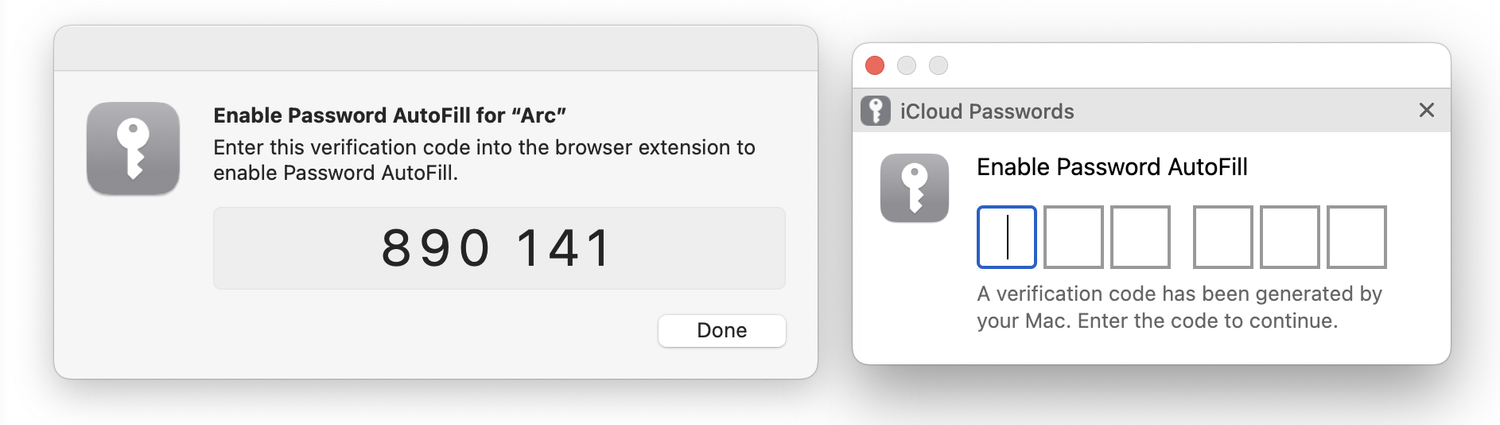
Apple’s iCloud Keychain Password Management Is All Many People Need Apple’s iCloud Keychain password manager keeps improving, and we now recommend it, especially for those not already using a third-party password manager. Here’s how to use iCloud Keychain to store and enter secure passwords.

Security and privacy
SPF, DKIM, and DMARC: What They Are and Why You Need Them To ensure phishers don’t forge email from your domain to use in their attacks on your organization and others, you must implement SPF, DKIM, and DMARC. We ex-plain the basics, and we’re happy to help with the setup.
Security and privacy
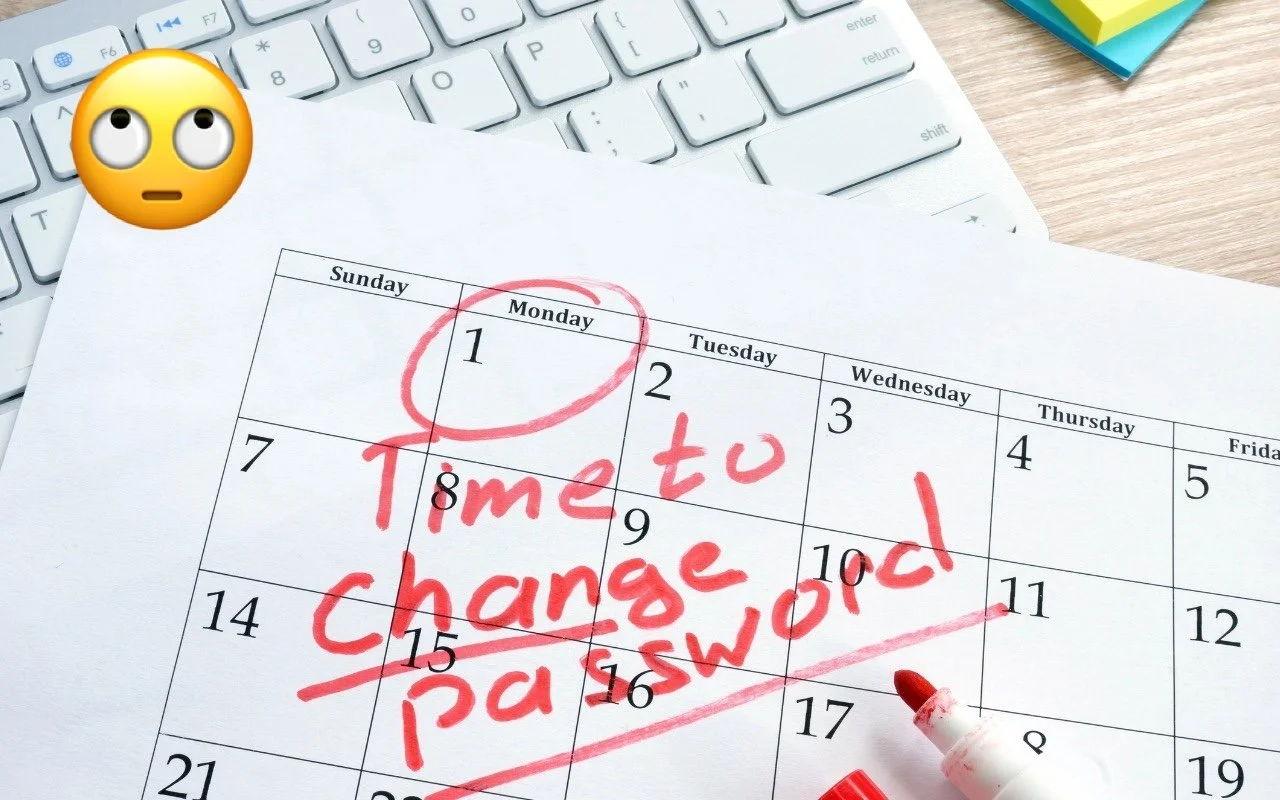
Changing Passwords Periodically Doesn’t Increase Security Security experts no longer recommend password expiration policies that require us-ers to change their passwords periodically. Here’s why.
Security and privacy
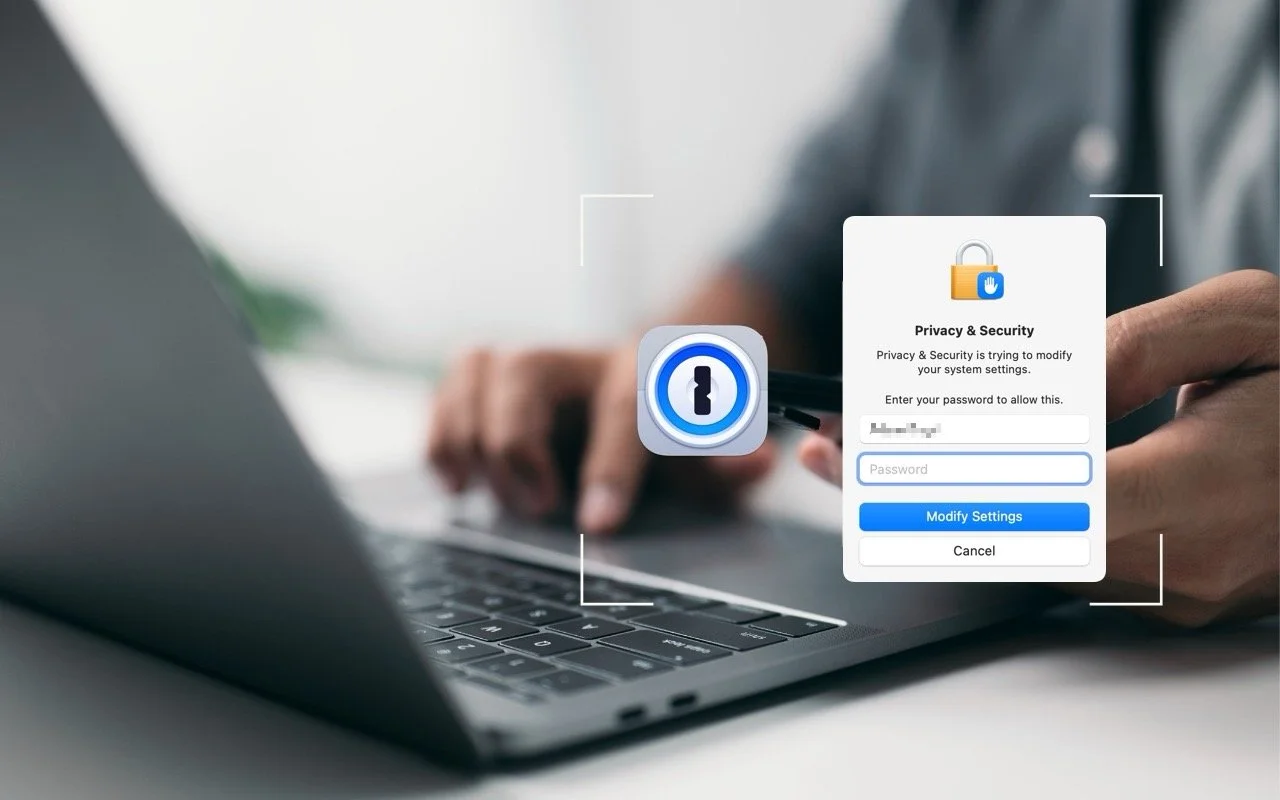
Use 1Password to Enter Your Mac Login Password 1Password is tremendously helpful for entering website passwords, but a little-known feature also enables it to enter your Mac login password for changing system settings, installing apps, and more.

Security and privacy
Use iOS 17.3’s Stolen Device Protection to Reduce Harm from iPhone Passcode Thefts In iOS 17.3, Apple has introduced Stolen Device Protection to discourage iPhone thefts enabled by a revealed passcode. It requires additional biometric authentication, and we recommend that everyone who uses Face ID or Touch ID enable it.
Security and privacy
After “Mother of All Breaches,” Update Passwords on Compromised Sites Worried about the “Mother of All Breaches” that has been making the rounds in secu-rity news? We share a leak checker that can tell you if your email address was in-volved and recommend that you update any compromised passwords.

Security and privacy
Help! My Account Has Been Hacked—What Should I Do? If you notice strange behavior in your online accounts, you might have been hacked. It’s imperative that you act immediately to verify the breach, change passwords, lock accounts, and alert support personnel. We provide steps here.
Security and privacy
Improve Your Digital Security in 2024 with These New Year’s Resolutions Get ready for a safer 2024 with New Year’s resolutions that will help you secure your devices, avoid scams, block malware, and enjoy the security and ease of use of password managers.
Security and privacy
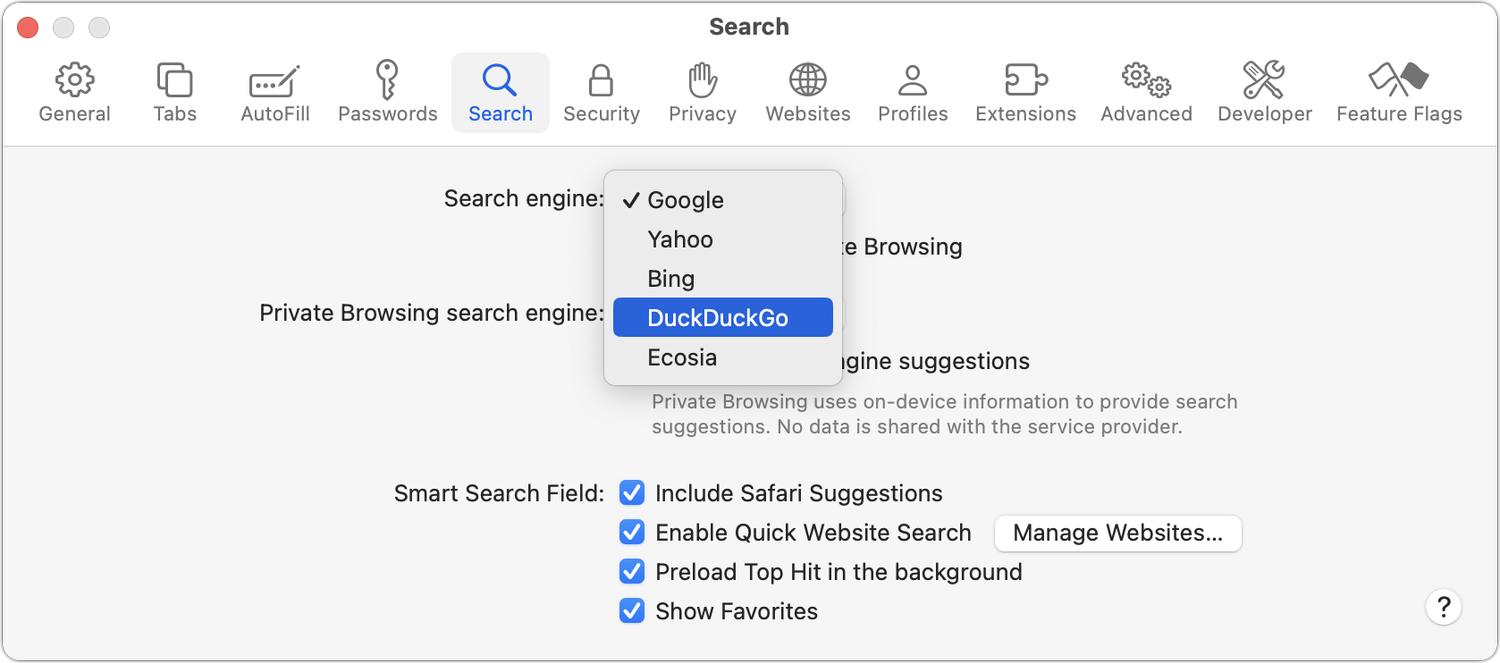
Concerned by the Privacy or Results of Google Search? Try These Other Search Engines Have you become disillusioned by Google due to its search quality or how it tracks your activity to serve targeted ads? You can try other search engines that promise to protect your privacy and provide independent search results.

Security and privacy
No, NameDrop in iOS 17 Isn’t a Privacy Concern. Here’s How to Use It Is iOS 17’s new NameDrop feature a privacy concern or a quick way to share contact info with a new friend? We think the privacy concerns are entirely overblown and explain how easy it is to use NameDrop.
In a free 30-minute call, tell us about your devices and your team, and we'll outline the next step.