Security and privacy, page 5

Phishing, passwords and passkeys, backups, and privacy settings, explained for businesses that run on Mac, iPhone, and iPad.

Security and privacy

Want to Password-Protect a PDF? Follow These Best Practices

Want to Password-Protect a PDF? Follow These Best Practices If you have a PDF with confidential information that you want to share, you can set a password to restrict opening, printing, or editing. We have instructions

4 min read

Security and privacy

Stay Alert! Voice Phishing Used in Recent Ransomware Attacks

Stay Alert! Voice Phishing Used in Recent Ransomware Attacks Phishing isn’t limited to email and texts anymore—“voice phishing” or “vishing” was used recently in a major ransomware attack on MGM Resorts. The rise in such at-tacks means that requests over the phone will need much more verification.

1 min read

Security and privacy

Forget Your Just-Changed Passcode? iOS 17’s Passcode Reset Has Your Back

Forget Your Just-Changed Passcode? iOS 17’s Passcode Reset Has Your Back If you change your passcode and can’t remember it (or it was changed for you by a prankster), iOS 17 lets you use your old passcode for 72 hours. It’s a helpful back-stop for the results of a memory lapse or mischievous child.

1 min read

Security and privacy

Faster Copying of Two-Factor Authentication Codes from Messages

Faster Copying of Two-Factor Authentication Codes from Messages Need to enter SMS-initiated two-factor authentication codes manually in Web brows-ers other than Safari? Try this hidden trick for quickly copying and pasting them in-stead of retyping all those numbers.

1 min read

Security and privacy

Beware Executive Imposter Scams Aimed at New Employees

Beware Executive Imposter Scams Aimed at New Employees We’re seeing an uptick in scam emails and texts to new hires purporting to be from corporate executives. The best defense is awareness, so we recommend adding secu-rity training to your onboarding process.

1 min read

Security and privacy

Legitimately Worried That You’re Being Targeted Online? Try Lockdown Mode

Legitimately Worried That You’re Being Targeted Online? Try Lockdown Mode High-value targets like activists, journalists, and government employees with access to sensitive information should consider enabling Lockdown Mode on their Apple devices to protect against hacking or spying by sophisticated digital attackers.

4 min read

Security and privacy

Use the Hidden Album in Photos to Hide Private Images

Use the Hidden Album in Photos to Hide Private Images Although it’s safest to keep all NSFW images off your iPhone entirely, if you have photos that could be embarrassing or legally troublesome if the wrong person were to stumble across them, protect them using the Hidden album in Photos.

2 min read

Security and privacy

Look Up Apple Device Details in Mactracker

Look Up Apple Device Details in Mactracker If you ever need to look up technical details about an Apple product, look no further than the Mactracker app, which provides specifications for every Mac, iPhone, iPad, and iPod ever made. It’s an indispensable free download.

1 min read

Security and privacy

Learn to Identify and Eliminate Phishing Notifications

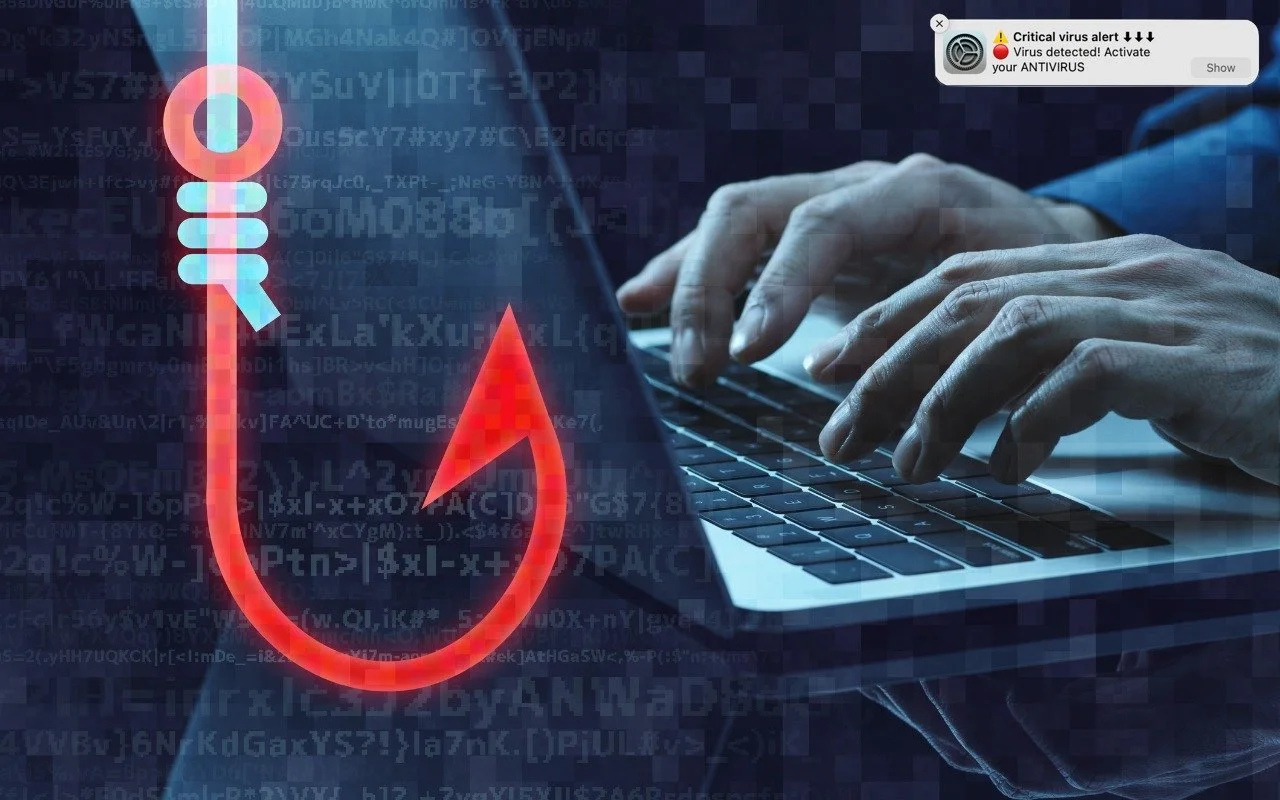
Learn to Identify and Eliminate Phishing Notifications Did you know that a phishing website can send you a notification right on your Mac? Learn how this could happen and how to prevent it in your favorite Web browser.

3 min read

Have an IT question we haven't covered?

In a free 30-minute call, tell us about your devices and your team, and we'll outline the next step.