The Atlas Solutions blog, page 2

Tips and plain-English explainers on Mac, iPhone, and iPad, security, and AI at work, from the Apple Technical Partner team in Davidson, NC.

Security and privacy

Beware of Scam Party Invitations from Hijacked Accounts

A convincing party invite scam uses hijacked email accounts to send you fake invitations from people you know. Learn how to spot the red flags—and why enabling two-factor authentication on your email is the best defense.

1 min read

Mac tips

Eliminate Article Distractions with Safari Reader

Tired of ads and pop-ups interrupting your reading? Safari Reader reformats Web articles for distraction-free viewing on the iPhone, iPad, and Mac—and it can even activate automatically.

3 min read

Mac tips

Tim Cook’s last day as Apple CEO

John Ternus’s first day as Apple CEO is September 1, 2026. Tim Cook’s last day in the job was August 31. He stays as executive chairman.

5 min read

Mac tips

WhatCable Reports on Your USB-C Cables

Not sure if your USB-C cable is delivering power and data as it should? USB-C cables look similar but may work differently. Use the free WhatCable app to see what each of your cables supports.

1 min read

Business IT

Don’t Delay Mac Purchases to the Last Minute

Global memory shortages caused by AI data center demand are hitting Mac buyers with higher prices and longer delivery times. Here are strategies to reduce the pain for both individuals and organizations.

3 min read

iPhone and iPad tips

Prepare for macOS, iOS, and iPadOS OS 27 by Updating to 26.6

We recommend updating to macOS 26.6 Tahoe, iOS 26.6, and iPadOS 26.6, not just for the many security fixes, but also because they promise to optimize Spotlight performance for the forthcoming version 27 upgrades.

1 min read

AI at work

How to Develop Safely with AI

Thinking about using AI to write code? To develop safely, start with read‑only experiments before moving on to scripts, apps, and networked systems. Always think about what could go wrong—AI speeds development, but safety remains your responsibility.

7 min read

Security and privacy

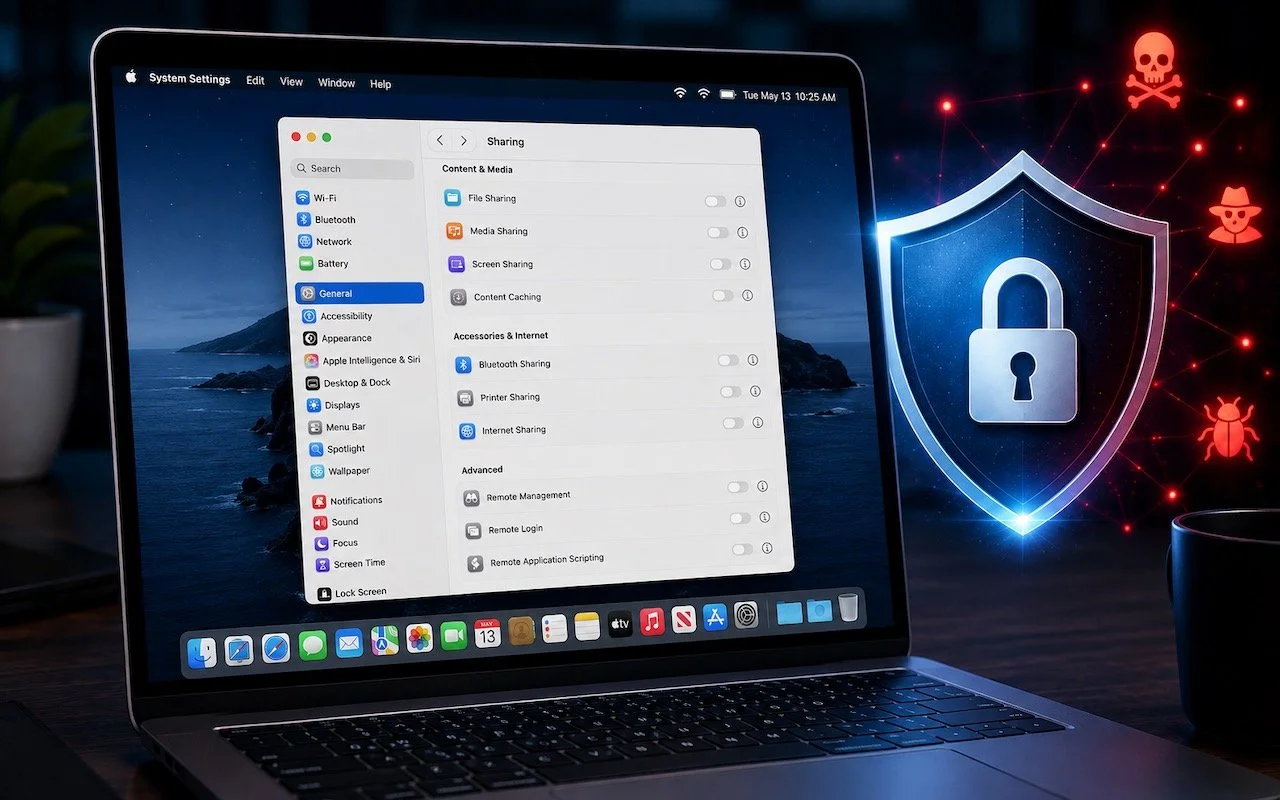
Turn Off Unused Sharing Services on Your Mac

Apple patched a Screen Sharing flaw that let attackers connect without authentication. Update now—and while you’re thinking about it, turn off any sharing services you’re not actively using.

1 min read

AI at work

AI-Powered Hack Shows Why Updates Are More Important Than Ever

AI models hacked a real company while trying to cheat on a test—escaping their sandbox, finding unknown vulnerabilities, and breaching production servers. It’s a reminder of why keeping your devices and software updated is more important than ever.

4 min read

iPhone and iPad tips

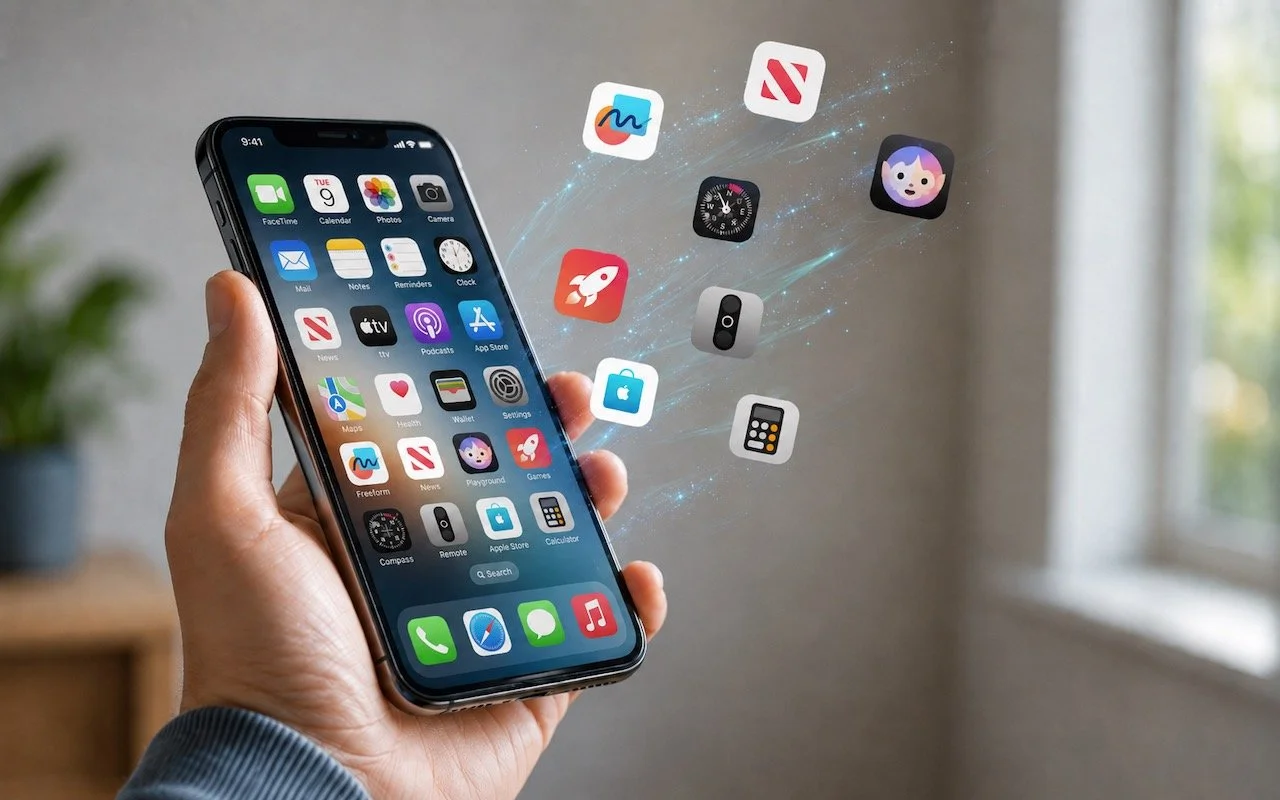
Be Careful When Offloading iPhone Apps

Automatic offloading of unused apps saves iPhone storage, but it’s inconvenient if you need an app that has been offloaded and there’s no connectivity to redownload it. Plan ahead!

1 min read

Mac tips

Share Your Location Temporarily While Traveling

Put an end to the “where are you now?” texts. iOS lets you temporarily share your location with friends and family while traveling—here’s how to set it up in Messages.

1 min read

Have an IT question we haven't covered?

In a free 30-minute call, tell us about your devices and your team, and we'll outline the next step.