The Atlas Solutions blog, page 26

Tips and plain-English explainers on Mac, iPhone, and iPad, security, and AI at work, from the Apple Technical Partner team in Davidson, NC.

Mac tips

Frustrated by System Settings? Use the View Menu or Search

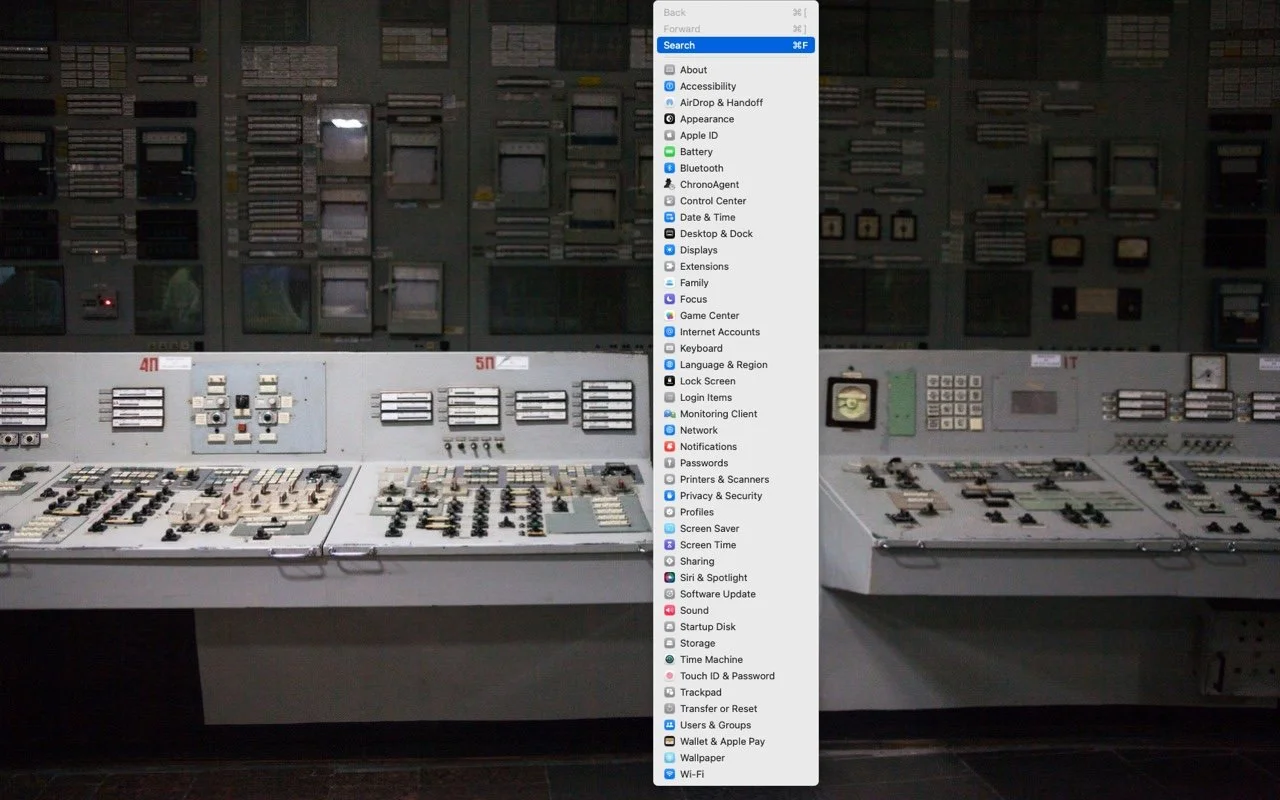
Frustrated by System Settings? Use the View Menu or Search If you have trouble finding things in macOS Ventura’s System Settings app, you’re not alone. We have advice to help you navigate alphabetically or jump directly to a deep-ly nested setting.

1 min read

Mac tips

Mac Keyboard Shortcuts Performing Unexpected Actions? Check These Settings

Mac Keyboard Shortcuts Performing Unexpected Actions? Check These Settings Do strange things sometimes happen on your Mac when you inadvertently press cer-tain key combinations? Take a trip through the macOS keyboard shortcuts and turn off those you’ll never use intentionally.

1 min read

iPhone and iPad tips

Things You Need to Know Before Moving to a New iPhone

Things You Need to Know Before Moving to a New iPhone It’s exciting to get a new iPhone, but take a few minutes to read our advice on what you need to do before—and after—transferring your data from your old iPhone.

4 min read

iPhone and iPad tips

Apple Announces iPhone 15 Lineup, Apple Watch Series 9, and Apple Watch Ultra 2

Apple Announces iPhone 15 Lineup, Apple Watch Series 9, and Apple Watch Ultra 2 At its Wonderlust event, Apple introduced the iPhone 15 lineup, the Apple Watch Series 9, and the Apple Watch Ultra 2. For the most part, they’re incremental upgrades, making them most compelling to those upgrading from much older devices.

6 min read

Mac tips

Erase Image Content in Preview with Copied Color Blocks

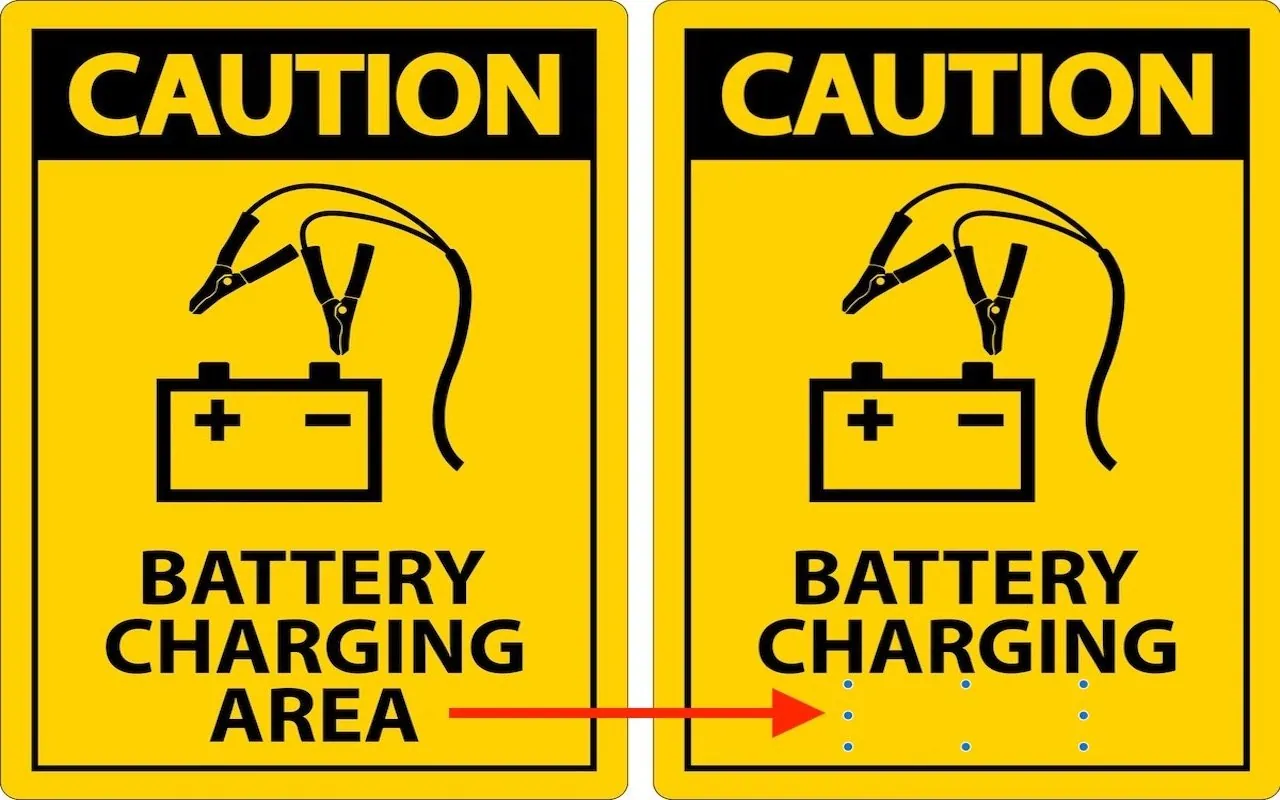
Erase Image Content in Preview with Copied Color Blocks Have you ever needed to remove some content from a screenshot or other illustra-tion? There’s no need for a fancy graphics app—you can do it quickly in Preview with this little-known trick.

1 min read

Mac tips

What Should You Do about an Authentication Code You DIDN’T Request?

What Should You Do about an Authentication Code You DIDN’T Request? Receiving a two-factor authentication code you didn’t request shows that your secu-rity is working, but it’s also an indication that someone may have your password and be trying to break into your account.

2 min read

Security and privacy

Beware Executive Imposter Scams Aimed at New Employees

Beware Executive Imposter Scams Aimed at New Employees We’re seeing an uptick in scam emails and texts to new hires purporting to be from corporate executives. The best defense is awareness, so we recommend adding secu-rity training to your onboarding process.

1 min read

Security and privacy

Legitimately Worried That You’re Being Targeted Online? Try Lockdown Mode

Legitimately Worried That You’re Being Targeted Online? Try Lockdown Mode High-value targets like activists, journalists, and government employees with access to sensitive information should consider enabling Lockdown Mode on their Apple devices to protect against hacking or spying by sophisticated digital attackers.

4 min read

Security and privacy

Use the Hidden Album in Photos to Hide Private Images

Use the Hidden Album in Photos to Hide Private Images Although it’s safest to keep all NSFW images off your iPhone entirely, if you have photos that could be embarrassing or legally troublesome if the wrong person were to stumble across them, protect them using the Hidden album in Photos.

2 min read

Security and privacy

Look Up Apple Device Details in Mactracker

Look Up Apple Device Details in Mactracker If you ever need to look up technical details about an Apple product, look no further than the Mactracker app, which provides specifications for every Mac, iPhone, iPad, and iPod ever made. It’s an indispensable free download.

1 min read

Have an IT question we haven't covered?

In a free 30-minute call, tell us about your devices and your team, and we'll outline the next step.