The Atlas Solutions blog, page 25

Tips and plain-English explainers on Mac, iPhone, and iPad, security, and AI at work, from the Apple Technical Partner team in Davidson, NC.

iPhone and iPad tips

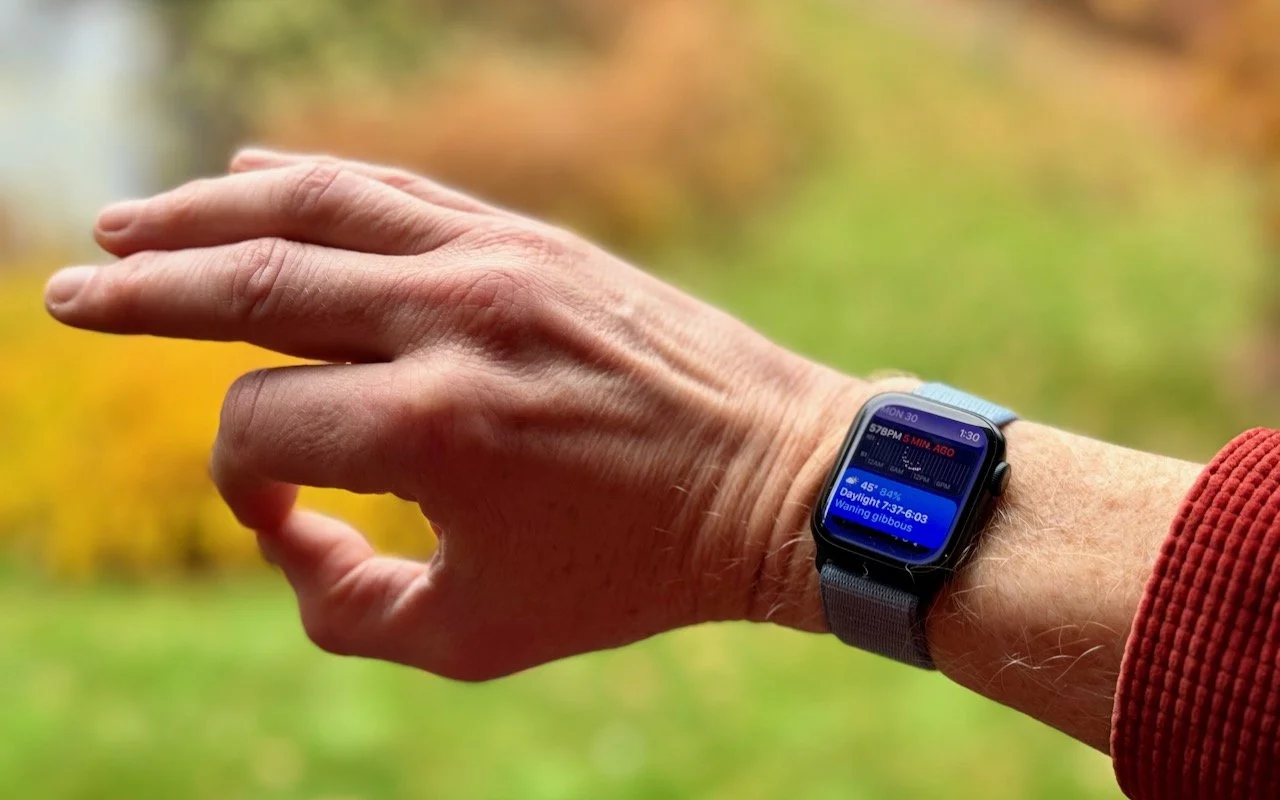
watchOS 10.1 Brings Double Tap to the Apple Watch Series 9 and Apple Watch Ultra 2

watchOS 10.1 Brings Double Tap to the Apple Watch Series 9 and Apple Watch Ultra 2 Apple’s promised double-tap gesture is now available in watchOS 10.1 for those with an Apple Watch Series 9 or Apple Watch Ultra 2. Give it a try to perform the primary action in a watchOS app without touching the screen.
1 min read

iPhone and iPad tips

Use iOS 17’s Check In Feature to Reduce Worry

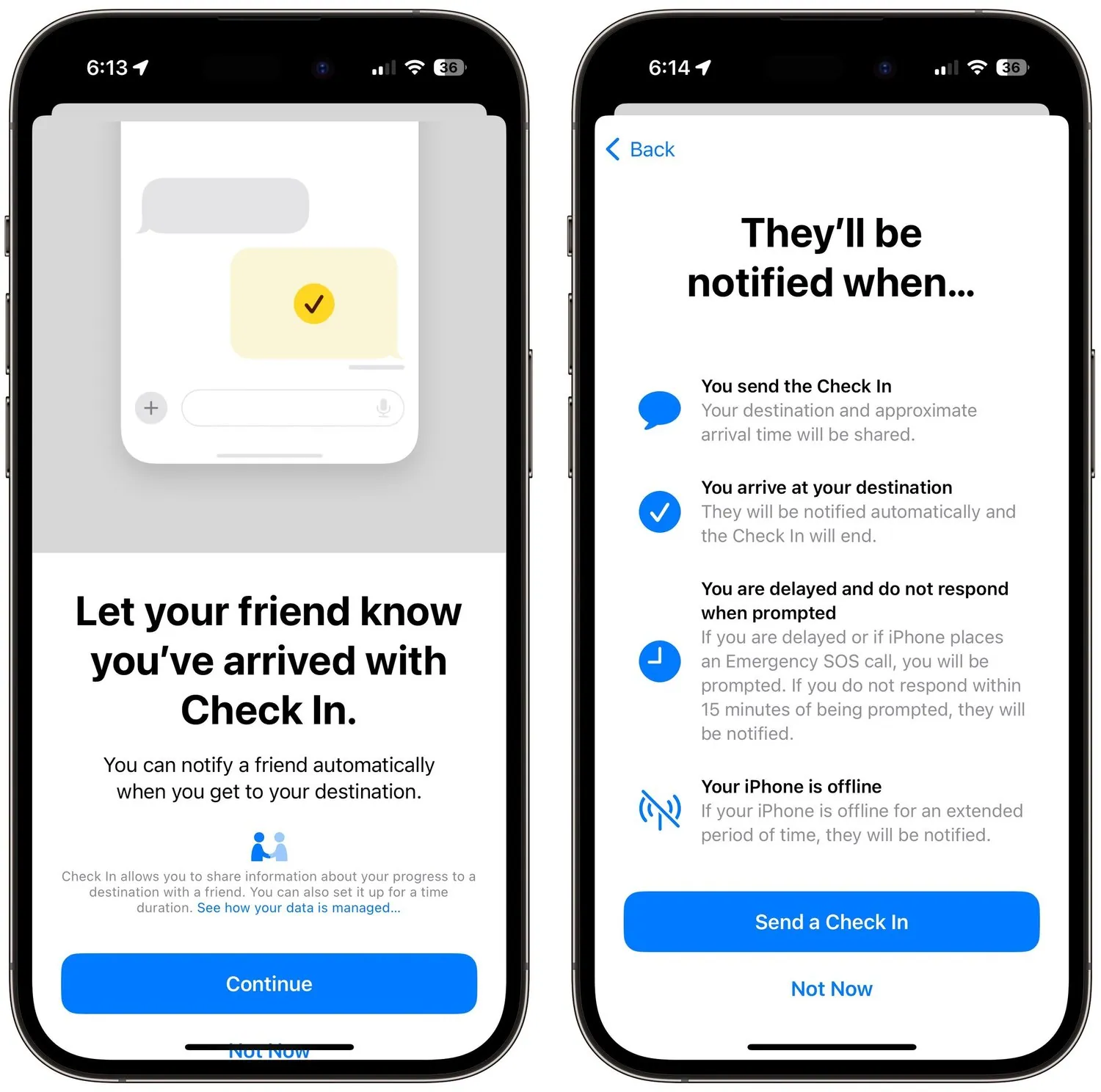
Use iOS 17’s Check In Feature to Reduce Worry The new Check In feature of iOS 17 can provide peace of mind by letting you specify a safety partner who will automatically be notified if you fail to arrive at your desti-nation or complete a timer.

5 min read

Mac tips

Open the Mac’s Control Center with This Obscure Keyboard Shortcut

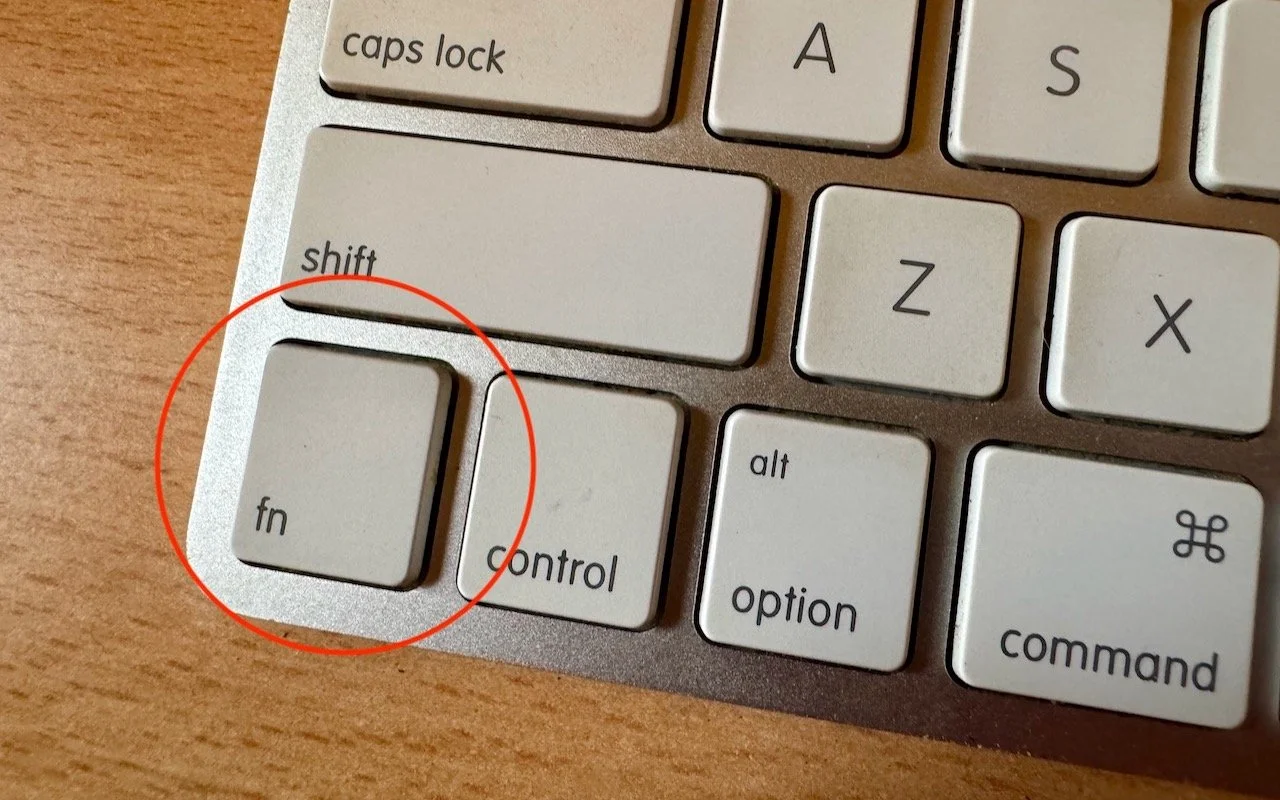
Open the Mac’s Control Center with This Obscure Keyboard Shortcut Control Center brings together controls for a collection of core macOS features, but its menu bar icon is small, making it hard for some to click. Luckily, there’s a hidden shortcut to bring it up quickly from the keyboard

1 min read

Security and privacy

Want to Password-Protect a PDF? Follow These Best Practices

Want to Password-Protect a PDF? Follow These Best Practices If you have a PDF with confidential information that you want to share, you can set a password to restrict opening, printing, or editing. We have instructions

4 min read

Security and privacy

Stay Alert! Voice Phishing Used in Recent Ransomware Attacks

Stay Alert! Voice Phishing Used in Recent Ransomware Attacks Phishing isn’t limited to email and texts anymore—“voice phishing” or “vishing” was used recently in a major ransomware attack on MGM Resorts. The rise in such at-tacks means that requests over the phone will need much more verification.

1 min read

Mac tips

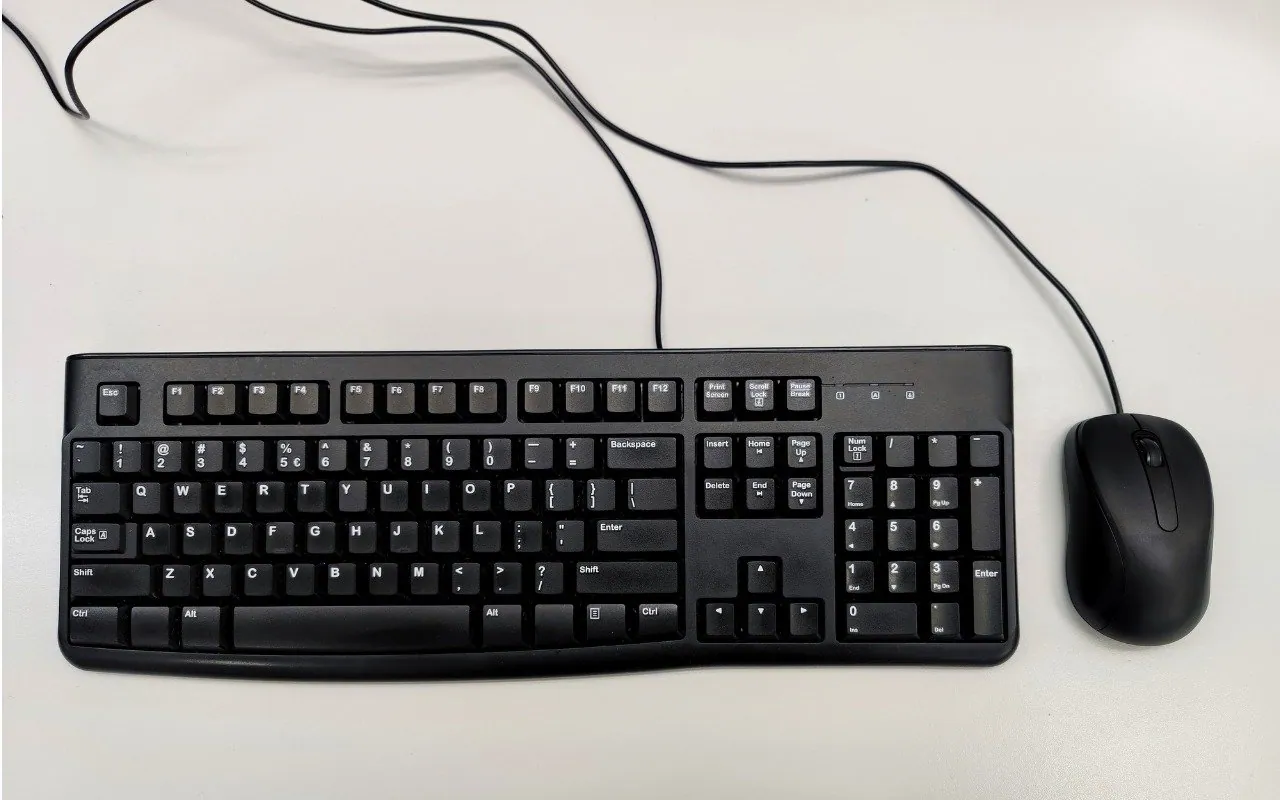
Keep a USB Keyboard and Mouse for Troubleshooting

Keep a USB Keyboard and Mouse for Troubleshooting The minimalist approach with a wireless keyboard and mouse is good most of the time, but if things go wrong, it can be handy to have a wired USB keyboard and mouse available for troubleshooting.

1 min read

Security and privacy

Forget Your Just-Changed Passcode? iOS 17’s Passcode Reset Has Your Back

Forget Your Just-Changed Passcode? iOS 17’s Passcode Reset Has Your Back If you change your passcode and can’t remember it (or it was changed for you by a prankster), iOS 17 lets you use your old passcode for 72 hours. It’s a helpful back-stop for the results of a memory lapse or mischievous child.

1 min read

Mac tips

Is Your Mac Running Low on Disk Space? Here’s How to Delete Unnecessary Files

Is Your Mac Running Low on Disk Space? Here’s How to Delete Unnecessary Files Is your Mac low on drive space? Learn how to use Apple’s built-in storage manage-ment capabilities—perhaps supplemented with a third-party utility—to find and de-lete gigabytes of unnecessary files.

4 min read

Security and privacy

Faster Copying of Two-Factor Authentication Codes from Messages

Faster Copying of Two-Factor Authentication Codes from Messages Need to enter SMS-initiated two-factor authentication codes manually in Web brows-ers other than Safari? Try this hidden trick for quickly copying and pasting them in-stead of retyping all those numbers.

1 min read

Mac tips

With Storms Increasing, Protect Your Tech Gear from Damaging Power Fluctuations

With Storms Increasing, Protect Your Tech Gear from Damaging Power Fluctuations How can you protect your tech gear from unexpected power fluctuations? A UPS is best in some scenarios, but a not-too-old surge protector is often sufficient. You can also let your Apple chargers do their job without worrying about what they are plugged into.

3 min read

Have an IT question we haven't covered?

In a free 30-minute call, tell us about your devices and your team, and we'll outline the next step.