The Atlas Solutions blog, page 24

Tips and plain-English explainers on Mac, iPhone, and iPad, security, and AI at work, from the Apple Technical Partner team in Davidson, NC.

Mac tips

Nine Ways of Moving Data from One Mac to Another

Nine Ways of Moving Data from One Mac to Another Copying a file from one Mac to another is conceptually straightforward, but not all approaches work equally well in all situations. Read on to learn which ways of mov-ing files are most appropriate for your needs.

3 min read

Mac tips

If Mail Fails to Send, Try, Try Again (Instead of Changing Servers)

If Mail Fails to Send, Try, Try Again (Instead of Changing Servers) If Mail on your Mac throws an error about being unable to send a message, always have it try again later rather than switching to a different server. Otherwise, your messages may look like spam and be blocked.

1 min read

Security and privacy

No, NameDrop in iOS 17 Isn’t a Privacy Concern. Here’s How to Use It

No, NameDrop in iOS 17 Isn’t a Privacy Concern. Here’s How to Use It Is iOS 17’s new NameDrop feature a privacy concern or a quick way to share contact info with a new friend? We think the privacy concerns are entirely overblown and explain how easy it is to use NameDrop.

2 min read

iPhone and iPad tips

Locate a Featured Lock Screen Image in Photos

Locate a Featured Lock Screen Image in Photos Do you sometimes wonder when or where you took a photo that iOS’s Photo Shuffle wallpaper is displaying on your Lock Screen? Us too, and here’s how to find out more.

1 min read

Mac tips

The Best Apple Gifts for 2023

The Best Apple Gifts for 2023 Looking for the perfect holiday gift for the Apple user in your life? Here are our sug-gestions for the top Apple gifts for 2023.

6 min read

iPhone and iPad tips

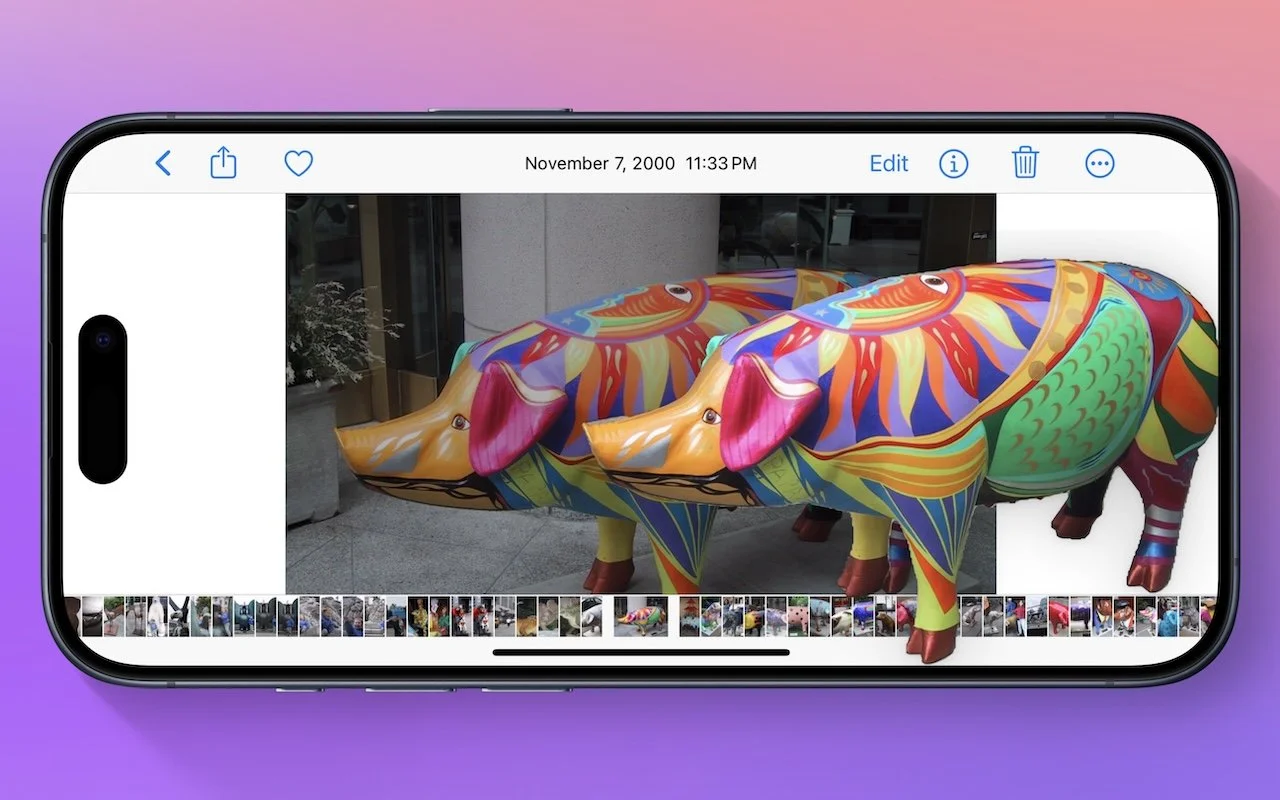
Lift Objects from Photos on the iPhone

Lift Objects from Photos on the iPhone Starting with iOS 16, Apple made it possible to extract objects from photos. You can drag objects to other apps, copy them, turn them into stickers, and more.

1 min read

iPhone and iPad tips

Nine Tips for Switching from an iPhone with Touch ID to One with Face ID

Nine Tips for Switching from an iPhone with Touch ID to One with Face ID Are you switching from an iPhone with Touch ID to one with Face ID? The challenge of learning new things can intimidate some people, but we have a list of what you’ll need to know. (And some of the changes are better!)

4 min read

iPhone and iPad tips

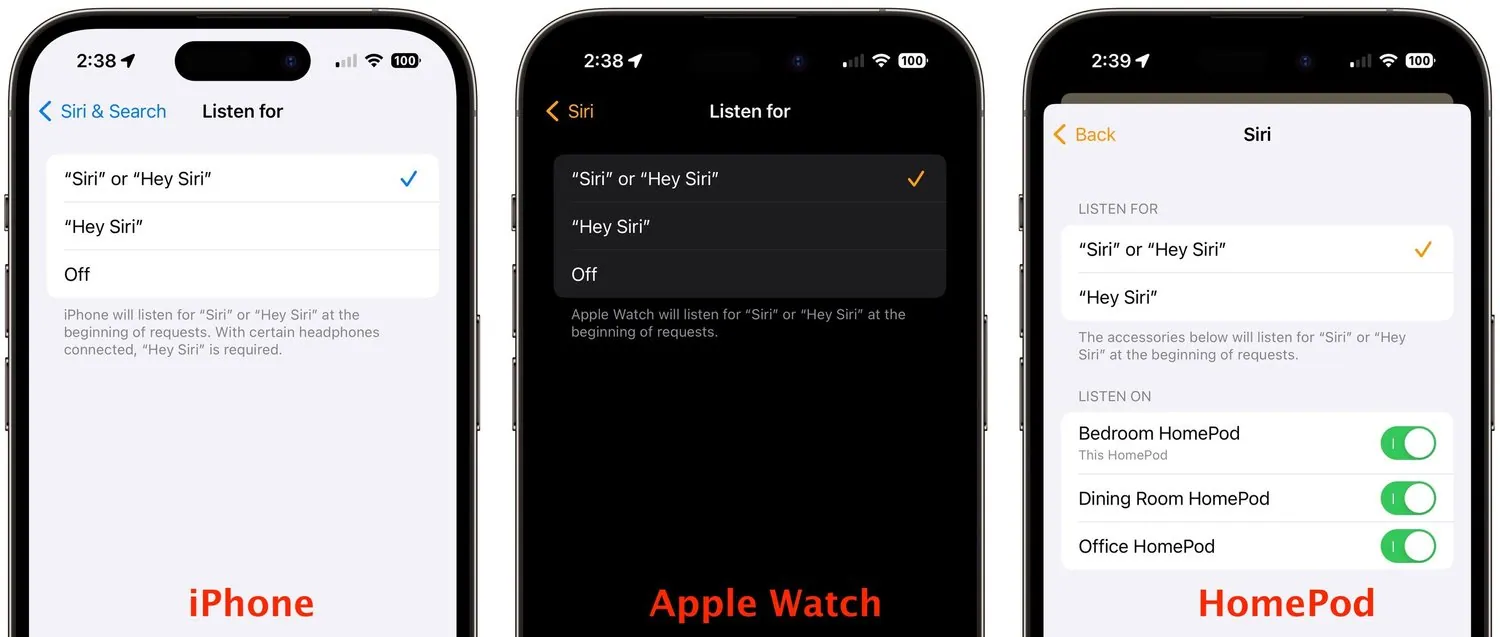
The “Hey” Part of “Hey Siri” Is Now Optional

In Apple’s new operating systems for 2023, you can choose to invoke Siri with just “Siri” or the old “Hey Siri”—or turn the feature off entirely. We explain where to find the feature for each of your Apple devices.

1 min read

Mac tips

Four Solutions to Gotchas in macOS 14 Sonoma

Four Solutions to Gotchas in macOS 14 Sonoma Some of the new default features in Sonoma have caused confusion. We explain why windows hide when you click the desktop, where printer queue apps went, how to turn off the new reaction gestures, and the privacy awareness icons.

4 min read

Mac tips

In Your Face App Guarantees That You Notice Appointment Alerts

In Your Face App Guarantees That You Notice Appointment Alerts Are you often late to online meetings or in-person appointments because you were too focused on your work to notice the time? The In Your Face app ensures you’ll never miss an important meeting again.

1 min read

Mac tips

New M3 Chip Family Powers Updated MacBook Pros and 24-inch iMac

New M3 Chip Family Powers Updated MacBook Pros and 24-inch iMac At Apple’s Halloween-themed Scary Fast event on October 30, the company unveiled Apple has unveiled the M3, M3 Pro, and M3 Max chips alongside new 14-inch and 16-inch models of the MacBook Pro that use the new chips. The company also re-freshed the 24-inch iMac, replacing its M1 with an M3.

4 min read

Have an IT question we haven't covered?

In a free 30-minute call, tell us about your devices and your team, and we'll outline the next step.