The Atlas Solutions blog, page 23

Tips and plain-English explainers on Mac, iPhone, and iPad, security, and AI at work, from the Apple Technical Partner team in Davidson, NC.

iPhone and iPad tips

How to Avoid Head-Tracked Spatial Audio for FaceTime Audio Calls

How to Avoid Head-Tracked Spatial Audio for FaceTime Audio Calls If you’ve ever experienced a weird situation where sound on a FaceTime Audio call moves back and forth between your AirPods, it’s because of spatial audio’s dynamic head tracking. Learn how to turn it off


1 min read

Security and privacy

Help! My Account Has Been Hacked—What Should I Do?

Help! My Account Has Been Hacked—What Should I Do? If you notice strange behavior in your online accounts, you might have been hacked. It’s imperative that you act immediately to verify the breach, change passwords, lock accounts, and alert support personnel. We provide steps here.

3 min read

iPhone and iPad tips

Use StandBy to Make Your iPhone into a Clock, Photo Frame, and More

Use StandBy to Make Your iPhone into a Clock, Photo Frame, and More The new Standby mode turns your iPhone into a digital picture frame, clock, or cus-tomizable widget display—and it remembers which approach you prefer in different locations.

1 min read

Mac tips

Turn Your Most-Used Sites into Safari Web Apps in macOS 14 Sonoma

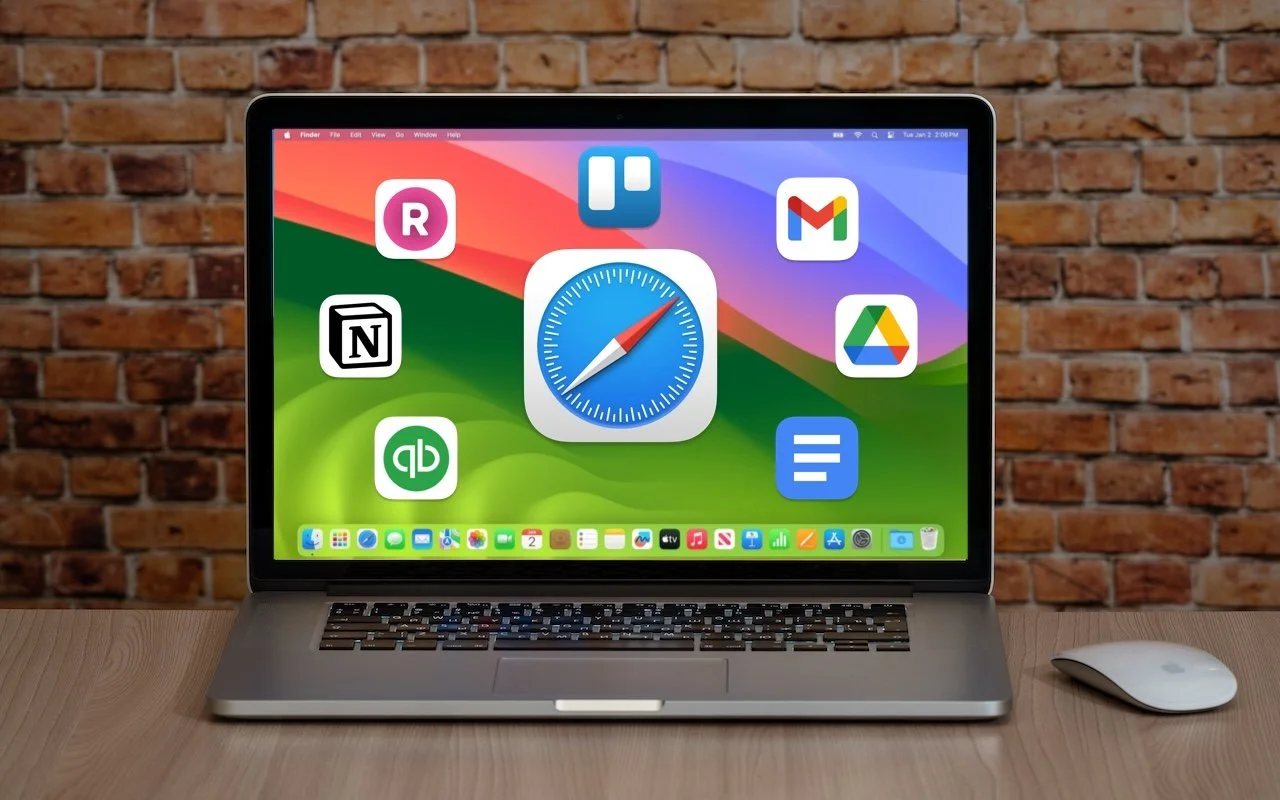
Turn Your Most-Used Sites into Safari Web Apps in macOS 14 Sonoma Safari in macOS 14 Sonoma introduced Web apps—also known as site-specific browsers—that let you turn a website into what looks and feels like an independent app on your Mac.

3 min read

iPhone and iPad tips

Keep Your Contacts Current by Adding Siri-Suggested Content

Keep Your Contacts Current by Adding Siri-Suggested Content Want an easy way to add email addresses, phone numbers, and postal addresses to Contacts? If you’ve received that information in Mail or Messages, Siri can help.

1 min read

Security and privacy

Improve Your Digital Security in 2024 with These New Year’s Resolutions

Improve Your Digital Security in 2024 with These New Year’s Resolutions Get ready for a safer 2024 with New Year’s resolutions that will help you secure your devices, avoid scams, block malware, and enjoy the security and ease of use of password managers.

4 min read

Security and privacy

Concerned by the Privacy or Results of Google Search? Try These Other Search Engines

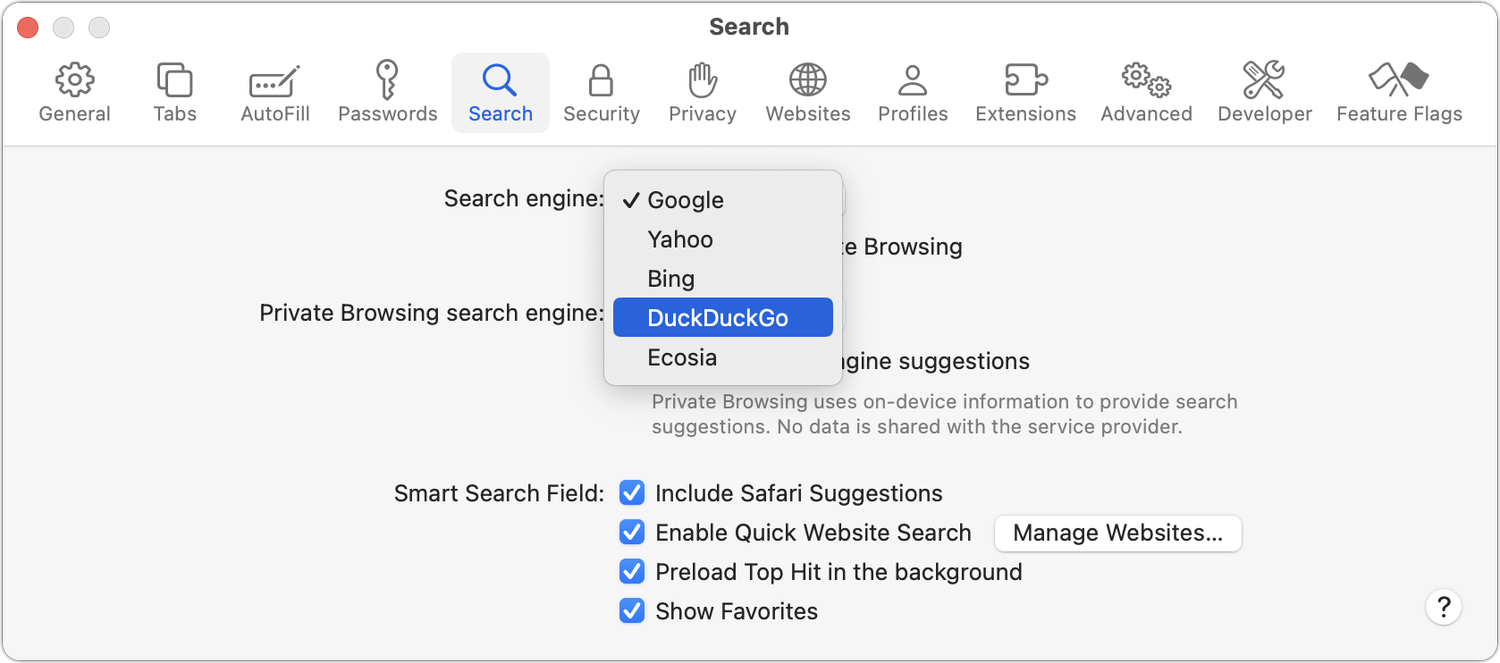
Concerned by the Privacy or Results of Google Search? Try These Other Search Engines Have you become disillusioned by Google due to its search quality or how it tracks your activity to serve targeted ads? You can try other search engines that promise to protect your privacy and provide independent search results.

4 min read

Mac tips

Time Machine Now Offers Daily and Weekly Frequencies

Time Machine Now Offers Daily and Weekly Frequencies Has Time Machine’s hourly backup frequency been problematic for you? Starting in macOS 13 Ventura, you can instead choose a daily or weekly backup schedule.

1 min read

Mac tips

Everything You Need to Know about Taking Screenshots on the Mac

Everything You Need to Know about Taking Screenshots on the Mac Screenshots and screen recordings are helpful for capturing things that happen on your Mac screen for later reference. The macOS screenshot control bar makes it easy to take screenshots and movies, and our handy guide helps you work with it.

4 min read

Business IT

Feel Free to Upgrade to macOS 14 Sonoma When You’re Ready

Feel Free to Upgrade to macOS 14 Sonoma When You’re Ready When should you upgrade to macOS 14 Sonoma? There’s no need to install it today, but we think it’s now safe for those who want to take advantage of the new features and integration with Apple’s other operating systems.

5 min read

Have an IT question we haven't covered?

In a free 30-minute call, tell us about your devices and your team, and we'll outline the next step.