If your iPhone were to be stolen or suffer an unfortunate accident, would you lose all your precious photos? Those using iCloud Photos are probably shaking their heads smugly, thinking that all…
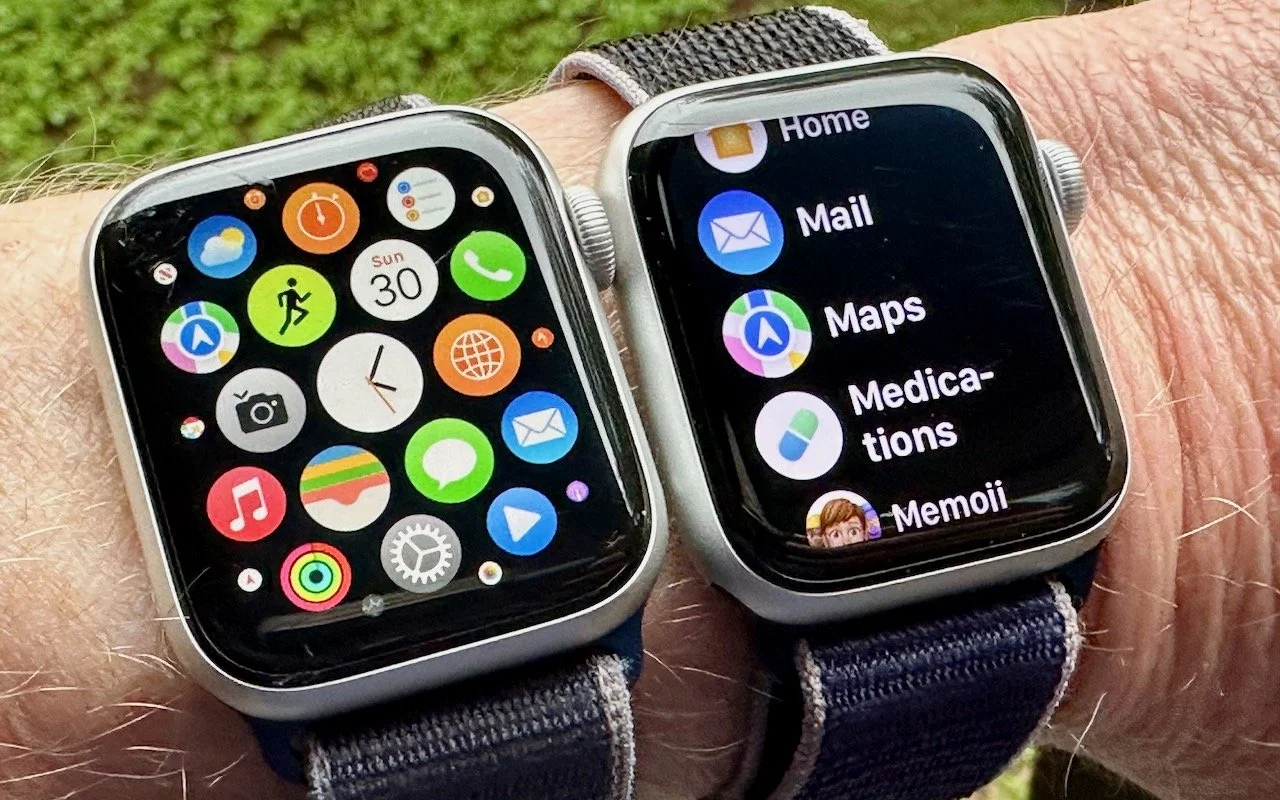
If you have trouble finding apps on your Apple Watch in the randomly arranged “grid” view, you’ll be pleased to learn how to switch to the more sensible list view, which sorts alphabetically.
Do you have pictures that are difficult to find or make sense of in Apple’s Photos be-cause they lack dates, titles, locations, and faces? That happens regularly with scanned snapshots, so we explain how you can efficiently add metadata.
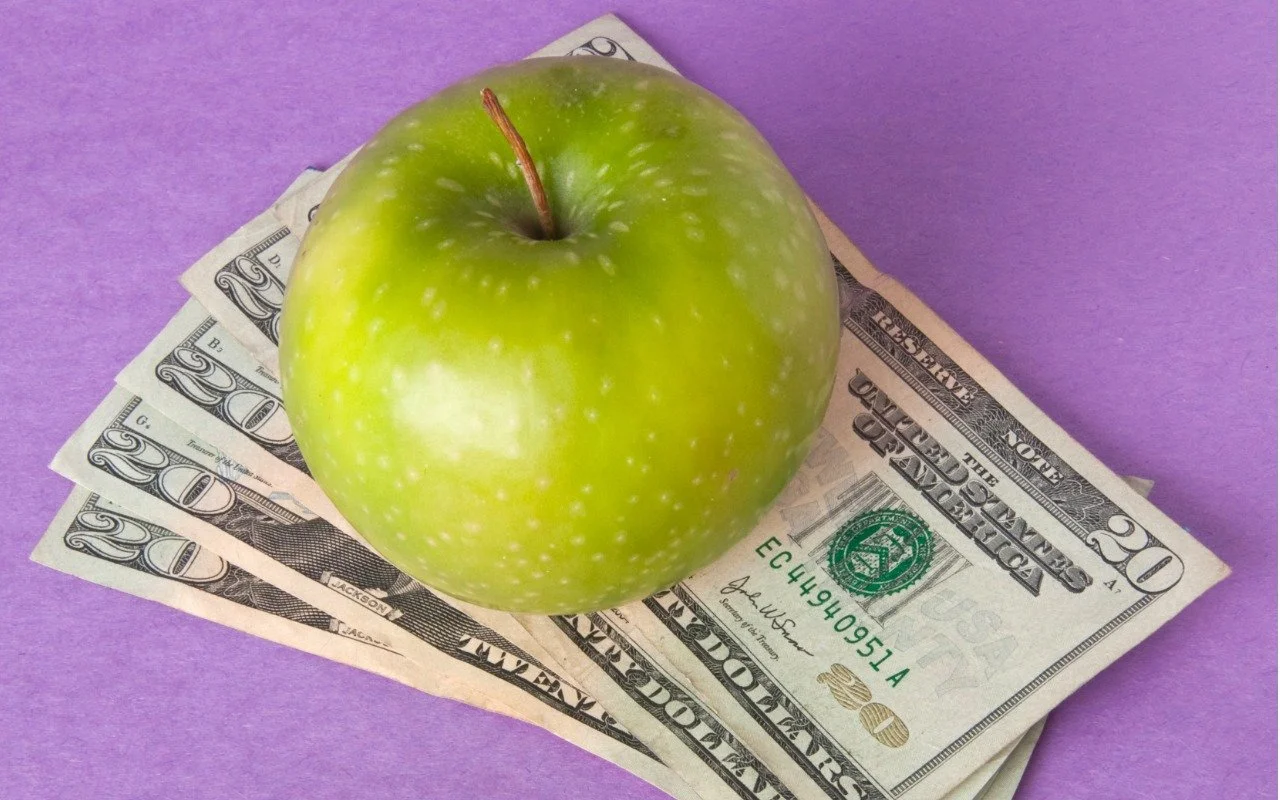
Apple is continuing its forays into the financial world with the introduction of Apple Card Savings, a new savings account from Goldman Sachs that offers 4.15% interest with no fees, no minimum…
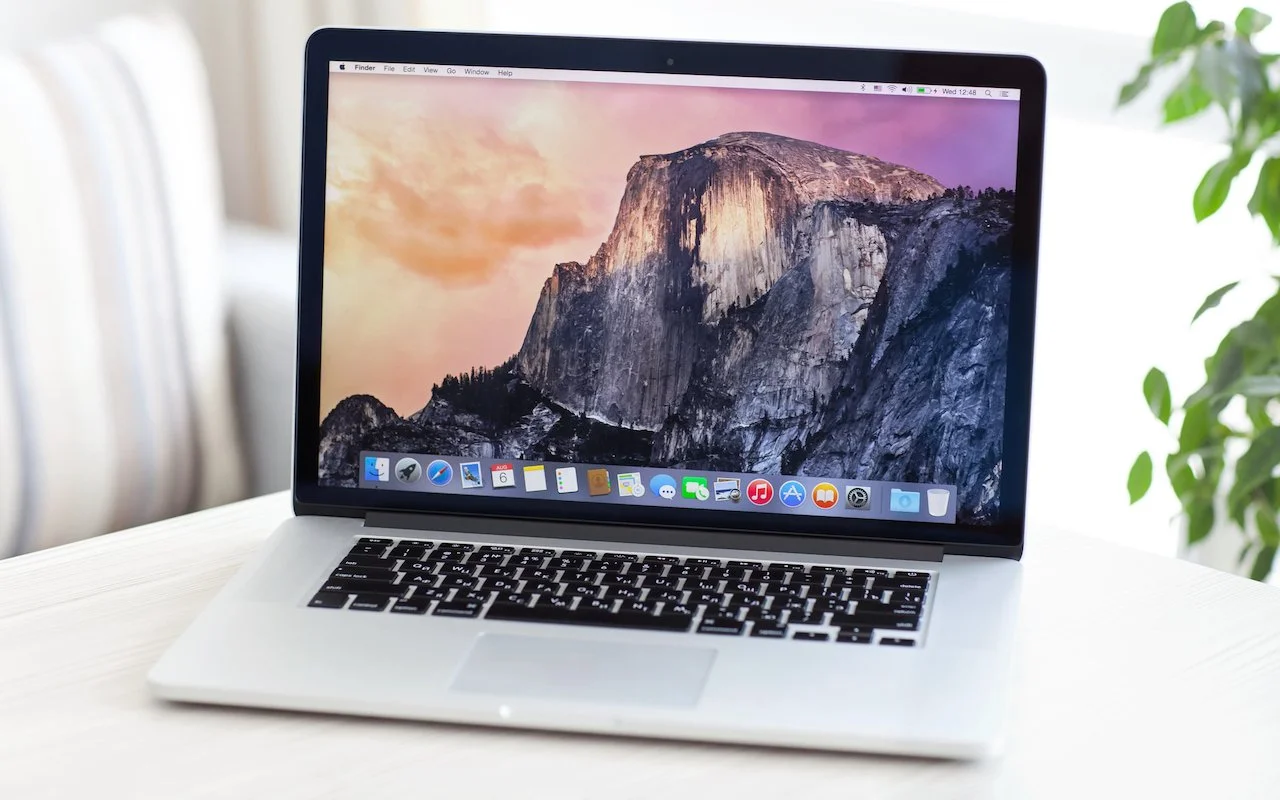
How Often Should Macs Be Replaced? When should you replace the Mac on your desk—or your organization’s Macs? There is no single answer, but we run down some variables that play into the deci-sion and make recommendations for different use cases.
Set Your Apple Watch Clock Ahead a Few Minutes to Avoid Being Late Want to give yourself a few more minutes to get to meetings on time? Use this little-known option to set the time displayed on your Apple Watch ahead by a few minutes.
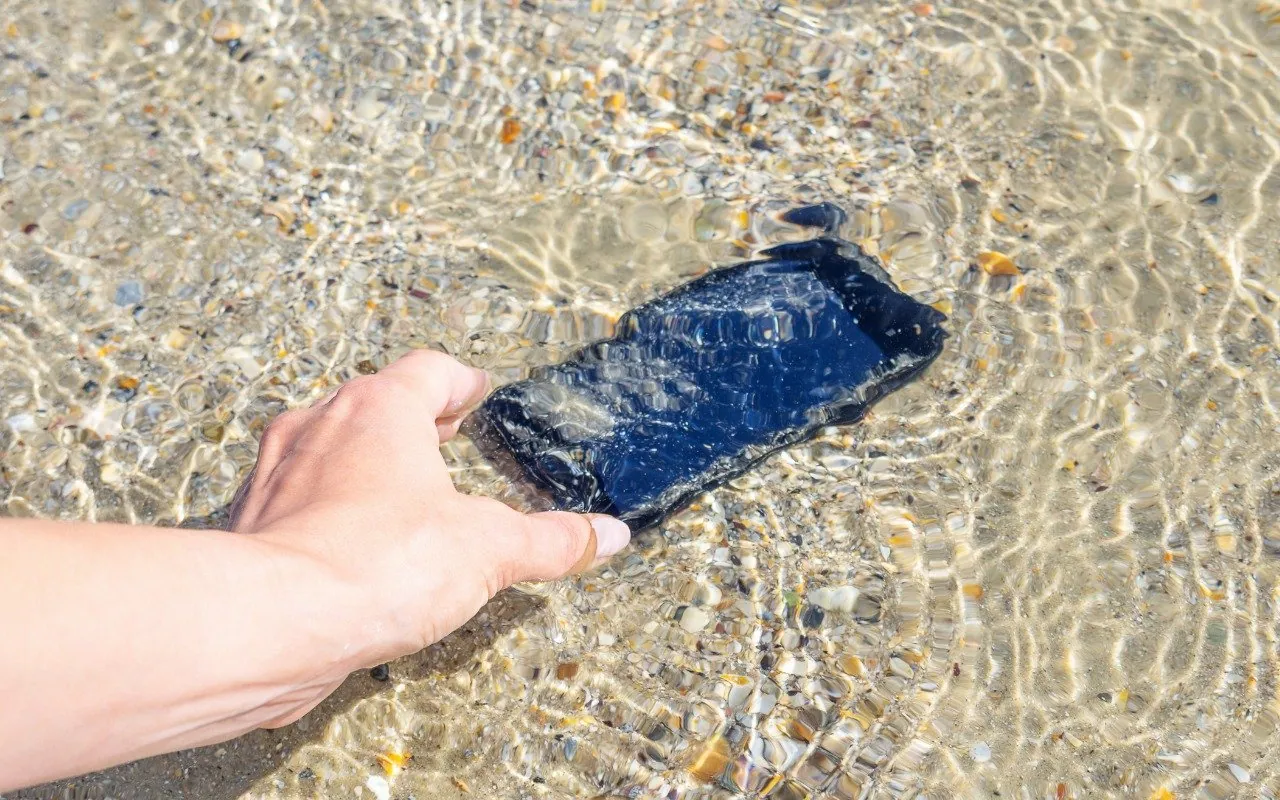
Although iPhones can usually withstand some exposure to water and other liquids with no ill effects, follow our advice if yours suffers a spill or takes a dip.
The Mac’s Desktop is a remarkably useful place. It’s a good spot for in-progress documents, screenshots, images dragged out of Web pages, and more. However, app windows tend to obscure the Desktop,…
Many businesses, schools, and other organizations have adopted cloud storage services like Box, Dropbox, Google Drive, and Microsoft OneDrive for excellent reasons. Cloud storage provides a…
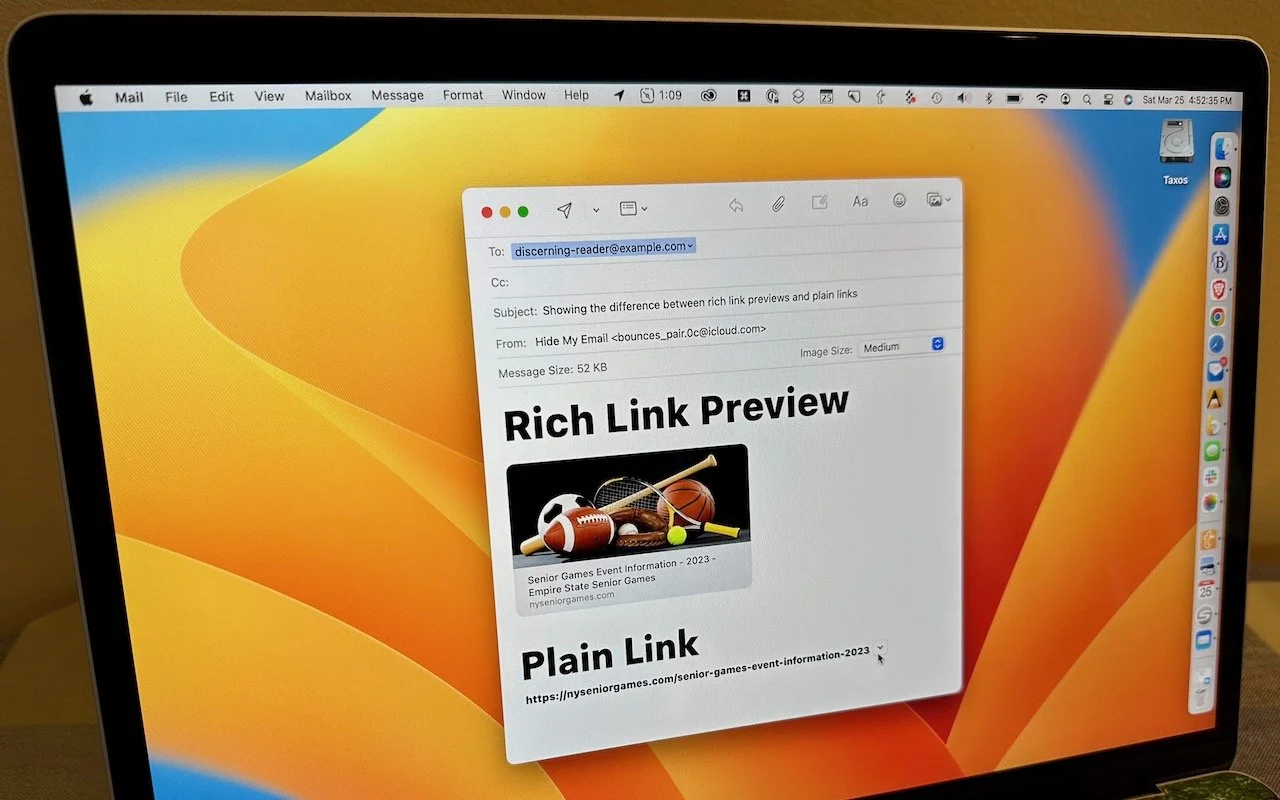
Sometimes apps can be too helpful. Apple’s Mail on the Mac likes to turn pasted URLs into graphically rich previews, and sometimes that’s OK. But other times, the preview is confusing or takes up…
Classical Music Fans Take Note: Apple Music Classical Is Now Available Apple has at long last released the promised Apple Music Classical app. It’s a free iPhone app for Apple Music subscribers that looks and works much like the standard Music app. However, Apple has adjusted it extensively under the hood to work better with classical music, where there are many recordings of the same work by different artists. Apple also improved the metadata—normalizing composer names and add-ing work and movement tags—for the 5 million classical tracks in Apple Music. For instance, you can search by work, composer, conductor, opus number, and key, something that worked poorly before. Apple Music Classical is a significant im-provement for classical music fans, and it provides expert recommendations and playlists for those interested
1 min read
Have an IT question we haven't covered?
In a free 30-minute call, tell us about your devices and your team, and we'll outline the next step.