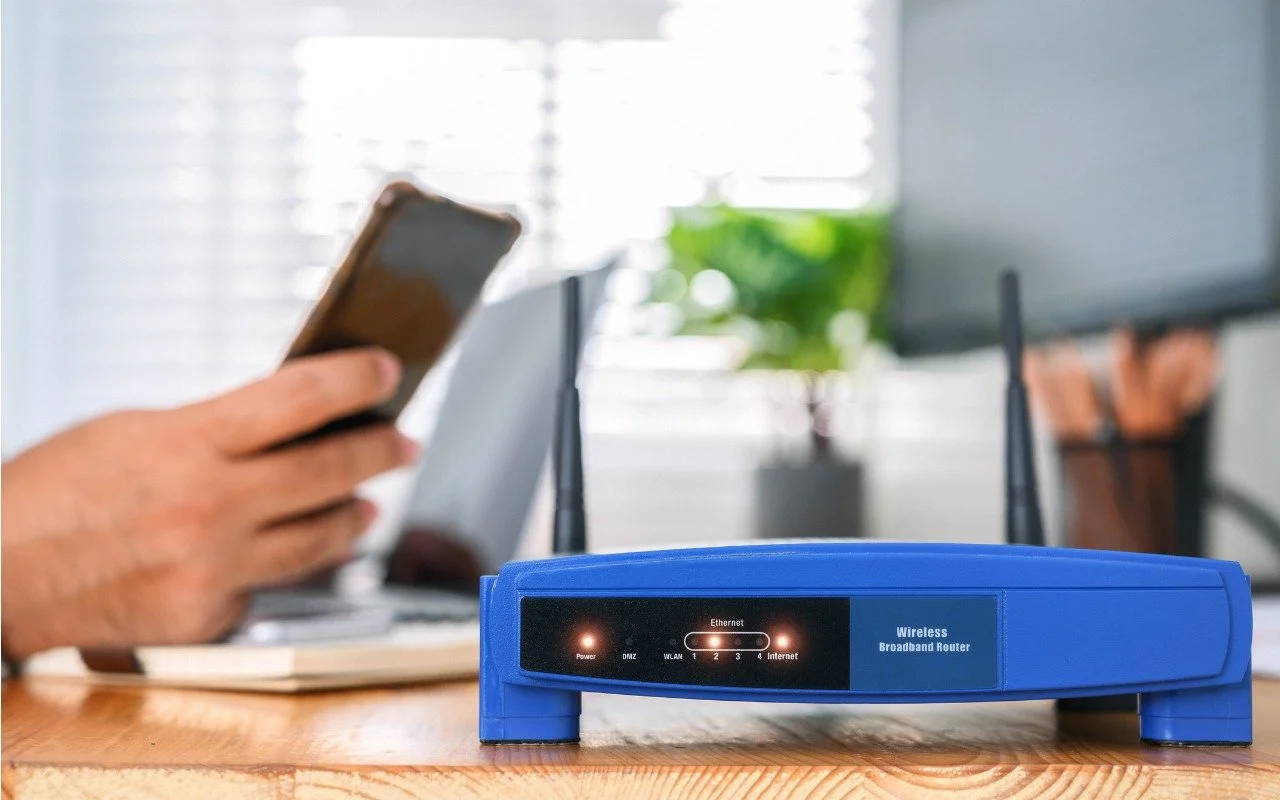
With Wi-Fi security, it’s easy to fall into the “out of sight, out of mind” trap. Your Wi-Fi router probably lives in a corner or closet, and of course, Wi-Fi’s radio waves are invisible. But the…
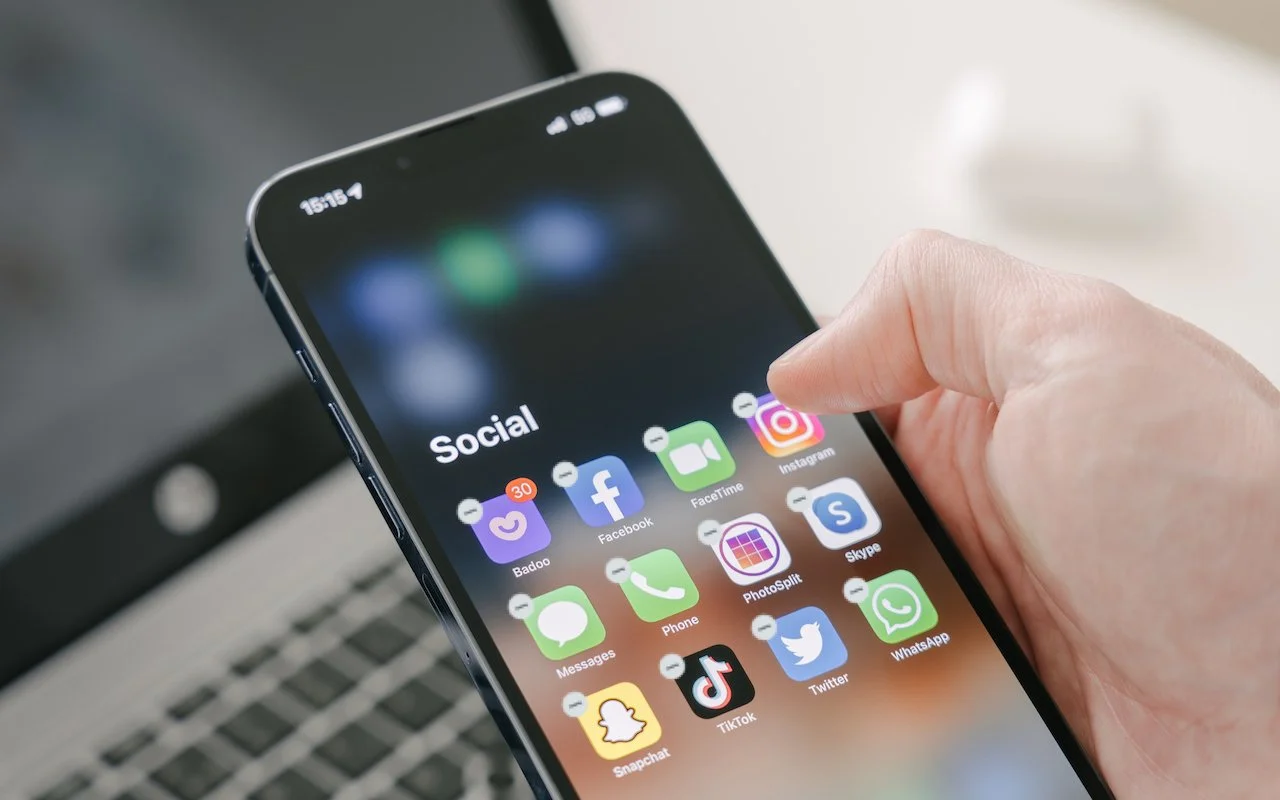
There are many reasons you might want to get rid of apps from your iPhone or iPad. To begin, touch and hold on a blank spot on a Home Screen to enter “jiggle mode.” Then tap the ⊝ icon for any app…
This is troubling. Joanna Stern and Nicole Nguyen of the Wall Street Journal have published an article(paywalled) and accompanying video that describes attacks on hundreds of iPhone users in major…
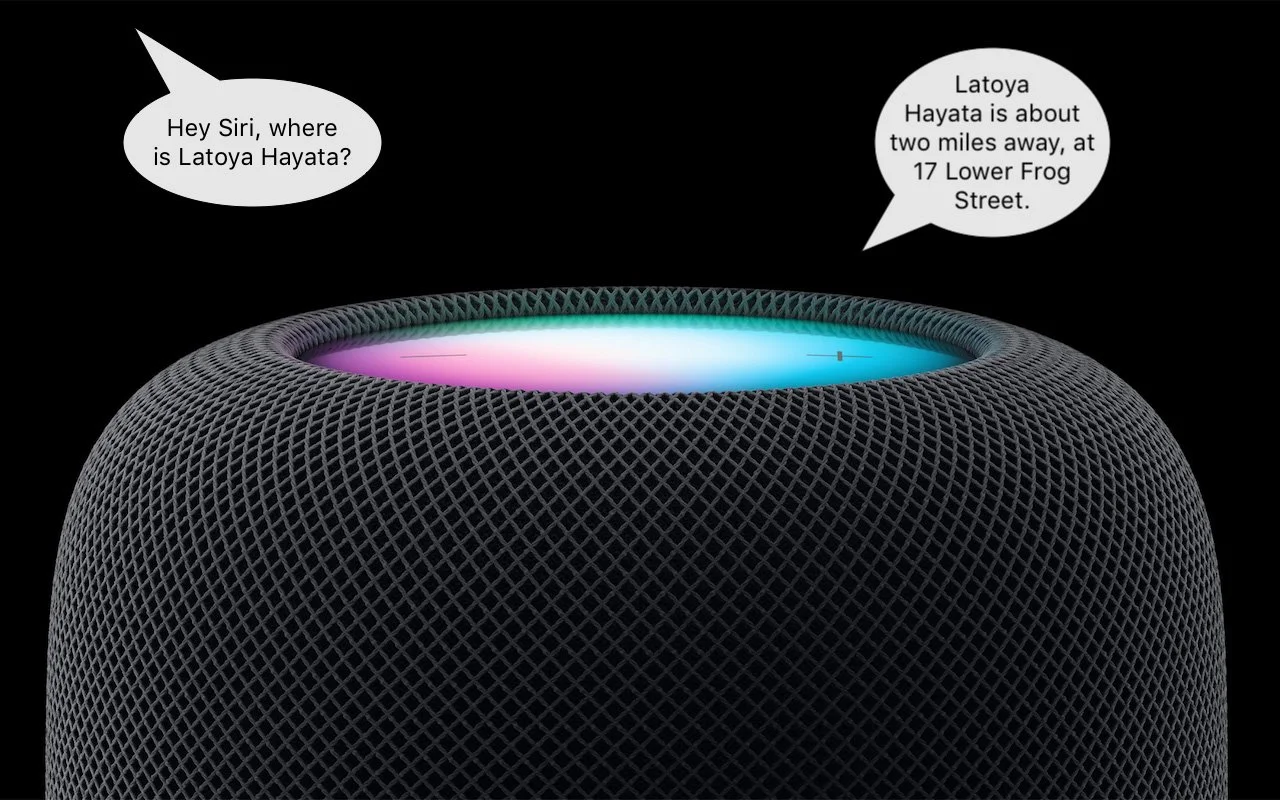
This feature evokes one of those “living in the future” moments for us. The recently released HomePod Software 16.3 now supports Find My, which means you can ask Siri to locate one of your devices or a friend or family member who shares their loca-tion with you. If you have a HomePod, ask Siri, “Where is my iPhone?” Assuming your HomePod has updated (and if not, update it manually in the Home app), Siri will respond by causing your iPhone to play a sound. Or ask where someone is—Siri will respond with more details for nearby people and city locations for those far away.
Occasionally, we hear from a client who needs to document a Messages conversation with timestamps, perhaps as part of a lawsuit. The only way to do that on an iPhone or iPad is to take a series of…
When you search using Spotlight on the Mac, it provides a decent amount of information about each result, including name and other metadata. But what if you want to see what’s behind the search…
When upgrading to a new version of macOS, we err on the side of caution, at least in our recommendations. (We’ve been using macOS 13 Ventura for some time now and often install beta releases on…
If you’ve ever tried to use Face ID to unlock an iPhone while lying on your side in bed, you may have noticed that it didn’t work. That’s because Face ID used to require that the iPhone be upright,…
1 min read
Have an IT question we haven't covered?
In a free 30-minute call, tell us about your devices and your team, and we'll outline the next step.