

Mac tips
How to Find and Silence the Browser Tab That’s Playing Audio
Drowning in open tabs and can’t find the one playing sound? Look for the speaker icon on the tab itself, or use Safari’s address bar icon or Chrome’s music note for quick control.
Tips and plain-English explainers on Mac, iPhone, and iPad, security, and AI at work, from the Apple Technical Partner team in Davidson, NC.
Mac tips
Drowning in open tabs and can’t find the one playing sound? Look for the speaker icon on the tab itself, or use Safari’s address bar icon or Chrome’s music note for quick control.

iPhone and iPad tips
Apple’s March 2026 refresh brings MagSafe to the iPhone 17e, the M4 chip to the iPad Air, the M5 to the MacBook Air, and the new M5 Pro and M5 Max to the MacBook Pro—plus doubled storage on most models. Here’s what’s new and who should upgrade.

iPhone and iPad tips
Missing texts from unknown numbers? iOS 26 filters them into hidden lists. Here’s where to find them in the Messages app—and how to mark senders as known so you don’t miss important messages. PS: The same applies to calls in the Phone app.

Mac tips
Freezing IT spending during a slowdown often leads to higher costs later. Here’s practical, real-world advice on reducing costs while protecting the services that keep your business running.

Security and privacy
Apple makes it easy to share Wi-Fi passwords without requiring anyone to type them. We explain how you can do this nearly automatically, with a QR code, or by looking up the password and copying it so you can paste it into an email message or text.

Mac tips
Frustrated when your Mac apps don’t remember their windows—or when they stubbornly reopen old documents? Two little-discussed settings control this behavior. Here’s how Apple’s Resume technology really works.
Mac tips
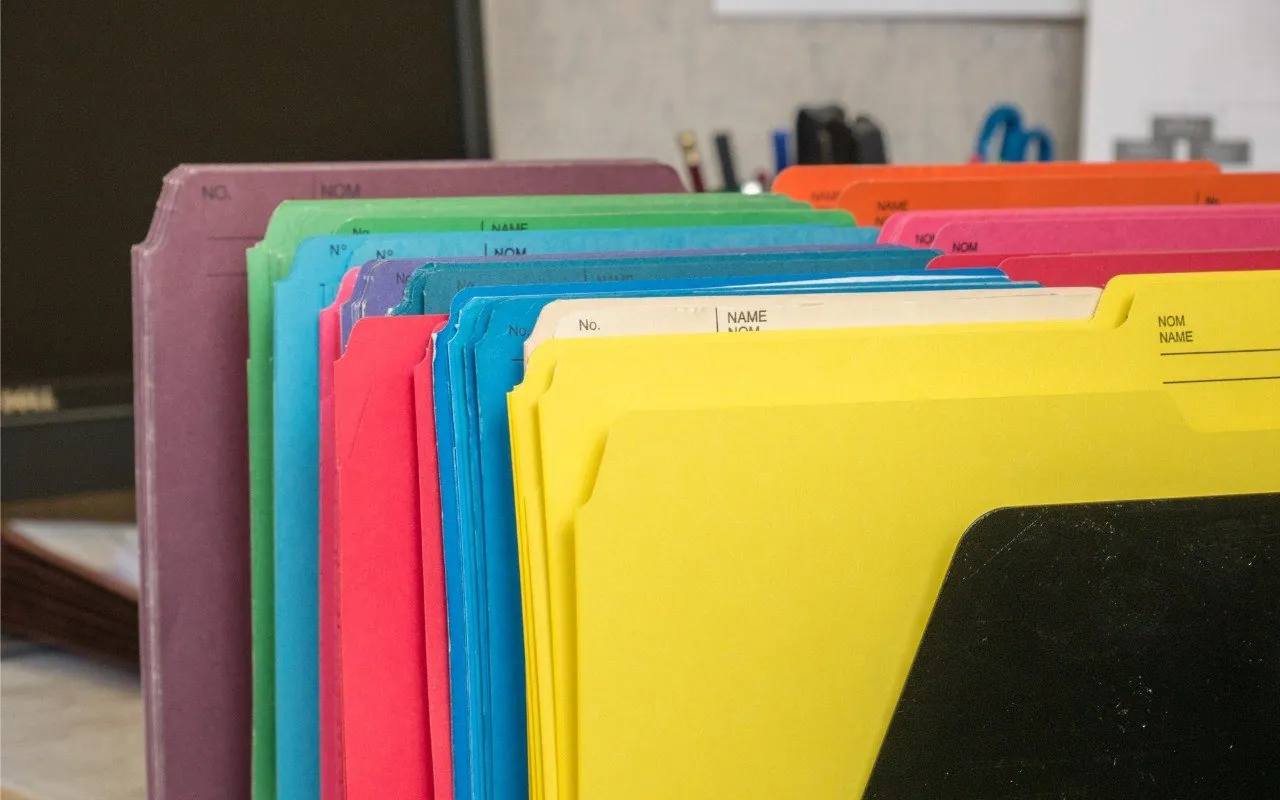
Tired of identical blue folders? macOS 26 Tahoe lets you add colors and icons—including emoji—to folders with a few clicks. Here’s how to make your Finder easier to navigate.

AI at work
AI agents like OpenClaw promise to automate tedious tasks, but recent security vulnerabilities highlight the dangers of using them. Learn the risks and how to protect yourself—and your organization—if you choose to use an agent.
Mac tips
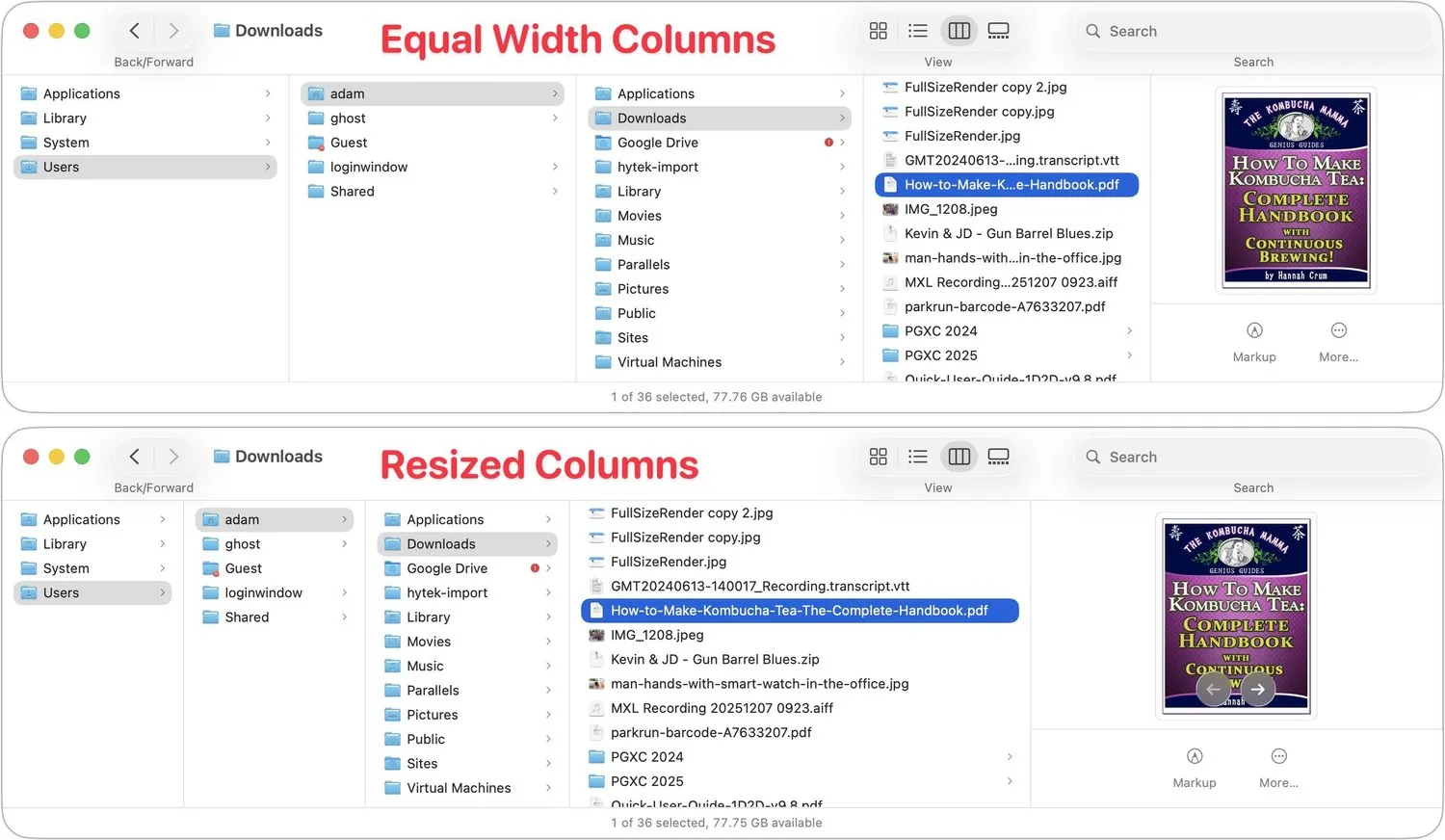
Tired of truncated filenames in the Finder’s Column view? macOS 26.1 Tahoe adds a simple checkbox to auto-resize columns—and you can enable the same feature in earlier macOS versions with a quick Terminal command or free utility.
iPhone and iPad tips
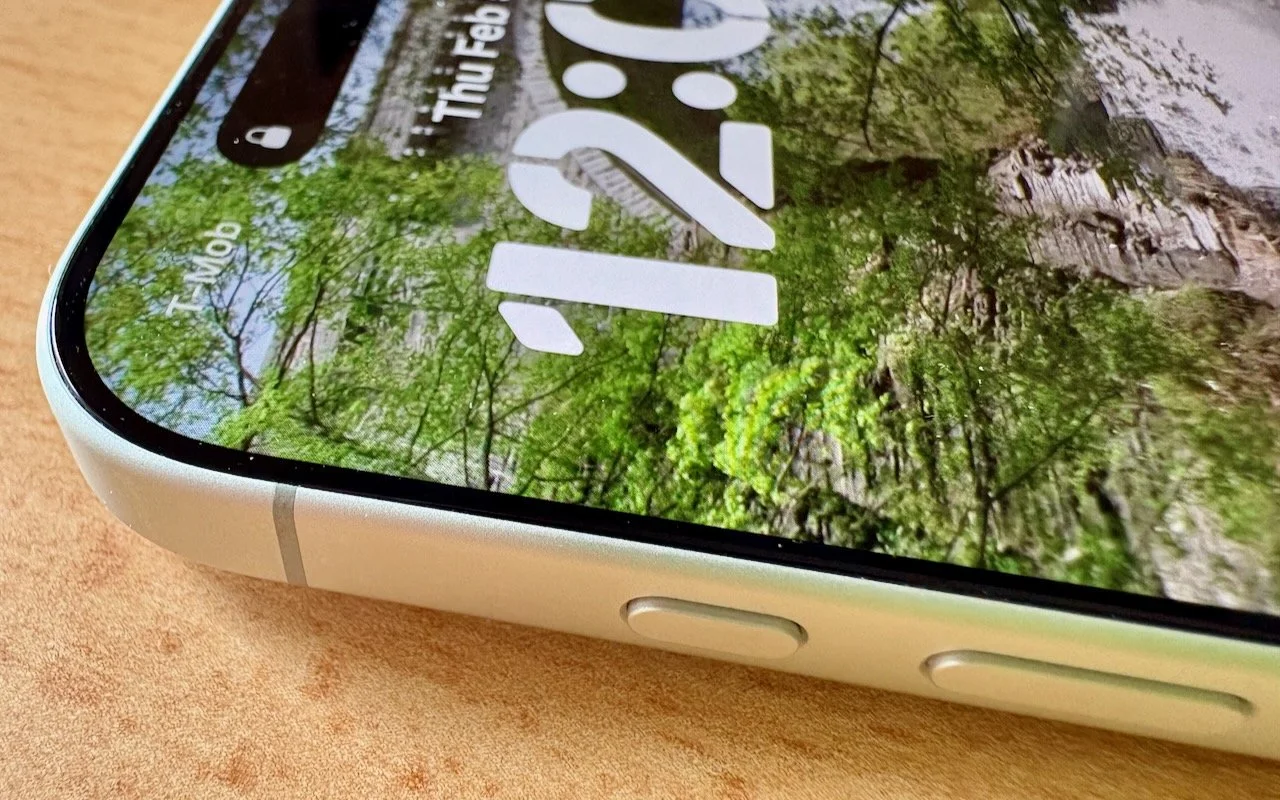
Your iPhone’s Action button can do much more than toggle Silent Mode. Try it for quick translations or voice memos—or explore the many options in Controls and Shortcuts to trigger nearly any action with a long press.

Mac tips
Apple’s new Creator Studio bundle includes Final Cut Pro, Logic Pro, Pixelmator Pro, and more—plus premium content and AI features in the iWork apps—for $12.99/month or $129/year. Don’t worry—Keynote, Pages, and Numbers stay free for existing features.

Business IT
When should you upgrade to macOS 26 Tahoe? There’s no rush to install it today, but we believe it’s safe for those who want to take advantage of the new features. Here’s what to do before, during, and after the upgrade.
In a free 30-minute call, tell us about your devices and your team, and we'll outline the next step.