

Security and privacy
Find Some Ham Amidst Your Email Spam
Rather than frequently skimming your entire spam mailbox for incorrectly captured messages, try searching for specific keywords that are likely to appear in legitimate email.
Tips and plain-English explainers on Mac, iPhone, and iPad, security, and AI at work, from the Apple Technical Partner team in Davidson, NC.
Security and privacy
Rather than frequently skimming your entire spam mailbox for incorrectly captured messages, try searching for specific keywords that are likely to appear in legitimate email.
Mac tips
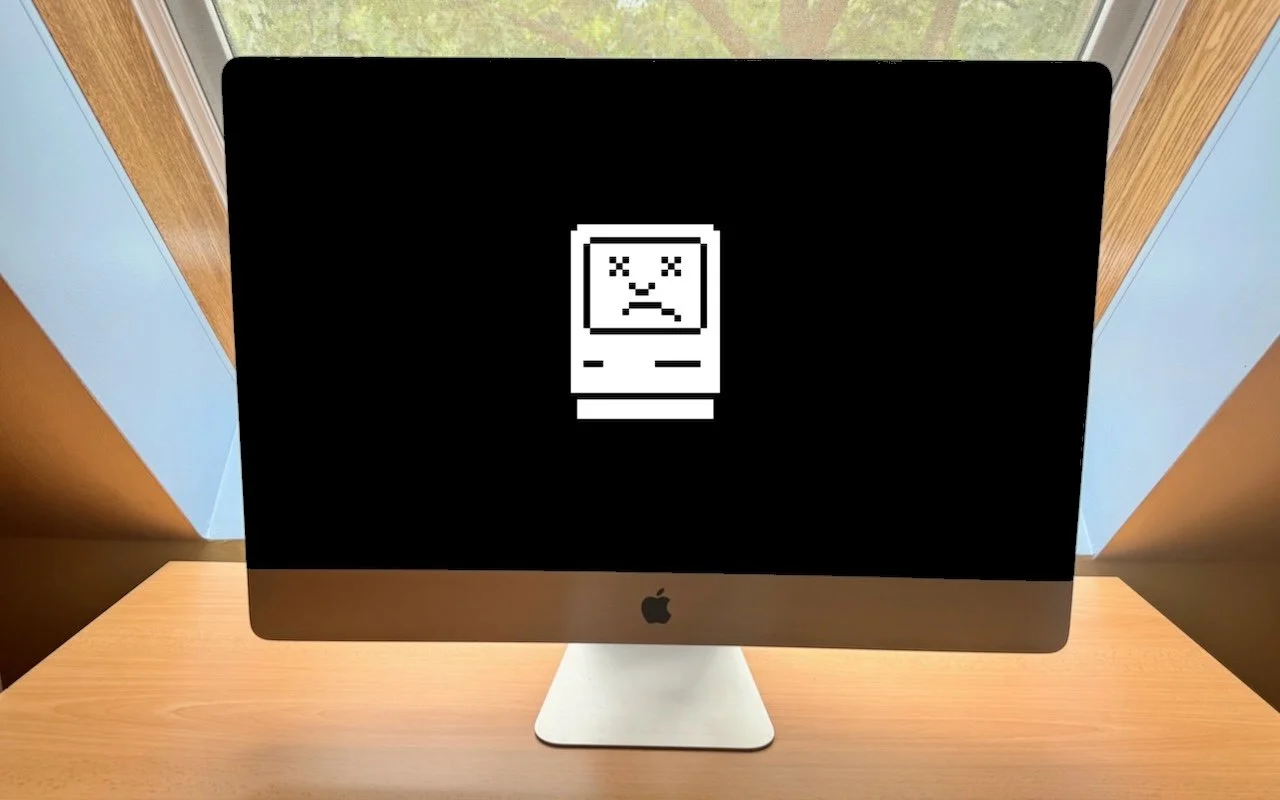
Sorry, Apple Isn’t Going to Update the 27-inch iMac with Apple Silicon Sorry, 27-inch iMac lovers, but Apple isn’t going to release a 27-inch iMac with Apple silicon chips. We explain why and run down the upgrade options for those who need to move on.

Mac tips
If you regularly work at your Mac late at night and have trouble falling asleep, consider turning on Night Shift to reduce your blue light exposure. By default, it makes the col-ors of your Mac warmer from sunset to sunrise.

AI at work
Generative AI is all the rage, but what if you want to use it to create more than bad es-says and surreal images? We explain how to make the most of AI chatbots and artbots, and how to benefit from AI-powered search engines.

Mac tips
Quickly Catalog Books or Other Named Items on Shelves You can take advantage of Apple’s Live Text feature in Photos to catalog books, boxes, or any other items with text names. Think of it as a lazy person’s ad hoc database.
Mac tips
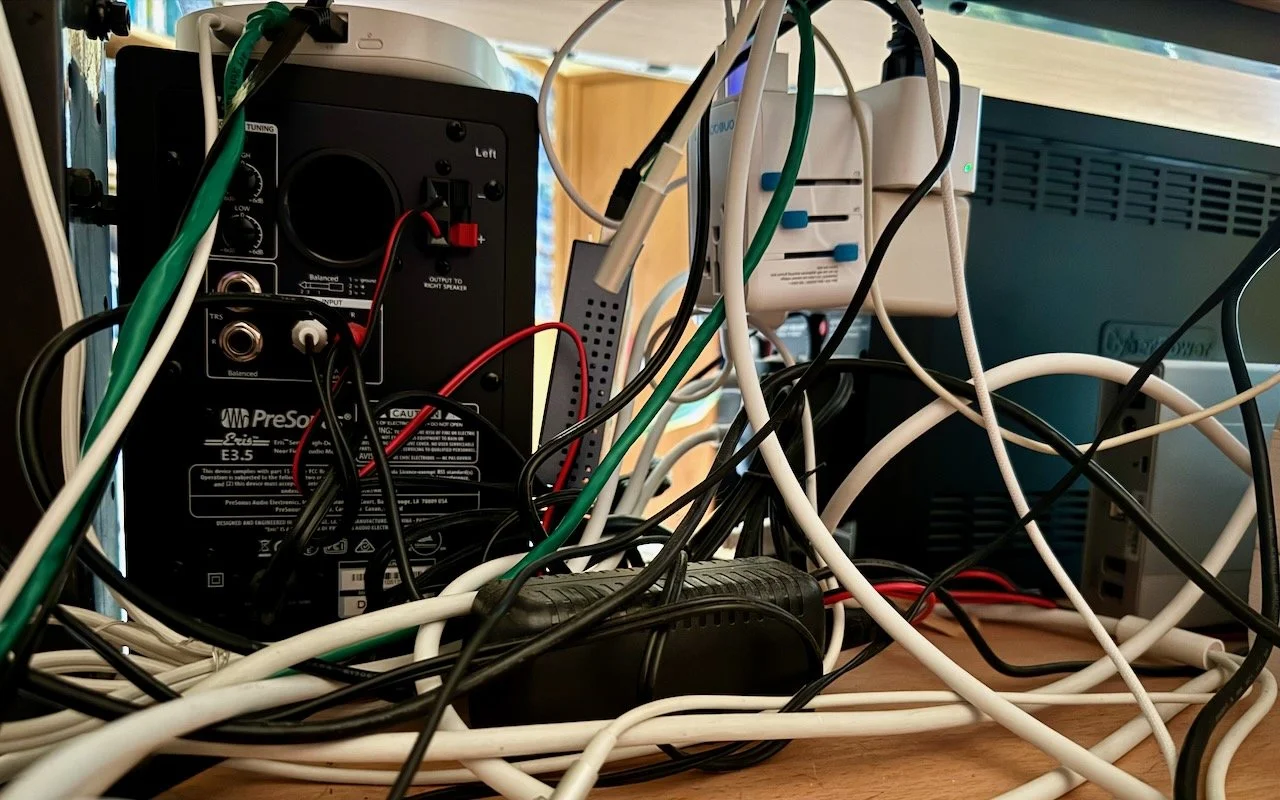
Tame the Tangle! Quick Cable Management Tips Do you have a rat’s nest of random cables behind your Mac? Follow our quick tips to bring order to the mess, reduce the chance of accidents, and avoid degraded data sig-nals.

Mac tips
Where Can You Control Automatic Smart Quotes and Dashes in macOS? Smart quotes and dashes usually make your text look more professional. But if they’re problematic, you can turn off the feature that inserts them automatically or revert them on a one-off basis.
Mac tips
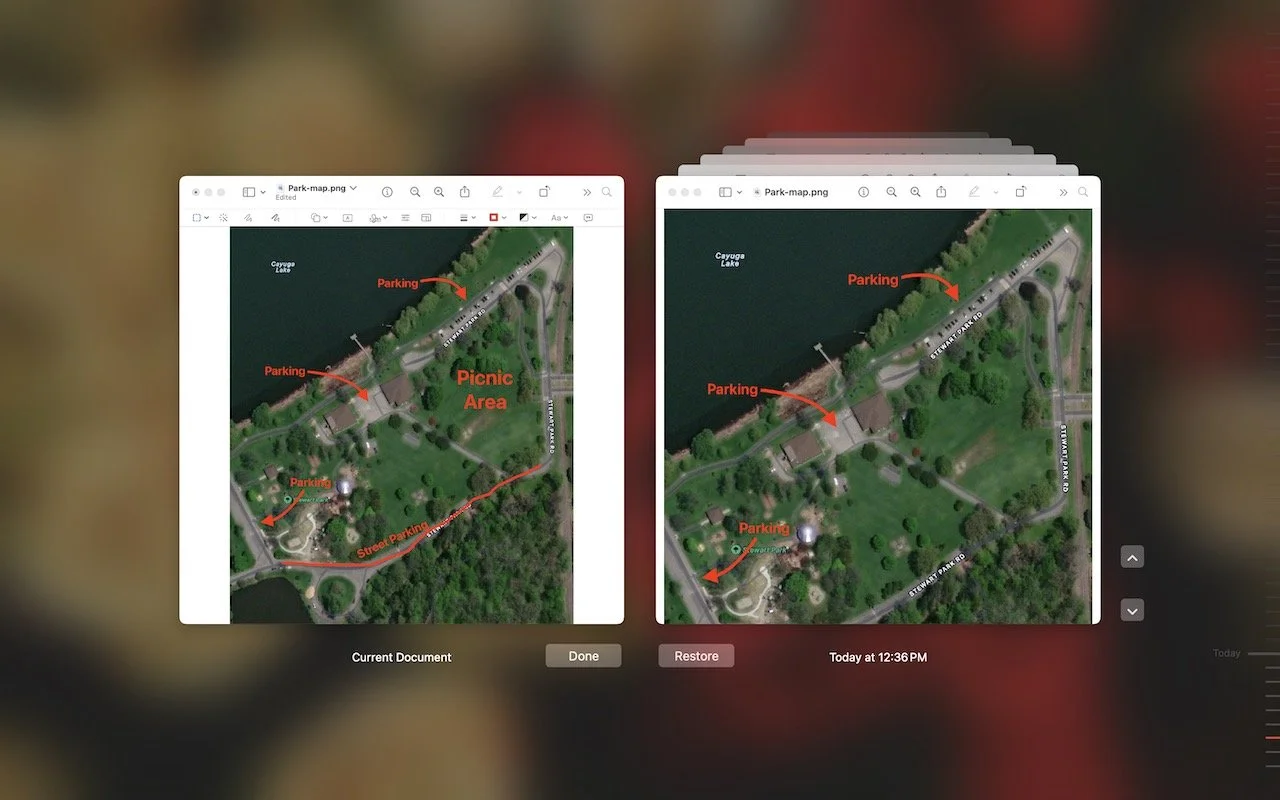
Did You Know Most Mac Apps Keep Versions of Your Documents as You Work? If you ever regret making a change too long ago to revert using Undo, try the version-ing capabilities in many macOS apps that let you view, copy data from, and revert to previous versions of a document.

Mac tips
How to Display the Battery Percentage in Your Mac’s Menu Bar If you’re tired of trying to interpret how full your MacBook’s battery is from its menu bar icon, here’s how to get it to display a percentage as well.

Security and privacy
Audit Your Trusted Device Lists for Greater Security We all accumulate “trusted devices” in our Apple, Google, and password manager ac-counts, but it’s important to remove devices you no longer use because they could be security risks.
Mac tips
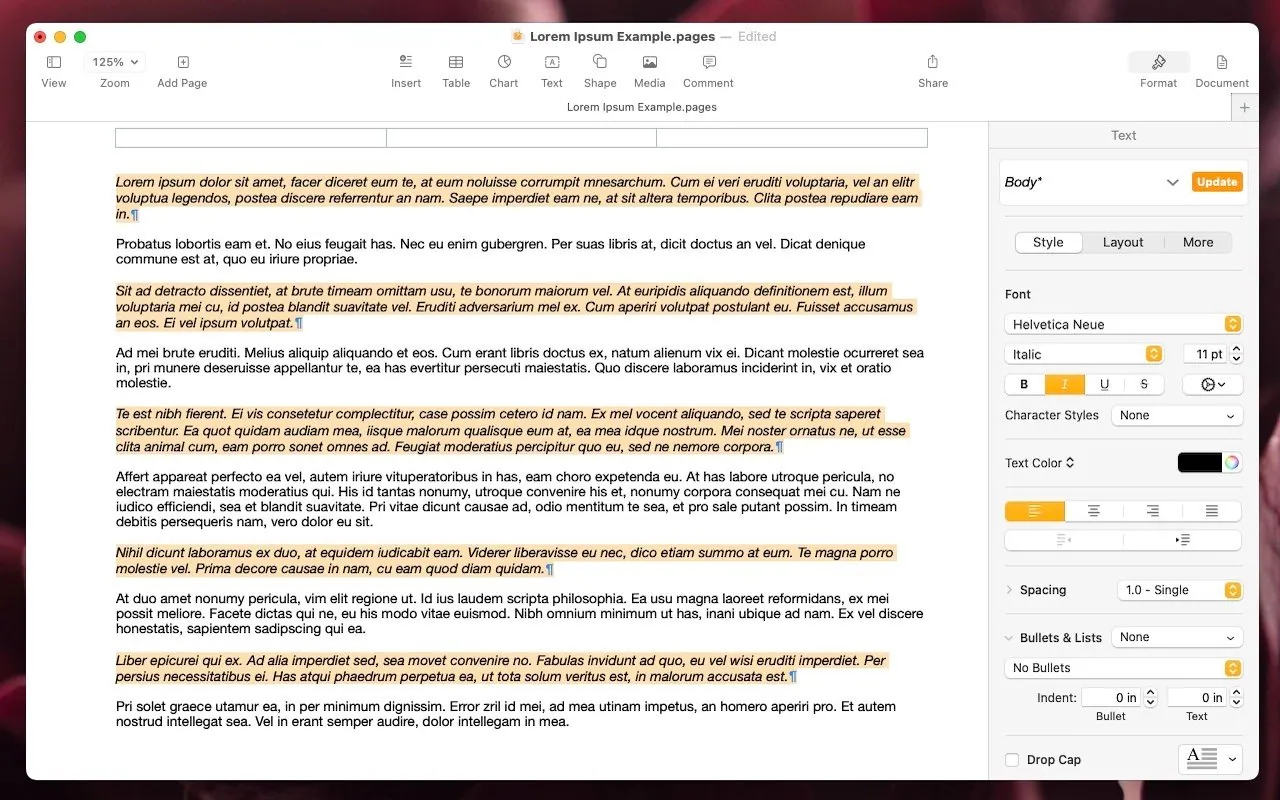
Select Non-Contiguous Text in Pages, Keynote, and Numbers 14 A new feature in Pages, Keynote, and Numbers lets you select bits of text that aren’t next to each other so that you can, for example, format them or copy them all at once.

iPhone and iPad tips
Apple Introduces New iPad Air, iPad Pro, Apple Pencil Pro, and Magic Keyboard Apple has released new 11-inch and 13-inch iPad Air and iPad Pro models, plus a new Apple Pencil Pro and Magic Keyboard for iPad Pro. We round up the new features and provide advice on what to consider for your next iPad.
In a free 30-minute call, tell us about your devices and your team, and we'll outline the next step.