The Atlas Solutions blog, page 21

Tips and plain-English explainers on Mac, iPhone, and iPad, security, and AI at work, from the Apple Technical Partner team in Davidson, NC.

iPhone and iPad tips

Display an Album of Photos on Your iPhone or iPad Lock Screen

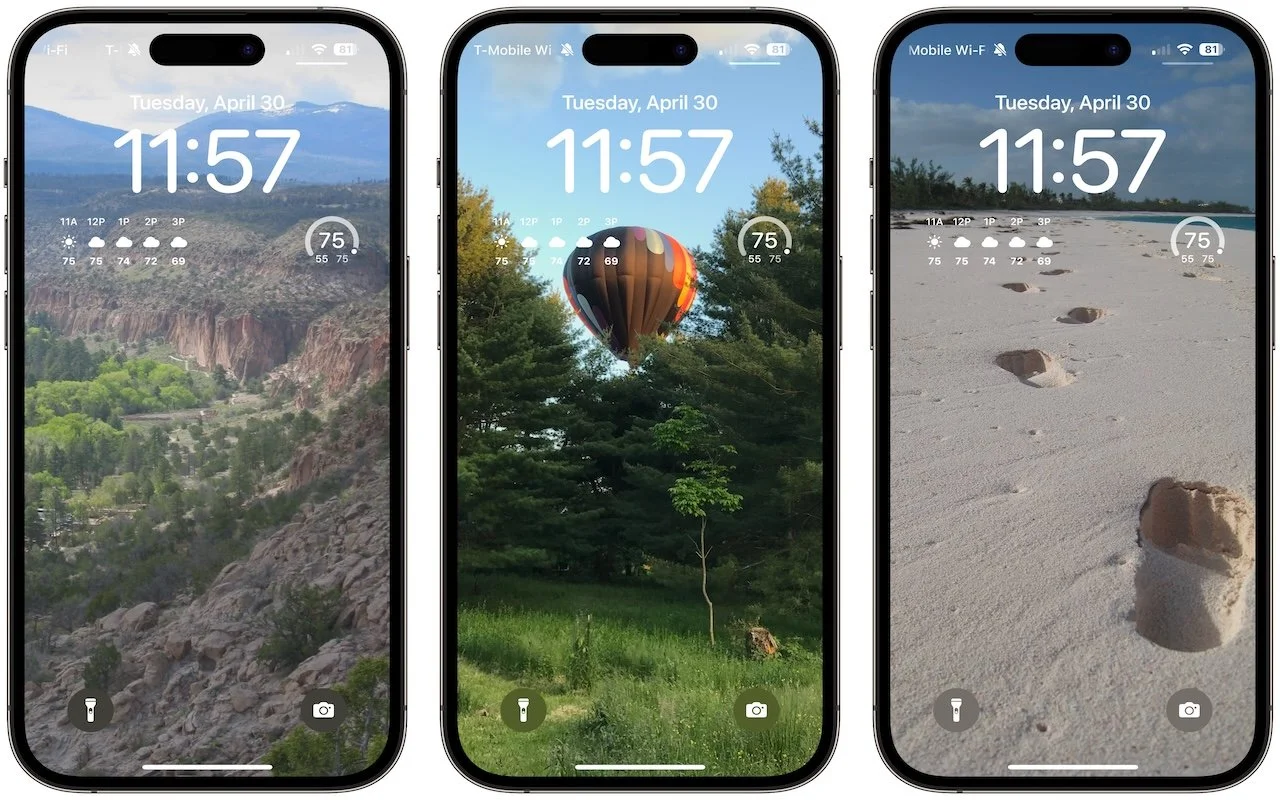
Display an Album of Photos on Your iPhone or iPad Lock Screen If you like how the Lock Screen’s Photo Shuffle wallpaper rotates through photos but would prefer that it worked from an album you specified, you’re in luck! That’s now possible in iOS 17 and iPadOS 17.
1 min read

Security and privacy

Apple’s iCloud Keychain Password Management Is All Many People Need

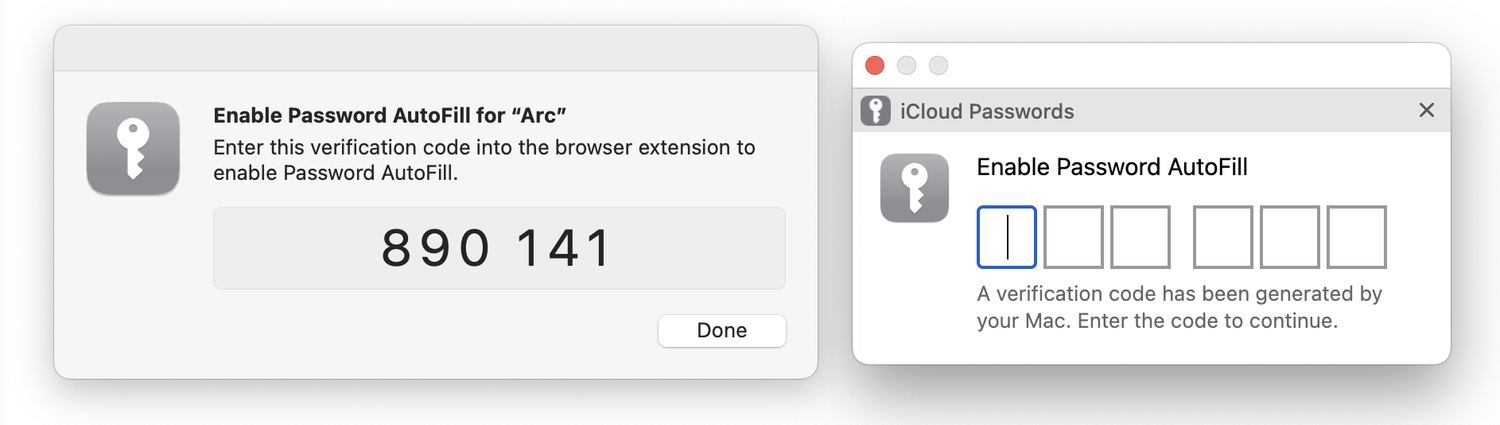
Apple’s iCloud Keychain Password Management Is All Many People Need Apple’s iCloud Keychain password manager keeps improving, and we now recommend it, especially for those not already using a third-party password manager. Here’s how to use iCloud Keychain to store and enter secure passwords.

4 min read

Mac tips

Tips for Working with Mac Display Resolutions

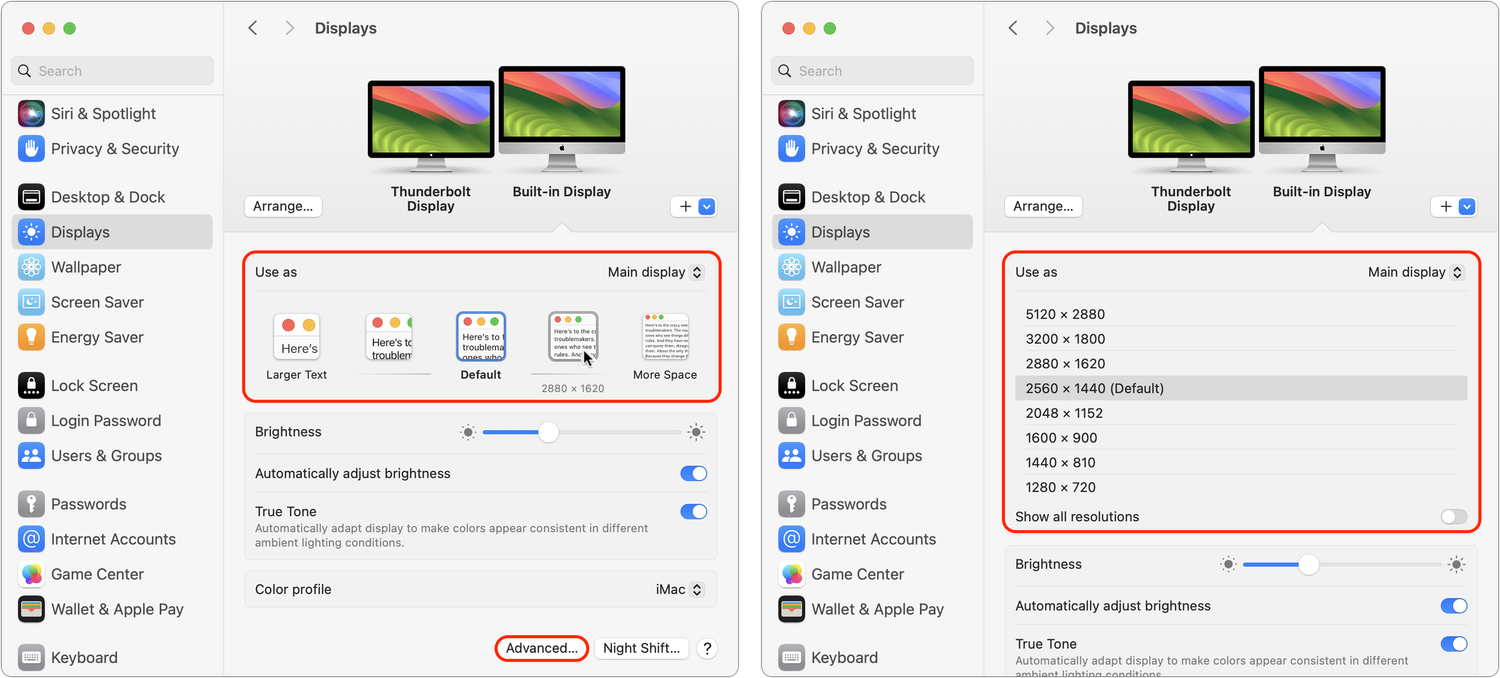
Tips for Working with Mac Display Resolutions You can adjust your Mac’s screen resolution to make text and graphics larger so they’re easier to see, or if you have good vision, you can make them smaller so more content fits on the screen. Our tips will help.

1 min read

iPhone and iPad tips

How to Sync Your Text Messages across All Your Apple Devices

How to Sync Your Text Messages across All Your Apple Devices One of the best parts of Apple’s tight platform integration is that you can view your text messages on all your devices. Or at least you can if you get everything set cor-rectly.

3 min read

Mac tips

Apple Podcasts Adds Transcripts

Apple Podcasts Adds Transcripts Did you know Apple’s Podcasts app now includes written transcripts? Our tip helps you view the text while you listen, use it to navigate within the audio, search for spe-cific bits, and more.

1 min read

Security and privacy

SPF, DKIM, and DMARC: What They Are and Why You Need Them

SPF, DKIM, and DMARC: What They Are and Why You Need Them To ensure phishers don’t forge email from your domain to use in their attacks on your organization and others, you must implement SPF, DKIM, and DMARC. We ex-plain the basics, and we’re happy to help with the setup.

6 min read

Mac tips

Want an Event List in Apple’s Calendar App? Try This Trick

Want an Event List in Apple’s Calendar App? Try This Trick Want to see all your upcoming events in a list in Apple’s Calendar app on the Mac? It doesn’t have a built-in list view, but there’s a workaround.

1 min read

Mac tips

Six Reasons Why You Should Restart Your Mac Periodically

Six Reasons Why You Should Restart Your Mac Periodically You can go for weeks or months without restarting your Mac, but it’s a good idea to restart more frequently to increase security, avoid or resolve problems, get updates, and generally clear your Mac’s decks.

3 min read

Mac tips

Take Advantage of the Reference Library in Your Mac

Take Advantage of the Reference Library in Your Mac When you’re reading on your Mac, there’s no excuse for not knowing what a word means, even when it’s in another language. Apple provides several shortcuts for looking up any word in macOS’s reference books.

2 min read

Security and privacy

Changing Passwords Periodically Doesn’t Increase Security

Changing Passwords Periodically Doesn’t Increase Security Security experts no longer recommend password expiration policies that require us-ers to change their passwords periodically. Here’s why.

3 min read

Have an IT question we haven't covered?

In a free 30-minute call, tell us about your devices and your team, and we'll outline the next step.